


Google is quietly testing a tiny, space-saving Pixel Launcher search bar. Here’s your first look. Users can open apps without leaving the keyboard with this hidden Android 12 feature. This replaces the web search that the launcher triggers when you hit the bottom-right key, with an enter-like arrow, launching whatever top app match it finds. It’s a subtle detail, and exactly the sort of ergonomic polish that counts when using a device every day.
What’s changing in the Pixel Launcher keyboard behavior
When you type in an app name today in the Pixel Launcher, that query will usually display the app as the top result, but tapping on your keyboard’s search key passes that term off to Google Search. In the test users have seen, when the launcher identifies that there is a clear app match for what you entered, the search key will transform to an arrow/enter icon. Search visually emphasizes the app, and it might auto-insert an “open” prompt next to the name. Hit enter to open that app without a new window.
- What’s changing in the Pixel Launcher keyboard behavior
- Why this matters for speed vs. ergonomics
- A return to an old idea in Pixel Launcher search
- Who is getting it and how to look for the feature
- What this tweak says about on-device search direction
- Bottom line: a small change with daily impact on speed
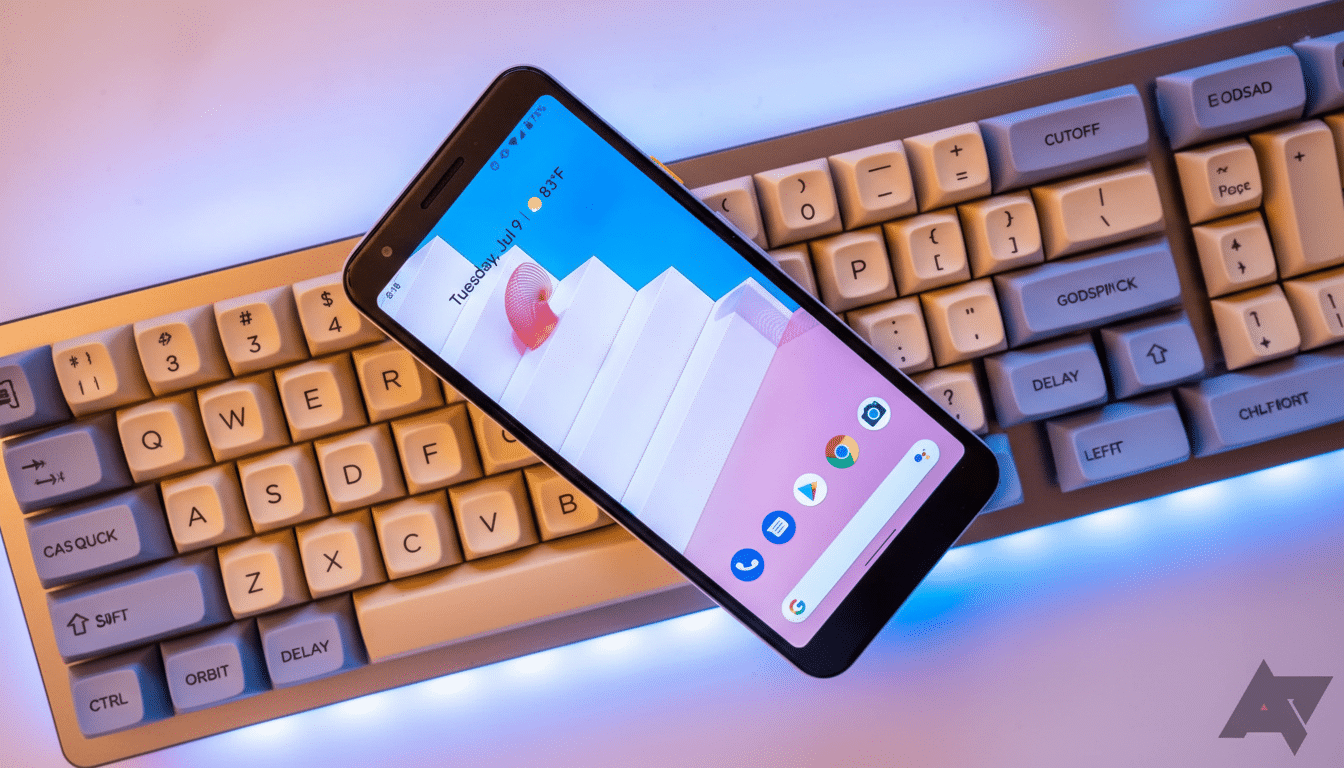
This effectively eliminates a stretch up to the top of your screen (pun intended) to tap the app result. It’s reminiscent of the way system-wide launchers on the desktop, and some Android replacements, work — type, press enter, you’re in. It was reported by members of Reddit’s r/pixel_phones community, and there are early signs that it is a limited server-side A/B test rather than a full rollout.
Why this matters for speed vs. ergonomics
Small friction is cumulative. data.ai’s State of Mobile reporting has long revealed that, on average, people use 9–10 apps a day and 30+ in a month. Half — or a quarter — a second shaved from common app opens ends up counting for something, you see, particularly on large screens where top targets mean hand shuffling. In human-computer interaction, the modification makes for less distance to move and a larger “effective target” (the keyboard enter key), in accordance with things like Fitts’ Law.
The update also reflects how many users already think of universal search: type a name, hit enter, run. On iOS, Spotlight has supported similar enter-to-open behavior, and third-party Android launchers like Nova Launcher and Niagara have provided “enter to open” shortcuts for years. Compared with Pixel’s approach, that has felt conservative, and this test pushes it a little bit in the direction of something more intuitive.
A return to an old idea in Pixel Launcher search
If the change seems familiar, that’s because it is. Before Android 13 QPR1, Pixel Launcher would more aggressively consider apps to open from the keyboard as well. Google had seemed to test the waters for a similar restoration in a limited trial sometime before finally stepping back. The current test seems to indicate the team is still tweaking that balance between web-first search and on-device app launching, a long-simmering push/pull in Pixel’s unified search approach.
This is also a testament to how Google often A/B tests server-side flags in the Google app and Pixel Launcher. The company runs a limited-scope A/B test comparing completion, error, and engagement before pushing the wider release, and that’s true across our previous documentation around features, as testers have seen over multiple cycles.
Who is getting it and how to look for the feature
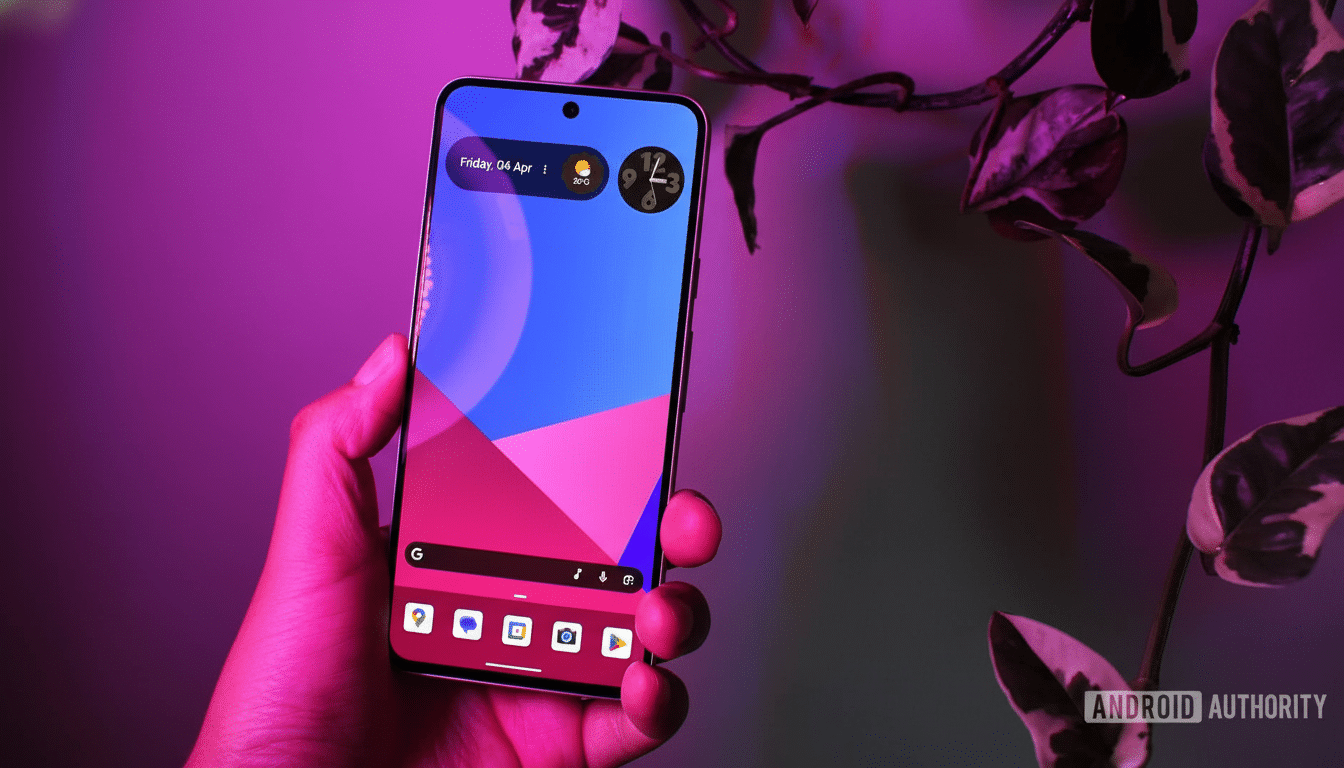
For now, sightings are all over the place in recent Pixel generations, and availability appears to be server-side-based rather than some sort of Android build. You can try updating the Google app, Gboard, and Pixel Launcher if you haven’t done so already — but there’s no silver bullet. To check, open the home screen search and type in the exact name of an app you’ve installed, then watch the bottom-right key on your keyboard. If the magnifying-glass button toggles to an arrow/enter, push that, and it should instantly launch the app. If it remains a search icon, you’re probably not in the test group.
One caveat: behavior may differ slightly from one keyboard to the next. Gboard is the one most likely to emulate Google’s intended behavior, but other input methods might not swap the action key similarly; that would depend on whether they respect launcher-provided IME options.
What this tweak says about on-device search direction
The tweak highlights a larger move toward quicker, more context-aware on-device search. The Pixel Launcher even includes a mix of app search, device results, and web suggestions. Earlier work done by the Android AppSearch and on-device indexing team suggests an ongoing focus on instant recall with low latency. Having the enter key invoke an app once confidence is high is a natural extension — favoring immediacy over generic web results.
If widely deployed, anticipate minor refinements: clearer affordances when multiple apps are partial matches, consistent behavior with aliases or nicknames, and guardrails that revert to web search only when no reasonable local answer exists.
These are the sort of details Google would usually try to iron out prior to a stable release, and typically this process is somewhat influenced by telemetry, like user feedback channels.
Bottom line: a small change with daily impact on speed
Google’s test places the perceived speed of the Pixel Launcher in the most mundane task all of us do many times a day — opening apps. It is a small modification that takes thumb reach and intention into account. If it ever moves out of experiment and into a feature, this’ll be one of those things that you use for a month, then can never imagine getting by without.
