


Google is quietly expanding one of the Pixel’s most useful tricks. At a Glance, the ambient widget that surfaces timely, context-aware info on the home and lock screens, now includes two long-awaited categories: Sports and Finance. The additions bring live game updates and stock movements to the same glanceable space that already handles weather, travel, and alerts—no extra taps required.
What’s New and Where These Updates Show Up on Pixel
The new Sports and Finance toggles appear in At a Glance’s Customize menu. Sports integrates score updates powered by Google’s sports data, offering pregame start times, in-game scores, and final results. Finance adds stock tracking for the tickers you select, surfacing price changes and day performance in a compact card.
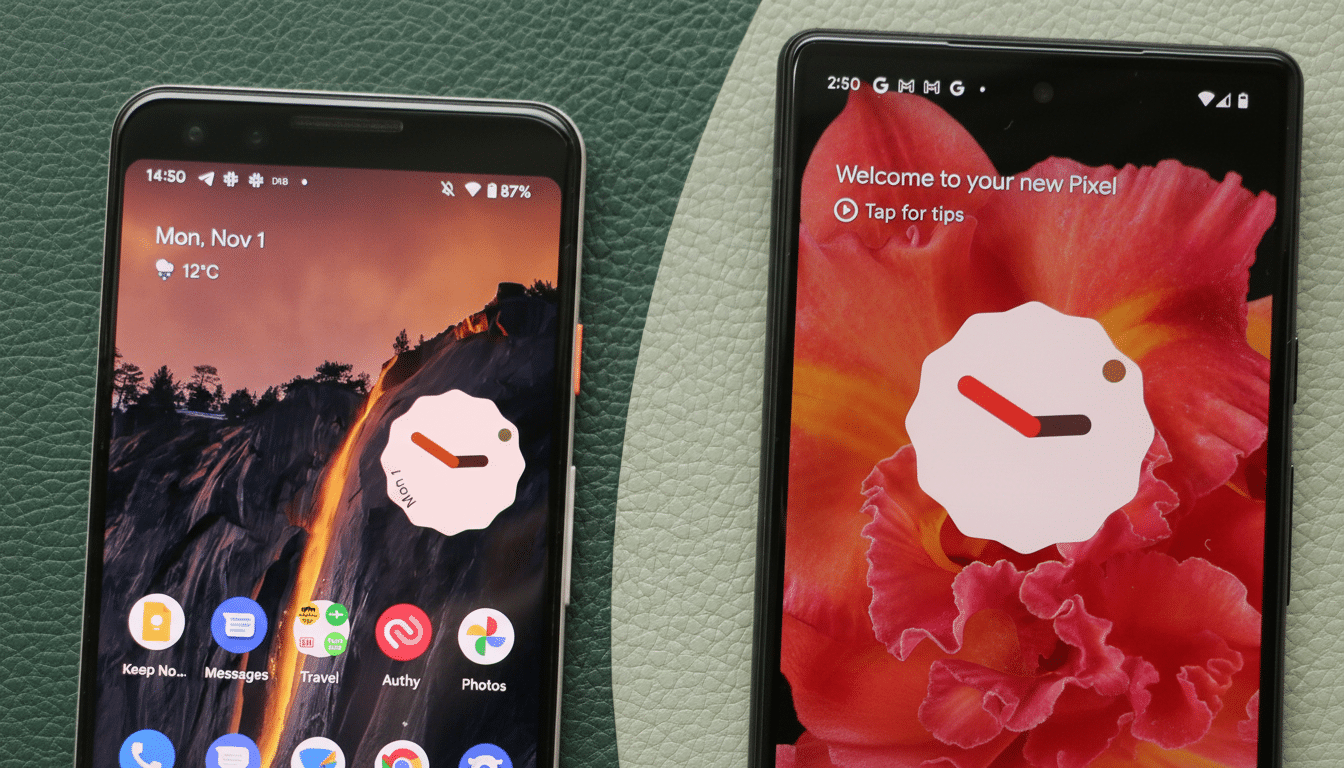
As with other At a Glance info, these cards can appear atop the Pixel Launcher and on the lock screen, stepping in contextually when they’re relevant. Sports carries a note that it may affect battery life, likely due to more frequent background refreshes during live events. Finance does not display the same warning.
How to Choose Teams and Stocks for At a Glance
To customize, touch and hold the date or At a Glance area on your Pixel’s home screen, tap Customize, then scroll to find Sports and Finance. Under Sports, select Choose Your Teams to search by league, city, or team name. Follow only the clubs you truly care about to reduce noise and potential battery impact. A typical card might read “Halftime City FC 1–0 United” or “Final Dodgers 5 Cubs 3.”
Under Finance, tap Choose Your Stocks to add tickers by symbol or company name. Expect concise, glanceable summaries like “GOOGL up 1.4% today,” with the card focusing on movement and daily change rather than full charts. You can disable either category entirely if you prefer a quieter lock screen.
Why It Matters for Pixel Owners and Power Users
This update pushes At a Glance further into “ambient computing,” where the most important bits find you without opening an app. For sports fans, that means fewer trips into live score apps on game day; for market watchers, it reduces the habit of refreshing brokerage apps for incremental updates. Pew Research Center has chronicled the broader shift to mobile-first news and information consumption, and Google’s move fits neatly into that trend.
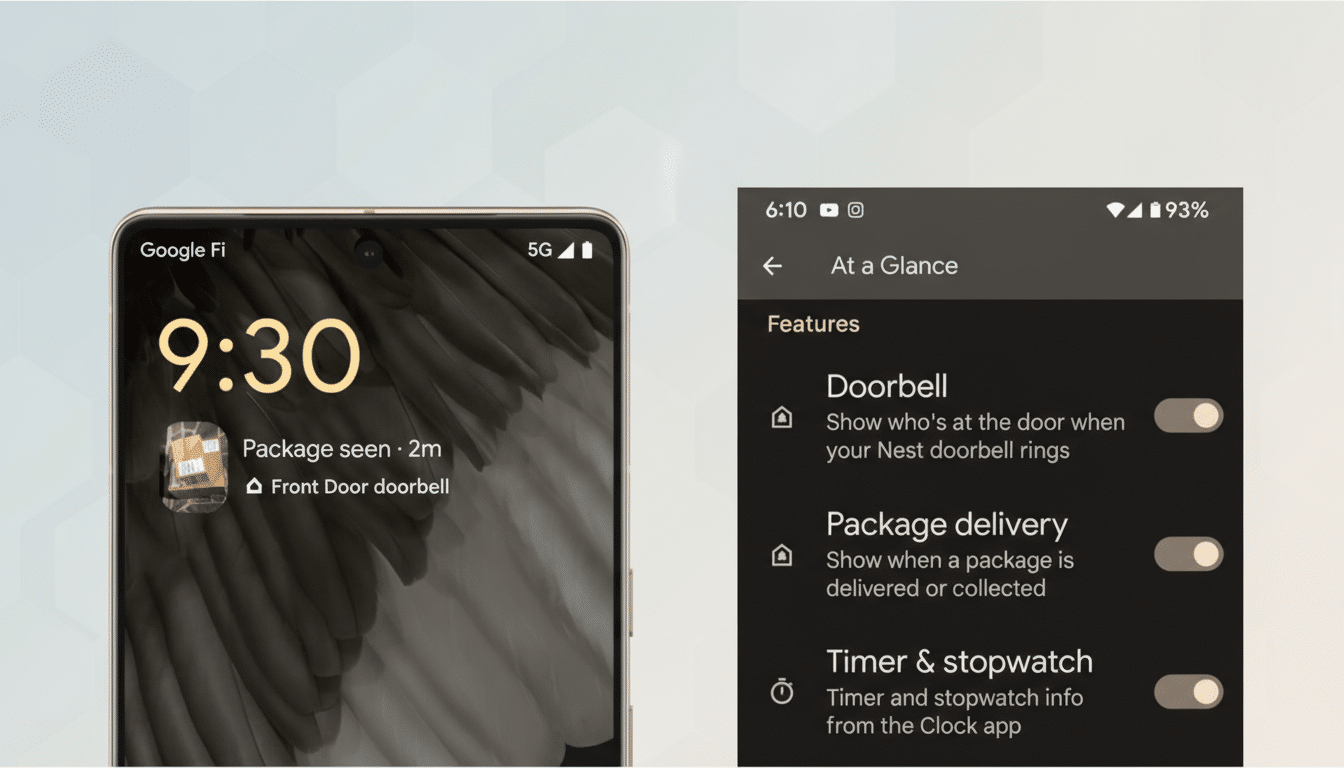
It also continues Google’s long migration of Assistant Snapshot-style features into At a Glance after that experience was retired. Travel reminders, commute insights, package tracking, timers, and smart home alerts have steadily landed here over the past few years. Sports and Finance fill two conspicuous gaps users have repeatedly asked about across Reddit threads and Pixel community forums.
Battery and Privacy Considerations for New Cards
Sports includes a battery caveat because live games can spur more frequent background checks. If you’re sensitive to endurance on match days, keep your followed list short or toggle Sports off temporarily. Finance updates typically arrive at a calmer pace aligned with market hours, which may explain the absence of a battery warning there.
As with all At a Glance features, personalization happens through your Google account and device settings. You control which categories appear, which teams or tickers are followed, and when they show up. If you don’t want these cards, both options can be disabled in seconds from the same Customize menu.
Availability and What Pixel Users Should Expect Next
The rollout appears to be server-side through the Google app and Pixel Launcher, so it may arrive on devices at different times. Many users report seeing the options enabled by default, which means you might notice a score or stock card before you visit settings.
In practical terms, this is a quality-of-life upgrade that reduces friction across the day: a quick look to catch a late equalizer, a glance to confirm a green open on your portfolio. Expect Google to keep layering similar “need-to-know-now” categories into At a Glance as it sharpens the Pixel’s identity around proactive, context-aware help.
