


The search giant is making the newer and more intuitive Panorama service that it introduced in its most recent Pixel models available on last year’s flagships. The new mode, which comes as part of the Pixel Camera 10.2 app with a slightly more mindful setup process, throws on AR-style guidance to help users snap clean, wide panoramas with fewer stitching errors and less guesswork. First-hand reports rushing in and coverage from press outlets following the update say Pixel 7 and older devices are sticking to the legacy interface for now, even if they have the same app version.
What’s new in Panorama mode on Pixel 8 and 8 Pro
The new UI overlays a pattern of on-screen dots over your scene and walks you through keeping the phone level before aligning the viewfinder with each dot in order. The app automatically triggers the shutter as you pass through markers and stitches all shots in the background. Anyone who has used the classic Photo Sphere tool will recognize the feel, but in this case, it’s optimized for quick and wide framing, rather than a full 360-degree sphere.
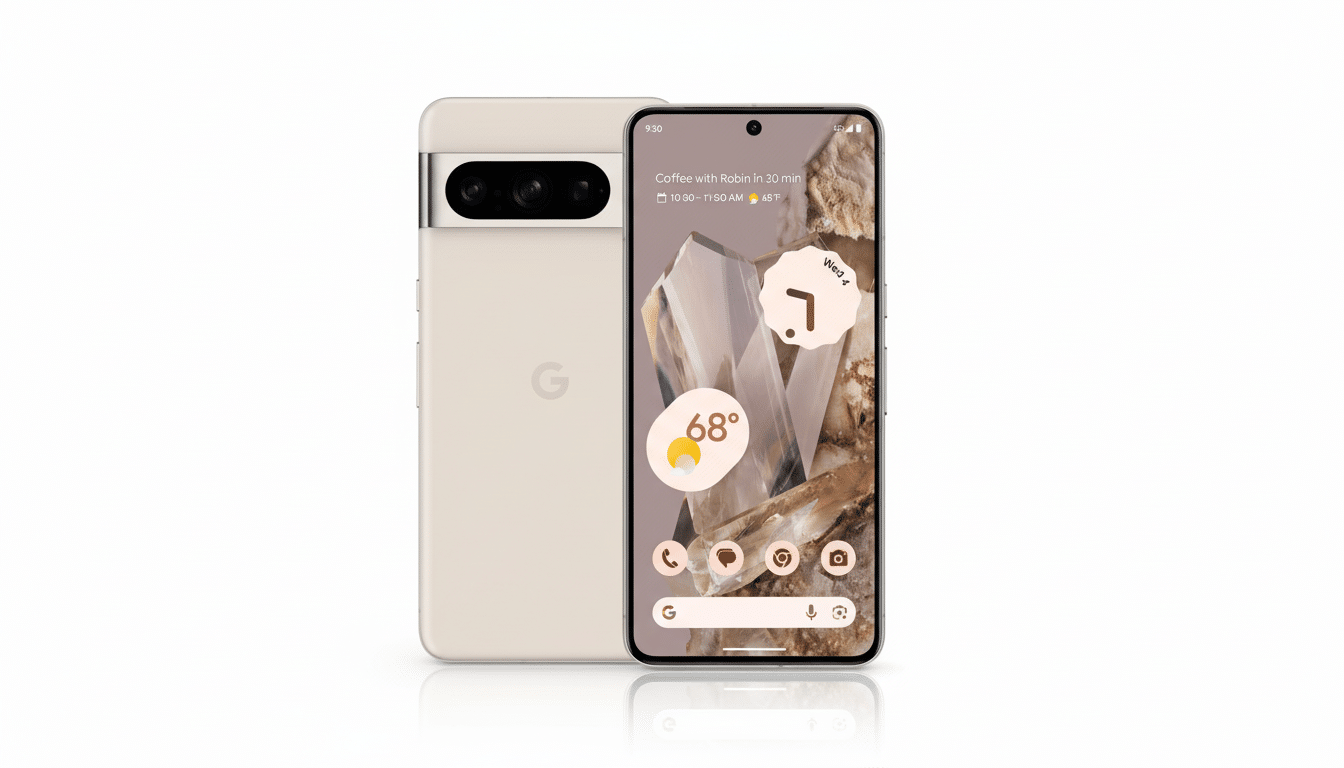
Technically, the guided overlay addresses two of the most pernicious panorama pain points: pitch and parallax. By prodding you to remain level and pivot around a single point, the camera minimizes mismatches in which lines or textures fail to line up. The result is a higher success rate, fewer jagged seams, and much less of that aggressive cropping to cover incompetence with the needle. Although the quality of the underlying image is still a function of exposure time and motion in the scene, capturing is significantly more forgiving.
How to get the Panorama update in Pixel Camera 10.2
The feature comes with Pixel Camera 10.2 from the Play Store. If you have a Pixel 8 or Pixel 8 Pro, open the camera app’s settings and check under “About” to see the version number. If the updated interface doesn’t appear right away, you can try force-closing the app after updating or even rebooting your phone; staged rollouts and server-side flags could be causing some people to not immediately receive the change.
You won’t need a system update and there aren’t any special toggles to flip once the mode is live. Just tap on Camera, then Panorama, and the guidance will pop up. That’s par for the course given current tester reports and coverage from publications that track the rollout. You may still see the old panorama workflow on your Pixel 7 or older device, even though it has the same app version.
Why this Panorama UI upgrade matters to Pixel photographers
Panoramas are well known to be sensitive to user motion, lens distortion, and object motion within the frame. The Pixel 8’s refreshed UI rests on the phone’s gyroscope and motion sensors to keep the capture path streamlined, before leveraging Google’s stitching pipeline to smooth frames with fewer artifacts. That human-in-the-loop guidance is a smart complement to computational photography: It means there will be fewer problem frames captured in the first place, which can give the algorithm cleaner inputs.
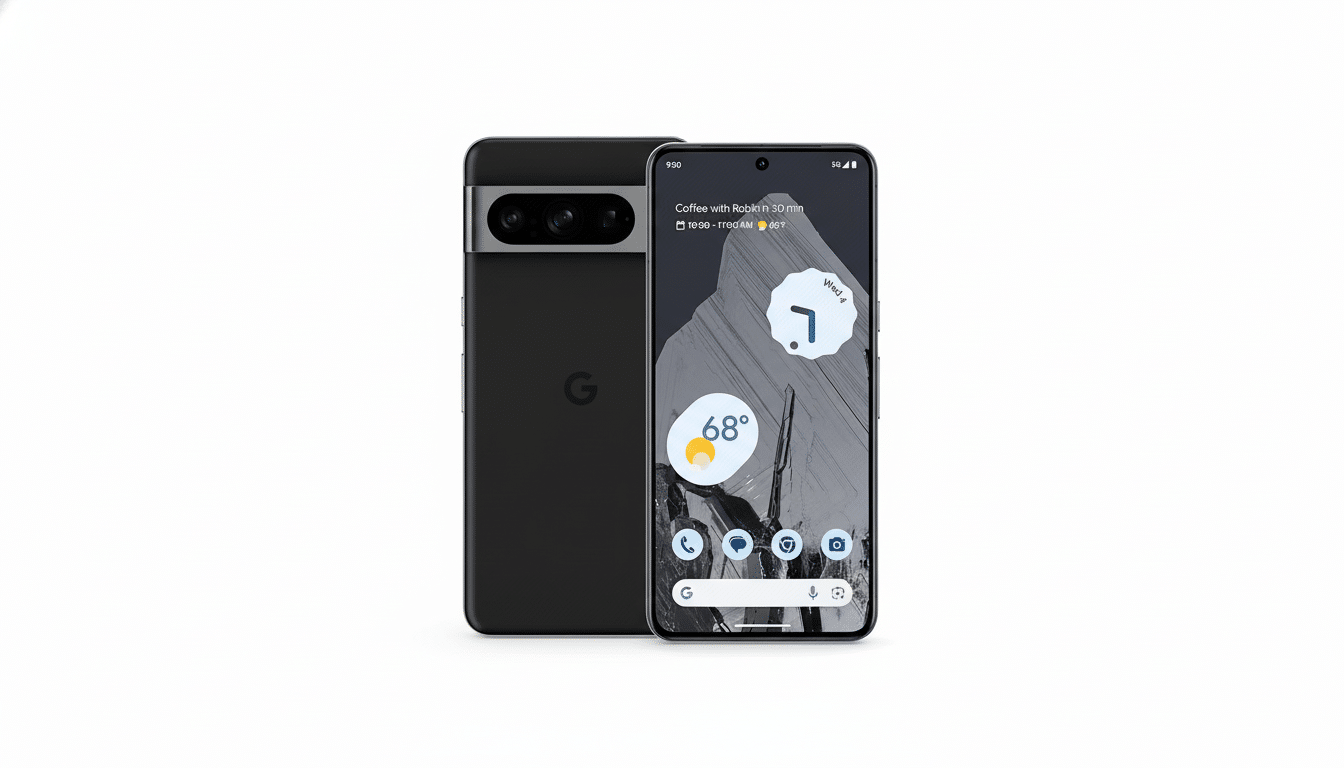
In the field, that translates to tall city skylines with repeating windows being stitched together more easily, mountain ridgelines maintaining consistency, and interior photos with vertical elements showing less bowing.
You still need to steer clear of fast action crossing through the scene, but the overall hit rate increases, particularly for casual shooters who don’t regularly rehearse tripod turns and nodal point alignment.
What about older Pixel models and the Panorama update
On Pixel 7 and devices running earlier builds, the previous panorama interface is still retained even with Pixel Camera 10.2 installed. Google likes to stage camera features across generations, citing a balance between hardware capabilities, tuning time, and consistency for users. As publications such as 9to5Google have pointed out, there’s a bit of a feature gap between old models and new, but we don’t officially know if the refreshed UI will eventually make its way to older sets.
If you have an older Pixel, the traditional panorama will still work and yield great photos with careful technique. The new UI doesn’t change the basic idea; it just adds a little bit more guidance and automatic timing to make things flow a bit better.
How to take better panoramas on Pixel 8 and 8 Pro
- Don’t walk the scene; instead, rotate from your hips.
- Keep the phone level and pivot around a central point to reduce parallax.
- Begin where exposure is even to avoid dramatic exposure changes across the sweep.
- Steer clear of busy traffic or crowds, and linger briefly at each dot so the camera can capture clean frames automatically.
- When in doubt, use the main camera for the most consistent stitching throughout the sweep.
The new panorama mode is a typical quality-of-life upgrade — small on paper, big in practice. It takes the Pixel 8 closer to feature parity with Google’s latest devices and, more significantly, makes wide scenes easier to capture well on the first try.
