


Perplexity brought forth Email Assistant, an AI tool that plugs into Gmail and Outlook to triage your mail, summarize it, and draft responses without leaving the inbox. It is squarely targeting knowledge workers who are flooded with messages and need a faster way to determine what matters and take action on it.
What Email Assistant does to organize your inbox
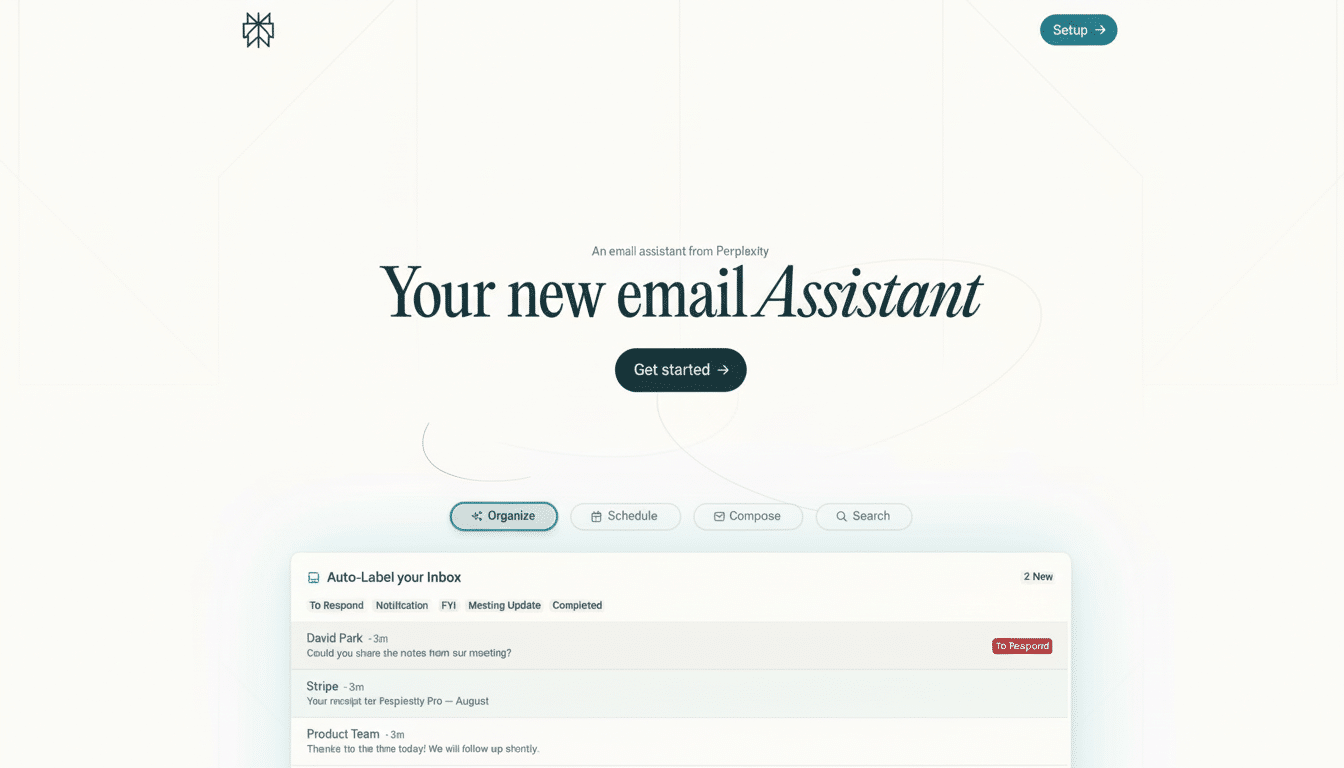
It scans your inbox to produce summary responses for long threads, identify action items, and recommend next steps. That means it can sort your messages by urgency, auto-label emails based on type, and propose meeting times by checking when you are free on your calendar. It also surfaces quick answers from your mail history — whether that’s when you last saw a colleague, or whether the contract was approved — with natural language queries.
- What Email Assistant does to organize your inbox
- Why this is relevant to today’s email overload
- How it works directly inside Gmail and Outlook
- Security, privacy, and compliance commitments explained
- How much it costs and who Email Assistant is for
- How it stacks up with rivals in Gmail and Outlook
- Real-world scenarios for sales and operations teams
- Bottom line: who benefits from Email Assistant
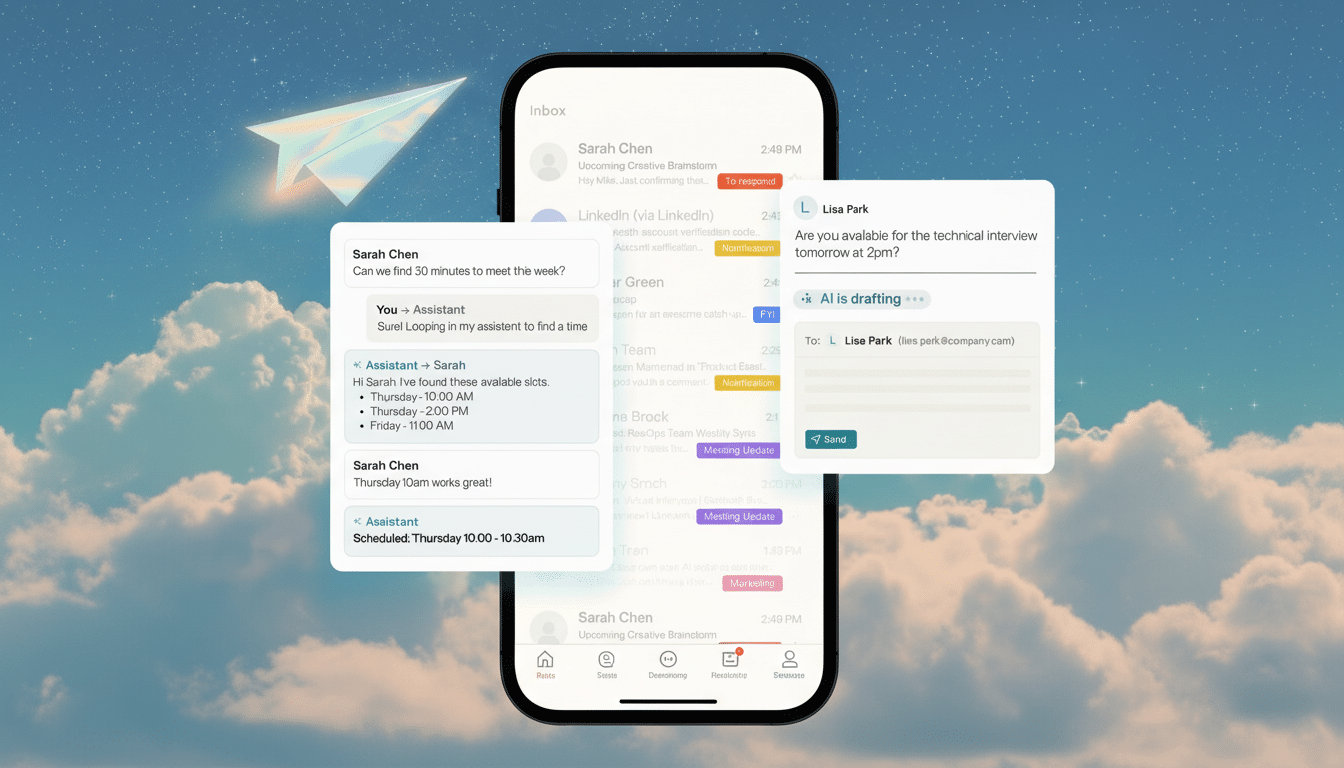
Replies are easy to draft, with replies that track your tone and the context. Consider follow-ups, status updates, and polite declines composed in seconds. If you test-drove Perplexity’s Comet browser summaries, the process will be familiar to you: dramatically reduce the noise, shine a light on what is most important, and help guide you toward a decision.
Why this is relevant to today’s email overload
Email is the workplace’s indestructible habit. Civilians at businesses get an average of 120 emails a day, according to the Radicati Group, a market research firm; the McKinsey Global Institute has found that knowledge workers sometimes spend nearly a third of their workweek managing a torrent of incoming messages — a time suck that people rarely if ever perform cleanly against. Tools that do a fast parse of tasks and context from sprawling threads are not a luxury; they’re a pressure relief valve.
The true test is if the assistant can reduce context switching. By processing summaries, first drafts, and prioritization right in the inbox you already use, it eliminates tab hopping that saps attention and time.
How it works directly inside Gmail and Outlook
Email Assistant integrates with your current Gmail or Outlook account on desktop or mobile. Once granted permission, it sorts messages in order to provide you with digest threads, reply suggestions, and queue management. You can ask questions of it in a conversational form: “high-priority items that I’ve missed from this week,” “the things that I owe Alice,” or “all travel confirmations for next month.”
One effective place to start is a triage prompt — for instance, “What should I tackle first?” — then diving into the work and conversations it pulls up. From there, you train the tone of your responses (“more concise,” “warmer,” “bullet list”) and can send without rewriting by hand.
Security, privacy, and compliance commitments explained
Perplexity says Email Assistant is SOC 2 and GDPR compliant, and that user interactions are not used to train its models. To companies mulling AI in regulated contexts, those promises matter. Still, CIOs will need clarity on data retention, access controls, and audit trails — especially for sensitive mailboxes or shared team accounts.
Granular admin controls and clear data boundaries are fast becoming table stakes for enterprise AI, and these features don’t mean that much if that’s what it takes to get things rolling, functionality be damned.
How much it costs and who Email Assistant is for
Email Assistant costs $200 per month for Max-tier Perplexity subscribers. That puts it in the category of a high-value tool for teams where time is money — sales, client services, operations, and executive support. For personal users, the calculation is easier: if it consistently clears the backlog and trims rewrite fatigue, it might pay for itself in no time.
How it stacks up with rivals in Gmail and Outlook
Google’s Gemini in Gmail already enables smart replies, summarization and natural-language search, as well as mass detection of messages from a sender to help you declutter — all features that Perplexity doesn’t identify. Microsoft’s Copilot for Outlook offers thread overviews and reply composing that is intimately tied to the larger Microsoft 365 stack.
Perplexity’s advantage is cross-inbox consistency, and fast triage in the conversational organization of your email, whether that’s across both Gmail and Outlook. For companies that are divided across the kingdoms, or for users who simply like Perplexity’s research-forward approach on other fronts, it is a proposition that bears appeal.
Real-world scenarios for sales and operations teams
Think of a sales lead beginning the day with a 30-message thread about pricing, legal, and scheduling. Email Assistant can pull out the major decisions, highlight the one document that’s still needed, propose times using calendar openings, and even write a response to each individual. That’s the work of 20 minutes’ worth of skimming and rewriting, boiled down to two minutes for review and send.
For operations teams, automatic labeling of invoices, vendor notices, and alerts helps keep them organized without fiddly rules. For those in management: Immediate responses — “What were the three most important things my team mentioned this week?” — turn inbox noise into a briefing.
Bottom line: who benefits from Email Assistant
Email Assistant demonstrates how AI can be most effective when it’s integrated where work already occurs. It doesn’t reinvent email; it merely speeds up and reduces errors in dealing with email. If your day is filled with threading, following up, and context gleaning, this is the kind of assistant that can quietly give you hours back.
