


A lifetime license for a full-featured PDF Converter and Editor is now available for about $30, offering Mac and Windows users a straightforward way to eliminate the daily grind of merging, converting, and tweaking PDFs without recurring fees.
What You Get for $30 with the Lifetime PDF License
This all-in-one app tackles the PDF jobs that slow people down most: edit text, merge files, split large documents, rotate or delete pages, and annotate without breaking formatting. Its built-in OCR turns scans into searchable, editable text, sparing you from retyping forms or contracts. You can add notes, apply customizable watermarks, and keep layouts, images, and hyperlinks intact during edits and conversions.
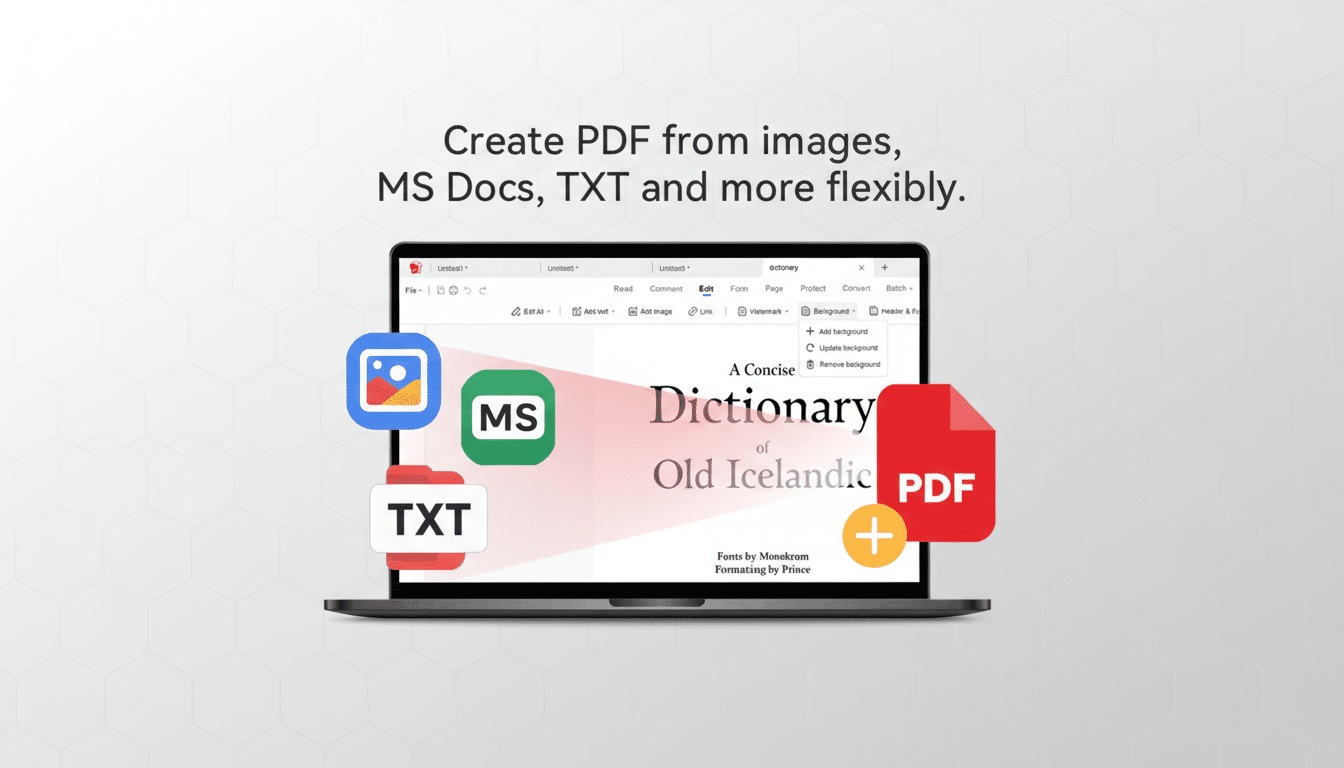
The tool also handles multi-directional conversions. Turn PDFs into Microsoft Word, Excel, or PowerPoint, or shift in the other direction from office files and images to high-fidelity PDFs. It supports exports to HTML, PNG, and JPG as well—useful for web uploads, slide decks, or lightweight archiving.
Crucially, the license grants ongoing access without monthly bills, which matters for solo professionals, students, and small teams that manage documents intermittently but need reliable capabilities when deadlines hit.
Why PDF Busywork Persists Across Everyday Workflows
PDF remains the de facto standard for contracts, invoices, reports, and onboarding packets because it is portable and consistent across systems. The format’s long-standing ISO 32000 standardization ensures fidelity, but it also means day-to-day changes—reordering pages, fixing typos, extracting tables—can require dedicated software that many users simply don’t have.
The productivity drag is real. McKinsey’s analysis has shown knowledge workers spend close to one-fifth of their time searching for and gathering information. When documents are locked in static PDFs or scattered across email threads, the simple act of retrieving and reusing content becomes a time sink. An approachable tool with accurate OCR and reliable conversions reduces that friction—especially for routine tasks like assembling client packets, updating policy binders, or converting scanned receipts to spreadsheets.
Consider a typical HR workflow: merging offer letters, benefits summaries, and compliance forms into one clean packet; inserting a scanned signature page; then exporting a shareable version without breaking links. For small businesses, the pain point might be converting supplier PDFs to Excel for quick reconciliation, or adding watermarks before sending proposals. These are exactly the chores this license aims to simplify.
Cost and ROI Compared to Subscriptions and Suites
Subscription suites from major vendors are powerful but pricey. Adobe’s Acrobat Pro, for example, is typically billed monthly, adding up over a year for individual users who only need a core set of tools. A one-time ~$30 license pays for itself quickly if it replaces even a couple months of a subscription, and it avoids the stop-start cycle of signing up, canceling, and re-subscribing as needs change.
For many users, the must-have features are predictable: dependable conversions, clean OCR, page reflows that don’t wreck formatting, and straightforward editing. When those bases are covered, the return on investment is measured in saved hours, fewer formatting do-overs, and less reliance on a colleague who “has the PDF software.”
Who This Is For—and Not For: Ideal Use Cases
This license will resonate with freelancers, students, and small offices that need everyday PDF editing and conversions without enterprise overhead. Legal clinics preparing intake packets, real estate agents compiling disclosures, or nonprofits standardizing board reports can all benefit from a consistent toolset across Mac and Windows.
Power users may still require advanced capabilities found in high-end suites—think deep prepress controls, complex redaction workflows, native e-signature orchestration, or large-scale automation via APIs. For those cases, a subscription platform or enterprise license remains appropriate. But for task-driven PDF work, the value proposition here is hard to ignore.
The Bottom Line: A Practical, Low-Cost PDF Solution
If your day involves more PDF wrangling than you’d like, a one-time ~$30 lifetime license to a capable PDF Converter and Editor is a pragmatic fix. Cross-platform support, accurate OCR, and layout-preserving conversions cover the core workflows most professionals need—without the ongoing cost. In a world where document sprawl saps focus, simplifying the toolset can return hours to higher-value work.
