


A three-tool Windows bundle that combines migration, full-system backup, and secure erasure has dropped to $34.99, a 73% cut from its $129.85 list price. The non-expiring PC Transfer Kit brings together PCmover Professional, O&O DiskImage, and O&O SafeErase to streamline moving to a new PC, protecting data, and permanently wiping old drives.
For home users replacing aging desktops and small offices refreshing multiple machines, the pitch is simple: move applications and profiles in hours, not days; capture bare-metal backups for disaster recovery or hardware swaps; and sanitize retiring storage to modern standards.
What’s Inside the Kit: Migration, Backup, and Wipe
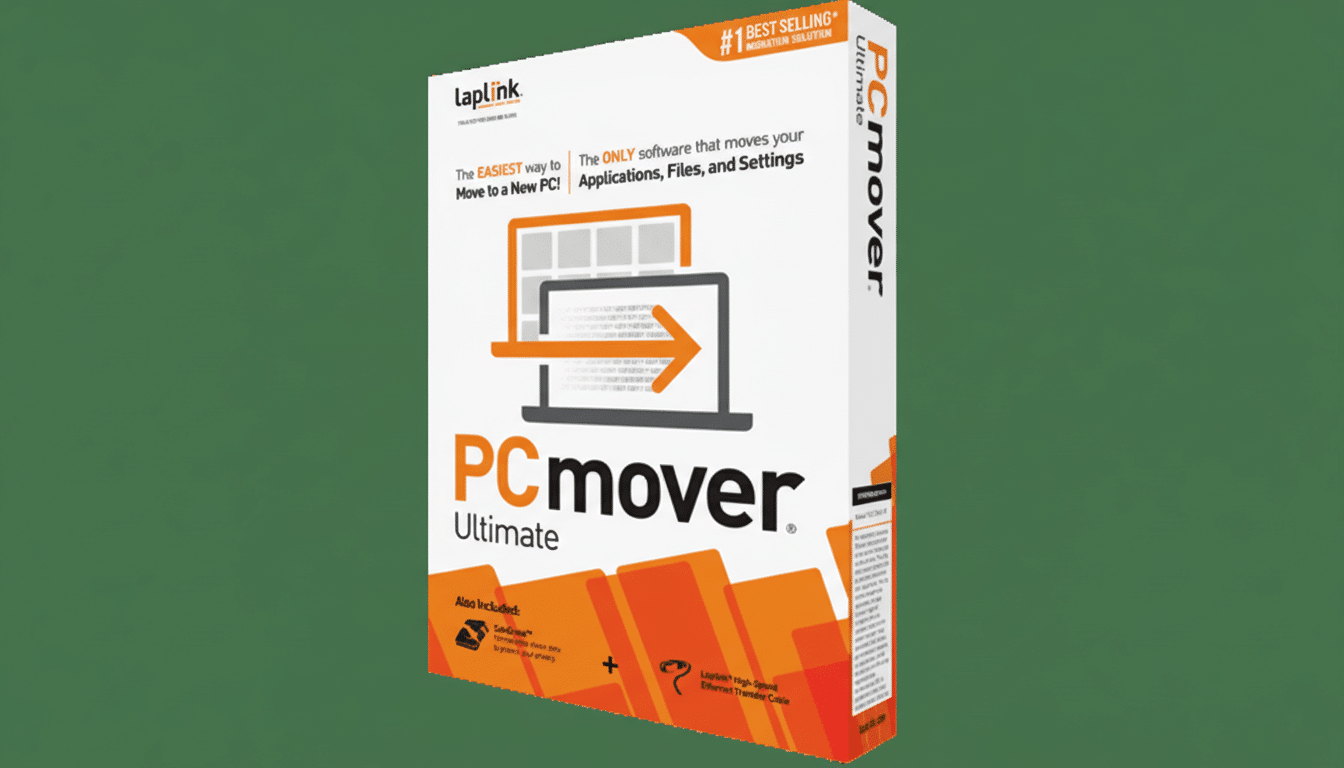
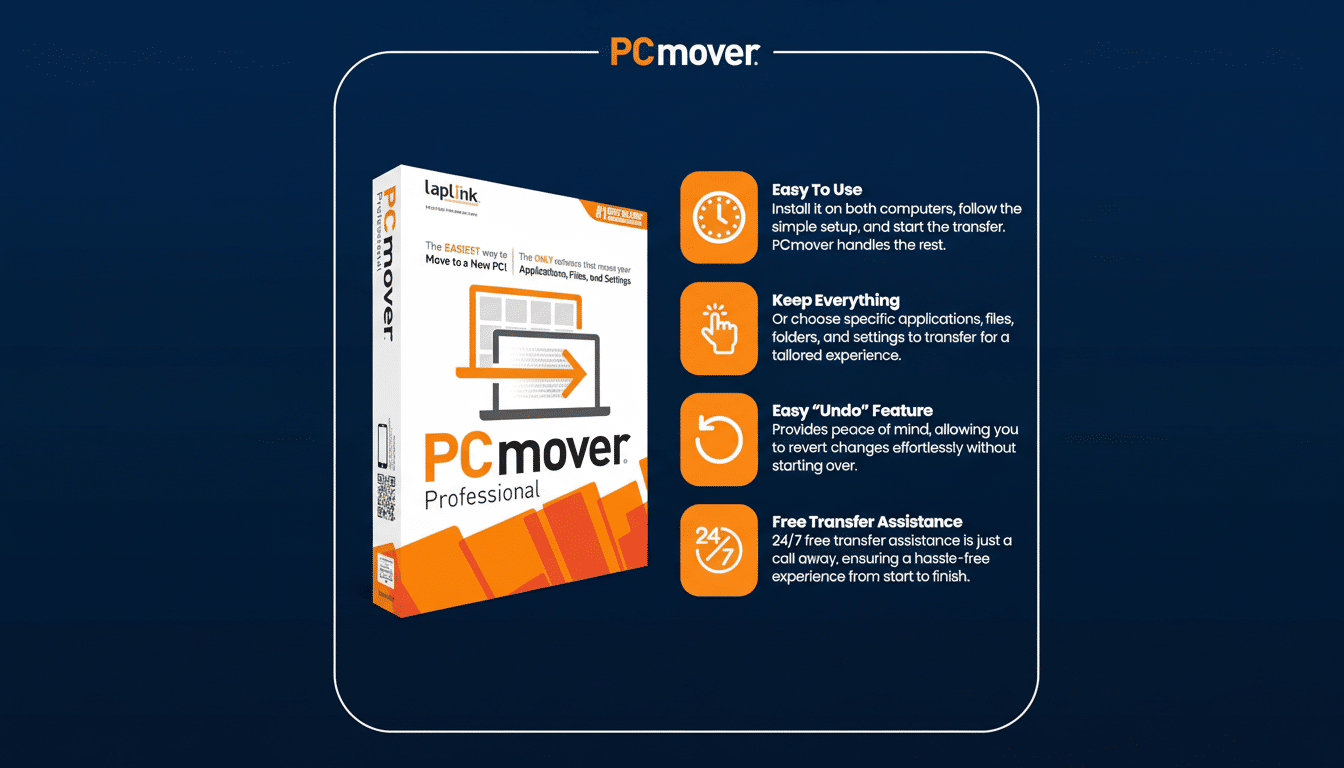
PCmover Professional, from Laplink, automates the toughest part of a PC upgrade: getting your working environment back. It copies installed applications, user profiles, settings, and files between PCs, even across different Windows editions. In practice, most programs reappear ready to run—no scavenger hunt for installers and serials. Laplink has served as an official migration partner for multiple Windows releases, and that lineage shows in its compatibility and step-by-step controls. Expect a handful of apps—especially drivers, security suites, or tools with tight hardware bindings—to need reactivation after the move.
O&O DiskImage provides block-level imaging and restore, including scheduled, incremental, and differential jobs, plus a bootable recovery environment. Its machine-independent restore can inject drivers during recovery, enabling restores to dissimilar hardware—useful after a motherboard failure or major platform upgrade. You can also mount images to pull out individual files without restoring the entire system.
O&O SafeErase handles sanitization with multiple overwrite methods, including patterns aligned to well-known standards such as DoD 5220.22-M and the Gutmann algorithm, while reflecting guidance in NIST SP 800-88 Rev. 1 on media sanitization. For solid-state drives, it uses SSD-optimized erasure that respects TRIM to minimize wear. You can target single files, partitions, free space, or entire disks before disposal, resale, or reassignment.
Why It Matters Now for PC Upgrades and Security
Fresh installs are clean but time-intensive. Rebuilding a workstation—apps, plug-ins, settings, printer queues—can easily consume a weekend. PCmover’s ability to migrate installed applications is the differentiator here; Microsoft’s built-in tools and cloud sync services move files, not full software environments.
Backups aren’t optional anymore. Long-running drive statistics published by Backblaze show annualized failure rates often hovering in the 1–2% range for many HDD models, and SSDs fail too—just with different patterns. Disk-image backups can turn a catastrophic event—ransomware, a botched update, or hardware failure—into an hours-long recovery instead of a days-long rebuild.
Privacy risks are real as well. Academic and industry studies routinely find recoverable personal data on discarded drives. NIST’s guidance calls for sanitization before repurposing or disposal; SafeErase brings those controls into a consumer-friendly interface with verified overwrite methods.
Real-World Use Cases and Caveats for This PC Bundle
Upgrading to a new PC? Image the source machine with DiskImage, run PCmover to transfer profiles and applications to the new system, then validate mission-critical software. Once you’ve confirmed everything is in place, use SafeErase to wipe the old drive before resale or recycling. In a small office, the same pattern scales: capture a “golden” image, schedule after-hours migrations, and document verified sanitization for decommissioned hardware.
There are limits. Encrypted volumes must be unlocked to image. Low-level utilities, drivers, and certain security tools may require fresh installs and reactivation. Restoring to very different chipsets can call for additional drivers. And secure deletion is irreversible—make at least two backups of irreplaceable data before you wipe an entire disk or free space.
The bundle’s non-expiring licenses eliminate renewal fees, though operating system support ultimately defines the lifespan. As Windows evolves, vendors typically ship updates to maintain compatibility; checking version support before a major OS upgrade is still best practice.
Bottom Line: A Low-Cost Way to Migrate, Back Up, and Wipe
For $34.99—73% off the combined MSRP—the PC Transfer Kit stitches together three jobs nearly every PC owner faces: migration, backup, and secure disposal. If you’re moving to a new machine or retiring an old one, this is a low-cost, high-leverage way to cut downtime, reduce data loss risk, and protect your privacy.
