


If your Oura Ring seems to be lasting less than a couple of days between charges, you are not thinking things up — and you don’t have to put up with it. Many owners report shorter runtimes around a year in, but based on what you’ll read below, there is almost always something concrete to try, and the company has been replacing defective rings when appropriate.
Oura says newer models are good for about a week on a single charge, yet many users on the r/ouraring community talk in terms of two to three days, sometimes less. In parallel, the app’s more aggressive low-battery warnings can make depletion seem worse than it is. Here’s how to distinguish normal aging from a real flaw and what to do next.
- Why Your Oura Ring Battery Drops Faster Over Time
- The Fastest Fix: Contact Support for a Replacement
- Calibrate and troubleshoot before you write it off
- Tune features to reduce drain
- Check the basics while charging
- Tips for Stretching Each Charge on Your Oura Ring
- How To Test Whether Your Battery Is Really Bad
- The Bottom Line on Oura Ring Battery Life Issues
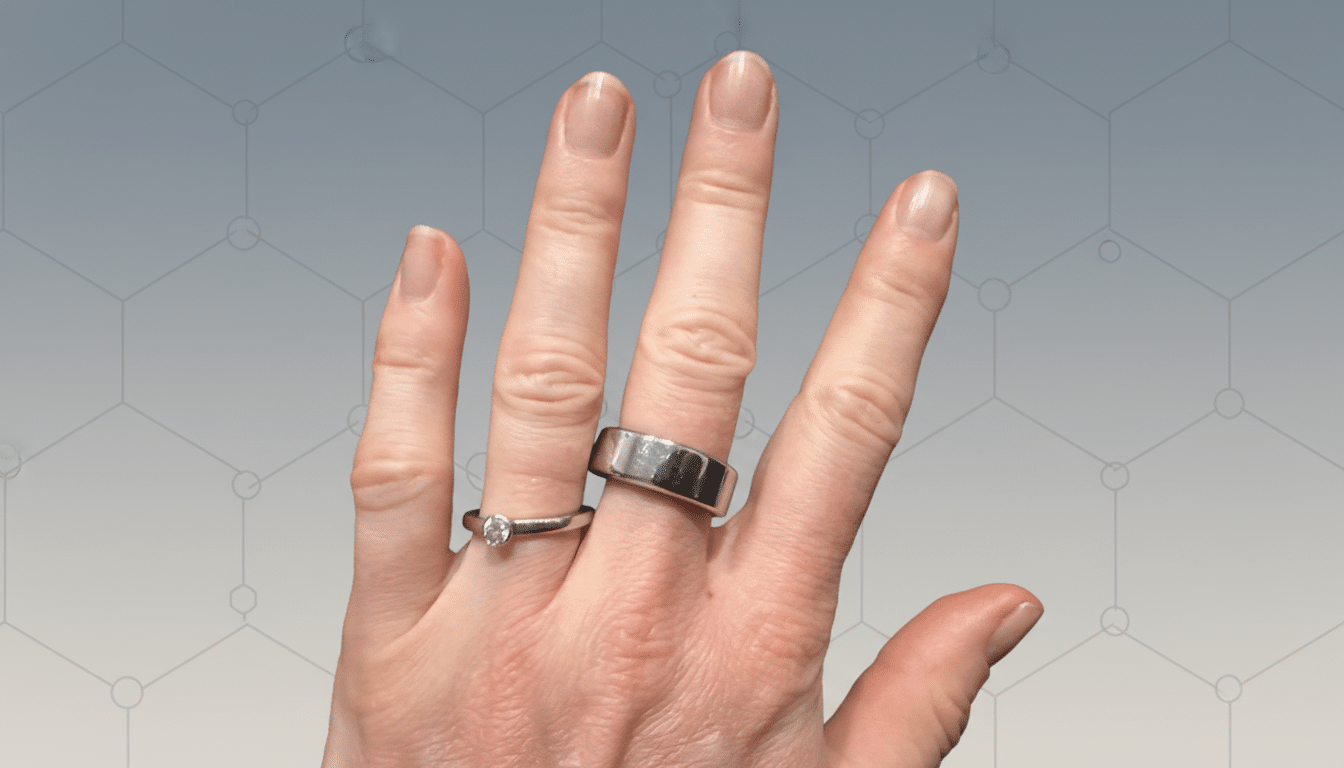
Why Your Oura Ring Battery Drops Faster Over Time
Lithium-ion cells lose capacity over time as charge cycles mount and electrodes age. Research assembled by Battery University and IEEE suggests small cells may shed 10% to 20% of their capacity after a few hundred cycles, particularly if they’re kept warm or routinely run from 100% to near empty. Wearables amplify those powers. Tiny batteries provide less scope for power plant characteristics such as overnight SpO2 tracking, constant sense heart rate in the day, and periodic syncing. Firmware alterations, such as greater temperature or HRV sampling, make a difference to the battery. Finally, small ring sizes entail small cell sizes, thus size does make a difference with runtime.
The Fastest Fix: Contact Support for a Replacement
Oura has acknowledged that a subset of members see abnormal drain and says it handles these cases individually, including troubleshooting and replacing rings when appropriate. Reports from users indicate swift responses and free replacements when diagnostics show a failed or prematurely aging cell.
To speed things up, gather the evidence, and before contacting support, note the following:
- The current firmware and app versions.
- Your ring size.
- The average days per charge over the past two weeks.
- Any behavior changes like sudden 50% drops, stuck at 99%, unexpected heat.
- Screenshots of the battery meter at the same time every day.
Run a straightforward 24-hour drain test: charge to 100%, wear it as usual with SpO2 off for that night, then log the percentage exactly 24 hours later. Consistent drops above 30% without heavy features suggest a hardware issue worth escalating; with typical use, you’d expect roughly 12% to 20% drop per day for a ring advertised at 5 to 8 days.
Calibrate and troubleshoot before you write it off
- Update everything: open the app and install any pending firmware, then restart your phone.
- Recalibrate the battery meter: charge to 100%, leave it on the charger an extra 30 minutes, then wear it down to around 10% and charge straight back to 100%. Repeat this cycle twice to help the gauge better reflect true capacity.
- Try to avoid intentional deep discharges to 0%, as this is stressful for the cell.
Tune features to reduce drain
Try turning off Blood Oxygen Sensing for a while during sleep and Daytime Heart Rate to see the difference. You might also turn on Airplane Mode while you’re away from your phone for long spells, and then sync later. Minimize unnecessary notifications that cause Bluetooth to blabber.
Check the basics while charging
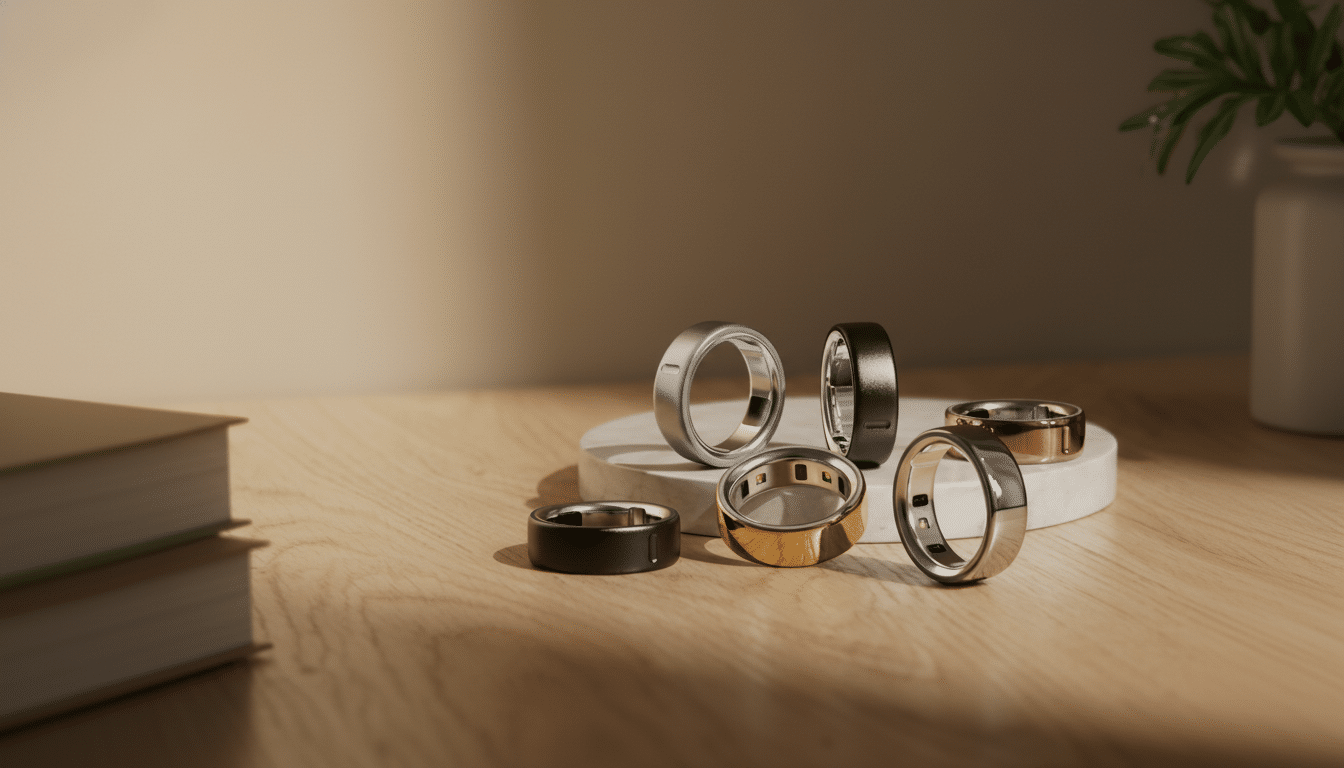
Clean charging contacts with a dry microfiber cloth, mate it to the prongs on its corresponding charger base, and make sure the ring sits flat on the charger. Use the official charger or a portable source such as a PC, Mac, or laptop (5V/1A). Ensure the ring fits snug in the charging station. Auto travel keychain charger size: discreet zip shape makes it easy to carry around. Charge up your ring wherever you are in just 15–20 minutes. If the ring feels significantly warm on the charger or while you’re wearing it at idle, jot that down for support to look into — this can mean inefficiency, or issues with cells.
Tips for Stretching Each Charge on Your Oura Ring
Top up opportunistically. Even a charge during your 10–15-minute shower could add another day, no deep cycling required. No all-the-time full-to-empty swings exist anymore. It reduces stress to use the ring most of the time between 20% and 80%.
Mind the environment. Lithium cells are at their best, temperature-wise, in the middle of the range. Never leave the ring on hot chargers, in direct sun, or in saunas and hot yoga. If you’re going to let the ring sit for a while (winter is coming up), leave it at around 50% and power it on every few weeks.
How To Test Whether Your Battery Is Really Bad
Red flags are a drop from 60% to 20% when overnight drain is higher than 15% on low features, not seeing or being able to use the high features, and/or irrational percentages after an OTA update in recent days. Compare your trend to other users in similar conditions: if peers of the same size and settings report five to seven days between charges but you see two, chances are that you have a bad unit.
Log two or three days of testing at a time with the same settings and then contact support with your logs and results. The clearer your data, the sooner you can have issues resolved — whether through a software tweak, a recalibration guide, or, yes, maybe even a new ring.
The Bottom Line on Oura Ring Battery Life Issues
A midlife battery crash is typical in tiny wearables, but it is something you shouldn’t have to endure if your Oura Ring doesn’t come anywhere near meeting your expectations. Begin with updates, calibration, and feature tuning; try a basic drain test; and reach out for support with data in hand. For most users, multi‑day endurance is probably not far off — whether through software tweaks or a replacement that brings back the weeklong stamina you signed up for.
