


Your phone “no longer supported” is more than just a message of doomsday doom. It’s a truly definitive line in the sand for software updates, and it affects security, app compatibility, and how long you can count on that device in your pocket. As upgrade cycles lengthen and manufacturers get stricter about support policies, here’s what that cut-off really means and how to handle it.
OS updates versus security patches and why it matters
There are two clocks that never stop ticking on a smartphone: one for operating system (OS) upgrades, and the other for security patches. OS updates give you new Android versions and features, sometimes bearing unique skins and modifications such as One UI or OxygenOS. When the updates stop, your phone won’t simply break. Most apps, Google Pay, and the Play Store keep on working, and the experience is still familiar.
- OS updates versus security patches and why it matters
- What breaks and when outdated phones start to fail
- How Google Play System Updates can still help older phones
- The real security risks as updates and patches stop
- Midrange phones often receive shorter support timelines
- Signs it’s time to move on from an unsupported phone
- What to look for when choosing your next secure phone
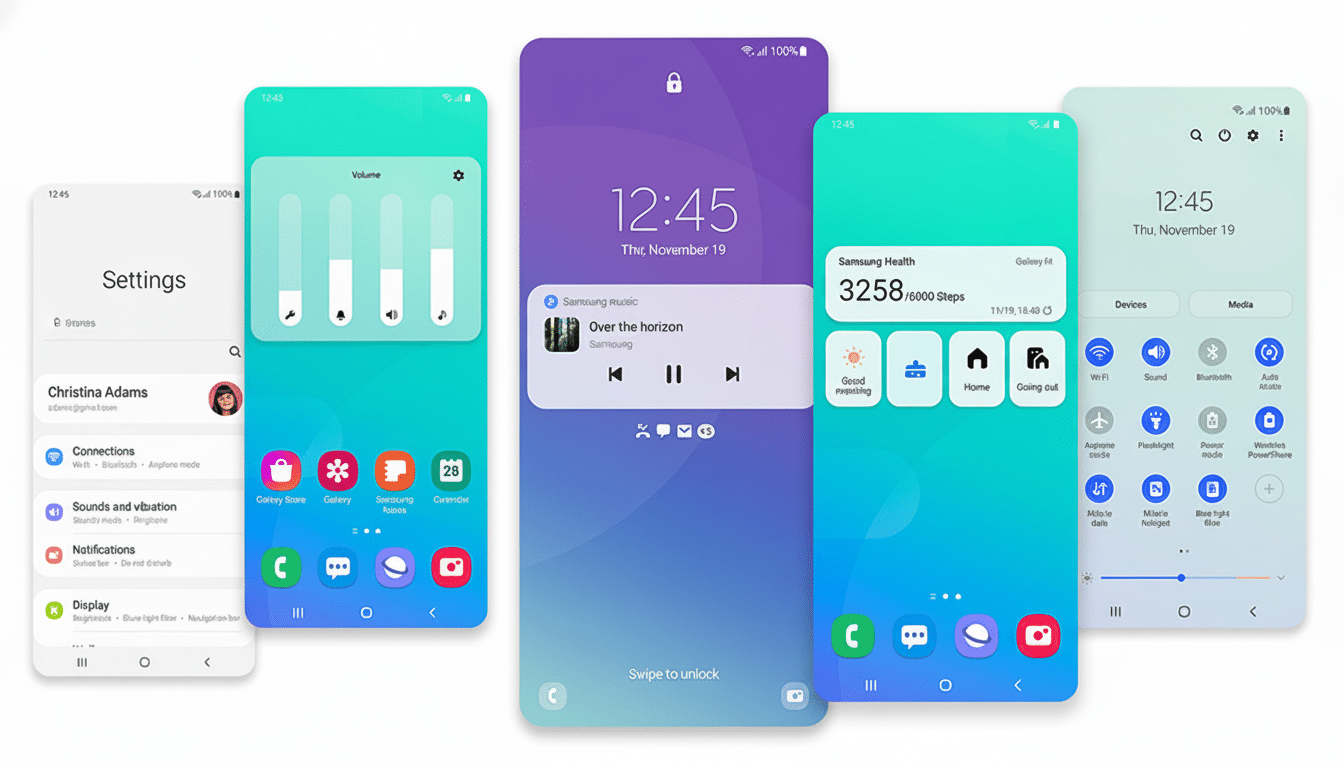
Security patches are different. They address weaknesses in Android, chip firmware, and system components that attackers are known to exploit. Google typically publishes monthly Android Security Bulletins that arrive with dozens of fixes, which are then customized and rolled out by manufacturers to their devices. When security updates cease, your system is exposed to more known vulnerabilities as time passes, even if nothing immediately goes wrong.
What breaks and when outdated phones start to fail
Short term, losing OS upgrades mostly means not getting new features and UI polish. In the longer term, certain apps will establish higher minimum requirements and may refuse to install on devices that use older versions of Android. Developers want to reach the most people with their work, and they also remove legacy code paths as toolchains change.
Security-sensitive services are the first to hold the line. Banking apps, corporate emails, and digital wallets often need updated devices along with Play Protect and device integrity to function. These apps might block sign-in or contactless payments if your OS is too old, if it’s been too long since you received a security patch, and so on.
How Google Play System Updates can still help older phones
Even after their full firmware updates cease, many Android phones will nevertheless continue to receive Google Play System Updates, a behind-the-scenes feature introduced to expedite the patching of various core modules. With this pipeline, Google can update things like media codecs, the Permissions Controller, networking configuration, and ART (Android Runtime) without waiting for an entire manufacturer rollout.
This modular strategy diminishes risk for older devices and provides breathing room, but it is not a shield. Vendor drivers, kernel patches, and hardware firmware also continue to rely on the older security patches provided by the device manufacturer. i.e., Play System Updates are a useful safety net; they’re not a substitute for full support.
The real security risks as updates and patches stop
Exploits that work are more likely to be employed again. Security teams often see attackers chain together browser, media, or baseband bugs into useful compromises—and tend to see this when devices miss patches across multiple cycles. Public vulnerability databases that institutions such as NIST maintain list hundreds of Android-related CVEs, underlining how routinely researchers discover weaknesses throughout the stack.
Risk is still behavior-dependent in practice, too. Most high-severity attacks require you to download a bad app, open a booby-trapped file, or click on a suspicious link. Sticking to authorized app stores, steering clear of sideloaded APKs, and turning on Google’s option to scan apps significantly decreases your risk. But over time, the distance between your device and the threat landscape grows, and it’s harder to sustain these layered defenses.
Midrange phones often receive shorter support timelines
Flagship policies have improved. Google’s latest Pixels and Samsung’s Galaxy S series all promise up to seven years of OS, UI software tinkering, and device security updates—pointing to a much longer usable lifespan. Some of these brands no longer have evergreen value models.
Elsewhere, commitments vary. Many midrange and lower-end devices continue to come with fewer OS upgrades and shorter security windows. That doesn’t necessarily make them unsafe on day one, but it reduces the interval before you hit the “unsupported” wall, which makes a difference if you hold onto a phone for longer than three to four years.
Signs it’s time to move on from an unsupported phone
Start thinking about replacing your phone when you no longer receive security patches, especially if you use your device for banking, authentication, or work emails. Signs include:
- Frequent app-compatibility errors
- A digital wallet that refuses to accept cards
- Enterprise policies labeling your device as noncompliant
When you’re forced to wait for updates, try to reduce exposure:
- Uninstall sensitive applications
- Turn on a strong screen lock (demanding biometric and password authorization before unlocking your device)
- Ensure that Play Protect is running
- Eliminate redundant applications on your home screen
- Avoid charging over public USB ports
Basic security practice advice from bodies such as the UK’s National Cyber Security Centre reflects these fundamentals.
What to look for when choosing your next secure phone
Buy support, not just specs. Give preference to models with the best written guarantees for OS and security updates. Visit the policy page for each brand and see how often it has rolled out updates in the past. If you hold on to your phones for a while, that promise is as meaningful as the processor or camera.
Then look at the complete lifecycle: a protective case and battery-friendly charging habits lower hardware damage; encrypted backups and passkeys decrease fallout if you lose it. The average person uses a smartphone for two to three years before adding it to the trash pile; a longer-lived scenario might look something more like 10 or 20 years. A longer-lived phone, well taken care of, can be both safer and capable for much longer than most people would expect.
The upshot: The loss of OS upgrades is largely about lost features; the loss of security updates is an increasing risk. You can push that a bit with some smart hygiene and Play System Updates after the support end, but for devices containing your money, your identity, and your work, only long-term support should be a goal.
