


A popular Android fork of the open-source melonDS emulator now supports offline RetroAchievements tracking in Softcore mode, letting players log achievements without a constant data connection and sync their progress later. The update, led by community developer SapphireRhodonite, also improves stability when networks drop, while keeping Hardcore validation online-only for integrity.
How Offline Softcore RetroAchievements Works on Android
To go offline, players first launch a game once with an internet connection. The emulator fetches and locally caches the achievement set and trigger conditions from RetroAchievements, a community platform that defines challenges based on live memory checks. After this one-time initialization, achievement logic runs on-device, recording unlocks even when you’re underground, in airplane mode, or far from Wi-Fi.
- How Offline Softcore RetroAchievements Works on Android
- Hardcore Mode Still Requires a Persistent Online Connection
- Why It Matters For DS Emulation On Android
- Features Beyond Achievements in the melonDS Android Fork
- Availability and the Path to Google Play Store Release
- Getting Started Tips for Offline RetroAchievements Play
- The Bigger Emulation Trend on Mobile and Community Play

Syncing is flexible. Users can push results on demand or allow the app to reconcile unlocks automatically at startup. Because the achievement set and logic are cached, the emulator minimizes server calls and remains responsive if connectivity wavers mid-session. This approach mirrors how RAIntegration libraries handle state to reduce latency and avoid false negatives when a connection stutters.
Hardcore Mode Still Requires a Persistent Online Connection
Hardcore mode continues to require a live connection for verification. That’s by design: Hardcore typically disables save states, rewinds, and cheats, and many in the RetroAchievements community expect real-time validation to prevent edge cases and tampering. The fork now behaves more gracefully under real-world conditions—brief disconnections no longer derail sessions outright, and progress resumes cleanly once a link is reestablished.
Why It Matters For DS Emulation On Android
Android users have seen a reshuffle in Nintendo DS emulation. With premium options intermittently unavailable on official storefronts, open-source projects like melonDS have accelerated on features and compatibility. RetroAchievements is a major draw for modern players who want structured goals; taking it offline in Softcore mode is a practical win for commuters, frequent travelers, and anyone gaming in spotty coverage.
The quality-of-life impact is tangible. Fewer background network checks mean smoother play when radios are throttled or disabled, and you won’t lose an unlock because a train tucks into a tunnel. It also reduces incidental data use and helps stabilize performance on lower-end devices that struggle with background connectivity churn.
Features Beyond Achievements in the melonDS Android Fork
This fork is already known for external display support, a boon for dual-screen phones and Android handhelds. Devices like the Surface Duo, foldables, and dedicated retro handhelds benefit from layouts that map DS top and bottom screens cleanly. Combined with RetroAchievements, it creates a console-like loop—clean screen management, consistent input, and goal tracking—without tethering you to a connection.
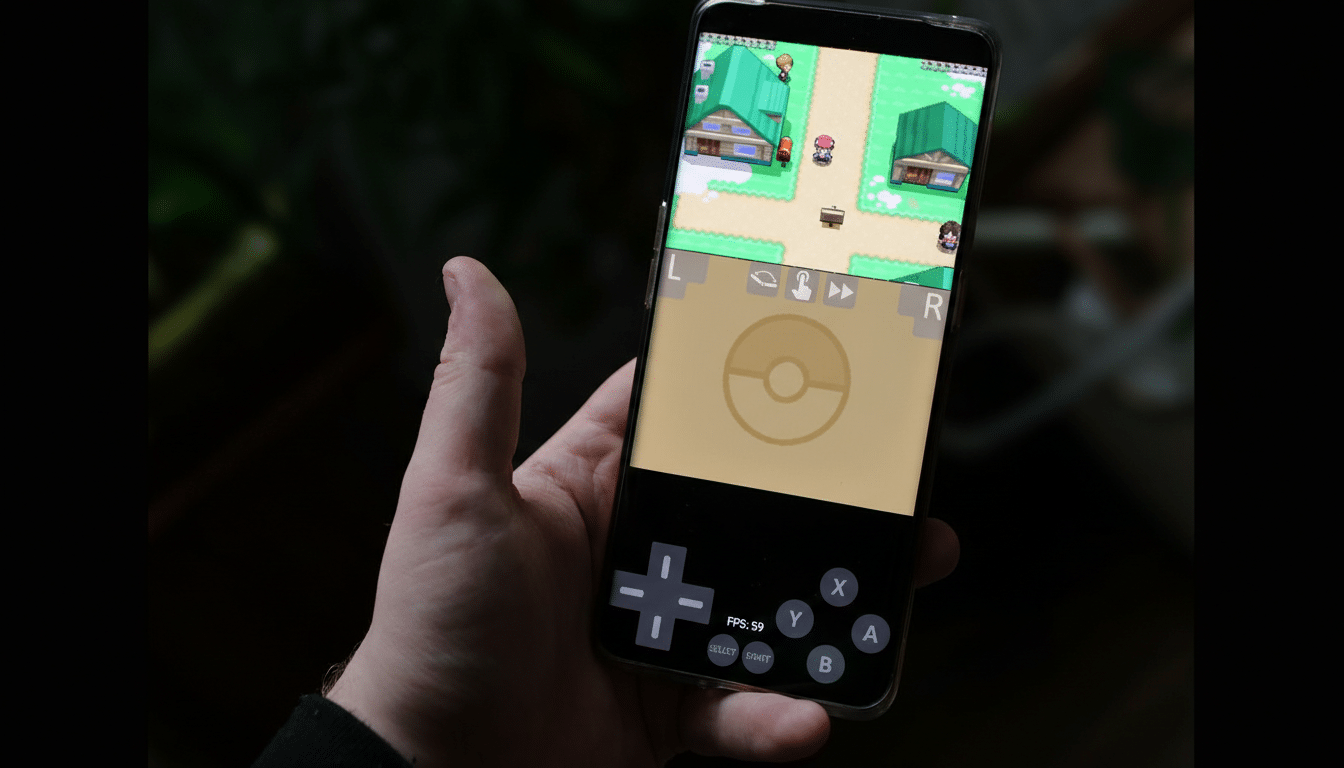
Layout customization also complements achievement hunting. Being able to position screens side by side or stack them with bezel controls reduces UI friction when chasing time-sensitive conditions or boss challenges that rely on quick inventory checks across both displays.
Availability and the Path to Google Play Store Release
The offline-capable build is distributed as a sideloadable package on GitHub and is separate from the Play Store release. Notably, Play Store maintainer Rafael V. Caetano contributes to the fork, a positive signal that offline Softcore support could migrate upstream. As with most open-source projects, the feature’s future in the mainline Android build will depend on testing, feedback, and code review.
Players who rely on storefront updates may prefer to wait, while early adopters can help validate edge cases now—especially ROM hacks, translation patches, or fan-made mods that change memory maps and can alter achievement triggers.
Getting Started Tips for Offline RetroAchievements Play
Sign in with your RetroAchievements account, launch each game once while online to cache its set, then confirm you’re in Softcore mode if you plan to go offline. Consider enabling “sync on boot” for low-maintenance reconciliation, and keep ROM hashes consistent across devices to ensure the correct sets load. If you intend to switch to Hardcore, stay connected and remember that save states and rewinds will be disabled by design.
The Bigger Emulation Trend on Mobile and Community Play
Emulators are increasingly blending community features with mobile realities. RetroAchievements, which publishes open APIs and tooling used across multiple emulators, has pushed achievement-driven play into classic libraries without altering original game code. Bringing offline logic to mobile keeps that momentum inclusive—supporting players where they are, whether that’s on a long flight or in a dead zone, without sacrificing Hardcore integrity when it’s needed most.
