


If you’re bent on stopping subscription creep in 2026, the solution is a perpetual license for Microsoft Office 2024, and an end to those monthly Microsoft 365 charges, couldn’t be simpler.
It’s the traditional one-and-done buy: get the apps you want, have them on your device, and never pay another dime.
What a Perpetual Office 2024 License Changes
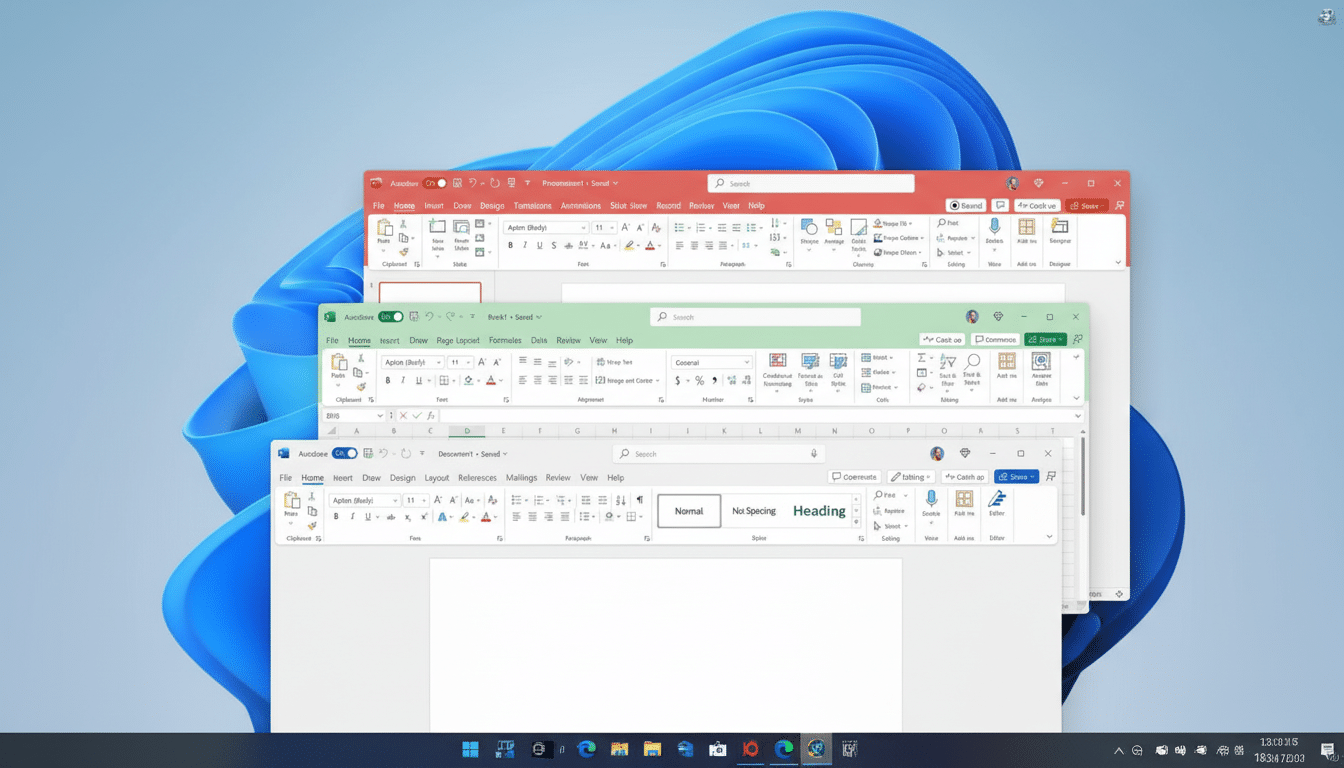
Office 2024 is a one-time purchase of the traditional, perpetual license for core desktop productivity apps—Word, Excel, PowerPoint, Outlook, and OneNote—which are installed on a PC or Mac. Unlike Microsoft 365, you pay full price once and keep the software for life (with no renewals) on that device.
According to Microsoft’s lifecycle documentation, you will get 5 years of mainstream support for Office 2024, which usually means security and reliability updates through the end. It won’t receive new features each month like Microsoft 365, but it will stay stable and supported through the entire duration of its lifecycle window.
Licensing is typically per device, and activation binds the software to your Microsoft account. That makes the model predictable for homes and small businesses that don’t need to refresh features constantly or keep track of cloud-based seats.
Cost Math Versus Microsoft 365 in 2026 Explained
Subscription costs compound quickly. Microsoft 365 Personal typically advertises for about $69.99 a year; Family, about $99.99. That’s around $350 for Personal or $500 for Family before any promotions, over five years. There’s a cost to business plans: Business Standard is just one per user per month, but it adds up quickly as you hire.
Office perpetual licenses, on the other hand, have historically cost somewhere in the ~$150–$250 range, dependent on edition and retail place of purchase, requiring no ongoing payment. Even counting the occasional upgrade every few years, the grand total can work out to undercut a long run of subscriptions—for a single user or small team with stable needs, at least.
Microsoft itself has emphasized the range of its subscription base—more than 70 million consumer Microsoft 365 subscribers, it disclosed in quarterly earnings this month—and how many households are now accustomed to ongoing software fees. For people who do not like dealing with subscriptions, a perpetual Office 2024 license is the counterpart.
Features You Gain — And What You Might Lose
What you get: ownership-like simplicity, offline dependability, and budgetable certainty. It all runs on your local machine, so users in bandwidth-restricted environments, or developers who don’t like breaking changes rolling out—too much churn—can have a consistent toolset.
What you lose: Microsoft 365’s constant flux of new features, cloud-deep collaboration, and surplus services like 1TB of OneDrive storage per user. Real-time coauthoring and seamless cross-device editing are best in Microsoft 365, though it offers tight interoperability with OneDrive and SharePoint.
AI is another dividing line. Copilot for Microsoft 365 is a subscription add-on, while Copilot Pro for consumers has an additional monthly fee. Office 2024 doesn’t ship with those integrated AI features. You can also still make web-based Copilot experiences as you please, but they won’t be integrated into the desktop apps unless you buy the add-ons.
Who Should Run for Office 2024 and Why It Fits
Office 2024 works on an economic level for independent users, students, and small organizations that write documents, edit spreadsheets, or create presentations with only light dependence on the cloud collaboration features or the multi-device seat sharing in Office. It’s also helpful for regulated or locked-down environments where frequent feature updates are a headache.
On the other hand, should your household or team exist in OneDrive and coauthor files daily, and require the freshest Excel analytics and PowerPoint features as they arrive, then Microsoft 365 continues to make more operational sense despite the ongoing spend.
How to Buy and What to Check Before You Install
Pick the right edition. Home and Student normally includes Word, Excel, and PowerPoint for one device; Home and Business often adds Outlook as well as rights for commercial usage. Confirm if you need Mac or Windows and that your hardware supports the system requirements of the version.
Buying from a trusted seller helps ensure that you are left with a legal license, correctly associated with your Microsoft account. Grey-market keys might not activate or could disappear over time. Review the Microsoft support window for Office 2024 and prepare upgrades as its lifecycle nears completion.
If you still want some of the perks of a cloud document provider without a full subscription, you can combine an old-fashioned perpetual Office license with free OneDrive tiers or another online storage service—assuming that you understand not to expect the same level of deep integration as Microsoft 365’s.
Bottom Line: Is an Office 2024 License Right for You?
For the financially strategizing user on a budget drawing up 2026 expenses, buying an Office 2024 license outright is a practical means of breaking free from falling into Microsoft 365’s rent-seeking cycle while still having key apps. The downside is less cloud candy and slower feature velocity—an easy sacrifice for those who favor stability and cost management over perpetual updates.
