


Nvidia’s GeForce Now cloud gaming service is rolling out to Amazon’s Fire TV Stick lineup, bringing PC game streaming to living room TVs without a console or gaming PC. The new app lands as GeForce Now marks six years on the market, and it pushes the service deeper into the mainstream streaming device ecosystem.
Which Amazon Fire TV devices are supported at launch
At launch, the app supports select Fire TV sticks, including Fire TV Stick 4K Max (1st Gen) running Fire OS 7.7.1.1 or later, and the latest 4K models running Fire OS 8.1.6.0 or later. Once installed, users can pair a compatible Bluetooth controller, sign in to GeForce Now, and stream their existing PC game libraries from supported storefronts like Steam, Epic Games Store, and Ubisoft Connect.
- Which Amazon Fire TV devices are supported at launch
- Streaming specs and limitations on Fire TV at launch
- How GeForce Now membership tiers apply on Fire TV
- Why Amazon Fire TV support for GeForce Now matters
- Setup tips and controller support for Fire TV sticks
- What to watch for next on GeForce Now for Fire TV
Amazon’s Fire TV platform has a massive footprint—Amazon has previously cited more than 200 million Fire TV devices sold globally—which makes it a high-impact addition for Nvidia as it expands beyond PCs, phones, and dedicated TV hardware.
Streaming specs and limitations on Fire TV at launch
On Fire TV sticks, GeForce Now currently streams at up to 1080p resolution and 60 frames per second, with no HDR. Video uses H.264 encoding and stereo audio. Even subscribers to the premium tiers are capped to these Fire TV client limits at launch.
Nvidia recommends a stable 25 Mbps connection for 1080p60 and a 5 GHz Wi‑Fi network. The Fire TV Stick 4K Max (2nd Gen) supports Wi‑Fi 6E, which can help reduce congestion on busy home networks; an Ethernet adapter can further improve stability for marathon sessions.
How GeForce Now membership tiers apply on Fire TV
The free, ad-supported tier offers one-hour sessions and standard access in queues, now on the big screen. The Priority tier (starting at $9.99 per month) brings longer sessions and faster server access, while the Ultimate tier unlocks RTX 4080-class servers with higher frame rates and 4K on supported devices. On Fire TV sticks, however, playback remains limited to 1080p60 and SDR for now.
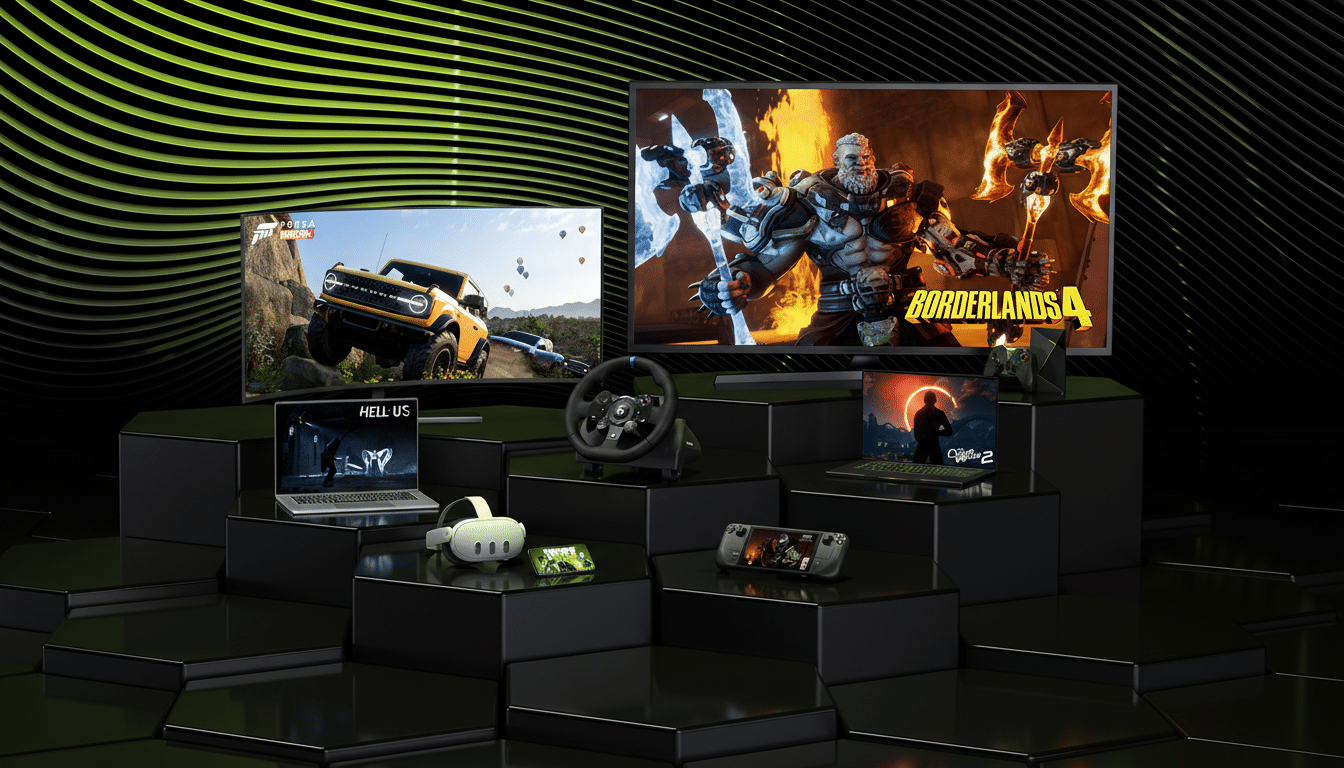
GeForce Now’s pitch remains consistent: stream PC-quality versions of the games you already own, with cross-saves where publishers support them. Nvidia says its catalog now exceeds 2,000 titles, including recent additions like Torment: Tides of Numenera, Mega Man 11, the Street Fighter 30th Anniversary Collection, Capcom Fighting Collection, and Kingdom Come: Deliverance.
Why Amazon Fire TV support for GeForce Now matters
Bringing GeForce Now to Fire TV sticks places Nvidia alongside Amazon’s own Luna service in the living room. The two offerings take different tacks: Luna is a channel-style subscription with curated libraries, while GeForce Now focuses on BYO libraries from major PC stores. For households already invested in Fire TV, adding GeForce Now effectively turns a $50 streamer into a lightweight cloud console.
The move also broadens Nvidia’s “play anywhere” strategy. Earlier this year the company expanded platform support with a Linux beta, and it continues weekly library updates. For story-heavy or turn-based games, the ability to pick up progress on a TV after starting on a laptop—or vice versa—removes one of cloud gaming’s biggest friction points.
Setup tips and controller support for Fire TV sticks
Getting started is straightforward: download GeForce Now from the Fire TV Appstore, log in, and connect a controller. Fire TV sticks support popular Bluetooth gamepads, including Xbox Wireless, PlayStation DualShock 4 and DualSense, and the Amazon Luna Controller. For the smoothest experience, sit close to your router or use an Ethernet adapter, disable network-heavy downloads on other devices, and select the in-app streaming quality that matches your connection.
What to watch for next on GeForce Now for Fire TV
Fire TV support arrives with sensible defaults—1080p60 and SDR—that prioritize broad compatibility. Given that newer Fire TV hardware can decode modern codecs and support higher bandwidth, it will be worth watching whether Nvidia enables AV1, HDR, or higher frame rates in future updates. In the meantime, the addition materially expands GeForce Now’s reach and turns millions of TVs into ready-to-play cloud gaming screens.
