


And one of the most enduring pillars of Android customization is falling by the wayside.
The highly popular Nova Launcher, a go-to launcher for geeks with tens of millions of installs on Google Play, is dead as a live development, as Kevin Barry, the man behind the project, revealed that he would no longer continue to actively work on the launcher. The question is straightforward: what now for a community that built whole workflows on Nova’s gestures, icon packs and fiddly finnicky-ness?
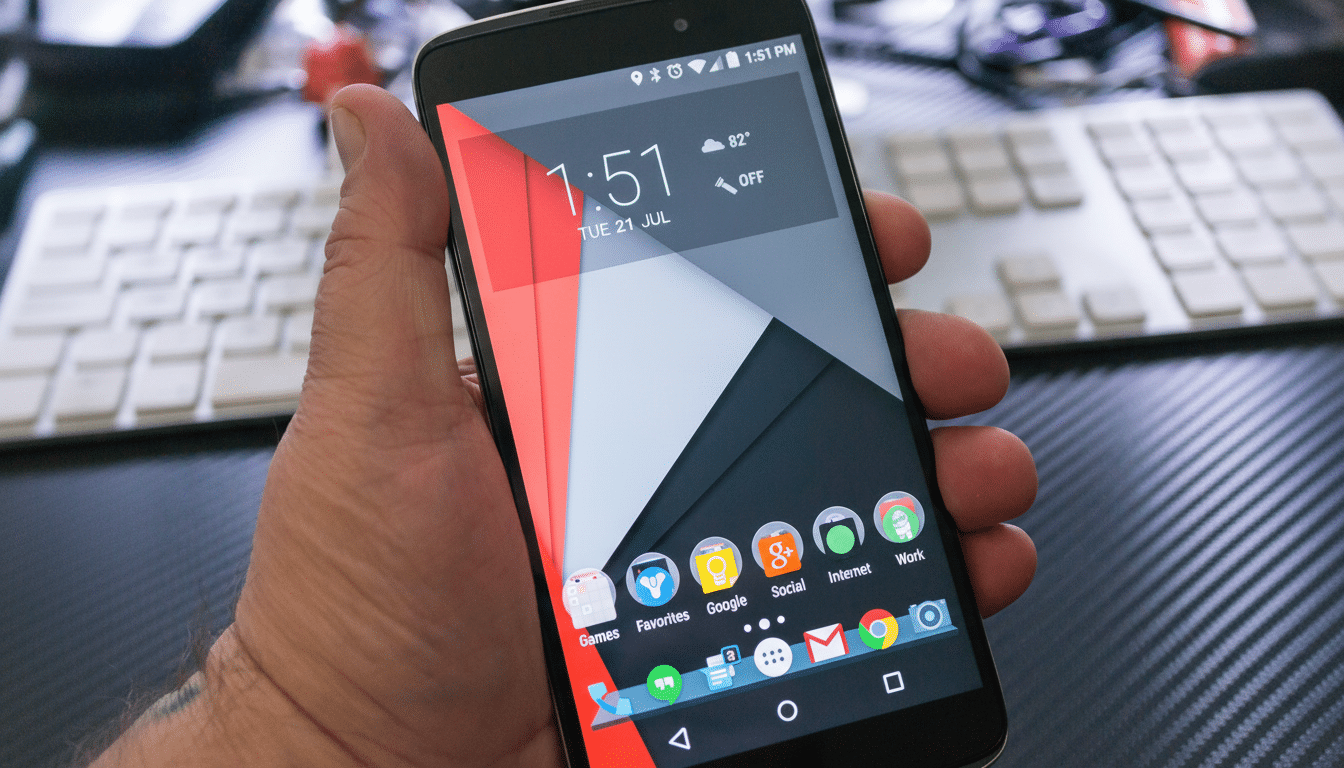
What happened and what’s next
Nova’s fate had a stroke of luck when the mobile measurement company Branch acquired the launcher and the Sesame add-on. Barry has subsequently stated that he is leaving the company, and the idea of releasing Nova’s code to the open-source community has been shelved. And without handoff to open source, the tangible result is crystal clear: no new features, no bug fixes, no compatibility improvements.
If you’re already in the habit of using Nova, it’s not going to evaporate from your phone overnight. But Android evolves quickly. Every major release of course adjusts permissions, the gestures and background limits, and launchers must adjust. In the past, Nova’s speedy updates were in sync with new features such as Adaptive Icons, notification dots and gesture navigation. An annoyance not otherwise addressed can snowball into broken shortcuts, widget oddities, or battery-management conflicts—and that’s especially true on heavily modified OEM skins.
Availability is also a concern. Even if the Play listing survives for some time, either being delisted or simply not being compatible with current devices is a possibility. Nova Prime owners buy the assumption that unlock will still work on existing installs, but what about new installs or device migrations?
Will Nova stop functioning on your phone?
Short term, no. Your home screen, gestures and icon arrangement won’t change. The larger hazard, though, is slow drift: an Android update suddenly causes recents to work completely differently, or a permissions tweak causes notifications or badges not to work, and no patch is forthcoming. Systems from Samsung, Xiaomi, and others may also throw in their own quirks — aggressive background limits, or privileges for the launcher — so support from third-parties can be a moving target.
What to do now: export your Nova layout, keep local backups of your wallpapers and icon pack, and perhaps consider freezing your setup if it’s something you rely on day to day. Should Nova be delisted in the future, many users will still be able to sideload the app, but future system-level changes might present new restrictions around doing so.
Best alternatives for next time
And while there’s no perfect one-to-one substitution, a handful of launchers have most of the bases covered:
Niagara Launcher: Niagara Launcher is a slimmed down Launcher with streamlined design designed specifically to reduce clutter, and enables users to open their apps from the active alphabetized display. It’s a tradeoff of granular per-pixel control for speed and simplicity, and many users today are all for it.
Microsoft Launcher: The full featured, polished option with strong work-life integrations, widgets, and a steady cadence of updates. It’s one of the only third-party launchers with something approaching massive adoption.
Lawnchair: Community-driven and open source, aiming for a Pixel-like appearance with Material You accents and clever customization. Great if you’re after a clean stock-inspired experience with added knobs.
Smart Launcher 6: Category-based app drawer, customizable layouts, intelligent theming. That’s a nice mix of visual and manual control without becoming overwhelming.
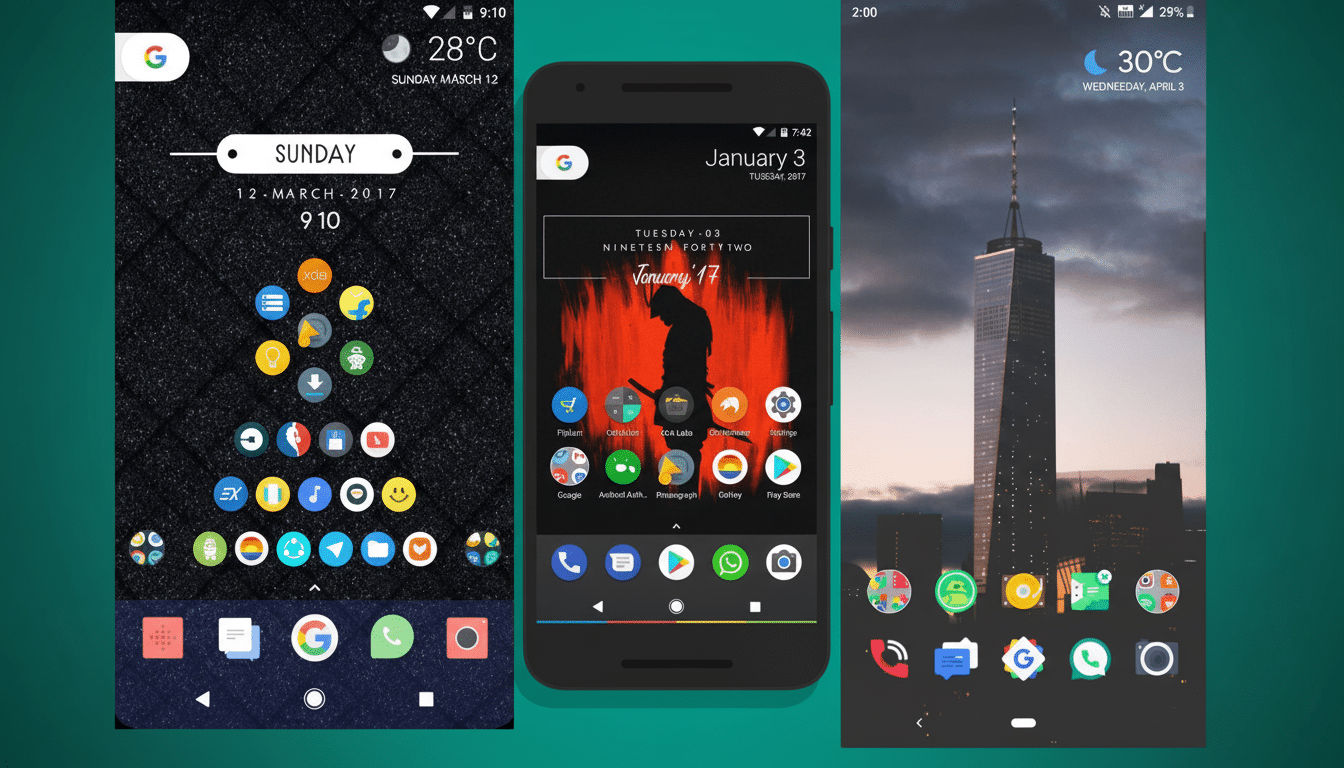
Hyperion Launcher: A custom-first pick from the Substratum theming crew with deep-level control, gestures, and rich theming options for more obsessive icon- and widget-lovers.
Action Launcher: Home to Covers and Shutters, it was ahead of the curve with a lot of productivity shortcuts. The pace of updates has been uneven, so it lags a bit in areas, but it’s still a reliable option for anybody who’s worn out the likes of UCCW.
If stability matters to you, don’t overlook stock options. All those OEM launchers (Pixel Launcher, One UI Home, etc.) in Pie and 10 got substantially better—fewer bugs with system gestures, better animations, better tie-ins with device features.
How to change without losing your setup
Begin by exporting your Nova backup and snapping screenshots of each home screen. Take an inventory of your grid size, your dock configuration, gesture mapping, and hidden apps—all elements you’re unlikely to want to leave behind as you switch launchers.
Make a list of your icon packs and widget apps so you can reinstall it easily.
If I’m you, I would re-create the structure (pages folders and grids) again before working on any style thing. Modern launchers tend to play nice with icon packs, adaptive icons, and at least some gesture shortcuts, which makes up the meat of the Nova experience for many users.
If you depended on power shortcuts and deep search, try out other alternatives’ search features and app action assistance. A few launchers come with system search, others have plug-ins or quick actions that could replicate some of Nova’s richer features.
What that means for Android customization
Nova shaped the Android home screen for more than a decade, demonstrating there’s a market for precise control and reliable performance. Its closure highlights a larger fact: as Android’s system UI becomes more opinionated—and OEMs optimize for their own launchers—the long-term prospects of third-party homescreens become more challenging.
Still, the ecosystem isn’t empty. Open-source solutions like Lawnchair maintain the spirit of community development, commercial alternatives like Microsoft Launcher invest in polish and scale. If Nova isn’t open sourced, there will not be a drop-in community fork, but should that ever change, you can expect a wave of users to volunteer to keep the torch lit.
For now, your best move is to keep your head down, take it back to basics and pilot a potential successor through your existing hardware. Whichever you opt for between minimal speed and maximal control, Android’s fundamental characteristic still stands — you do have a choice.
