


Nothing is opening up its phones to DIY widgets, with a community-enabled toolset where users can create and share mini-apps for the home screen. Called Essential, the effort launches today with a home screen and lock screen replacement app called Essential Apps, as well as a creation center dubbed Playground—marking the company’s first real move to bring AI front and center for Android users.
What Essential Brings to Nothing Phones Right Now
Essential is advertised as a set of AI tools, with aspirations to grow into an AI-first platform called Essential OS. That extended operating system is still out there, I can assure you; but the pieces are here. Your Essential Apps work as user-configurable workflows and widgets that live on your home screen, while Playground is where you make them from scratch, fine-tune them, and download new ones from the community.
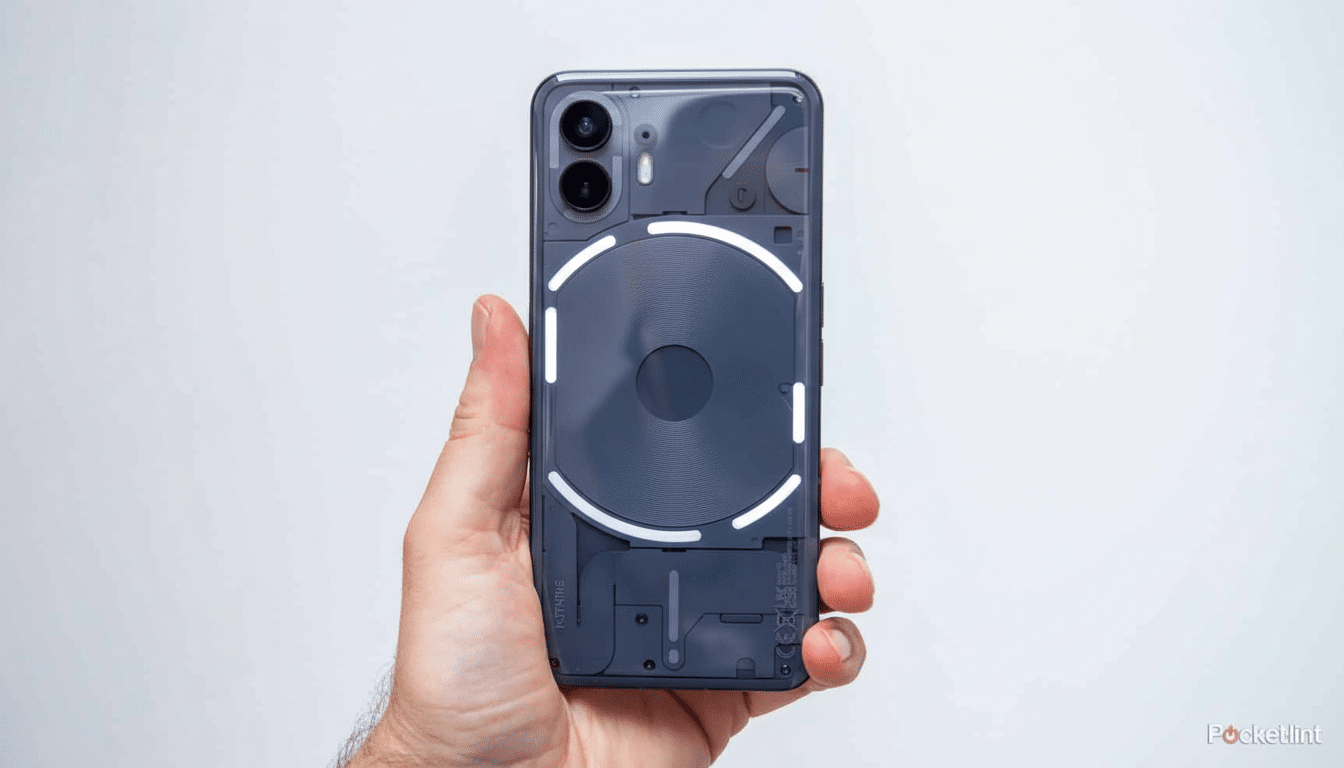
Nothing is layering all this on top of its already existent Essential Space feature, which sorts your most important apps and tasks. It is this: Essential Apps as first tactical expressions — usable, compact, and shareable under the above strategy umbrella.
How the New Essential Widget Maker Works Today
At the moment, Essential Apps are glorified widgets, not full-blown applications. Some early examples we’ve seen in Playground include a flight reminder, a Formula One race calendar, and a water intake tracker. People have also posted basic mental health check-ins and family organizers, demonstrating how efficiently a community can take care of the everyday.
For all the AI framing, creation for now is based on written inputs and modular components. Co-founder Carl Pei has said they are aiming to create with natural language, but according to reports in The Verge, at least, you will still be typing in commands and placing elements as things stand. Nothing indicates that these bite-sized apps will at some point expand into full-screen experiences, which would bring them from cool widgets to actual app replacements.
Playground Is The Engine Of The Community
Here’s where it gets interesting. And in its alpha phase, it’s widely available and is even seeding a marketplace of sorts. Browse widgets built by the community, copy them to your account, and customize according to need. That echoes the model that has fueled customization ecosystems like KWGT, which racked up millions of downloads by letting people create extremely customized widgets, and it taps into a familiar loop: find, remix, refine.
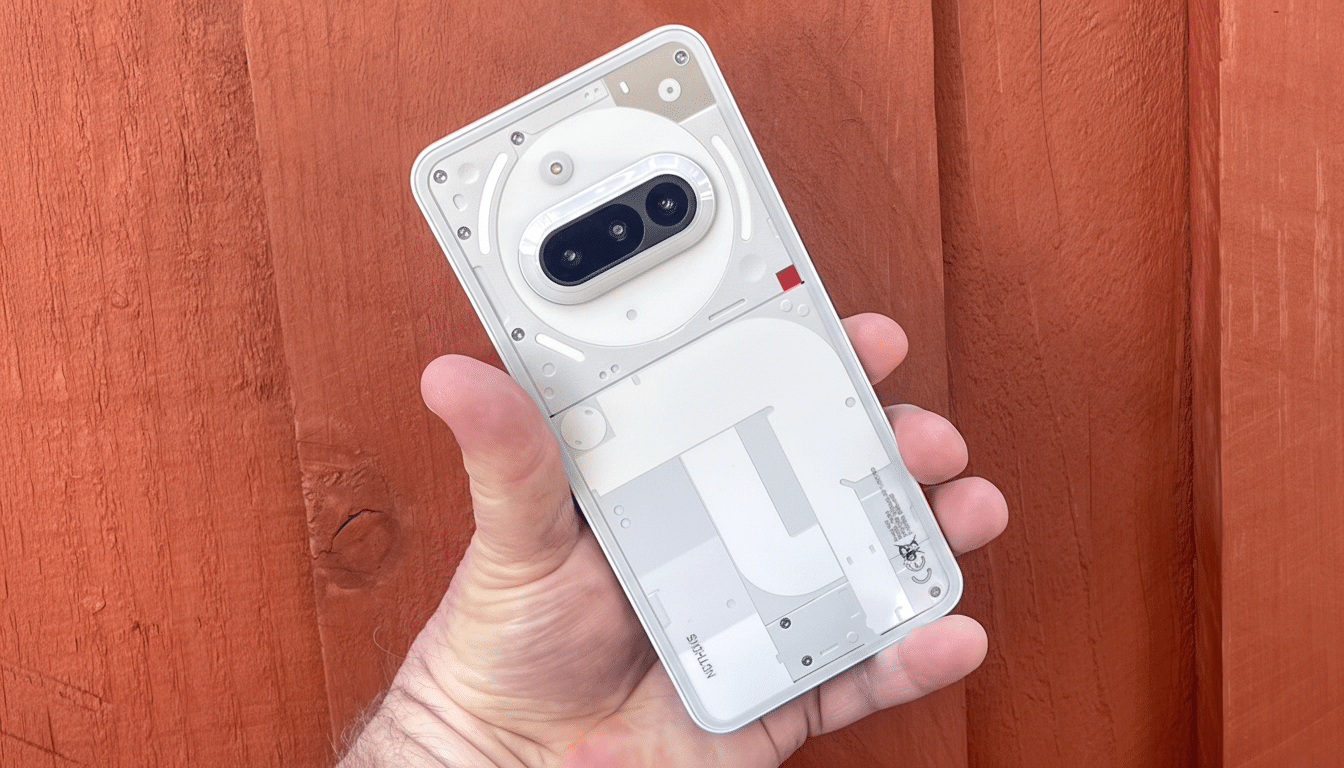
For Nothing, it is further evidence of a playbook that relies on crowdsourcing. The company has had users contribute color profiles for the camera and audio EQ presets, and it opened up development of Glyph Toys for the Phone 3’s LEDs on its back. Essential carries those values over to the home screen.
Why This Approach Is Key to Android Users Today
Google claims that there are more than 3 billion active devices around the world running Android; customization has always been part of its DNA. But the best no-code tools for general users have typically arrived from third-party apps or OEM layers, like Samsung’s Modes and Routines or Apple’s Shortcuts on iOS. Nothing’s approach combines that ease of access with a community-first distribution model, which might see useful widgets running around among fans in no time at all.
Assuming Nothing delivers on its AI-native vision—where it integrates context, language, and image models onto atom-level hardware so they can converse with each other—widgets might actually transform from static data blocks to proactive objects that recognize when your appointment is, parse the photo of a boarding pass, or give you a quick summary of a document someone shared with you. The technical challenge is offering creators a higher-level system hook while upholding user privacy as well as performance on-device.
What to Expect Next from Essential Apps and Playground
In the short term, look for incremental improvements — additional templates, deeper data sources, and better integration with the home screen. That may be a subtle effect, as Essential Apps graduate from plain tiles to full-screen views; the line between “widget” and “app” could start to blur as Playground starts resembling a scrawny app store for utilities created by the community.
Early adopters can already experiment, plugging together their own personal dashboards — habit trackers, quick breakfast launchers, sports match schedules — and adjusting shared creations to suit the beat of their days. Whether this experiment works is all going to come down to whether Nothing can convert early novelty into daily utility, and whether the AI-based features arrive that make things easier, not harder.
The result: There’s now a no-code way for its users to define the future of their phones. For now, it’s modest — useful, simple, and highly shareable — yet the roadmap is clear toward a platform wherein your home screen acts as a canvas for lightweight AI-augmented tools built by the community.
