


Google is finally implementing a no-data-wipe over-the-air update that will allow Android 16 (QPR1 beta) testers to move to the stable channel without having to erase their handsets.
The rollout addresses weeks of frustration experienced by Pixel owners who opted into the beta to test a headline feature early and then learned they were locked onto the beta track unless they factory reset. We have word from multiple users that the new “exit” package is hitting devices on Android 16 QPR1 Beta 3.1 and switching them over to the stable release with version code BP3A.250905.014.
- A Cleaner Way To Go From Beta to Stable Releases
- Who Can Get the No-Wipe OTA Update on Pixel Devices Today
- How To Force the Update and Exit the Beta Safely
- What’s New in This OTA for Android 16 QPR1 Stable
- Why Testers Should Care About the No-Wipe Exit OTA
- If You Have Already Installed the QPR2 Beta
- Bottom Line: A No-Wipe Path Back to Stable for QPR1
A Cleaner Way To Go From Beta to Stable Releases
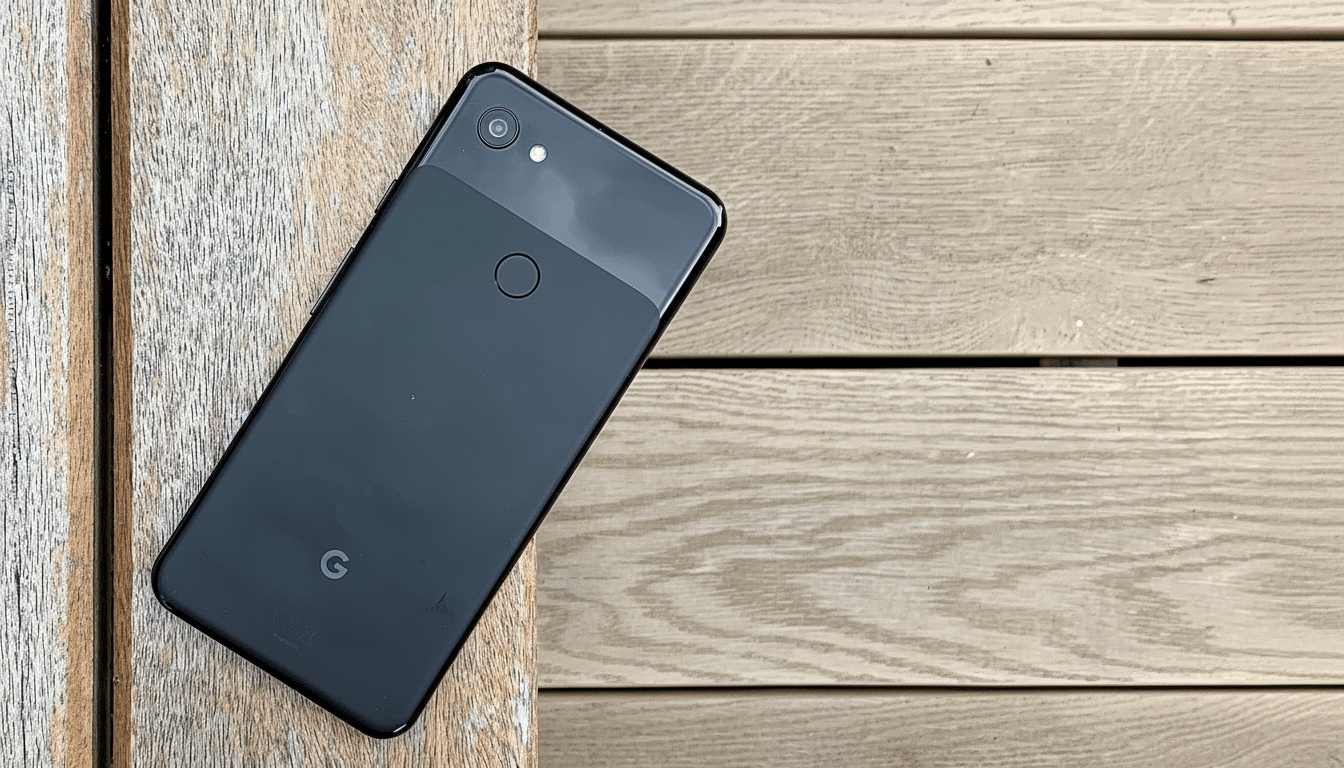
Whether the Google Pixel 3a and Pixel 3a XL will have their data wiped when you unenroll simply isn’t clear at this point, but if it installs an OTA and not a beta build on its own, there’s reason to believe that it won’t.
“Note: If you opt out when your device is running a beta version of Android, all user data will be wiped,” writes Google on the official FAQ page for joining and leaving the Android Beta Program.
During some cycles, however, the company posts a special bridge OTA to coincide with a stable release and enables testers to exit beta without losing any of their data. That’s precisely the case here with Android 16 QPR1, where Google has released a signed (stable-channel) build for beta-eligible devices so that they can roll to a new channel while keeping all of their data and settings.
Independent Android analysts and community testers have identified the intact user data as an advantage; for now, the stable build follows the same platform level, but the beta flag is no longer there.
This is a good middle ground for enthusiasts who want stability back without spending their time reinstalling apps and tweaking settings.
Who Can Get the No-Wipe OTA Update on Pixel Devices Today
The non-wipe OTA is for Pixel devices registered on Android 16 QPR1 beta, for users who have already been updated to Beta 3.1 specifically. Those who did not upgrade to the Android 16 QPR2 beta are the audience here. Supported devices are recent generations of Pixel with Android 16, and early reports seem to be most prevalent from owners of Pixel 6 or later.
And if you jumped past QPR1 and are running the QPR2 beta, there is still an exit from the program, but that road leads to a factory reset at this moment. There will be a no-wipe build-out when stable QPR2 is released, as with Google this pass.
How To Force the Update and Exit the Beta Safely
Some testers say you may find the update by following these steps:
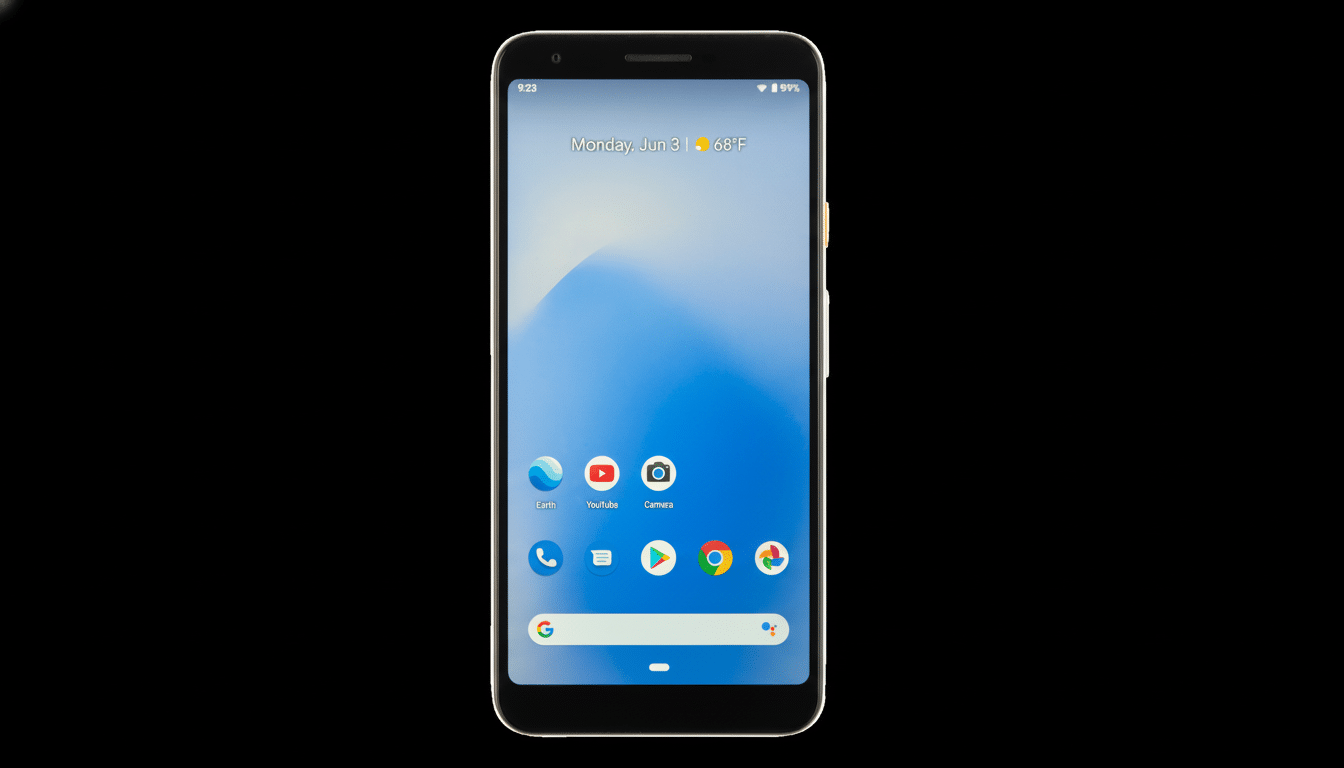
- Open Settings > System > System update and tap “Check for update.”
- If it doesn’t appear, reboot the phone and check again.
- After installation, opt out of the Android Beta Program to keep your device on the stable channel without a factory wipe.
As usual, be sure to:
- Make a backup before any major updates.
- Keep your battery charge above 50 percent.
- Connect to a reliable Wi‑Fi network.
Admins can require that devices be approved by an administrator to change channels if managed or using device policy controls.
What’s New in This OTA for Android 16 QPR1 Stable
This bridge build takes your device to the stable Android 16 QPR1 release while keeping data and app states. It sets your system image, build fingerprint, and security patches to the production release (BP3A.250905.014) to remove the beta designation, also letting the next update come from the stable channel.
That translates to retaining the QPR1 feature set outlined for Android 16, such as Material 3 Expressive theming and the updates that come along with Live Updates, without having to sit in the beta escape hatch. For a lot of people this is the best of both worlds: the new capabilities with the stability of the stable pipeline.
Why Testers Should Care About the No-Wipe Exit OTA
Enthusiasm is the fuel of beta programs, but too often the cost of entry includes a potential wipe on exit. By offering no-wipe exit OTAs across more cycles, Google mitigates that risk by allowing eligible users to evaluate sooner and more frequently. That can mean more “real world” coverage of devices on carriers, in regions, as well as across device/hardware variants—it also helps shake out edge-case bugs before broader stable rollouts.
Community posts over at the Android beta subreddit reflect a lot of interest in ways to get out while keeping data intact, with new topics piling up as the OTA makes its way to various device models. Mass factory resets also mean lower support overhead for Google, and fewer sync storms against cloud services as users reactivate devices.
If You Have Already Installed the QPR2 Beta
Android 16 QPR2 beta users looking to exit the program immediately today can expect a factory reset when falling back to stable. If not, discretion is the better part of valor, and it’s best to wait for the matching no-wipe exit OTA once a stable QPR2 build lands. Google has done this in past cycles by matching it with the public release corresponding to your beta track.
Bottom Line: A No-Wipe Path Back to Stable for QPR1
Android 16 QPR1 beta users have a simple, data-friendly way back to stable now with build BP3A.250905.014 rolling out over the air. Search for an update, reboot as needed, and then unenroll from the beta to remain on the stable channel — no wipe required. It’s a small change with an outsized effect on tester confidence and day-to-day usability.
