


Netflix has quietly rolled out a new feature that lets you cast shows and movies from your app to most modern devices that run a remote control. The company now instructs users to “use the Netflix app on your smart TV” and use their included remotes to browse for content, with only some older Chromecast hardware that depends wholly upon casting exempted.
What Changed and Where the Casting Policy Applies
The change became apparent after users pointed out that the support page had been updated to include a new phrase describing a “repair rejection” and posted their experiences on Reddit, followed by further confirmation reported by Android Authority. Netflix’s revised terms of service say that casting from a phone or tablet is no longer supported on most TVs and streaming players. If the hardware you’re using has a specialized remote and the ability to run an official Netflix app, you should use that app instead.
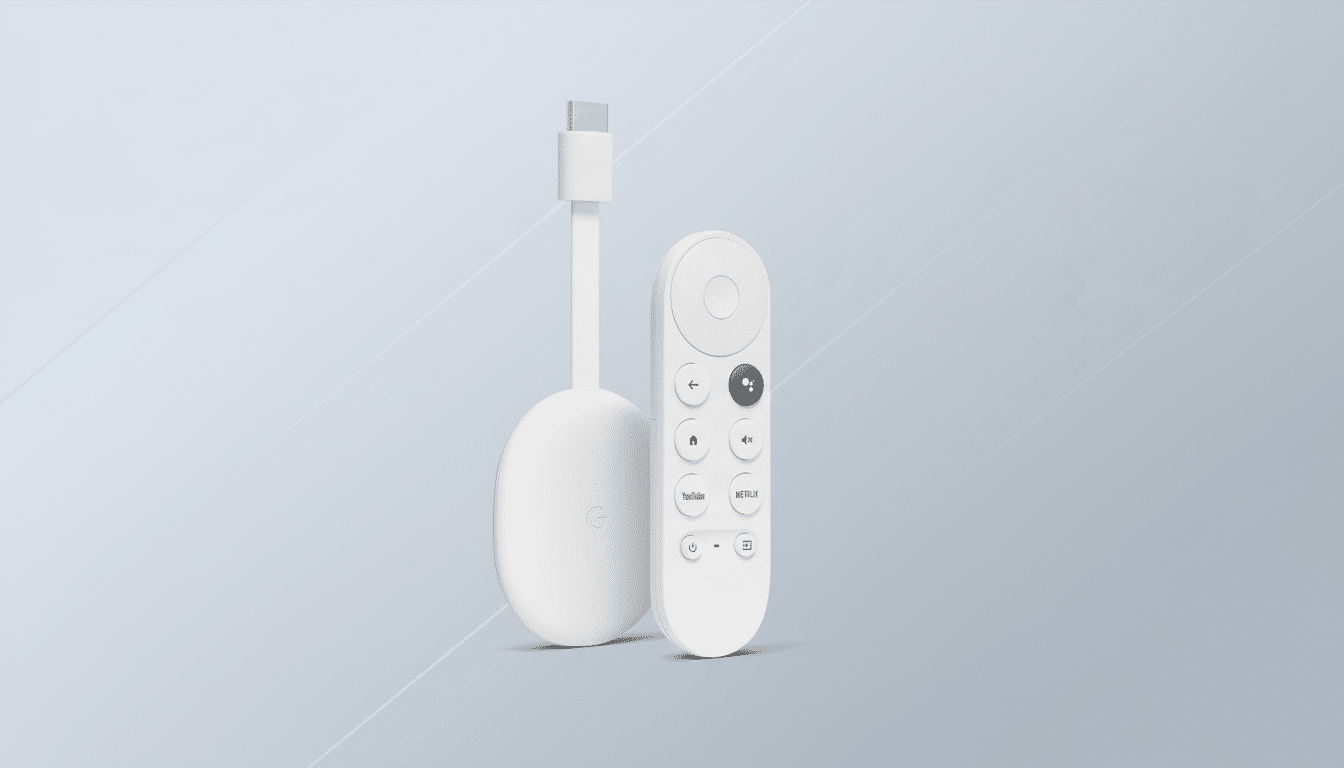
What that means in practice is a line of devices like Chromecast with Google TV and many different Google TV or Android TV sets are no longer options for casting your mobile screen from the Netflix app.
Older Google Cast–only models such as the original Chromecast and Chromecast Ultra still work because those devices were designed to be controlled from and fed by a phone, not capable of running Netflix directly.
There is another wrinkle: casting on the ad-supported tier of Netflix was already limited earlier this year, and that restriction remains. To cast to the older devices that still support it you will need a higher-tiered plan that includes it.
Why Netflix Is Embracing a Remote-First Experience
Netflix hasn’t published a deep technical brief on the change, but it is consistent with the company’s broader goals: to direct viewers into the TV app where Netflix owns everything about the interface, playback pipeline, and recommendations. This reliability is important for speed, but also for the site and store’s merchandising (Top 10 rows, trailers, and profile switching are easier to make universal if sessions begin on a phone before moving to separate devices when they end).
Advertising and measurement are also presumably part of it. The company, which has been quickly growing its advertising business, needs to control where and when ads are placed on the biggest screen as well. Doing everything through native TV apps makes life easier in terms of device identification, concurrency checks, and audience measurement — which are all key to pricing and reporting. At its most recent upfronts presentation, Netflix said the ad-supported plan had tens of millions of monthly active users, further emphasizing how TV playback could be reliably measured.
There’s also a support angle. Fewer entry points into a video stream may make troubleshooting simpler. If Netflix can instruct customers to open the TV app and use the remote, it’s also easier to diagnose issues related to bandwidth, HDMI, and device updates without adding in the muddiness of inter-device casting.
Who Can Still Cast From the Netflix Mobile App
If you’re on an old Google Cast–only device, like the Chromecast (1st–3rd gen) or the Chromecast Ultra, the mobile cast button should continue working, so long as you have an eligible plan. These dongles rely exclusively on phone-initiated sessions and as such are carved out as exceptions in the company’s support documentation.
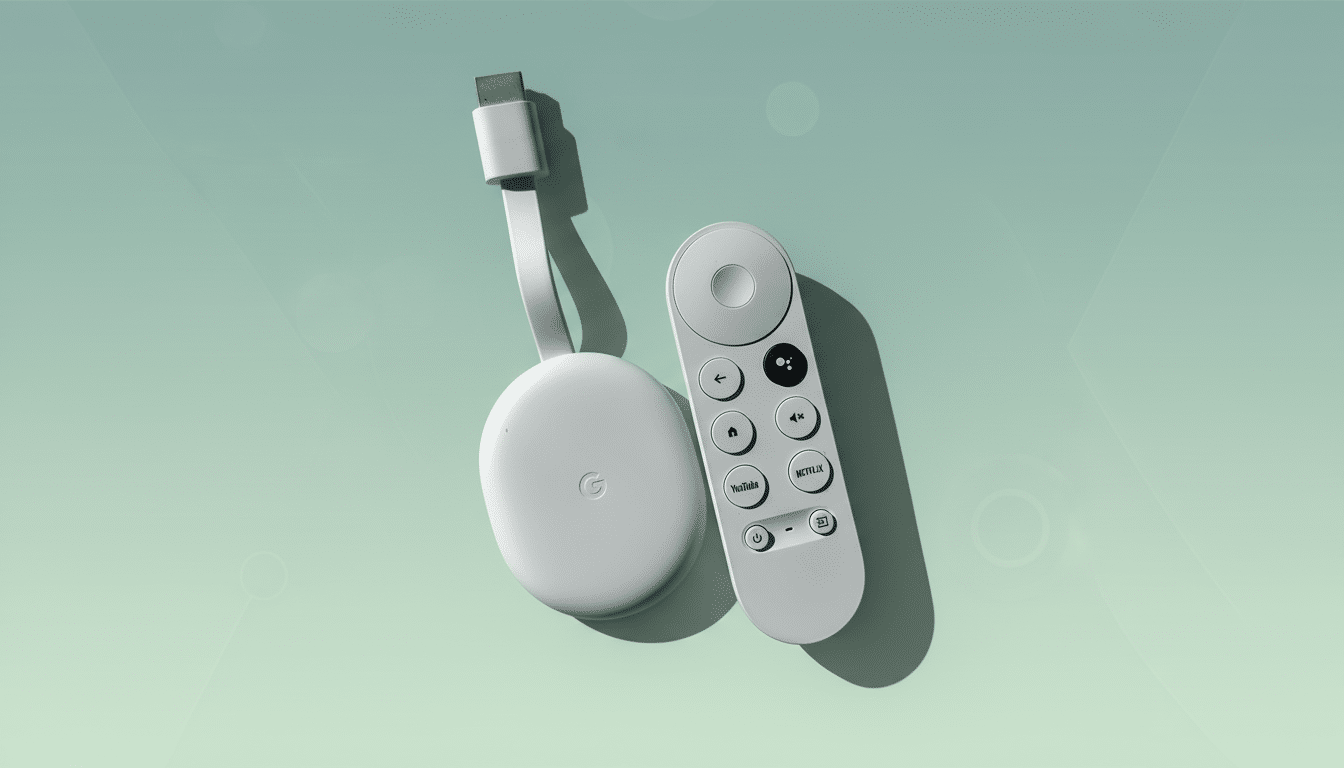
On newer devices that have their own remote — Chromecast with Google TV, numerous Google TV and Android TV sets, and other remote-equipped streamers — the Netflix app expects you to browse for shows and movies directly on the big screen. The cast feature won’t work (or will disappear) for those devices if you’ve recently updated the mobile app.
Viewers Weigh In With Practical Workarounds and Tips
The easy short-term fix: Just go to Netflix on your television or device and use its remote. Ensure the TV app is up to date, you’re logged in with the correct profile, and that any autoplay or subtitle preferences are set where you watch most often. If you don’t want to type, use voice search through your assistant on the device itself (Google Assistant on Google TV, Alexa on Fire TV, or Roku Voice) to surface titles quickly.
For phone-first households, it’s possible to still add shows to My List from a mobile device and then view that list on the TV app. Numerous TV platforms also support casting for other apps; it’s only Netflix’s approach that changes here, so your wider casting habits may not need a full reset.
The Bigger Picture for Streaming User Experience (UX)
The industry is shifting away from accessory-style dongles to full operating systems on the television, with companies like Netflix, YouTube, and others optimizing for native big-screen experiences. Research firms including Nielsen have found that most streaming viewing happens on TV sets, not phones — which dovetails with Netflix’s motivation in keeping the TV app a primary entry point for much of its content.
For Netflix, reining in playback within the TV app might contribute to improved recommendations and more seamless binge mechanics — it would offer clearer line of sight into how shows fare on the screen where most viewing takes place. In return, users will lose a convenience feature adopted on modern hardware — especially in homes where they’d just as soon queue up a title from the couch with a phone — but gain a more predictable experience and more consistency once inside the TV interface.
If your living room setup relies on an old-school Chromecast, there will be no immediate changes.
But for anyone who hold a remote, Netflix’s message is clear: begin and end on the TV app.
