


I spent two weeks living with Mint’s new 5G home internet to answer a simple question: is it actually worth it? The short answer is that Mint delivers compelling value for light to moderate households, but its network priority, data policy, and peak-time variability mean it isn’t a universal cable killer. The nuance is where the decision gets interesting.
Pricing and Plans: Costs, Terms, and Annual Billing Details
The headline attraction is cost. Mint prices home internet at $30 per month for existing Mint Mobile customers and $40 for everyone else. That undercuts many cable and fiber plans and comes close to rival fixed wireless offers. T-Mobile’s 5G Home Internet is typically $50 monthly, or as low as $35 with eligible wireless bundles.
- Pricing and Plans: Costs, Terms, and Annual Billing Details
- Setup and Gateway Experience: Installation and Wi-Fi Notes
- Real-World Performance: Speeds, Latency, and Reliability
- Data Policy and Gaming Reality: Caps, NAT, and Trade-Offs
- How It Compares to Rivals: T-Mobile and Verizon Options
- Who Should Switch and Who Should Skip Mint Home Internet
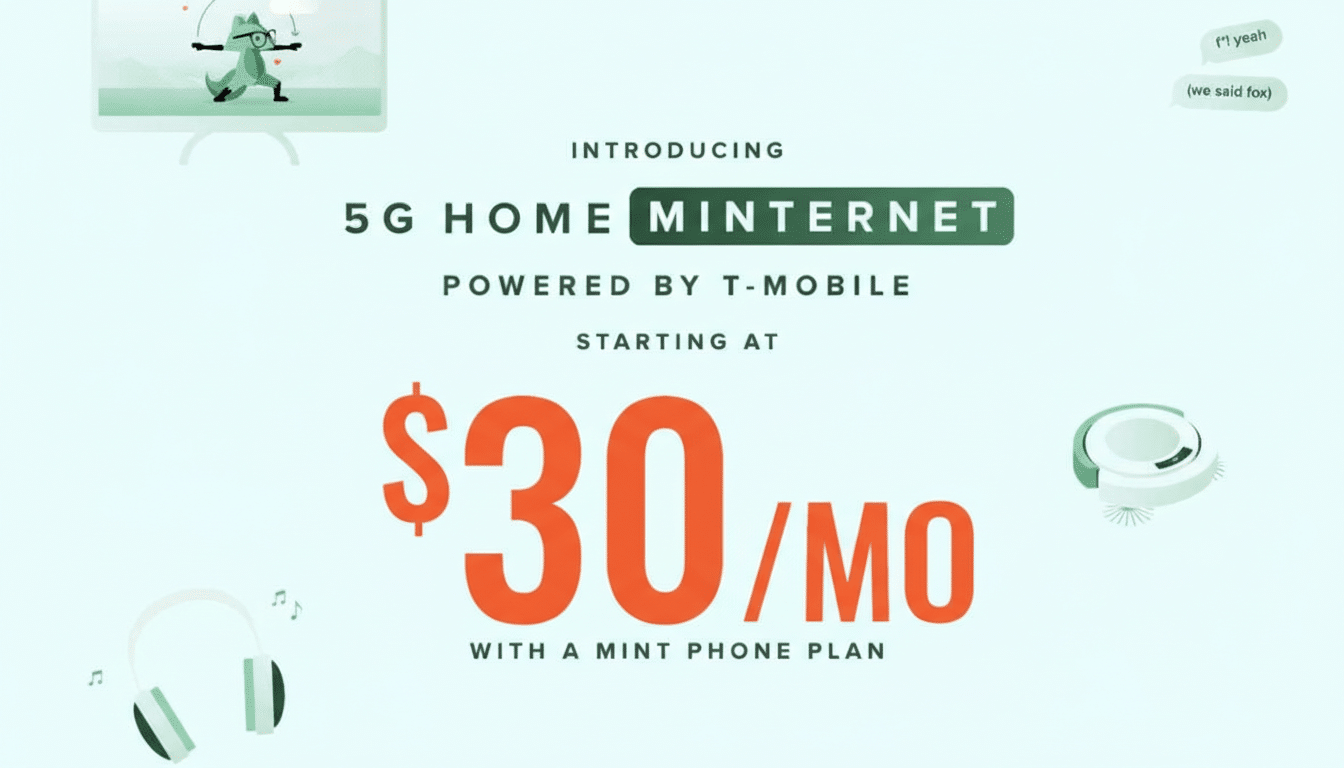
There’s a catch that matters for budgeting. Mint doesn’t do true month-to-month billing. New customers can start on a 3-month term, but keeping the lowest rate long term requires paying annually. If you already use Mint for phone service, the combined outlay can still land under $50 monthly for both services, which is aggressive by any measure.
Setup and Gateway Experience: Installation and Wi-Fi Notes
Setup was refreshingly quick. The gateway arrived pre-provisioned; I placed it by a window, connected power, and followed the app. From unboxing to browsing took about 10 minutes. The unit supports 5G with 4G LTE fallback and offers Ethernet ports for hardwiring a desktop or streaming box.
A few caveats: like most 5G fixed wireless gateways, bridge mode and traditional port forwarding are limited due to carrier-grade NAT. That’s typical for mobile networks but worth flagging for users who run home servers or need precise networking features for work. Wi-Fi coverage in a mid-size home was adequate, though performance improved noticeably when I used my own mesh system behind the gateway.
Real-World Performance: Speeds, Latency, and Reliability
Over two weeks in a suburban area with moderate congestion, off-peak downloads were consistently strong, easily supporting 4K streaming on multiple TVs and large file syncs. During primetime, speeds dipped but remained usable for video calls and HD streaming, with occasional buffering on simultaneous 4K sessions. Uploads were more variable than downloads but good enough for cloud backups and screen-sharing.
Latency was generally in the 30–50 ms range, which felt responsive for everyday use and casual gaming. Competitive shooters were playable but not ideal during peak hours. This aligns with broader market data: Ookla’s recent reports show T-Mobile leading U.S. 5G median download speeds near the 200 Mbps mark, yet performance on fixed wireless varies by tower load and signal quality. T-Mobile’s own disclosures estimate typical fixed wireless downloads in the 72–245 Mbps window; Mint rides the same network but with lower priority than T-Mobile’s in-house home internet, so speeds can dip sooner when cells get busy.
Data Policy and Gaming Reality: Caps, NAT, and Trade-Offs
Mint applies a 1TB soft cap before potential deprioritization. For many households, that’s sufficient. Roughly speaking, 1TB translates to about 150 hours of 4K streaming at common bitrates, or several hundred hours of 1080p. Where you’ll feel the limit is in frequent game downloads, OS updates, and 4K streams across multiple rooms every evening.
Gamers should also weigh NAT constraints and fluctuating latency. Matchmaking and cloud gaming worked, but strict NAT types and port-forwarding limitations can be a headache on some platforms. If you host game servers or need consistent sub-20 ms pings, fiber or high-tier cable remains the safer bet.
How It Compares to Rivals: T-Mobile and Verizon Options
Against T-Mobile’s own 5G Home Internet, Mint wins on sticker price but loses on network priority and data leniency. T-Mobile’s plan is marketed as unlimited with higher prioritization for home internet traffic, which can translate to steadier peak-time performance. Verizon’s 5G Home tiers can be competitive where their C-band or mmWave coverage is strong, though pricing and availability vary widely.
Fixed wireless has been the growth engine of U.S. broadband according to Leichtman Research Group, accounting for the vast majority of net subscriber additions recently. The appeal is clear: no trenching, fast setup, and fewer fees. The trade-off is variability that wired networks generally avoid. The FCC has pushed for “broadband nutrition labels” to clarify speeds and terms; still, local tower conditions dictate outcomes more than any brochure.
Who Should Switch and Who Should Skip Mint Home Internet
Mint’s home internet makes the most sense for singles and couples, renters who want easy setup and easy moves, and anyone fed up with cable fees who mostly streams, works from home, and games casually. It also shines as a backup connection for remote workers who can’t afford outages.
Large households with multiple 4K streams, heavy downloaders, serious gamers, or users who need advanced networking features will likely be happier on fiber or a high-capacity cable plan. If you’re on the fence, Mint offers a 14-day trial with a refund window, which is the right way to see how your local tower behaves at your busiest hours.
Bottom line: Mint’s home internet hits its value target if your needs are moderate and your local T-Mobile signal is healthy. It won’t bulldoze a fast fiber line, but it can handily replace a bloated cable bill, provided you understand the limits and try before you commit to the annual discount.
