


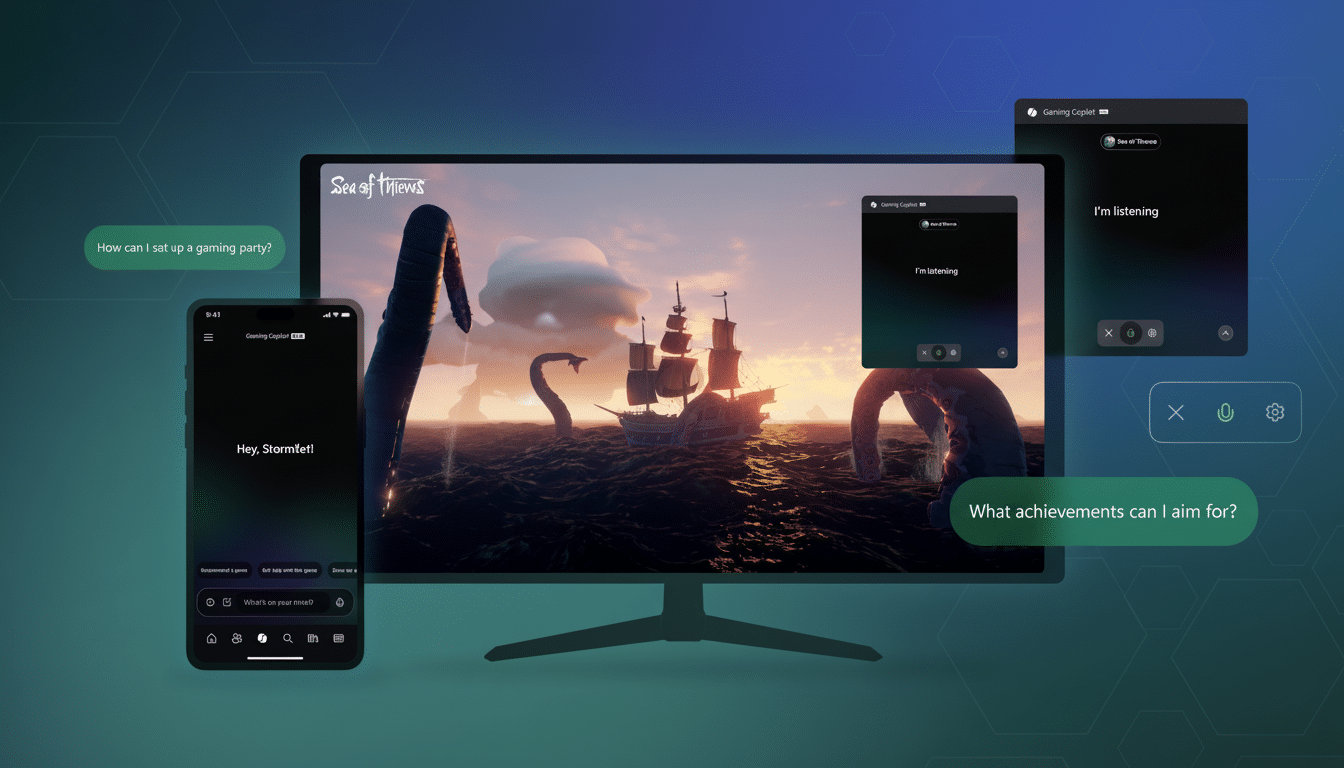
Microsoft is rolling out its AI assistant to your save files. Gaming Copilot — a new experience integrated directly into the Xbox app and Game Bar on Windows that promises you real-time tips, achievement guidance and contextually aware help based on your Xbox profile — meaning less time spent alt-tabbing to wikis and more time focused on playing.
Unlike static guides, the GCP knows where you are inside a game, what quests you have completed and what achievements you are chasing. It can help you over a tricky encounter, recommend builds that match your playstyle or simply remind you who the NPC was when last you encountered them.
What Gaming Copilot Really Does for Players
Fundamentally, Gaming Copilot leverages your Xbox profile — play history, achievements and context of current session — to serve detailed guidance that takes into account spoilers.
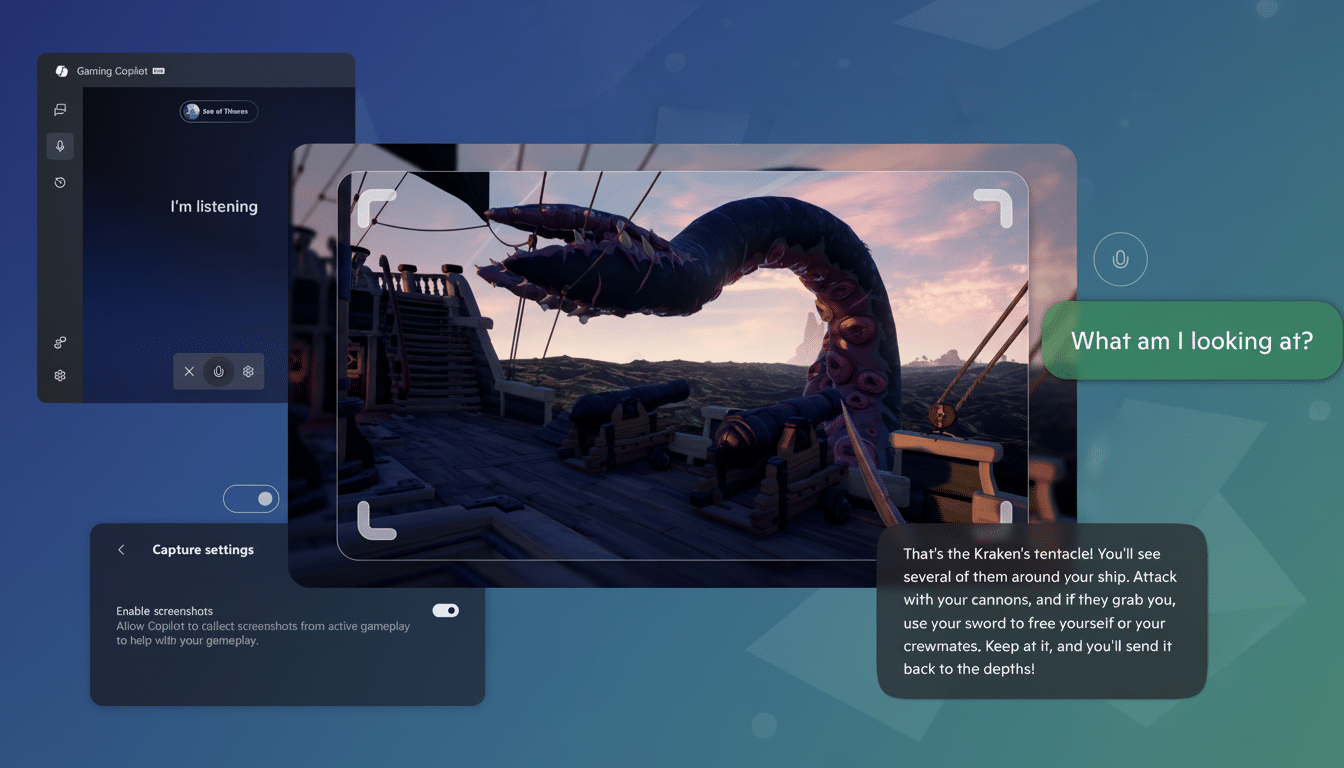
Stuck on a late-game boss? It can provide you with strategy pointers according to your own guns and perks. Want that last collectible to achieve 100% completion? It can show you the step that you overlooked, instead of being one more canned to-do list.
There’s also an assistant — err, concierge. Given an idea of what you like, Copilot will suggest what to play next or which Game Pass games best jibe with your time budget and the genres you prefer. It’s a coach that adapts to your library, not just a search box with a chat interface, Microsoft says.
That lands in a market already tilting toward AI assistants. Nvidia has already demoed G-Assist, a system that puts hints and performance tuning over PC games, and just this week publishers like Ubisoft have revealed AI-driven NPCs toying with what might be coming. Microsoft’s move embeds the concept directly into the Xbox ecosystem.
How to Use Gaming Copilot on Windows and Mobile Devices
If you’re playing on Windows, download the Xbox app, open your game and hit the Windows logo button + G to bring up Game Bar. Search for the Gaming Copilot icon, launch the widget, and sign in with your Xbox account. From there, you can ask questions in written format, or program a Push-to-Talk button by going to Hardware and Hotkeys.
Mobile support comes through the Xbox app: click on the Gaming Copilot tab, tap on the microphone and shout out whatever you need. Microsoft also says voice control functions mid-session, so when you need to ask for a hint or receive a reminder of your objectives, you can keep your hands on the controller.
Not a Cheat, But It Will Alter How We Play
Guidance is not the same as aimbots or wallhacks, and Microsoft pitches Copilot as assistive, rather than exploitative. Most anti-cheat software like BattlEye and Easy Anti-Cheat polices modified code and unapproved overlays, but Copilot itself is an authorized widget within the Game Bar. Still, competitive communities police their own borders — expect some leagues and tournaments to define what’s fair game.
For the millions who already rely on YouTube tutorials and walkthroughs, this is a quality-of-life improvement. The Entertainment Software Association has long tracked how common gaming is throughout households, and the popularity of how-to content reinforces a basic truth: Sometimes people just want a nudge, not a spoiler. With personalized, moment-to-moment advice, Copilot could help challenging genres feel more welcoming without stripping out all the friction.
There’s an interesting historical footnote, too: “Copilot” used to describe a now-discontinued Xbox accessibility feature that allowed two controllers to work as one so that there could be a Jump In helper partner in play on almost any game; Gaming Copilot isn’t exactly the same, but philosophically it rhymes, with its broader approach to assistance both in and out of the game.
Data, privacy, permissions, and in-game performance
Copilot depends on the context of your account and gameplay, so data permissions apply. Microsoft says it uses information from your Xbox profile and session to tailor the replies. You can review and change permissions in your Microsoft account privacy settings, and voice features are opt-in. If you’re fussy about data access, poke around the settings for a moment before you start posting requests for boss strategies.
As for performance, the assistant operates using Game Bar’s widget framework. You may minimize the widget or disable it if you want a clutter-free screen. It’s not going to appease everyone — skeptics on Reddit already are calling it bloatware. But the control over visibility and shortcuts goes a long way toward making sure the tool stays unobtrusive.
The bigger play for Microsoft’s Xbox and PC gaming
Copilot is emerging as a throughline across Microsoft’s portfolio, colonizing everything from productivity apps to Windows. Bringing that to gaming further underpins a strategy: Make people feel AI is native, not bolted on. If the assistant is actually worth a damn — and not mere chat for the sake of chatting — it could push for more engagement on PC or ultimately come to consoles and cloud sessions in due time.
Gaming Copilot can mean the difference between quitting and finishing for newcomers, busy adults or anyone who bounced off a punishing difficulty spike. Purists can ignore it. The rest of us have a coach that knows our backlog, our loadouts and how much is too much — and won’t be judging us for asking where that last collectible is hiding.
