


LG is quietly rolling out a firmware update that tackles one of the most common OLED complaints head-on: dim-looking Dolby Vision. Owners of the latest C5 and G5 TVs are reporting a clear lift in overall brightness and shadow detail when watching Dolby Vision titles, and the change doesn’t cost a thing.
What Changed in Dolby Vision Tone Mapping on LG OLEDs
The update adjusts how the TV maps Dolby Vision’s dynamic metadata to the panel’s capabilities. In practice, that means a higher average picture level and less crushed detail in dark scenes, especially in brighter rooms. Early user reports describe a “striking” difference versus the prior firmware, with highlights that pop more and mid-tones that no longer feel muted.
- What Changed in Dolby Vision Tone Mapping on LG OLEDs
- Which LG OLED Models and Dolby Vision Modes Are Affected
- Why Dolby Vision Sometimes Looked Too Dark on LG OLEDs
- How to Get and Install the Free LG Dolby Vision Update
- What to Try After Updating Your LG OLED for Dolby Vision
- Early Reactions and What to Expect Next From LG’s Update
- Bottom Line for LG C5 and G5 Owners After This Update
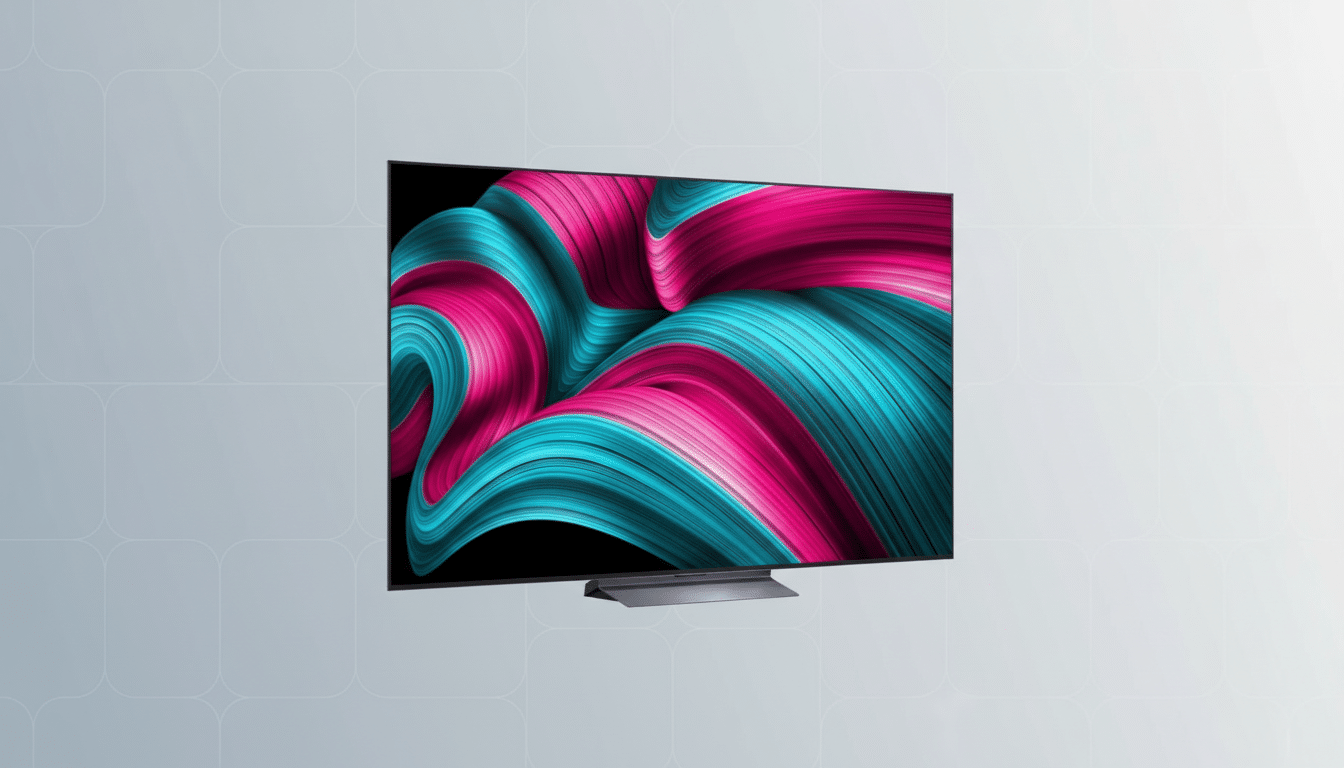
While Dolby Vision aims to preserve creator intent through scene-by-scene tone mapping, implementations can vary. LG’s new approach appears to relax overly conservative tracking that made some Dolby Vision content look dimmer than the same title in HDR10. The result maintains dynamic range while making the image more livable in real-world lighting.
Which LG OLED Models and Dolby Vision Modes Are Affected
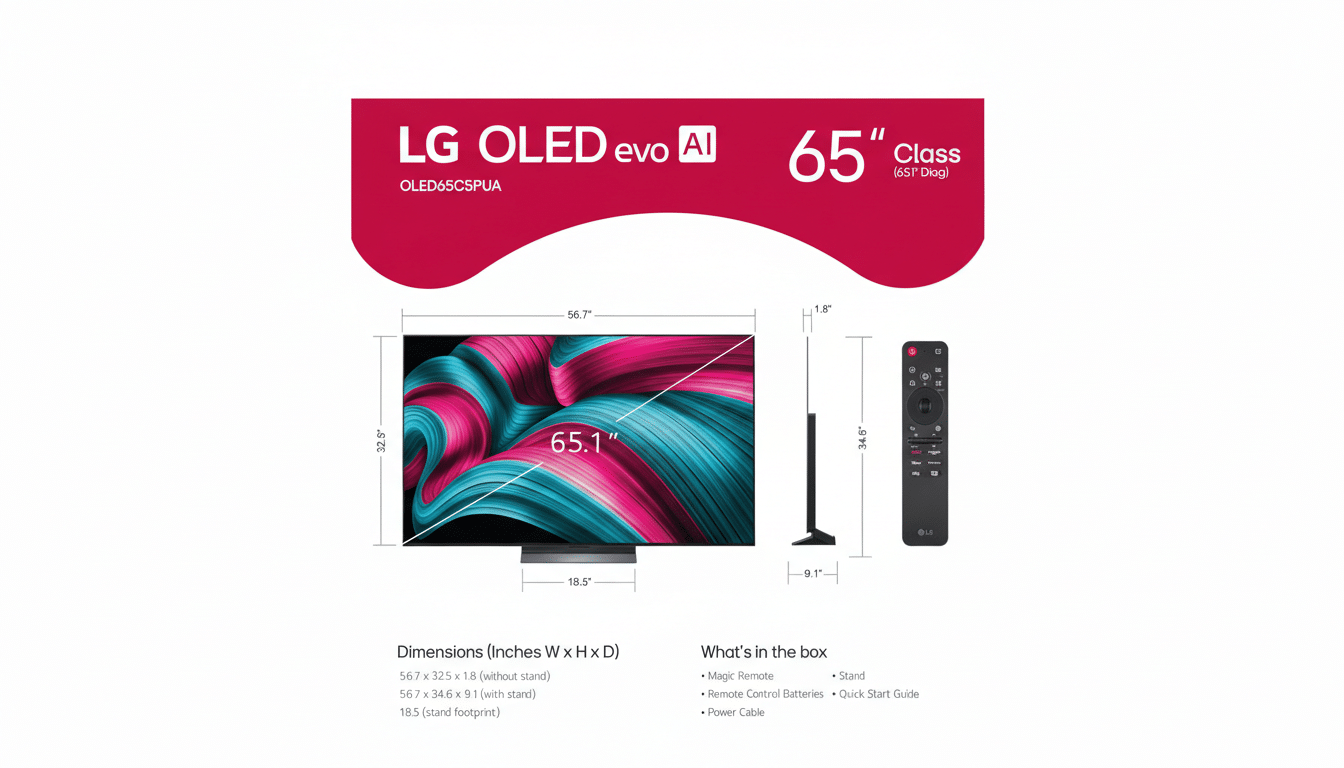
The change targets LG’s C5 and G5 OLEDs. According to the on-screen changelog shared by users, the fix applies to Cinema Home, Vivid, Game, and Standard picture modes. Filmmaker Mode is intentionally untouched to preserve reference tracking for viewers who want strict adherence to creative grading.
That split is significant. It gives you the option to prioritize accuracy (Filmmaker Mode) or balanced brightness (Cinema Home and others) without forcing a one-size-fits-all solution.
Why Dolby Vision Sometimes Looked Too Dark on LG OLEDs
Dolby Vision is mastered for high peak brightness and uses dynamic metadata to render images faithfully on consumer displays. But living rooms aren’t grading suites. Ambient light can wash out shadow detail, and if a TV follows the electro‑optical transfer function too strictly, the perceived image can feel dim in brighter spaces.
Reviewers and calibrators have long noted this behavior on some OLEDs. Lab testing from outlets like Rtings and discussions on AVS Forum have shown that older Dolby Vision profiles could track darker than HDR10 equivalents, especially in modes aimed at accuracy. Dolby Laboratories’ own guidance acknowledges that Dolby Vision IQ (which uses an ambient light sensor) can raise visibility in bright rooms—a clue to why LG’s tweak makes a difference for daily viewing.
How to Get and Install the Free LG Dolby Vision Update
Owners report the firmware as version 33.30.92. To check your TV, open Settings, go to All Settings, select Support, then Software Update. You’ll see the current version and can trigger a manual check. Turning on Auto Update ensures you get fixes as they roll out.
If you primarily watch in bright conditions, switch your Dolby Vision picture mode to Cinema Home after updating. Those who prefer the reference look should keep Filmmaker Mode for dark-room sessions.
What to Try After Updating Your LG OLED for Dolby Vision
Start with Dolby Vision titles that stress shadow detail and specular highlights. On streaming platforms, series like Stranger Things and films such as Blade Runner 2049 are good stress tests thanks to dense low-light scenes and neon highlights. Compare Cinema Home to Filmmaker Mode to feel how the new tone mapping alters mid-tones and near-black detail.
Consider these tips for best results:
- Disable aggressive energy-saving settings that can cap panel brightness.
- If your set supports Dolby Vision IQ, enable it for mixed lighting; turn it off in a dedicated dark room.
- For gaming, try Dolby Vision Game mode with HGiG or Dynamic Tone Mapping settings to taste, as the update also affects Game mode behavior.
Early Reactions and What to Expect Next From LG’s Update
Community feedback on r/OLED and AVS Forum points to brighter, punchier Dolby Vision without obvious clipping. Some users note better parity with HDR10 in overall luminance, while still benefiting from Dolby Vision’s scene-by-scene control. As with any firmware, results can vary by app and external device, so test across your most-used services.
LG hasn’t publicly detailed a wider roadmap, but the company routinely iterates picture processing via firmware. If this reception holds, expect similar tuning to remain the default approach on future models.
Bottom Line for LG C5 and G5 Owners After This Update
For C5 and G5 owners, this is a rare win-win: a free update that lifts Dolby Vision brightness in everyday viewing while leaving a purist option intact. If you’ve ever felt your OLED looked too subdued in daylight, this firmware is worth installing, and it may make your favorite Dolby Vision shows look freshly remastered.
