


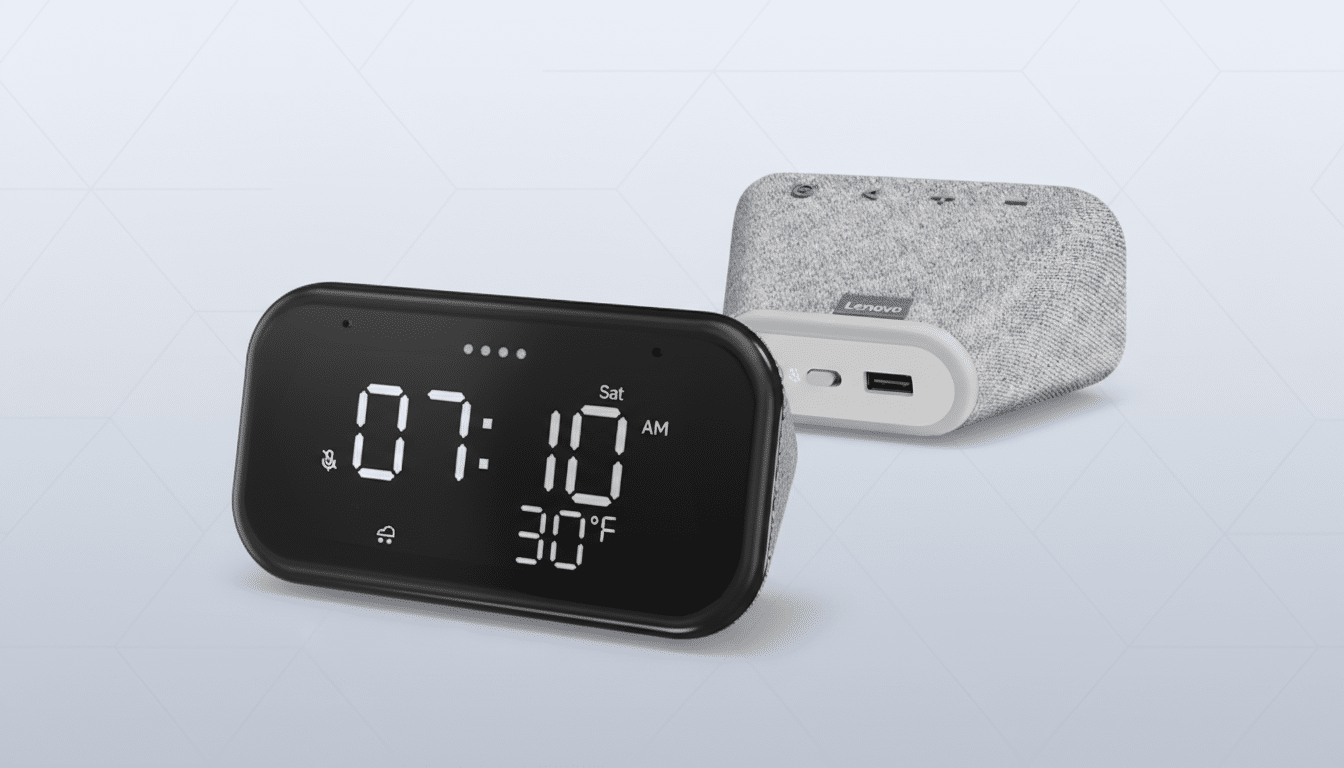
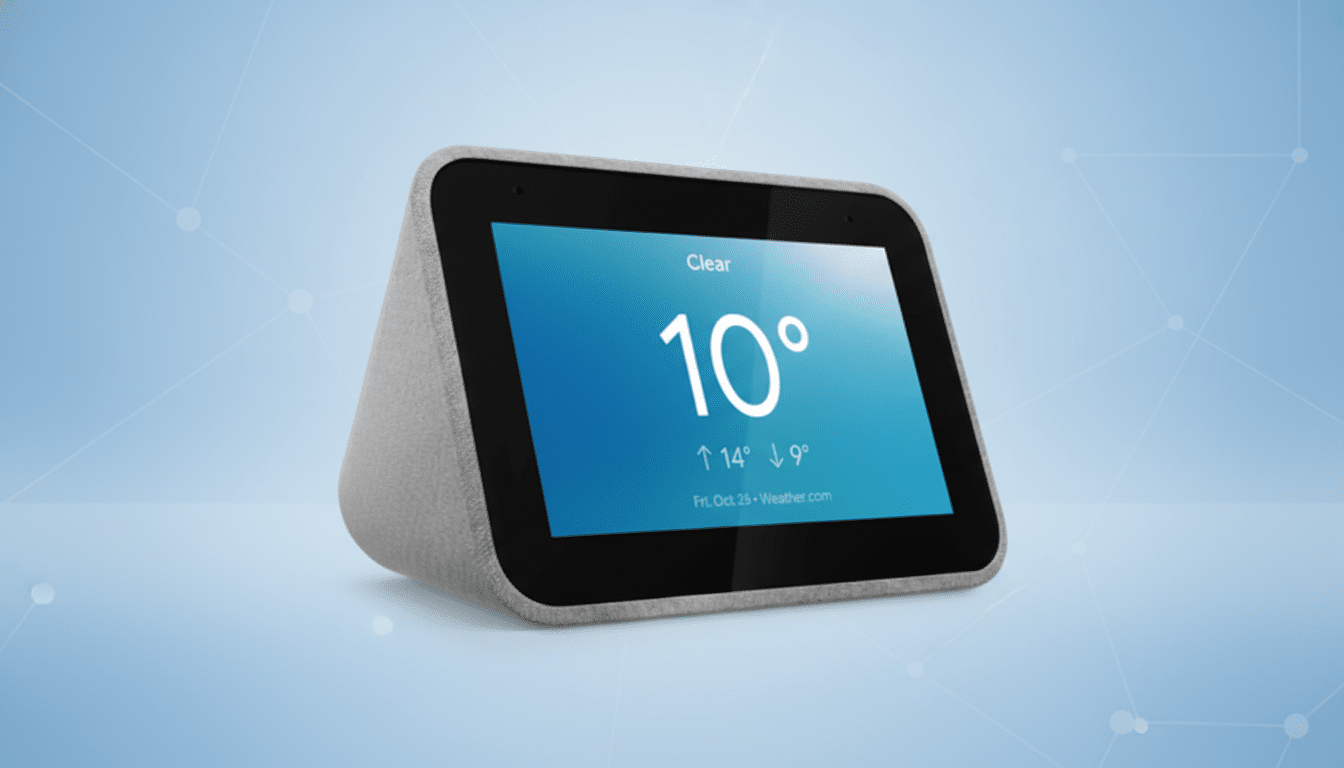
Lenovo’s compact Smart Clock has quietly lost one of its most practical features for the bedroom: quick, silent control of connected lights from the touchscreen. In recent days, owners report that the familiar swipe-down menu with room light toggles has disappeared, replaced by a basic on-device nightlight that brightens the clock’s display but doesn’t touch any smart bulbs. The change has sparked frustration among users who relied on the tap-first interface to settle in at night without waking anyone with a voice command.
What Changed on the Lenovo Smart Clock Interface
Previously, a downward swipe surfaced quick controls to turn bedroom lights on or off with a single tap. That UI has been removed on affected devices, leaving only a “nightlight” option that illuminates the Smart Clock’s screen as a makeshift lamp. Voice control for lights still works through the built-in assistant, but the tap-based shortcut that made the Smart Clock feel like a bedside switch is gone.
The change appears to be widespread, based on multiple user reports in community forums, and it does not seem tied to a specific household setup or brand of bulbs. Owners describe the same behavior whether they use lights from Philips Hue, TP-Link, or other platforms connected through Google Home.
Possible Link to Gemini and Third-Party Displays
The timing coincides with the wider rollout of Gemini for Google Home, a shift that is reshaping how voice and touch surfaces work across the ecosystem. Google has emphasized continued support for existing smart home hardware, and its Nest Hub line appears to have retained most core controls. Third-party displays, however, often rely on shared UI components and back-end services maintained by Google, and those can change during a platform transition.
Lenovo’s smart display portfolio has historically ridden on Google’s Assistant Smart Display platform. As Gemini replaces or reworks parts of that stack, certain “device control” surfaces may be deprecated or migrated at different speeds, especially on non-Google hardware. While no party has formally confirmed a direct cause, the removal of the light-control tile looks like a side effect of that transition rather than an intentional feature cut designed by Lenovo alone.
Why This Change Matters for Everyday Bedside Use
Smart clocks sit in a uniquely sensitive environment. A whisper-quiet tap to kill the lights is more than convenience; it’s courtesy for anyone sharing the room and a win for accessibility when voice isn’t practical. Parks Associates reported that 17% of US internet households owned smart light bulbs in 2023, underscoring how common light control has become in everyday routines. Removing a simple, screen-based toggle reshapes those routines, nudging users toward voice or their phones at the very moment they want the least friction.
There’s also the matter of expectations. Many buyers chose the Smart Clock precisely because it offered just enough screen to handle alarms, music, and lights without the distraction of a full smart display. Losing one of those pillars effectively redefines the product’s value in the bedroom.
Workarounds You Can Use Now for Silent Light Control
Voice commands remain fully functional, though they’re not ideal late at night. If you can tolerate a brief spoken phrase, custom Google Home routines can group multiple actions into a single command like “Goodnight” to turn off lights, arm security, and set alarms.
For tap-based control, consider pairing your bulbs with a dedicated wireless remote—Hue Dimmer Switch, Lutron Aurora, or similar accessories provide instant, silent toggles at the bedside. You can also schedule lights in the Google Home app to turn off at set times or after your alarm triggers, reducing the need for manual interaction.
Finally, check the Google Home app’s Favorites tab on your phone and place your primary lights at the top; it’s not as elegant as a clock-side tile, but it shortens the path to a quiet tap.
What to Watch Next as Google Refines Smart Displays
If this is a byproduct of the Gemini transition, there’s a chance the control surface could return once compatibility work is complete on third-party displays. Look for firmware notes from Lenovo and announcements from Google regarding smart display UI changes as Gemini expands. Given the company’s public commitment to support existing devices during the shift, restoring a lightweight light-control tile would be a logical step to preserve core bedside use cases.
Until then, Smart Clock owners face an awkward choice between voice, phone, or separate hardware for silent control. For a device built to simplify bedtime, that’s an unfortunate regression—and one the smart home ecosystem should move quickly to correct.
