


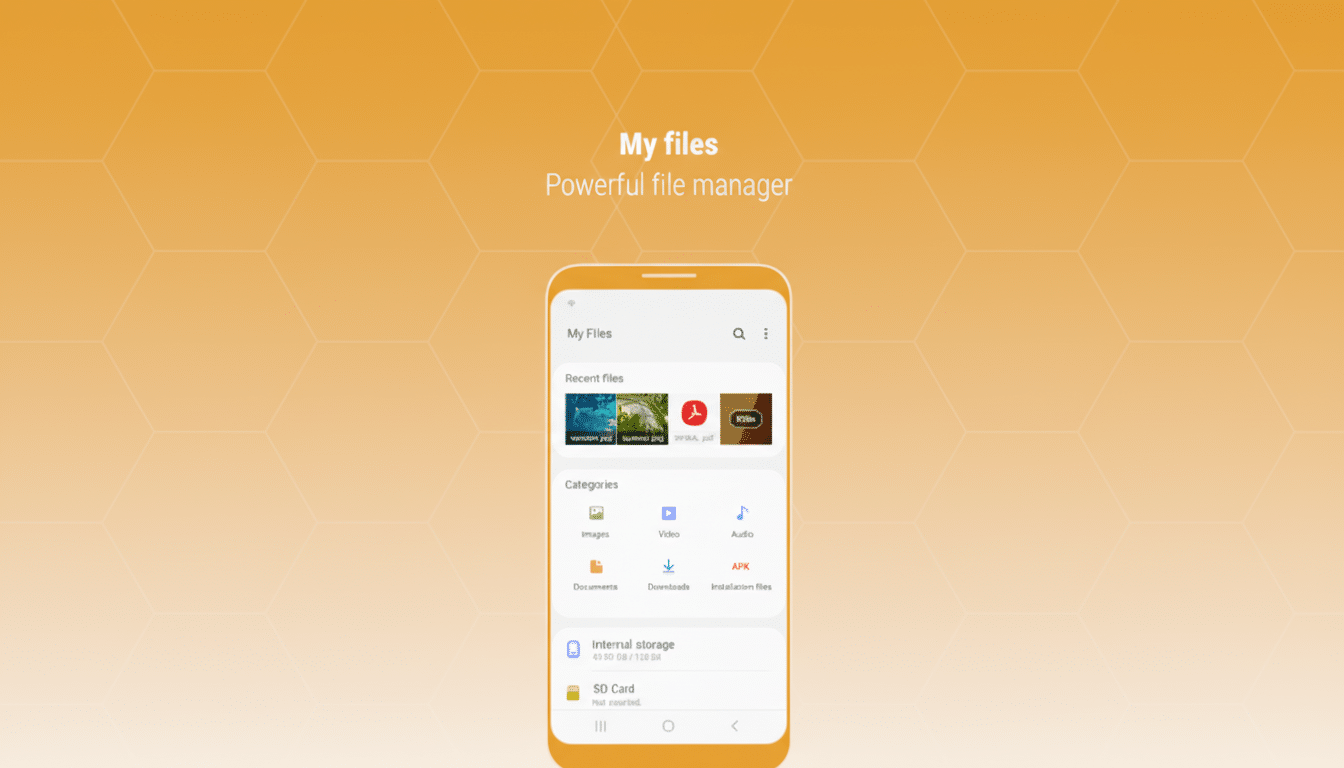
Samsung could soon rescue vacationers from that nearly out-of-storage prompt. References to code found inside leaked One UI 8.5 firmware imply the My Files app will detect when you’re traveling and prompt you to clear space for an incoming wave of thousands of photos and videos.
The strings are for My Files alerting you to free up space by context, based on your absence (presumably a lightweight assistant based on your travel status). It’s not officially announced and doesn’t show up in any of the public changelogs, but the writing is on the wall for what this feature does: stop storage-related panic before it has a chance to ruin your trip.
- What the leak reveals about My Files travel storage alerts
- Why travel pushes us to hoard photos and videos on trips
- How Samsung could pull it off with smart, travel-aware nudges
- How It Compares To The Rest Of What’s Out There
- Privacy and control are still key for travel-aware prompts
- When you can expect to find it on Galaxy devices

What the leak reveals about My Files travel storage alerts
The references hint at Samsung’s customization services checking a device for movement in the background, then prompting My Files to suggest space-saving moves—likely deleting big downloads, cached media, duplicate files, or old screen recordings.
It’s less a brand-new cleaner than a clever trigger for the tools Galaxy owners already wield.
Crucially, this looks like a detection layer over and above My Files’ existing “analyze storage” features as well as the Storage panel in Device Care. If this ships, the biggest difference will be when it shows you that you’re out of juice: instead of waiting for 95% capacity on your phone while on day two of a beach trip, it comes up either before you even board or as soon as travel begins.
Why travel pushes us to hoard photos and videos on trips
Holidays are a recipe for the derangement of storage-starved phones. Modern cameras eat up space: 4K video can be around 200MB to 500MB per minute, depending on frame rate and codec, for example, while high-res photos from a 50MP sensor introduce a good 10–20MB each. Ten minutes of 4K a day on a two-week trip is 56 gigabytes all by itself; throw in 300 photos a day, at 5MB each, and you’re close to 77 gigabytes.
That is a problem when so many devices still start at 128 GB and you’re already filling up much of that room with apps, offline maps, pictures, and videos in messaging apps. Counterpoint Research sees 128 GB as becoming the mainstream new smartphone baseline, and with Samsung’s flagships eliminating microSD, in-device housekeeping becomes that much more important.
How Samsung could pull it off with smart, travel-aware nudges
The most straightforward method is to scan for signals: a time-zone leap, SIM roaming, or a geography change that’s outside the usual realm might quietly activate “travel mode” nudges. Samsung’s customization services are already hiding behind the feature if it is something that they can personalize with user consent, and so this falls into their mantra here of opt-in, contextual, device-based suggestions.
What would the prompts offer? Expect lists such as:
- Multi-gigabyte videos
- WhatsApp and Telegram media folders
- Large downloads
- Duplicate files
Since Samsung Gallery is integrated with OneDrive, the system could even prompt you to sync to your cloud before getting rid of it (so that at least you’re not minimizing storage in exchange for lost memories).
A cool version of this concept would begin before you head to the airport: a pre-trip checklist at the moment that your calendar notes travel or when boarding passes pop up in notifications. It’s better to clear your 20–40 GB at home than deleting clips like a maniac on a bus tour.
How It Compares To The Rest Of What’s Out There
Google Photos already has a “Free up device storage” option after files are backed up that it can perform automatically, while iOS can offload unused apps or shift full-resolution photos to iCloud. Samsung’s angle here is timing and context. If My Files knows you’re traveling, it can serve the tidy-up right when you need it—even if you aren’t an avid user of a particular cloud app.
For Galaxy owners who like to exercise more local control or lean into OneDrive over Google Photos, this could be the closest and most integrated cross-app nudge yet for aligning storage hygiene with real-world usage rather than just low-space thresholds.
Privacy and control are still key for travel-aware prompts
Any travel-aware feature will require clear consent, easy toggles, and no shrouding of how data is or isn’t included in profiles. Samsung’s documentation about its customization services leans into permission-based personalization; carrying that through here—hopefully with on-device processing—will make this feature useful without being invasive.
When you can expect to find it on Galaxy devices
These are firmware strings, so plans can change. In the past, Samsung has introduced quality-of-life improvements with large One UI releases and then extended them to recent Galaxy models. If the travel prompt won’t squeeze out in the next update, it’s an obvious low-friction win that fits with how people actually use their phones.
If it sticks the landing as described, Galaxy users will be able to board their next flight with one less thing to worry about—and a whole lot more room for the good stuff.
