


I spent two years charging my iPhone strictly the “Apple way” — using the 80% charge limit whenever possible and leaning on Optimized Battery Charging overnight. The goal was simple: maximize long‑term battery health. The outcome is more complicated. On paper, the battery looks fine. In real life, the daily experience told a different story.
By sticking to Apple’s guidance and tools, I tracked capacity, recharge cycles, and day‑to‑day runtime. The headline result: capacity landed in the high‑80s after roughly 500 full‑charge cycles, which aligns with Apple’s durability claims. But capping at 80% turned my afternoons into a low‑power scramble, and I ultimately abandoned the cap to regain usable battery life.
What Charging The Apple Way Really Means
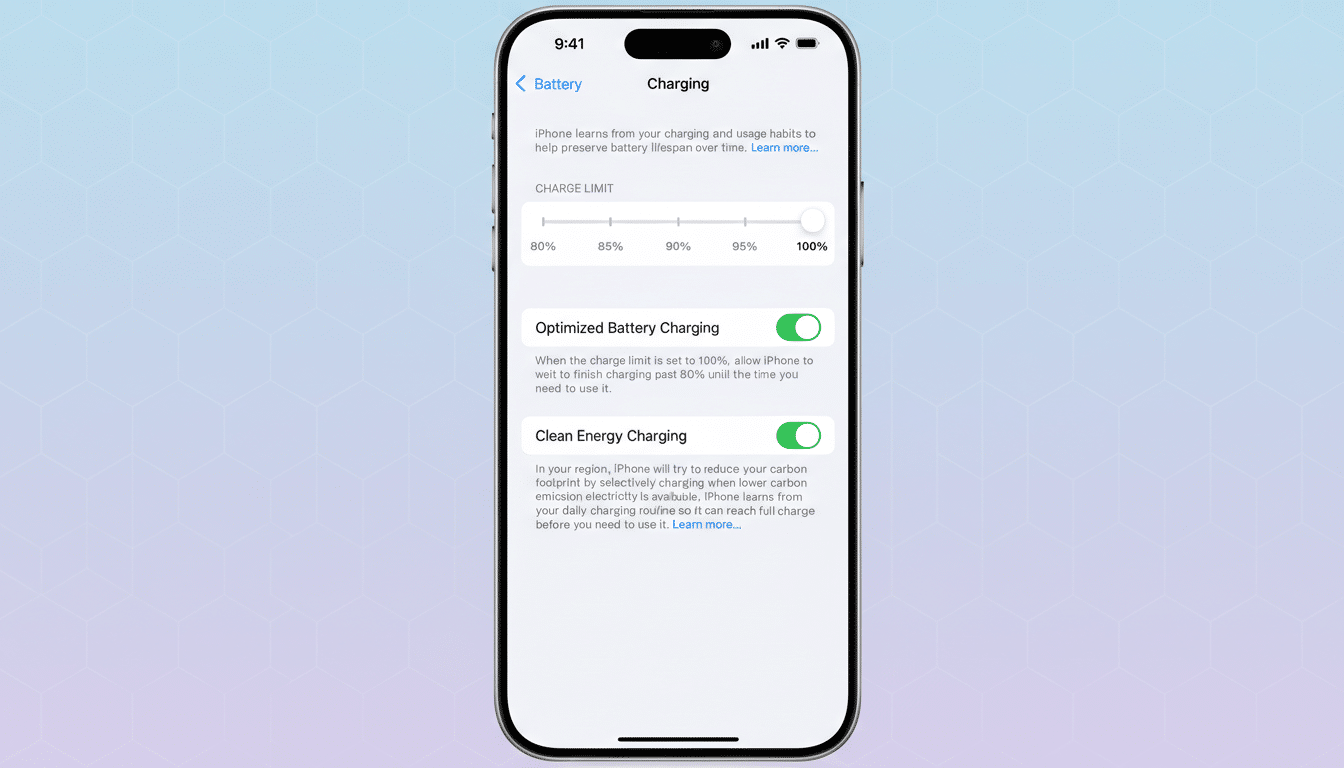
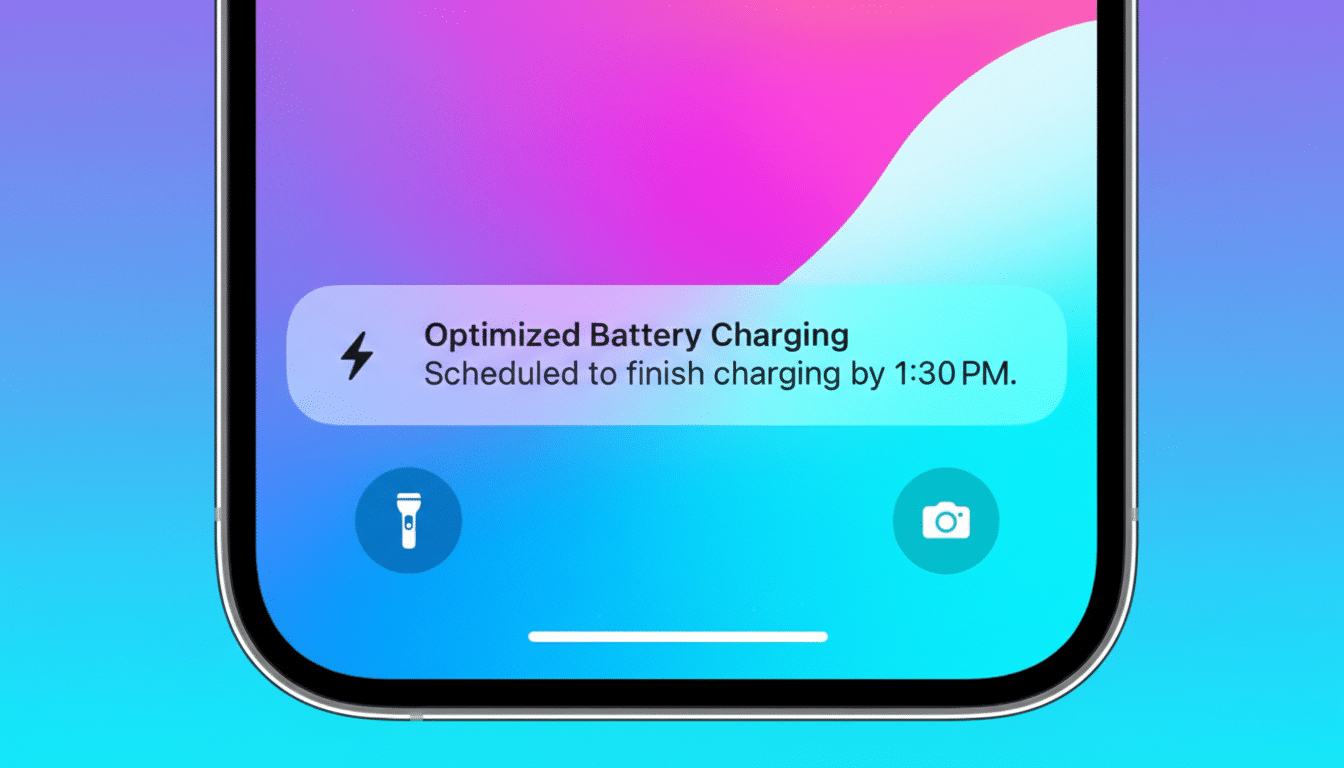
Apple provides two core features designed to reduce battery stress. The first is an 80% charge limit available on newer iPhones, which aims to keep the battery out of the high state‑of‑charge zone that accelerates chemical aging. The second is Optimized Battery Charging, which learns your routine and delays the final top‑off to 100% until you typically unplug in the morning.
Paired together, these tools should reduce time spent at 100%, minimize heat during charging, and smooth out the calendar aging that plagues lithium‑ion cells. I enabled the 80% cap for daytime charging and used Optimized Charging for overnight. I also avoided leaving the phone plugged in hot environments and tried to keep wireless charging heat in check.
The Numbers After Two Years of Apple-Style Charging
After a little over a year and roughly 355 recharge cycles, Battery Health reported about 91% maximum capacity. By around the 500‑cycle mark — approximately halfway to Apple’s stated milestone — it was at 89%.
For context, Apple says iPhone 15 models and later are engineered to retain 80% of original capacity after 1,000 complete cycles under ideal conditions. My figures track with that guidance. The issue wasn’t the percentage itself; it was daily usability. Starting each morning at 80% left me in the 20% zone by mid to late afternoon with heavy use, and “emergency” top‑ups or a power bank became part of the routine.
Interestingly, the rare calibration days when the phone temporarily charged to 100% felt like a reset: the same battery suddenly seemed livable again. That contrast revealed the trade‑off bluntly — a healthy‑looking capacity number, but not enough practical headroom for demanding days when capped at 80%.
Why 80% Limits Can Backfire in Daily iPhone Use
Limiting to 80% can reduce calendar aging, but it also shrinks your daily energy budget by 20%. If your usage is light, that’s fine. If you’re a heavy user — lots of camera work, 5G, navigation, gaming, or background photo syncing — the cap forces deeper daily discharges and more frequent top‑ups. Those extra cycles and heat events can offset the gains you get from staying under 100%.
Heat is the real enemy. Research summarized by Battery University and studies published in the Journal of The Electrochemical Society consistently show that high temperatures and high state of charge accelerate lithium‑ion aging. Phones can get warm during fast charging, on MagSafe, in cars, or while recording video. If the 80% cap still leaves you charging more often — and hotter — the net benefit shrinks.
What Apple and Others Say About Battery Longevity
Apple’s battery guidance is conservative and largely accurate at scale. The company’s cycle‑life claims for recent models have improved in recent years, and Optimized Battery Charging does reduce time spent at 100% without you thinking about it.
Independent anecdotes mirror my experience. A long‑running experiment reported by a MacRumors editor found that two years at an 80% cap didn’t feel worth the day‑to‑day compromise, despite decent capacity numbers. Technical consensus backs the broader idea: reduce heat, avoid extreme states of charge for long periods, and keep cycles shallow when you can — but not at the expense of utility.
Practical Takeaways For Longer Battery Life
Here’s what worked best for me after two years of testing methods and living with the consequences:
- Use Optimized Battery Charging and allow 100% in the morning. You get a full tank when it matters while still limiting overnight high‑SoC time.
- Skip the permanent 80% cap unless your usage is light or your phone spends long hours plugged in while idle. For heavy users, the cap often drives more cycles and anxiety.
- Control heat. Prefer wired charging over MagSafe when the phone is warm, remove thick cases during fast charging, and avoid charging under pillows or in hot cars.
- Keep daily swings moderate. Try not to live below 10% or sit at 100% for hours. Topping up in short bursts is fine if temperature stays in check.
- Treat Battery Health as one signal, not the verdict. An 89% capacity can feel vastly different depending on your usage pattern, network conditions, and how warm the device runs.
My bottom line: the battery’s “health” stayed respectable, but the 80% cap made the phone feel older, sooner. I’m back to 100% with Optimized Charging, focusing on keeping the device cool and avoiding needless heat. For most people, that strikes the best balance between longevity and the simple goal of getting through the day without a charger.
