


An odd iOS 26 bug is coloring some Android-source photos bright red when opened on an iPhone, turning otherwise ordinary pics into disturbing crimson overlays. The problem is visible when opening an image in Apple’s Photos viewer, be it from the Camera app or the Photos app, and thumbnails seem to display fine until you tap on a photo.
Reports from 9to5Mac, confirmed in various Reddit and Apple Support Community threads, describe that behavior, along with a quick, repeatable fix. It appears to impact images taken on Android devices that are then saved onto an iPhone, not the ones snapped directly with an iPhone’s camera.
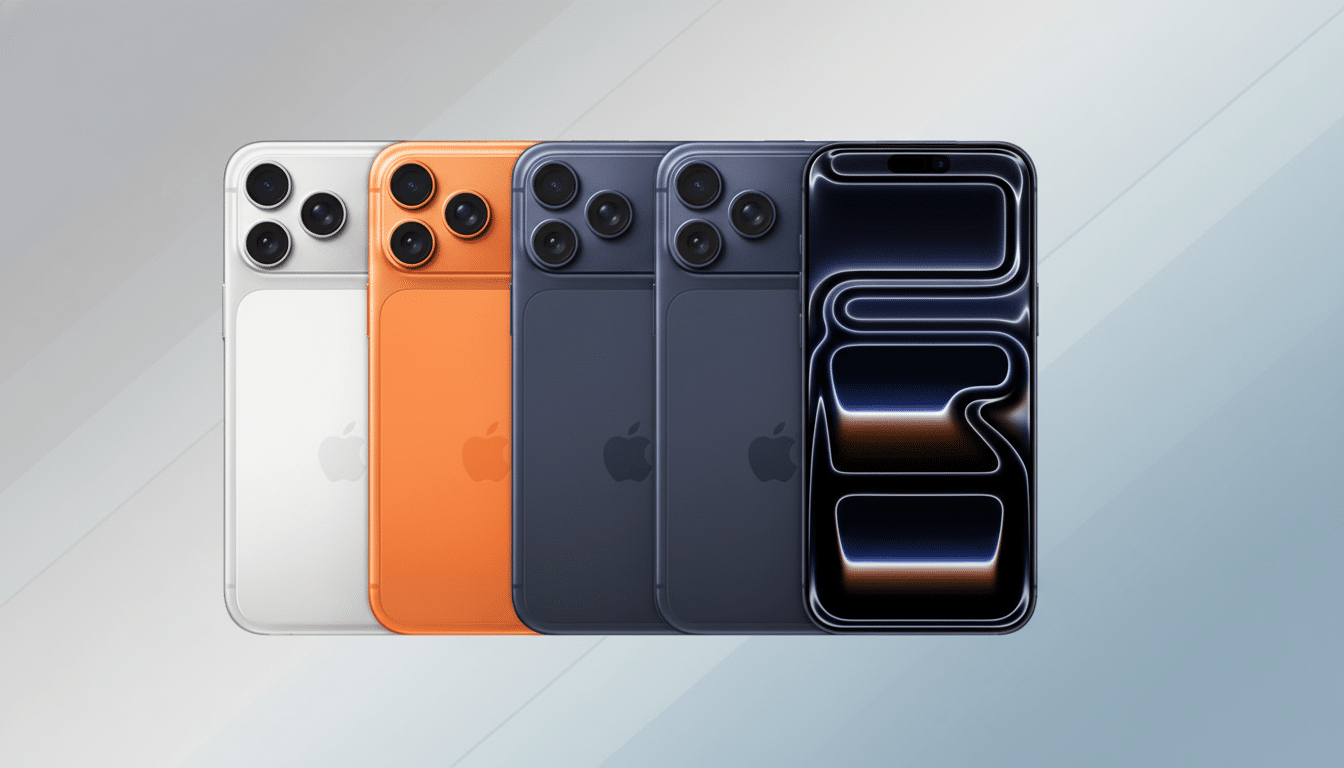
What users are seeing when Android photos turn red on iPhone
Open a photo and the full-resolution view suddenly changes into a red hue, appearing as if an angry filter is in place.
In the thumbnail it looks normal, so the shock must be hidden inside of this image. The red tint is not an indication that the file is corrupt; it’s a rendering/display bug within iOS.
Early reports suggest that the images were from recent Android phones, such as well-liked Pixel or Galaxy models, and then synced, imported, or shared to an iPhone library through AirDrop, messaging, or cloud backups. Not all Android photos are affected, meaning it’s related to specific file attributes rather than brand of phone.
Why this is happening: color profiles and HDR gain maps
Two suspects rise to the top: color profile handling and HDR gain-map metadata. Many Android cameras can embed wide-gamut color profiles (think Display P3) or use the newfangled Android Ultra HDR JPEG format, which contains a regular ol’ JPEG followed by a gain map that lifts highlights on displays capable of rendering it. If the embedded color profile or gain map is misinterpreted by iOS 26, it could cause one of the channel imbalances that heavily favors red.
Since the thumbnail looks normal, this suggests a pipeline confusion. Thumbnails are typically generated with a straightforward standardized decode path. Full-screen playback uses a more sophisticated renderer, which respects color space, tone mapping, and HDR metadata. If that advanced pass applies the wrong transform — or reads the tags in a weird order — those color channels can go sideways even though the file itself is fine.
This wouldn’t be the first time a mobile OS stumbled on mixed metadata from competing ecosystems. For cross-platform photo workflows that tend to combine EXIF tags, ICC profiles, and device-specific HDR tricks, that means a slight regression in the viewer can make quite a visually impressive error.
The fastest fix for now: revert the photo to reset color
The most basic workaround mentioned by users is right there in Photos: open the problematic image, tap Edit, and then tap Revert. That removes the bad adjustment state and restores the correct color there. It doesn’t seem to permanently change or corrupt the primary pixels; it seems to reinitialize how iOS will interpret that file.
If you want a little insurance, duplicate the photo first and then apply Revert to the copied version. Other workarounds include sharing the image using the Files app (which can flatten metadata on re-save) or services that strip complex metadata during compression. If you control the Android side of the capture, either disabling Ultra HDR or exporting as a plain sRGB JPEG can sidestep this edge case until Apple ships an update.
How common this problem is and who might be affected
It’s far from clear that this is anything but a sporadic problem. Stand-alone reports are grouped but consistent across various iPhone models. And because Android commands about 70 percent of the global smartphone market, according to industry trackers like Counterpoint Research and IDC, even the most niche incompatibility can have an impact on a meaningful number of shared photos — not least among cross-device families and group chats.
There doesn’t appear to be a consistent pattern around a single app or transfer method, which would support the metadata theory: it is about what’s in the file, not how it got over to the iPhone.
What to expect from Apple and when a fix could arrive
Generally, rendering regressions are fixed with a minor iOS update once the cause is identified. The bug is trivial for users to fix and nondestructive, so it probably won’t rise to the level of requiring emergency measures, but it’s the sort of cross-ecosystem quirk that Apple tends to crush immediately.
Until that happens, Revert is the quickest fix, and minimizing HDR-heavy or exotic color profiles on the Android side can limit damage. The files aren’t fried — the viewer is simply making a mess of its color math — and once that math gets sorted out, the reds will be back where they started.
