


Instagram says its systems are intact, yet a wave of password reset emails rattled users, fueling fears of a data breach and phishing spree. The company now attributes the flurry to an external party abusing its reset mechanism, not to a compromise of internal systems—leaving a key question for millions of people staring at their inboxes: what should you trust?
What Instagram Says About The Password Reset Email Spike
Instagram, which is owned by Meta, acknowledges it fixed an issue that allowed outsiders to trigger password reset emails for some accounts. Crucially, the company maintains there was no intrusion into its infrastructure and that user accounts remain secure. In plain terms, many of those messages were real emails generated by Instagram’s system—but they were initiated by someone other than the account holder.
- What Instagram Says About The Password Reset Email Spike
- Why You Received A Reset Email Without Requesting It
- Are The Password Reset Emails A Scam Or Legitimate?
- How To Verify Instagram Reset Emails Safely And Directly
- What The Data Tells Us About Account Takeover Risks
- What To Watch Next As Instagram Tightens Security Signals
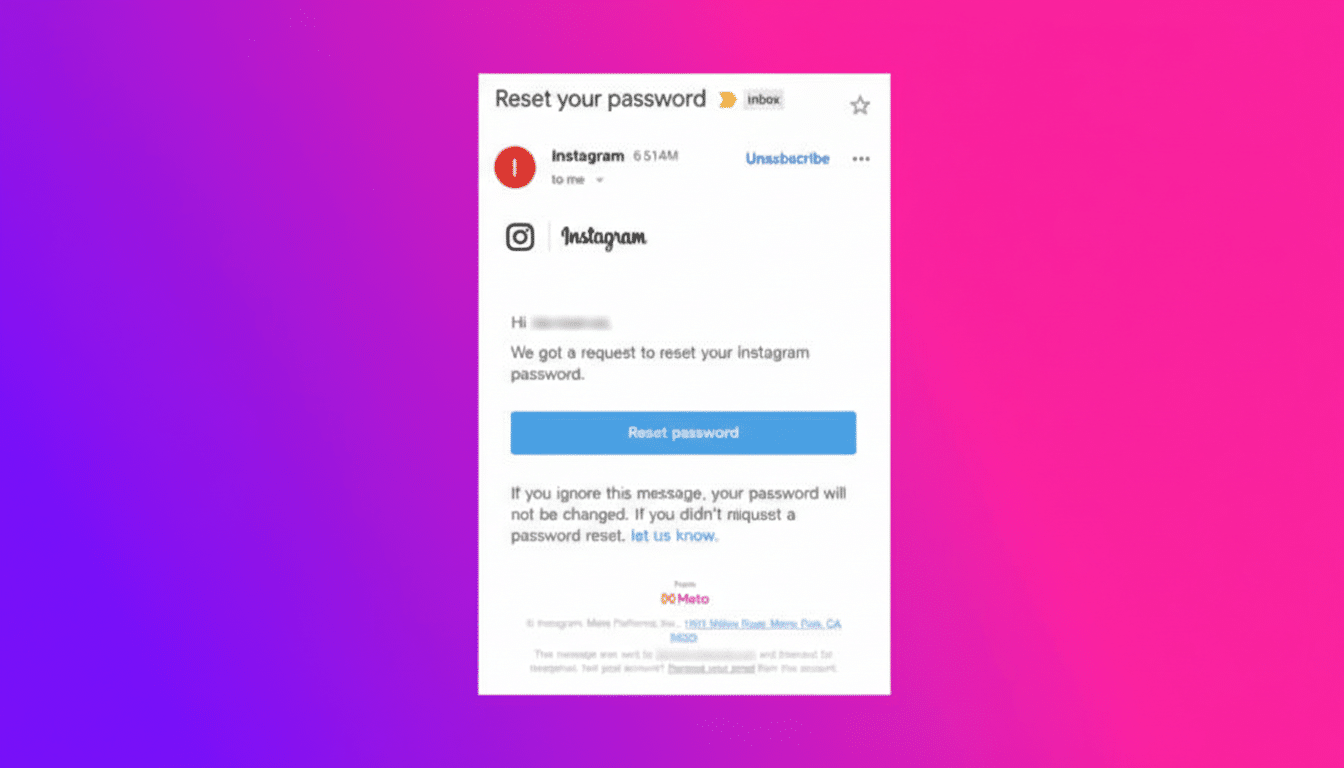
Complicating matters, users who checked the “Emails from Instagram” section in their account settings found that some of these reset notices did not appear. That log seems to primarily reflect user-initiated security emails, which makes this episode feel contradictory even when the underlying messages were legitimate.
Why You Received A Reset Email Without Requesting It
Attackers often hit “forgot password” endpoints at scale to see which email addresses map to real accounts, to annoy targets, or to create confusion that sets the stage for phishing. This tactic—sometimes called reset bombing—doesn’t require a breach. It exploits workflow, not data. If rate limiting or abuse detection doesn’t stop the flood, people get bombarded with authentic emails they never requested.
That’s what makes this incident so disorienting. The emails may be legitimate system messages, but they arrived without user action. Separately, opportunistic scammers can also send lookalike emails to harvest credentials. The overlap creates a perfect social-engineering storm.
Are The Password Reset Emails A Scam Or Legitimate?
Some are legitimate messages generated by Instagram, and some may be fakes. Treat every unexpected reset email as untrusted by default. A real email can still be the wrong place to take action if you didn’t initiate it. The safest move is to ignore links and instead verify directly in the app or on the official site.
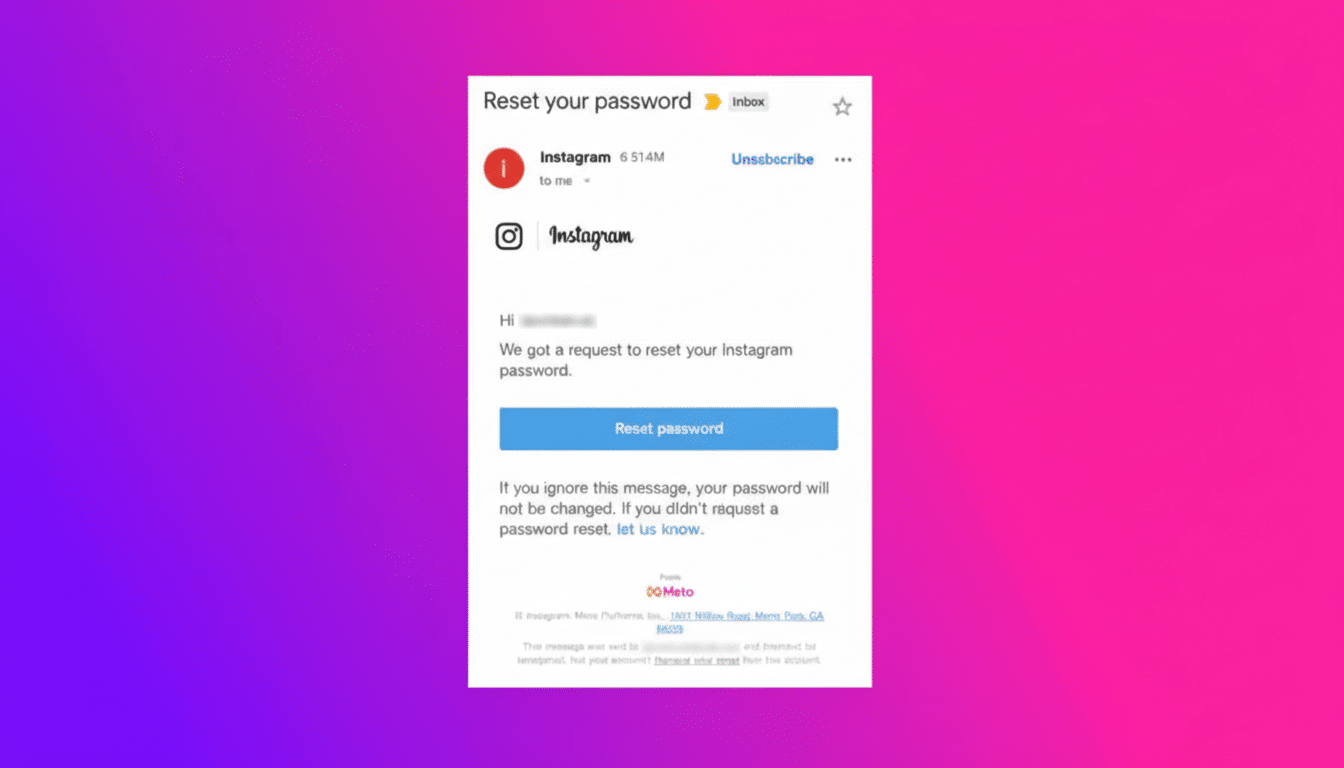
If you’re worried your account was targeted, remember that receiving a reset email doesn’t mean anyone changed your password. An attacker would still need to complete the reset flow and access your email inbox to take over your account.
How To Verify Instagram Reset Emails Safely And Directly
- Open Instagram directly—do not use the email link—and navigate to Settings to review Security and Login Activity. If you see unfamiliar devices or locations, revoke them and change your password inside the app.
- Check the “Emails from Instagram” menu for recent official communications, keeping in mind it may not display resets you didn’t initiate. Consider it a corroboration tool, not a single source of truth.
- Enable two-factor authentication or passkeys. Microsoft has reported that strong MFA stops the vast majority of automated account takeover attempts, and industry data shows that credential misuse remains a dominant threat. Passkeys, when available, also reduce reliance on passwords and block phishing by design.
- Harden the email account tied to Instagram, since inbox access is the linchpin of password resets. Use a unique, long passphrase and MFA there, too. If you suspect your email was exposed elsewhere, rotate that password and review recent activity.
What The Data Tells Us About Account Takeover Risks
Year after year, Verizon’s Data Breach Investigations Report finds that the human element drives most breaches, with stolen credentials and social engineering leading the way. Social accounts are prime targets because they can be repurposed quickly for scams and malware distribution, making any confusion around security emails valuable to attackers.
Abuse of reset workflows isn’t new, but it highlights a familiar trade-off: platforms must keep recovery easy for legitimate users while shutting down mass-trigger attacks. Expect tighter rate limiting, anomaly detection, and better in-app transparency to reduce ambiguity when resets are initiated by third parties.
What To Watch Next As Instagram Tightens Security Signals
Instagram says the underlying issue has been fixed, and there’s no evidence of a breach. The next signal to watch is whether the company adds clearer audit trails in-app—such as labeling resets as user-initiated versus external-triggered—or publishes a postmortem detailing the fix.
Until then, treat unexpected reset messages as noise. If you didn’t request it, don’t click. Go straight to the app, confirm your sessions, change your password there if needed, and keep MFA or passkeys on. That simple playbook is still the most reliable way to stay ahead of both real system emails and convincing fakes.
