


Poster titles fail in print when the letters are almost right and the date line is the wrong size. A school art club can ask GPT Image 2.5 for a blue paper-cutout poster, the words MAKE SOMETHING in large white letters, and a blank strip at the bottom for the date, then still have to read every character before that file goes to a printer.
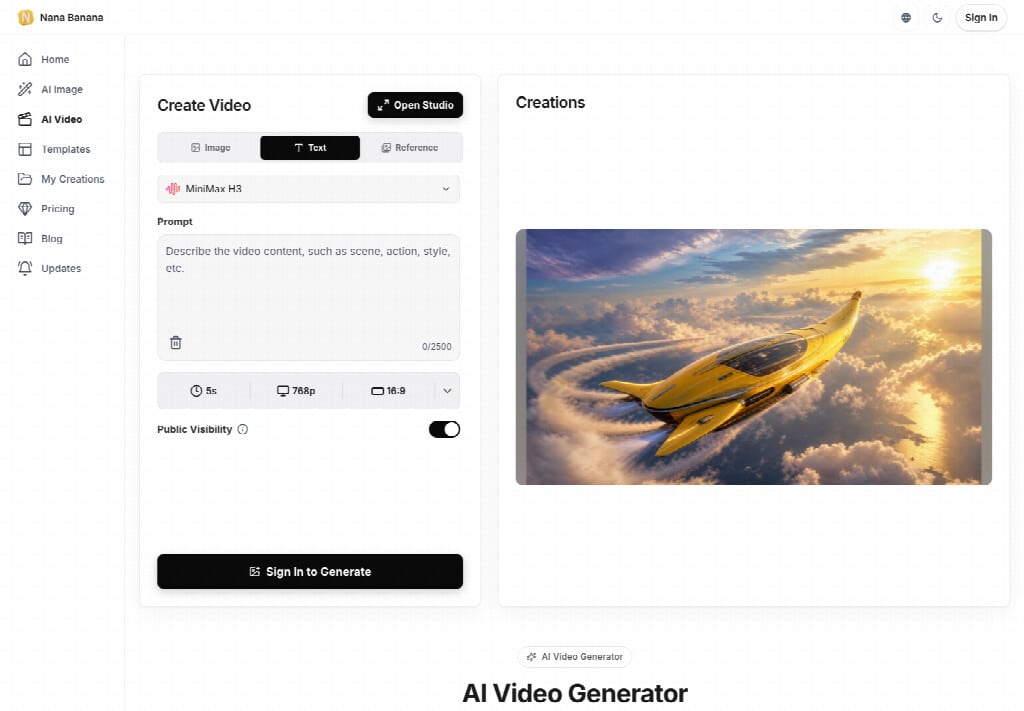
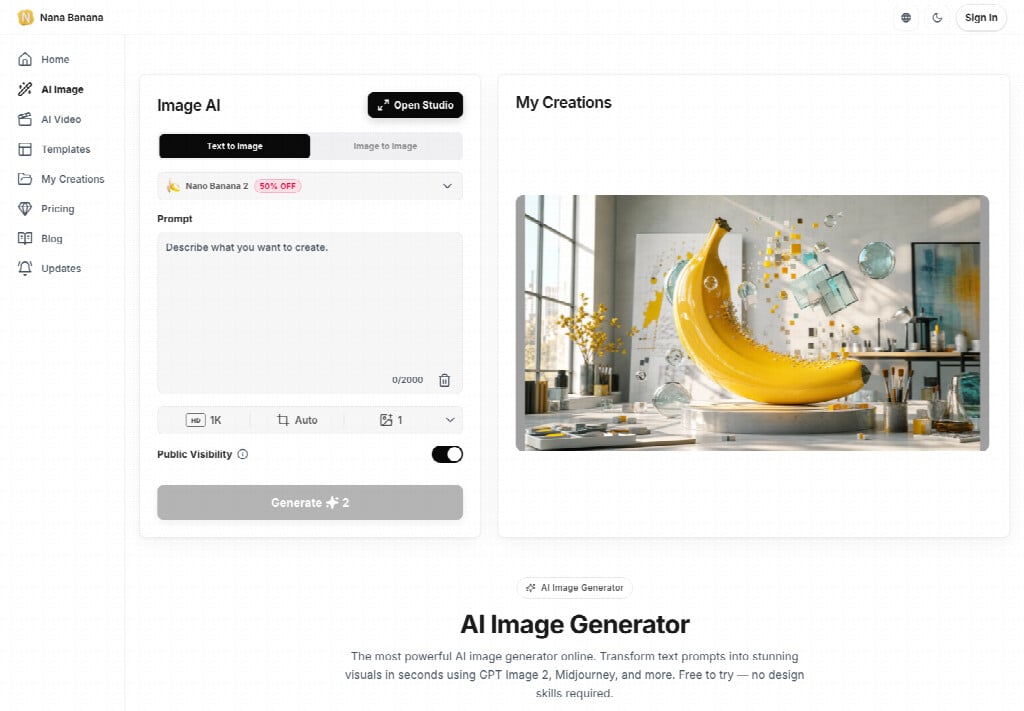
Nana Banana Pro keeps this model in the browser as two versions, Flare and Sunburst, so you do not install an app or write code. Flare is the everyday path for a poster that does not exist yet. Sunburst is the edit path when a photo is already in hand. At the same size and quality the two versions use the same credit price, and the total is shown before you generate. On the 1K listing that price is 1 credit per image. Auto is the exception that costs the same as Max, which is why a first poster should not start there.
Write The Poster Words In Quotes First
Short text inside the picture is the part that gets a notice rejected. You can ask for a title, a label, or another short line. Put the exact words in quotation marks and say where they should sit, because generated letters still come out wrong often enough to waste a stack of paper. A mood sentence such as “something bold about making art” produces decorative type that does not match the club name, and that file cannot go on the door.
Put The Exact Title Inside Quotation Marks
For this job the title is “MAKE SOMETHING”, large and white, on a blue field, with paper-cutout shapes around it. The quotation marks tell the model those characters are the text, not a suggestion. If a letter drops, or if MAKE and SOMETHING land on a torn edge, the poster is unreadable as a notice. Compare the white line with the club’s real name before anyone talks about style.
Leave A Blank Line For The Date
Leave space at the bottom for a date, and leave that strip empty in the prompt if a person will type the real evening later. A generated calendar number is how a poster advertises the wrong night. An empty line is easier to review than a date you then have to paint out. The prompt box on this model counts to 1000 characters, so a short quoted title plus a note about the empty strip fits without a paragraph of atmosphere.
Pick Flare Before You Raise Quality
Flare is built for fast everyday images, and the page starts with Flare selected. A social post, a poster idea, or a new illustration is the work it is aimed at. Sunburst puts more weight on a precise edit, such as a new background or a changed outfit, and you still have to check that the details you wanted stayed put. A poster made only from words does not need that second path yet. Raising quality before the letters are right spends the run on a sharper mistake.
| Control | First poster | Later pass |
| Version | Flare, while the picture is still an idea | Sunburst only if a photo must change |
| Quality | Medium, the default for early edits | High or above after the title reads clean |
| Auto | Leave it, because it is billed like Max | Only if you already accept the Max rate |
| Size | 1K until the words survive a read | 2K or 4K when the printer needs pixels |
Low is for a rough first look. Medium is the default for everyday images and early edits. High, XHigh, and Max are for a frame that is already close. Auto lets the model pick a quality level, and on this site that choice is charged at the Max rate. More detail does not mean the title matches. Size is a separate control from quality, so a 4K file can still spell the club name wrong.
Start On Medium Instead Of Auto
Start the club poster on Medium while the wording can still move. Read the credit total before you generate. If Auto is the quality sitting in the menu, you are paying the Max rate to test a sentence. Switch to Medium, keep Flare, and only then look at whether the white letters are actually “MAKE SOMETHING”. A failed generation is refunded, so a bad spelling does not have to burn the try, but a successful Auto run at the wrong words is a cost you chose.
Keep Image Size Separate From Quality
Stay at 1K, where the listed price is 1 credit per image, until a person can read the title at arm’s length. A larger export does not review the words for you. Move to 2K or 4K only after that read, when the poster is close and the print shop has asked for the extra pixels. Treating size as a quality button is how a simple notice becomes an expensive file that still says the wrong thing.
Move To Sunburst Only For A Photo Edit
Sunburst earns the switch when the job stops being “make a poster from words” and becomes “change this photo.” Upload the picture, move to image-to-image, and say what must stay. GPT Image 2.5 can still alter a face, a garment, or a small mark you meant to keep, so the review is part of the edit. Say the person, the clothes, and the pose should remain if the only request is a new background.
A paper-cutout poster does not need that route. Staying on Flare avoids a second failure, where a photographic face drifts while you were only trying to fix a letter. If someone later hands you a photo of the club table and wants the room replaced, that is the moment to change versions, not the moment to raise Auto on the original poster prompt.
Three Steps On The Studio Page
The studio path is three moves. You describe the picture, you pick the settings, and you generate only after the credit cost is on screen. Nana Banana Pro shows that number before the run. New accounts receive free starter credits, and you have to sign in before an image is made. Those credits are a trial, not unlimited use, so a poster test should spend them on Medium rather than on Max.
- Describe the poster: a blue background, paper-cutout shapes, the title “MAKE SOMETHING” in large white letters, and empty space at the bottom for a date.
- Pick Flare, a poster shape, 1K, and Medium. Read the credit number, then generate.
- Review the words, the empty date strip, and any face if a photo was involved. Download after that read, or change one detail and try again.
Change one detail between tries. If the letters failed, fix the quotation, not the art style. If the date strip filled itself in, ask again for empty space. Most images are not the point of this pass. The point is whether the short line of type can be trusted on paper. Judge the heading on a screen large enough to read the white letters without squinting, then decide if another Medium try is worth the credit.
Check Spelling Before The File Leaves
The failure you can see is specific. The title might drop a letter, weld the two words into one shape, or render a near-word you only catch when you compare it with the club’s real name. That frame is unreadable as a door notice. It still needs a person to reject it. The model will not flag its own typo, and a higher quality setting will not confess one either.
Do the review at the size the poster will be seen, not as a thumbnail in a gallery grid. If the date strip invented a day, discard that file. Rework here is another Medium generation, which is the cheaper loop, rather than a reprint or a jump to Auto. Nana Banana Pro is useful on this job only while someone is still willing to read the white letters out loud before the file leaves the folder.
Read The Title Before You Print
Use Flare and Medium when the poster does not exist yet, quote the exact title, and leave the date for a person to add. Move to Sunburst only when an existing photo has to change and the face or the clothes must stay. Nana Banana Pro will show the credit cost either way. Accept the Max rate, which is what Auto costs, only after the words already survive a read.
This fits a club door, a shop-window card, or a one-page notice with one short line of text. It does not fit a poster whose sponsor list or long paragraph has to be perfect inside the picture. If the words are long, set the type outside the image and keep the generated art as the background only.
Read the title once at full size. If it is wrong, reject the file before it reaches the printer.

