


When a presentation is coming up, you usually know your project well. You understand the background, you have the data, and you already have a conclusion in mind. But once PowerPoint is open , you freeze. You’re not sure what the first should even be.
So you begin with what feels productive: picking a template, changing colors, adjusting layouts. An hour or two later, the slides look better, but the message is messier than before. The problem isn’t lack of preparation. It’s that your ideas are still scattered, not yet shaped into a clear line of thought. That’s why more professionals are turning to AI presentation tools like WorkPPT to shift their focus from how to make slides to what the presentation actually needs to say.
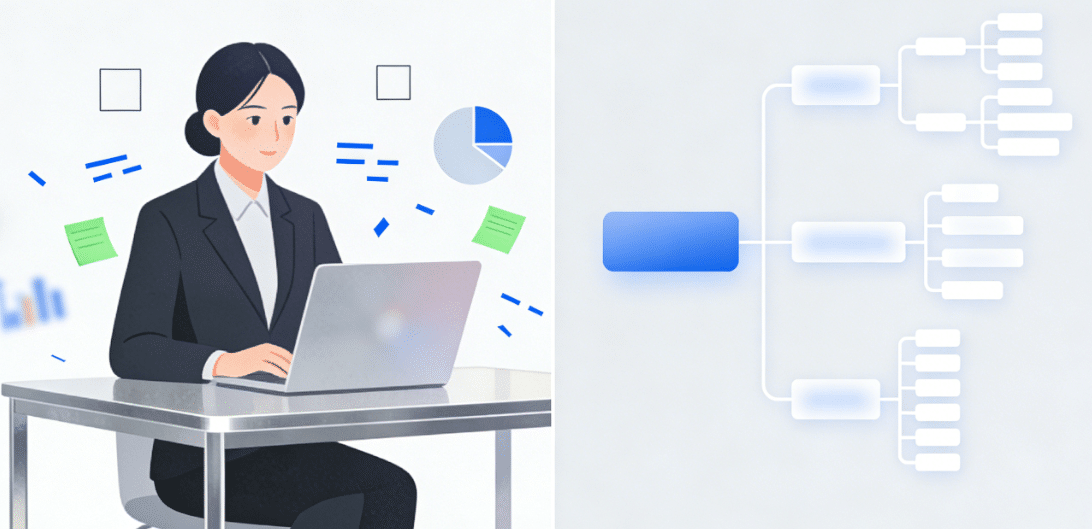
WorkPPT is an AI presentation maker built around organizing thinking. Unlike tools that only generate slides, it works earlier in the process—helping users filter information, structure ideas, and turn them into a usable first draft. It acts more like a presentation thinking assistant, not just a slide generator.
Why So Many Presentations Fall Flat
Most presentations fail for one simple reason: human thinking is non-linear, but presentations have to move in a straight line.
You may clearly understand how the background leads to the process and how that lead to the conclusions. Your audience doesn’t have that context. They can only follow the order you present. If the structure is confusing, no amount of visual polish will make the message easy to understand.
That’s why clarifying the logic before designing slides often matters more than most people realize. Many presentations fail not because they look bad, but because the thinking behind them is unclear. Tools like WorkPPT make it easier to filter information, organize key points, and shape ideas early, so you can spend your time deciding what truly deserves attention.
Step 1: Filter First, Don’t Try to Use Everything
In real work situations, the problem is rarely lack of material. It’s too much of it. Research docs, meeting notes, and past proposals all sit in front of you. The hardest part is deciding what must be included, and what can wait.
At this stage, WorkPPT’s AI Summarizer works well as an information filter. It helps you scan long documents quickly and pull out the key points, so you’re not buried in details.
If something isn’t clear, you can ask the AI Chat Assistant directly instead of jumping between tabs and articles. The goal isn’t to replace your reading, but to reduce noise and help you reach decisions faster. WorkPPT doesn’t think for you. It removes distractions so you can focus on what you actually need to say.
Step 2: Lock the Structure Before Touching Slides
Once you know what information to include, the next step isn’t writing slide titles, it’s deciding the order. Many people try to “figure out the structure” directly inside PowerPoint. Halfway through, they realize the logic doesn’t work and have to start over.
A safer approach is to build the structure first, then fill in content and design later. With WorkPPT’s AI Mind Map, you can enter a topic or a few keywords and quickly generate a layered structure. This helps in two ways:
- Lower friction: no more trial-and-error on blank slides
- Easier adjustment: you can test and refine the logic before committing to slides
Once the structure feels right, everything that follows becomes lighter work..
Step 3: Reduce Manual Work and Save Energy for the Message
After the content and structure are set, what remains should be execution. But in traditional workflows, formatting and layout often eat up the time that should be spent refining the message.
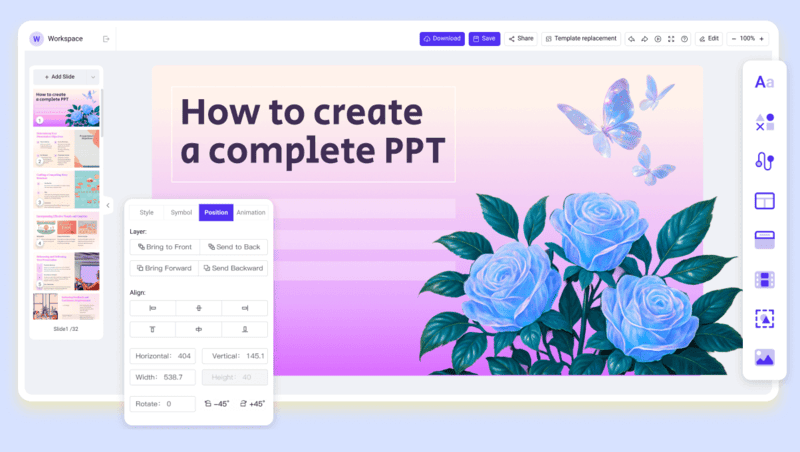
WorkPPT’s AI Slides Maker can generate a complete first draft based on your topic, structure, or brief prompts. You can move straight into editing and improving, instead of building every slide from scratch.
WorkPPT also includes AI PDF tools—such as merging PDFs, adding watermarks, and converting PDFs to images—so you don’t need to switch between tools. These small savings add up and directly affect how much energy you can put into your content.
Final Thought: AI Speeds Things Up, You Still Decide the Direction
No matter how capable WorkPPT becomes, it’s still a tool. It can’t replace your judgment. A strong presentation still depends on how well you understand the business, yhow clearly you see your audience, and how focused your message is. WorkPPT helps you move faster from scattered thoughts to a usable draft—but the timing, emphasis, and final message are always in your hands.
