


Google TV’s highly anticipated home screen redesign is now no longer a rare sighting. Following an early trickle of appearances, the new interface is beginning to show up on a broader selection of TVs and boxes, with mixed signs from various brands that its distribution is gaining pace.
The layout is now being seen by owners of TCL sets and Walmart’s streaming devices using Onn, but the updated visuals are also being featured on Google’s own marketing pages — a clear indication that the company has officially flipped this particular switch.
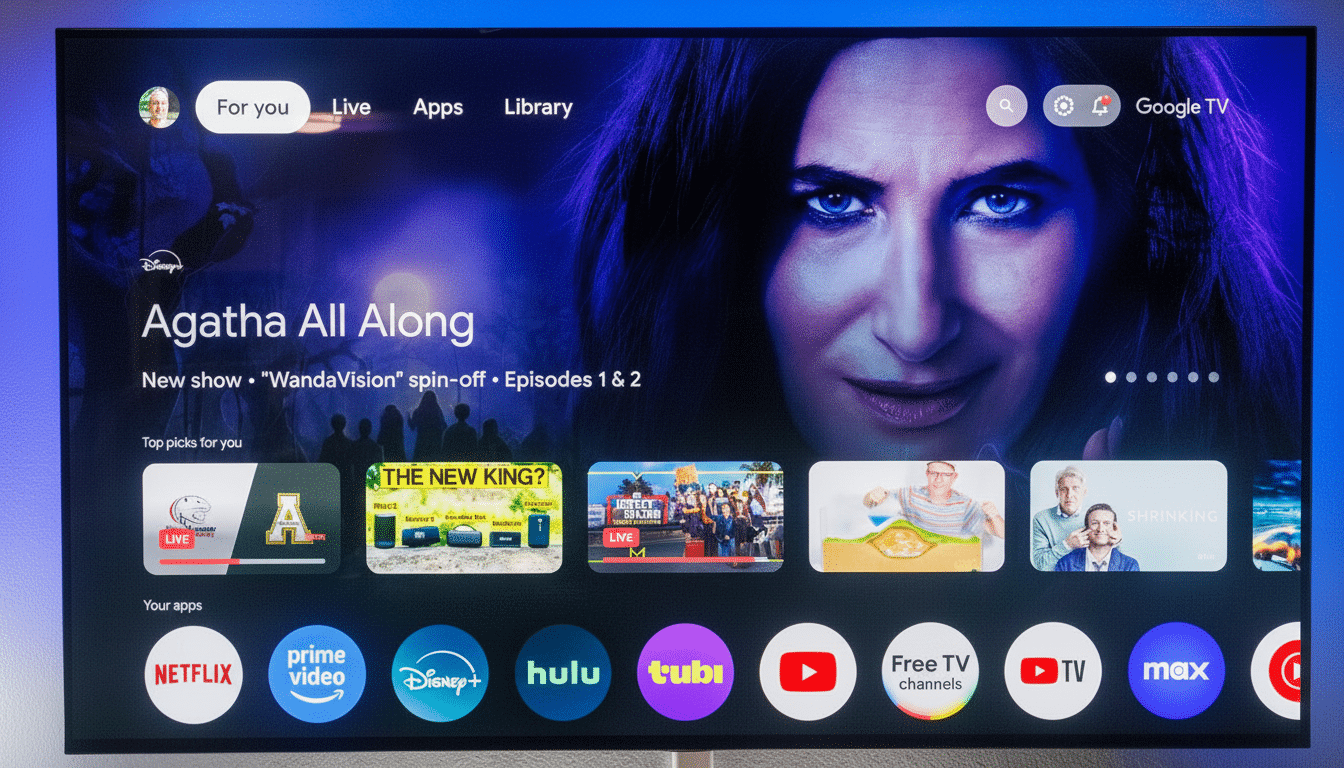
And importantly, this doesn’t seem to be users downloading a huge firmware package; it looks like the experience is being turned on by a server-side config update.
What’s new on the redesigned Google TV home screen
The redesign separates the top-level navigation into two pill-shaped collections to make it cleaner and faster to navigate with a remote. The first cluster contains Home, Live and Apps, with a big Search shortcut underneath. In this change, the old For You tab becomes Home — a presumably less confusing name for what is still ostensibly your personalized homepage.
On the other side, a smaller pill now accumulates quick controls, like Settings and Screensavers (Ambient Mode), cutting down on the number of clicks it takes to get to stuff you hit all the time.
The profile menu is also lifted functionality-wise: a pop-up interface makes switching profiles and jumping to Watchlist, Library, Your services and Content preferences more accessible. For households managing multiple profiles or tuning recommendations, these shortcuts reduce friction in a meaningful manner.
The design language also inches Google TV further toward the rounded, space-effective look found across other Google surface devices, which should help create consistency for users who switch between Android devices, Nest Hubs and the TV screen.
Rollout status and how the Google TV update is arriving
Early sightings were restricted to a few stores, but the company has quietly expanded availability. According to 9to5Google’s findings in a series of these reports, the rollout appears to be rolling out to an increasing number of users and across various hardware categories, from budget Onn boxes all the way up to popular TCL models. Since it’s a server-driven switch, you can see the new layout without needing to update the app or apply system patches.
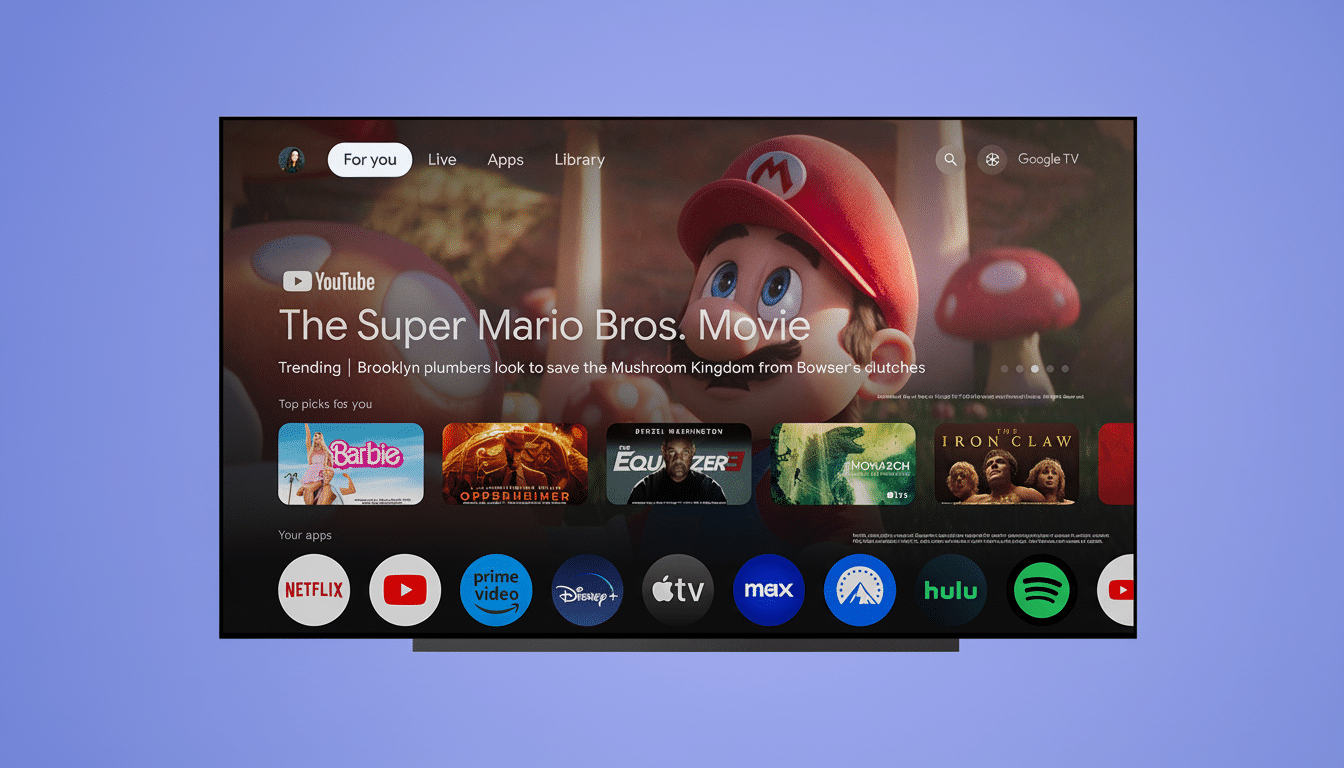
As with previous Google TV tweaks, plan on it rolling out in waves. Not all Chromecast with Google TV, Sony, Hisense or Philips devices will flip at the same time. If your device hasn’t updated yet, you can encourage the update to occur more quickly by restarting or leaving the device idle, and making sure that the Google TV Home app is up to date, but final timing is left up to Google.
Why the Google TV home screen refresh matters now
TV interfaces are all about saving presses. The two-column approach of navigation keeps it all organized and cuts down on the “aimless scroll” that can be a problem with many living room interfaces. It’s particularly impactful at the scale of Google TV: Google has said Android TV OS, which encompasses Google TV, now powers over 220 million monthly active devices, meaning even tiny improvements in usability have outsized benefit across an enormous base.
The prominent Live tab underscores how much free ad-supported streaming TV (FAST) and live channel guides have become a part of viewing habits. Industry tracking services like Nielsen’s The Gauge have indicated that streaming’s share of TV time has only continued to rise, and the platforms themselves have responded by promoting live and linear options more aggressively. By making it easier for people to access Live content and Search, discovery and session start times — two metrics platforms are always watching very closely — should improve.
On the personalization front, faster access to Watchlist and Library recognizes how people piece viewing together across services. Also, Google’s Watchlist connects to your Google account for the TV, which allows anything added from Search or YouTube trailers to pop up on your TV. Surfacing Your services and Content preferences more can be effective by prompting users to tune recommendations, increasing engagement in a way that feels less pushy.
What to watch for now and what’s next for Google TV
You’ll know it’s hit when For You is gone in favor of Home, and the top of the app has two pill-shaped groupings — one of home/live/apps/search and one for quick controls. The profile icon should bring up a drop-down to get quick access to Watchlist and other account tools.
If your device hasn’t flipped yet, patience is the safe play. Google often pushes staged, server-side rollouts and A/B tests as a prelude to a wide cutover. As the redesign now appears in Google’s own marketing materials and is rolling out to more brands, the broader system will latch on in waves to come.
The bottom line: This isn’t a Garanimal redux, but it’s still a worth-it quality-of-life upgrade. By tweaking friction and simplifying navigation, Google TV is edging closer to the clean, predictable start screen that people in living rooms have been clamoring for — with no manual update required.
