


Sticker shock from rising subscription fees is pushing viewers toward a quieter revolution in streaming: free, ad-supported TV. Analysts at Omdia project FAST (free ad-supported streaming TV) revenues to surpass $10 billion globally within a few years, reflecting a surge in audiences who prefer channel surfing without a monthly bill. The upshot for viewers is simple—you can unlock more than 1,000 live channels today with no subscription, largely by tapping Google TV’s unified guide.
The playbook is straightforward. Google TV’s built-in Free TV and Freeplay experiences offer hundreds of live channels on their own, then fold in entire lineups from major free apps—creating a single program guide that easily crosses the 1,000-channel threshold. You watch, they run ads, and your wallet stays out of it.
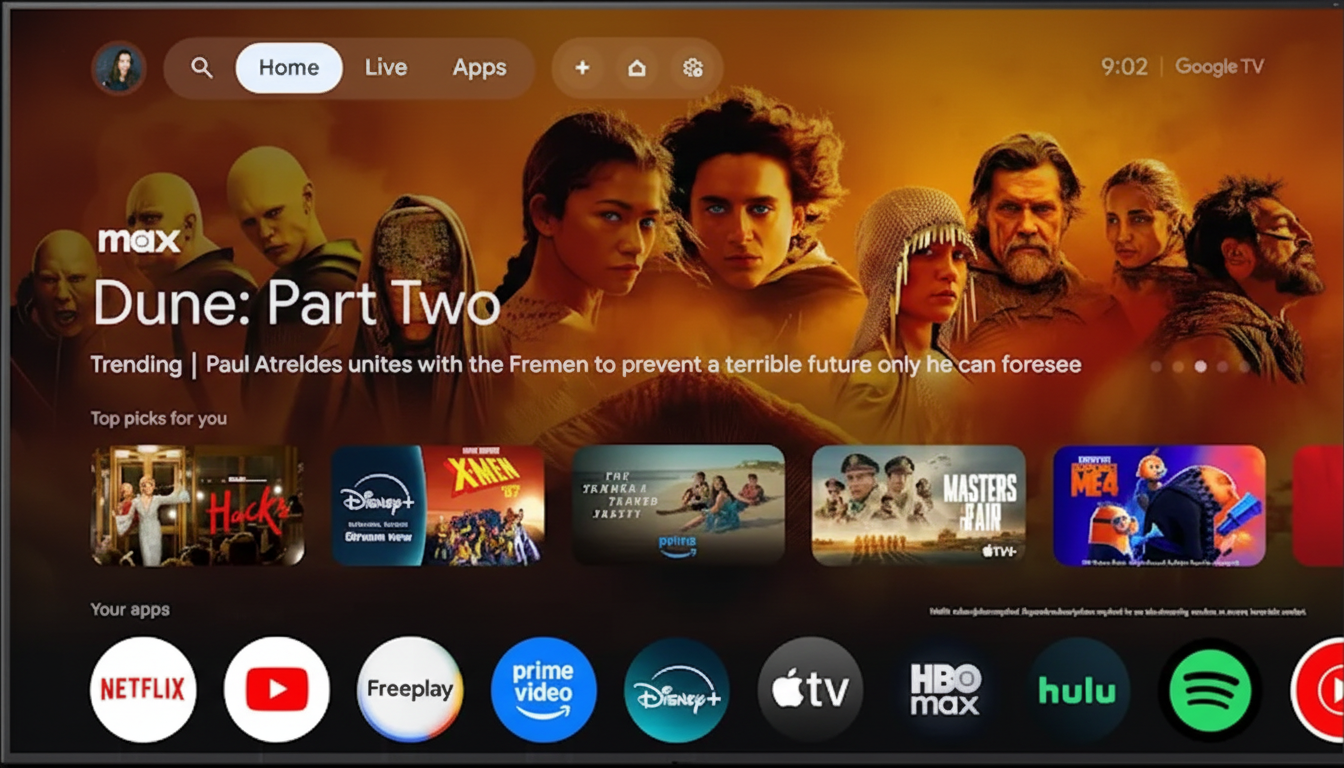
How to Unlock 1,000+ Free Channels on Google TV
Start on a TV or streaming dongle that runs Google TV—think Chromecast with Google TV, or smart TVs from Sony, TCL, Hisense, and Philips that use Google’s interface. Open the Live tab and select the Free TV or Freeplay section to access Google’s own free lineup immediately.
Scroll to the “Free channels from other apps” section. Here’s where the channel count explodes. Google TV integrates complete guides from major FAST services such as Pluto TV, Tubi, Plex, Xumo Play, Local Now, and news aggregators like Haystack News and NewsON. The first time you click a channel from one of these partners, you’ll be prompted to install its app (and occasionally create a free account). After that one-time step, those channels appear seamlessly in Google TV’s guide.
Numbers vary by region, but the math adds up quickly. Pluto TV alone lists hundreds of themed channels in the U.S.; Tubi, Plex, and Xumo Play each contribute sizable live lineups; add Google’s native free channels and niche partners, and surpassing 1,000 unique streams is routine. Unlike hopping app to app on other platforms, Google TV lets you browse everything in one grid.
What You Can Watch for Free on Google TV
Expect a blend of 24/7 single-series feeds, genre hubs, and branded networks. You’ll find channels dedicated to classics and comfort TV, from Baywatch and Saved by the Bell to Law & Order, alongside pop culture staples like Saturday Night Live. There are robust true-crime blocks, game shows (Family Feud, The Price Is Right, Deal or No Deal), home and cooking content, travel, documentaries, and niche curiosities you didn’t know existed.
Sports is plentiful, with combat sports, motorsports, golf, soccer, billiards, and league-branded channels. Don’t expect many live rights for top leagues—those remain locked in paid deals—but you’ll find classic games, studio analysis, and original features. Local news is a standout: services tap geolocation to surface stations near you, while national brands like ABC News, NBC News, CBS News, BBC News, Scripps News, and more provide continuous coverage.
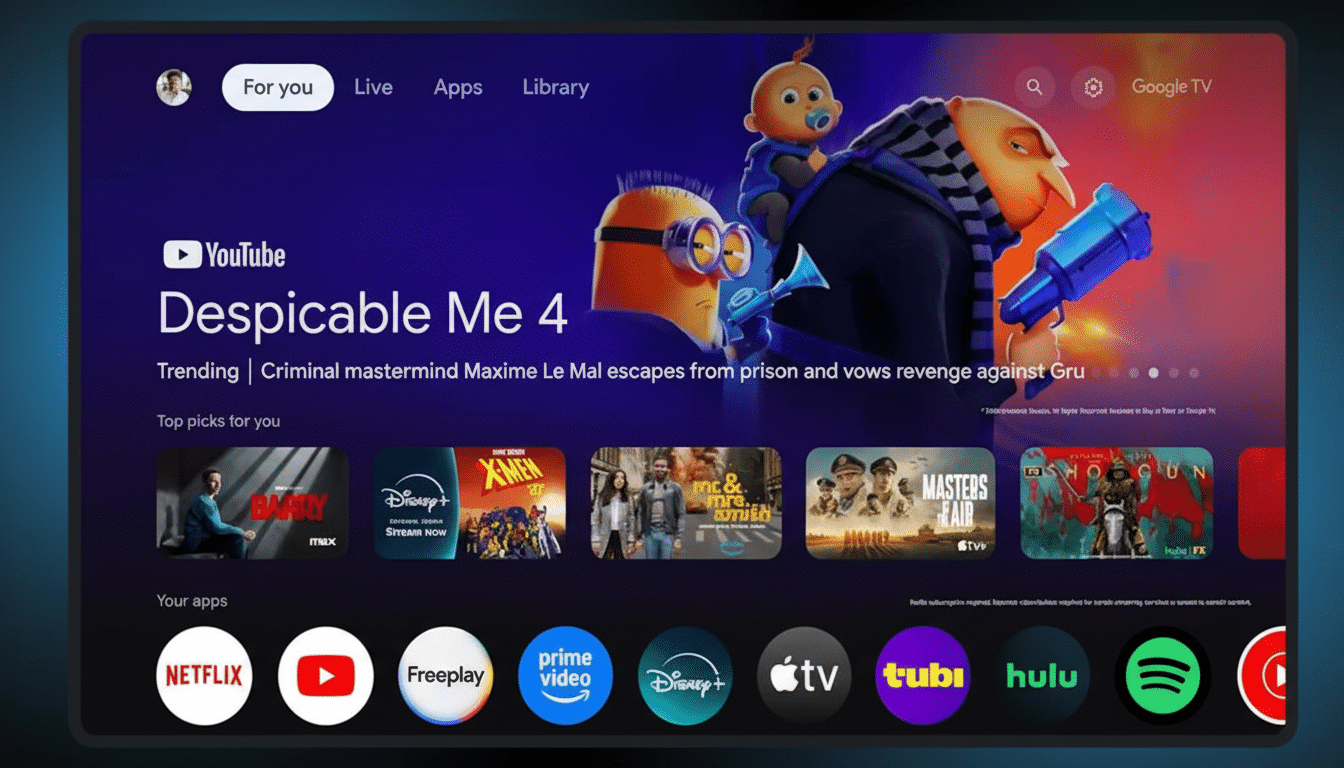
Devices and Availability for Google TV Users
Google TV’s unified guide is available on Chromecast with Google TV and on many TVs from Sony, TCL, Hisense, and Philips that ship with Google TV. Channel catalogs vary by country; the U.S. sees the broadest selection. If you don’t have Google TV, you can still assemble a huge free lineup by installing the same apps on other platforms—Roku, Amazon Fire TV, Samsung TV Plus, LG Channels, and Vizio WatchFree+—though you’ll browse them app by app rather than in one integrated guide.
As a reference point, platform lineups often look like this: Pluto TV regularly offers 250+ channels in the U.S.; Samsung TV Plus, LG Channels, and Vizio WatchFree+ each list hundreds; The Roku Channel has hundreds of live channels as well. Google TV’s advantage is aggregation—it surfaces multiple services at once instead of sending you hunting through separate apps.
Privacy and Ad Tips for Free Streaming on Google TV
Free TV is paid for by advertising. To keep control, review privacy and ad settings on your TV and within each app. Disable ACR (automatic content recognition) if you prefer less viewing data collection, and limit ad personalization where possible. These settings are easy to find in system menus and individual app profiles, and they don’t block you from watching.
For a smoother experience, favorite your must-watch channels in the Live guide, hide genres you don’t use, and enable parental controls if kids are browsing. Some partner apps require storage; if you’re on a Chromecast with limited space, consider offloading unused apps or using supported USB storage options.
Why FAST Is Surging for Viewers and Platforms Alike
Households are grappling with “subscription fatigue,” and ad-supported options have filled the gap. Research firms like Parks Associates and Kantar have tracked rapid growth in FAST adoption as viewers mix free channels with a smaller set of paid services. Nielsen’s streaming analyses also show rising time spent in ad-supported environments. Put together, the incentives are clear: publishers monetize libraries they already own, advertisers reach TV-scale audiences, and viewers get a cable-like guide for free.
Bottom Line: Get 1,000+ Free Channels on Google TV
If you want more than 1,000 live channels without a subscription, Google TV is the most straightforward route. Open the Live tab, turn on Free TV/Freeplay, and add the integrated partner apps when prompted. You’ll end up with a single, unified guide spanning news, sports, reality, classics, movies, kids, and everything in between—no monthly fee, just ads. It’s cable’s breadth, minus the bill.
