


Google seems to be preparing itself for one of the most obnoxious Pixel quirks—pocket dialing and phantom touches—after a company engineer marked a public issue tracker post as “Fixed” and stated that the problematic issue would be addressed in a future software update. Spotted by PiunikaWeb, the note indicates that a system-level cure is on its way to Pixels as soon as an upcoming software update—most probably through a Feature Drop or platform refresh.
Why Pixel Owners Should Care About Accidental Pocket Dialing
For years, Pixel users have complained of pulling a phone from their pocket with its flashlight lit, the camera activated, or an unexplained call in progress. Worse still, besides the embarrassment factor, they waste battery and set off unwanted notifications—or, in some cases, can accidentally dial emergency services. The unsolicited calls have led police departments across Europe and the UK to report an uptick in accidental emergency calls related to lock-screen shortcuts on smartphones, SOS gestures in particular—because it can mess up budget models of devices without proper “pocket mode” logic.
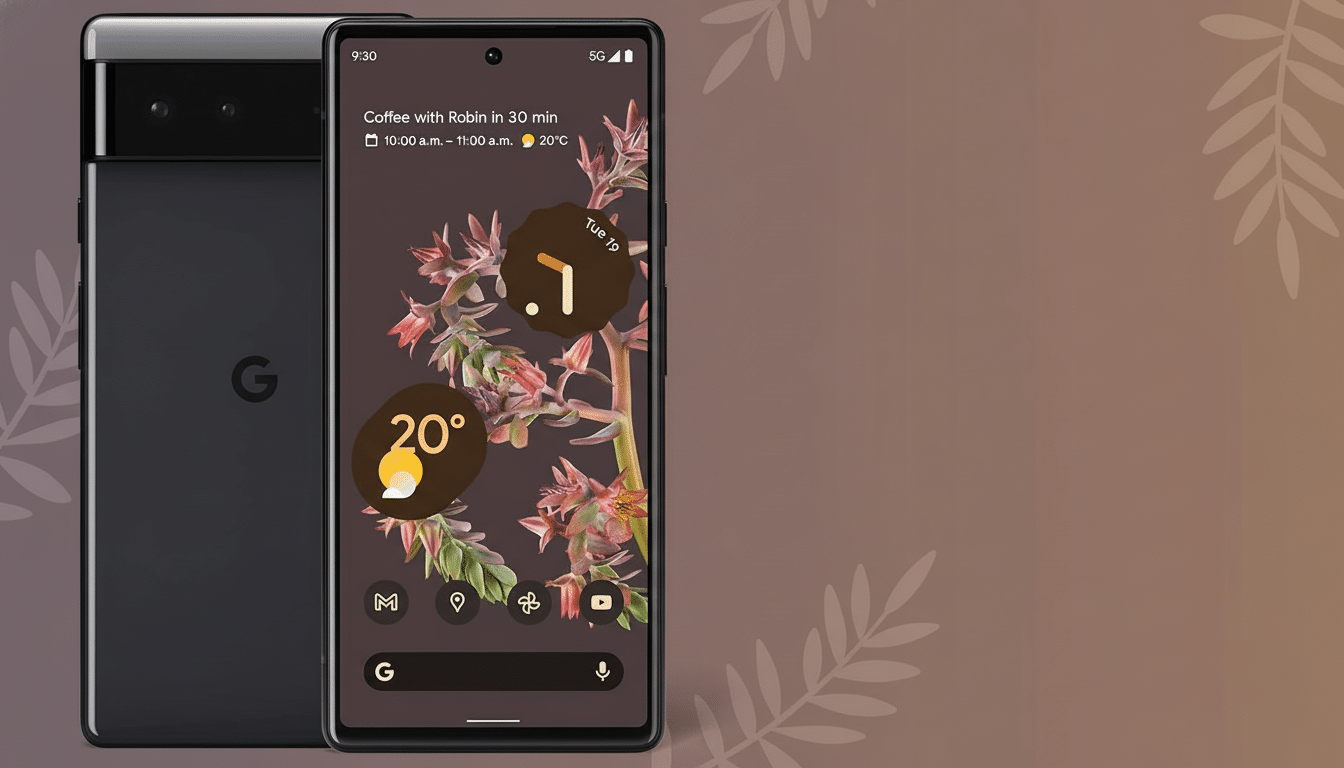
The issue is particularly obvious on Pixel models starting from the Pixel 6 era that include capacitive and in-display fingerprint sensors (as well as other factors like always-on displays or lock-screen affordances).
There’s even a way that squeezing the phone in one of these pockets could, against all odds, apply enough pressure to combine with random screen-wake gestures and produce simulated taps and swipes.
What It Seems Google May Be Changing to Reduce Pocket Dials
Google has not published technical details, but “Fixed” on its tracker suggests that the company has developed a stow-aware guardrail (one that ignores touches when a device is in your pocket or bag). My expectation would be a sensor-fusion concept: using proximity and ambient light data for occlusion detection, supplemented by motion cues from the accelerometer and gyroscope to indicate the pocketed state. In practice, that might disable lock-screen shortcuts, the double-tap-to-wake feature, and other gestures until the device definitely looks like it’s being held.
Google has its own frameworks that are already building blocks: palm rejection and touch classification. Scaling that to a systemwide “pocket mode” brings Pixels in line with competitors that have supported similar protections for years. The change also aligns with Google’s push for on-device intelligence, relying more on local sensor data than crude workarounds, like just turning things off.
How Other Phones Handle Pocket Mode and Accidental Touches
One UI has Accidental Touch Protection to prevent input when the display is blocked. OnePlus and Xiaomi have their own dedicated Pocket Mode features which work on the proximity sensor to disable touches until it’s no longer blocked. These are not foolproof solutions, all the same; they simply serve to reduce false activations from lock-screen buttons and edge swipes. Pixel owners have long demanded this parity—especially since Google added lock-screen shortcuts for camera and flashlight.
For the industry, the lesson is stark: the optimal solutions are context-aware. No need to disable hip/mobile gestures; the software should simply be able to see when you pocket or bag it and quickly sleep actions that, following motion detection, are not likely on purpose.
What to Do If You’re Affected and When the Fix May Arrive
When an issue is marked “Fixed” at this point, it typically means code has been checked in and is staged for release. Since it wasn’t part of the latest monthly deployment, there’s a chance we could see it arrive in an upcoming update or Feature Drop. As always, availability and scheduling for particular regions will vary, and some supported Pixel models may receive the update at a later time.
What to Do Now While You Wait for the Pixel Pocket Mode Fix
Until that update arrives, you can minimize pocket mishaps with a few changes:
- Turn off or move lock-screen shortcuts, such as the flashlight, if your Pixel offers that kind of customization.
- Disable wake gestures you don’t use, like Double-tap to Wake or Lift to Check Phone, under Settings > Display and Settings > Gestures.
- Use a tight-fitting case with raised edges; light pressure on an open display might count as input.
- Check Emergency SOS settings so rapid-button presses or lock-screen actions don’t inadvertently make calls.
A good accidental-touch prevention system won’t just save you from awkward calls—after all, how many of us 100 percent consistently hit the lock button or swipe down that notification shade handle perfectly every time?—it’ll also help prevent battery life from draining needlessly due to unexpected screen-on events and flashlight illuminations.
Assuming Google’s version lives up to the hype, Pixel users might experience fewer mistaken touches while still enjoying the convenience of handy gestures and lock-screen utilities.
The takeaway: a much-requested quality-of-life correction seems finally on the horizon. Watch the release notes for the next software update on your Pixel—this might be that silent little upgrade that makes your phone feel smarter every single time it slides into your pocket.
