


For years I bounced back to analog watches and basic fitness bands because smartwatches made me feel smothered — always needing charging, buzzing too often, offering too little in return. The Google Pixel Watch 4 appears to have ended that streak. It’s the first Wear OS watch in a good while that ties together speed and practicality, as well as thoughtful design considerations and the kind of low-friction experience that makes you forget to take it off.
Design And Display With The Right Touch And Feel
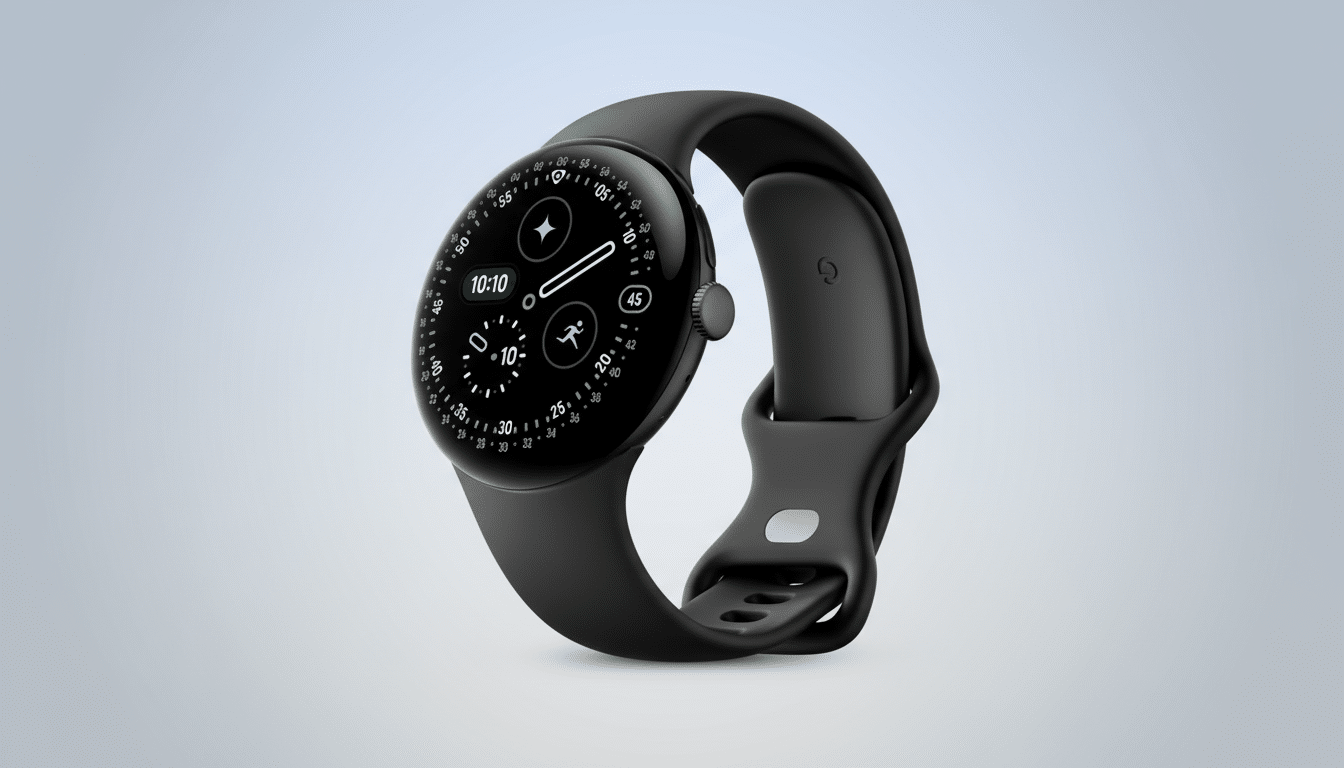
The round case now finally looks and feels like a watch, not a teensy-weensy phone on your wrist. Google’s domed Actua 360 display sits under slimmer bezels than last time around, and it’s bright enough to fight off midday sunlight — its peak brightness checks in at an eye-burning 3,000 nits. I tested the 41 mm model (79 grams; strap measures 22 millimeters, for adding arbitrary aftermarket bands), but the larger canvas — and additional battery headroom — of the 45 mm edition is likely to appeal to bigger wrists out there and marathon days.
- Design And Display With The Right Touch And Feel
- Battery And Charging Cut Down The Daily Chore
- Fitness Tracking That’s Honest If Not Telling
- Sleep And Readiness Require More Detail And Clarity
- Software Polish And Controls That Get Out The Way
- Health Basics Remain Covered For Everyday Use
- The Bottom Line For Committed Android Users
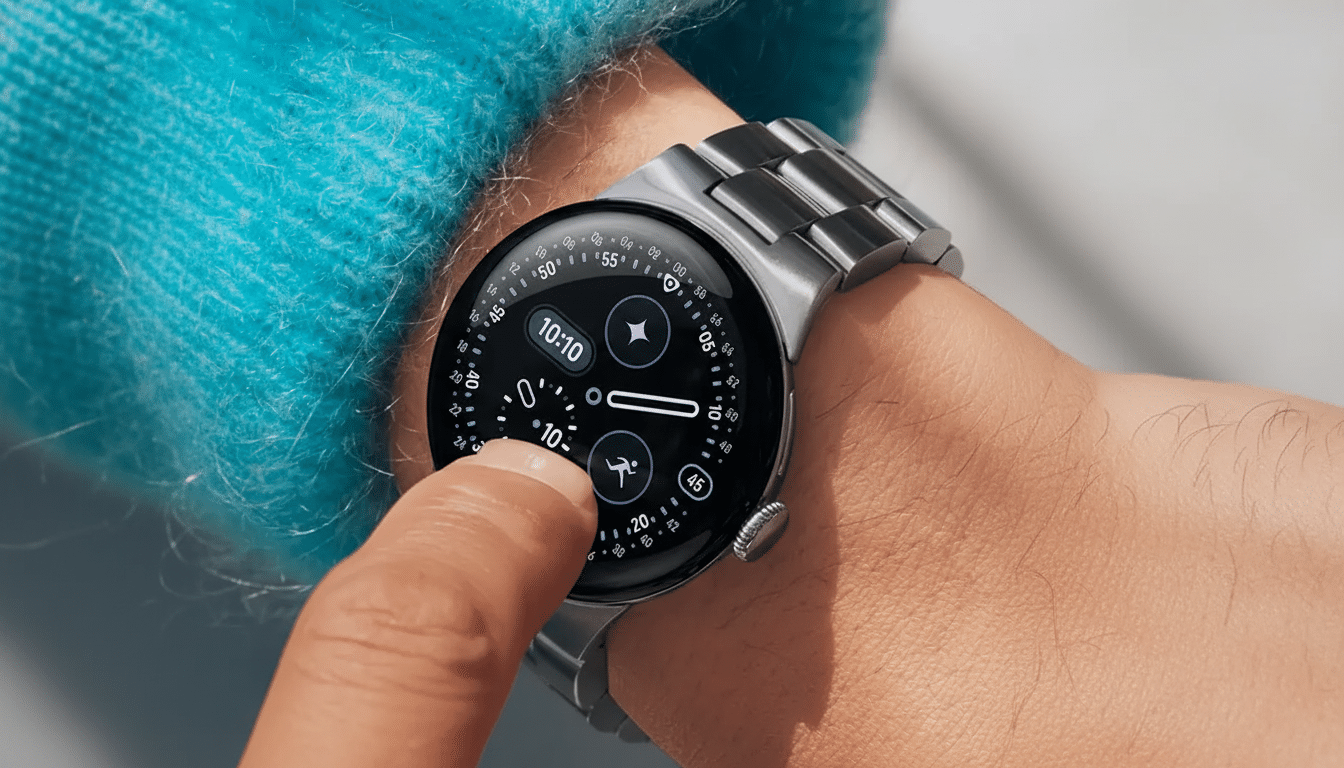
Small touches show up everywhere. Watch faces and tiles shuffle around in the new Material design language, and much more happens with animation that’s condensed rather than flashy. The result is a wearable that melts into your daily life until you need it — and then it’s instantaneously legible and responsive.
Battery And Charging Cut Down The Daily Chore
Battery anxiety has been the smartwatch deal breaker for many users; industry surveys from firms like IDC and CCS Insight consistently rank it among the top reasons people churn. The Pixel Watch 4 directly addresses that. I even routinely saw the smaller model get me through an entire day and night on lighter schedules. When I needed a boost, fast charging changed my behavior more than raw capacity.
That’s the promise of Google: something like 0% up to 50% in a quarter-hour, with full charging in just under half an hour. My timings were not always precise — there’s that thing called life — but I was in the right neighborhood often enough that a coffee break or a short tidy-up yielded hours of runway. Yes, it requires a proprietary puck to charge, but the speed makes top-ups a non-event, which in turn helps keep the watch on your wrist rather than your nightstand.
Fitness Tracking That’s Honest If Not Telling
The Pixel Watch 4 is great for all-day tracking — walks, everyday cardio at the gym, gym basics — and is slightly more running-focused than niche sports. Auto-detection for cardio kicks in sometime after consistent activity, which worked, though not perfectly, on longer walks. Counting floors was erratic in my experience, with some very stair-heavy days recording peculiarly low, and two-café kind of days registering bewilderingly high.
For more structured workouts, you’ll find treadmill and elliptical modes, as well as catch-all ones like core training and weights. If you play pickleball or cycle through machines, for instance, your best bet will probably be its general workout tracking rather than sport-specific analytics. That’s great for the majority of people, but your mileage might vary if you live by deep training metrics.
Sleep And Readiness Require More Detail And Clarity
I had to teach myself to sleep with a watch on, but it consistently offered useful context around sleep and readiness. But the on-your-wrist summaries feel light. The guidance in the Fitbit app is pegged to your readiness score, but it’s a step behind the bridge to actionable coaching — accountability loops and habit nudges — we see some more dedicated health platforms trying to make, with insights fueled by AI.
The hardware is there; the opportunity is in software. In a world where the likes of Oura and WHOOP are introducing personalized recommendations and trend analysis, Google is in prime position to match its sensor data with smarter feedback.
Software Polish And Controls That Get Out The Way
Wear OS on the Pixel Watch 4 feels cohesive. The weather app is a model of glanceable design. Quick-start workout slots are limited to three, which can be frustrating, but the interface seldom slows you down. Gemini is present when you raise your wrist — useful for timers, quick sports scores or starting a workout — but it doesn’t get in the way.
And then there are the recent gesture controls. A soft squeeze for dismissing notifications or controlling music and wrist twists to smother calls helped me use the watch more, the phone less. It sounds like a small thing, until you realize how often you employ those gestures dozens of times a day.
Health Basics Remain Covered For Everyday Use
Essentials are covered: heart-rate trackers, SpO2 trends, stress and VO2 max estimates with ECGs providing irregular rhythm notifications (those have been cleared by regulators in the supported regions). Data fidelity fell in line with what I like to see in an established wrist-worn smartwatch; that means heart rate tracking closely matched chest-strap readings during steady-state cardio and skewed a bit during spiky intervals (typical optical behavior).
The Bottom Line For Committed Android Users
There’s no one magic feature here. Instead, what the Pixel Watch 4 gets right are the basics you care about day in and day out: a bright, pretty display, smooth software, fast charging that obliterates friction and good-enough fitness and sleep tracking. For a market that’s starting to pick up again — analysts at Counterpoint Research and IDC have noticed new interest in Wear OS since Google partnered with leading OEMs, after all — the Pixel Watch 4 is the wearable push I needed.
If you’re deep into Android and value a smartwatch that feels like an innovative upgrade and not just another screen to check, it’s the one to beat. It didn’t win on a spec sheet; it won my wrist back.
