


Google Photos’ Locked Folder was meant as the sacred refuge for your more sensitive shots, but power users are growing increasingly incensed at how stripped-down the feature still is.
What started out as a layer of privacy has hardened into an unmanageable dumping ground, and its missing rudimentary organization tools are driving some users to look for alternatives.
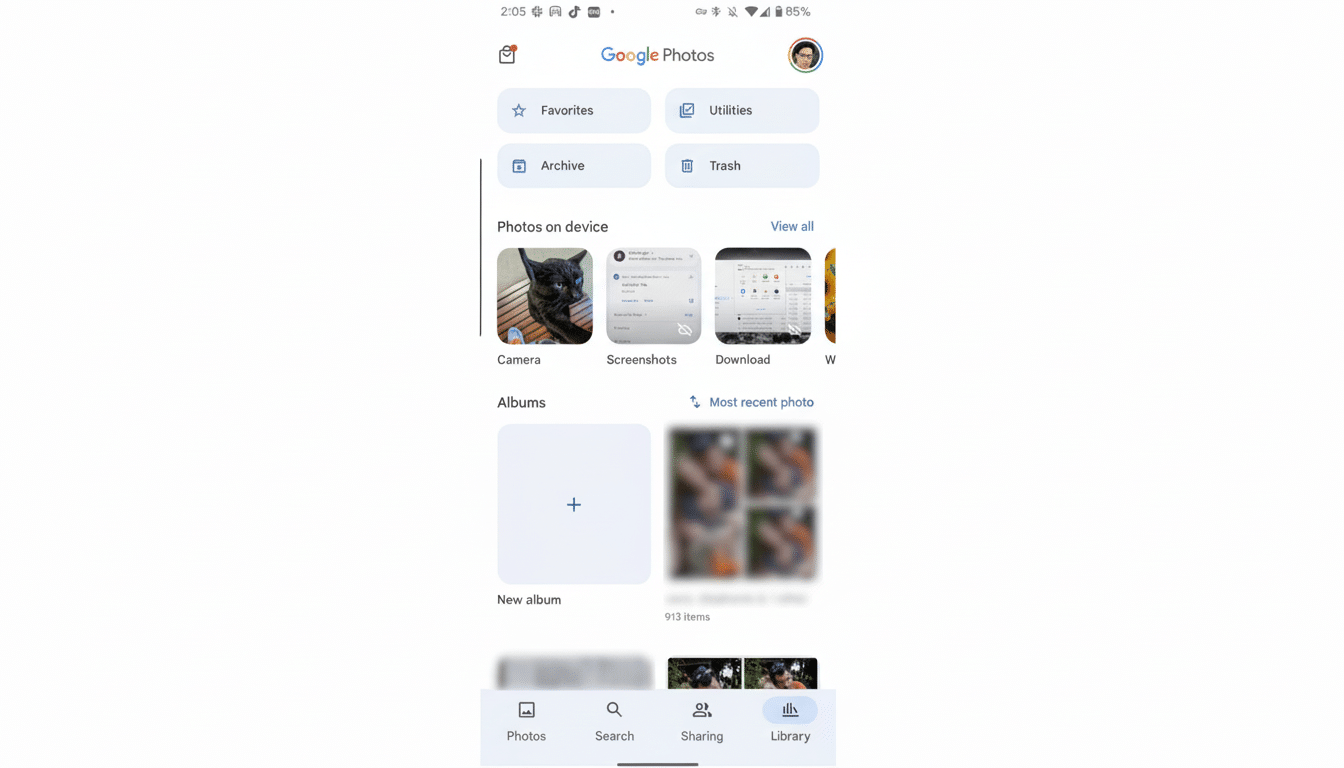
What Locked Folder Gets Right — And Wrong
Locked Folder’s premise is simple enough: Use it to hold back a few images and videos that you don’t want in your main library, nor showing up in features like Memories, with access blocked by your device screen lock. And on that narrow brief, it does deliver. Sensitive content won’t show up in automated highlights, be cast to a TV, or when you hand your phone to someone else to swipe through vacation photos.
The problem is everything else. You can add and delete items back in and out, but that’s the extent of it. No search, no albums, no tags, no filters, and no means to sort beyond endless thumb-scrolling. Once you’ve stowed a few hundred files — think health records, financial documents, or progress photos — finding one specific image is suddenly a chore.
For a service used by more than a billion people, according to the company’s public disclosures, it makes no sense that even basic library tools are not in its stronghold, a feature that wasn’t there for days and suddenly appeared on the Chrome version of Facebook again without explanation.
The Security Rationale and What It Can Do
Google has indicated the limitation is intentional, and aims to avoid inadvertently exposing private media. Security professionals tend to support the principle: standards bodies like NIST and advisories from OWASP warn that limiting functionality in sensitive contexts cuts attack surface and accidental sharing.
But there’s a middle ground. On-device search indexing — kept entirely local, never synced — could provide a way for customers to find things by date or file type or even very basic labels without the risk of cloud exposure. Google already does heavy-duty on-device processing for things like Now Playing and Live Caption. Providing a user-clickable toggle for local-only sorting would respect privacy requirements while addressing implementation annoyances.
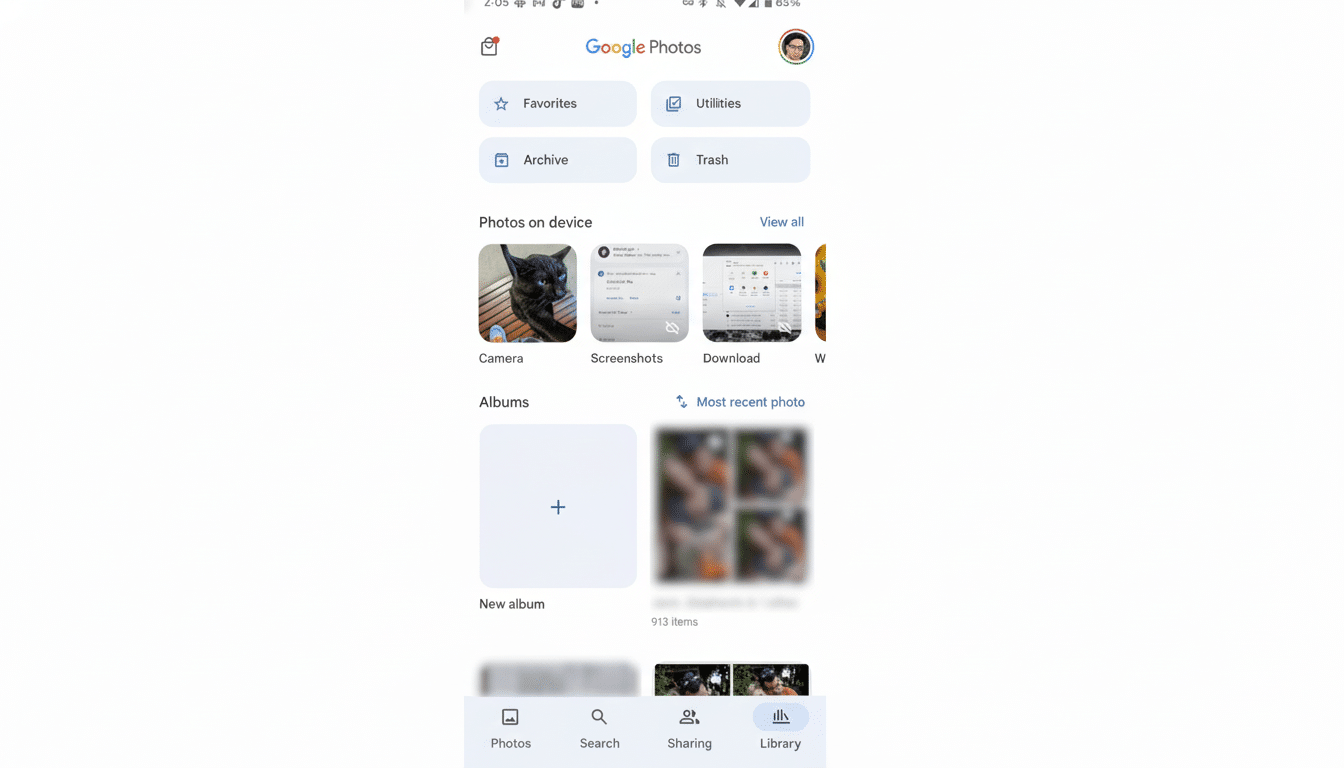
How Rivals Handle Private Media With Stronger Tools
“Our competitors have shown that privacy and organization are not mutually exclusive. The company’s Secure Folder—powered by Knox—serves as a complete enclave in which the Gallery app includes albums, sorting, and also strong privacy controls. It’s like being in any ordinary library, except that it’s carved into sections.”
Privacy-oriented providers also follow a different path. Proton features end-to-end encryption specifically so the company itself can’t access user content. That ticks the security box for even the most paranoid of users, but that 5GB ceiling in the free tier might force some difficult decisions, and it can be disruptive to step away from an app as deeply ingrained into your digital life as Google Photos. A PC’s local storage sidesteps subscriptions, but you lose the ability to sync across devices and have things available immediately.
What Power Users Want Next From Locked Folder
Here’s a quick list of changes that would turn Locked Folder from a last-chance safety net into something you could actually depend on as a workspace:
- Local-only search and filters: Date range, file type, and simple tags are only processed on-device; never indexed in the cloud.
- Private albums and folders: Simple bookkeeping to separate medical records from IDs or family papers, with color-coding for personal preferences or pinning frequently used sets.
- Bulk actions and sorting: Select-many, rename, sort by date added, date captured, or custom order to avoid endless scrolling.
- Clearly defined privacy toggles: Clear controls to keep Locked Folder content out of casting, external share sheets, and third-party apps’ reach—no surprises in here.
- Optional auto-clean rules: Time-based reminders or vault-specific retention to reduce clutter without an excessive risk of accidental deletion.
Why This Matters for Google Photos and Its Users
Google focuses Photos on ease of use and security. The app’s AI-powered organization is one of the best, and its transfer to other devices is nearly frictionless. When we neglect the most private spaces, we undercut both pillars: Convenience suffers because retrieval is difficult, and trust wobbles because it seems as if the vault was an afterthought.
Consumer advocates increasingly have called on popular platforms to introduce greater user control and more stringent encryption models. Without having to look users in the eye and say they’ve compromised their end-to-end encrypted library, Google can make Locked Folder a more meaningful feature through local processing, clearer controls, and rudimentary organization tools.
The Bottom Line on Locked Folder and Privacy Trade-offs
Locked Folder fixes the “don’t allow that to pop up” problem but creates a new one: “how in hell do I ever find something again?” If Google wants people to entrust it with pictures of their children in the bath, let alone photos of nonconsensual sex acts, then its vault should be as well-regulated and open as a modern library, not an echoless black box. For now, though, anticipate additional users distributing their archives between the crowded Locked Folder, a service that rehearses privacy first with stringent restrictions, and good old local storage. That is the price for underpowered privacy tools — but one Google can remedy with practical, user-centered upgrades.
