


Google Maps is seemingly testing a new Aerial button in Street View, which promises to be a one-tap leap from ground-level imagery straight through the clouds and into a top-down satellite view.
For those of us who depend on Street View to check out a neighborhood, verify an entrance, or prepare for a trip, that little button could make virtual exploration a whole lot more convenient.
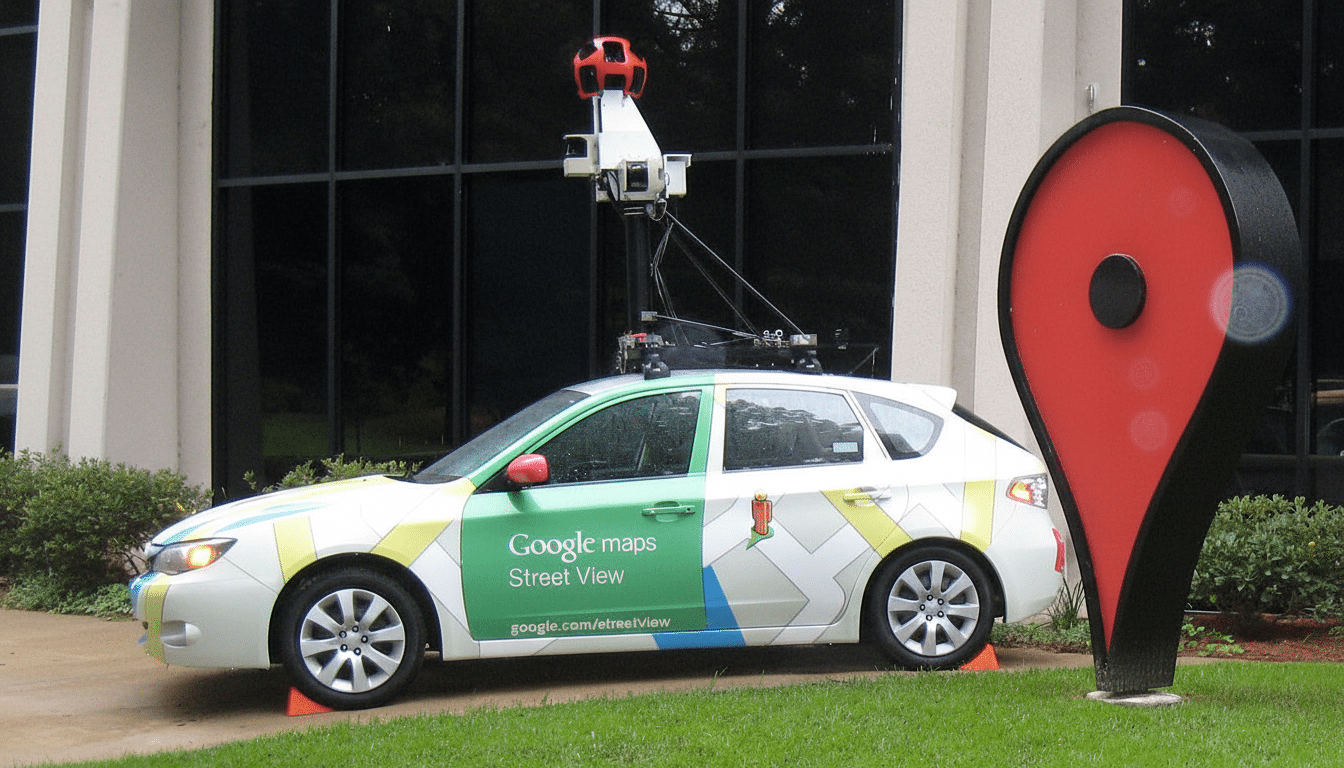
The Aerial Button and How It Works in Street View
There have been hints in recent Google Maps builds of a context-aware Aerial toggle included inline within the Street View pane. It will also be available on Android and desktop “coming soon,” according to posts from early activations of the feature by independent app analysts. It sits in the corner, then flips into a small pane, like the Street View window, with consistent orientation. Tap again, and you’re right back where you started in Street View, looking in the same direction.
That continuity matters. By preserving the compass heading when jumping to an aerial view, there’s less mental gymnastics required just to figure out your direction. In action, it means I can trace the street I’m “standing” on, bound upward to check where that alley goes or if a path snakes through or which side of a building hides the accessible entrance, and then leap back in time to prevent myself from straying too far.
Based on code-level indicators in builds around v25.39, the button looks like it should work for both 2D and a “tilt-enabled” 3D view. The transition animations from Google also seem to be refined, gently taking you up from a ground-level camera to a nadir view — rather than just snapping abruptly — which is handy if you’re on a slower connection or, indeed, as it’s fair to conclude, this little goodie has been designed for frequent use.
Why It Matters for Virtual Visiting and Planning
Street View is already one of Google Maps’ signature strengths. Google has said the service has mapped hundreds of countries and territories and has provided more than 10 million miles of Street View imagery, serving over a billion monthly users across Maps. But one of the most frequent tasks — peering at local context and the satellite layout both — takes more taps than it should today. You normally back out of Street View, click map layers, zoom in and pivot, then reverse the maneuver to return.
The Aerial button effectively turns those steps into a single gesture. For apartment-hunting, deliveries, event planning, and scouting hiking trailheads, that is a time-saver and a mental load off. The heading lock is particularly useful for pedestrians and cyclists who must verify crossings and pathway continuity versus road networks tailored to cars.
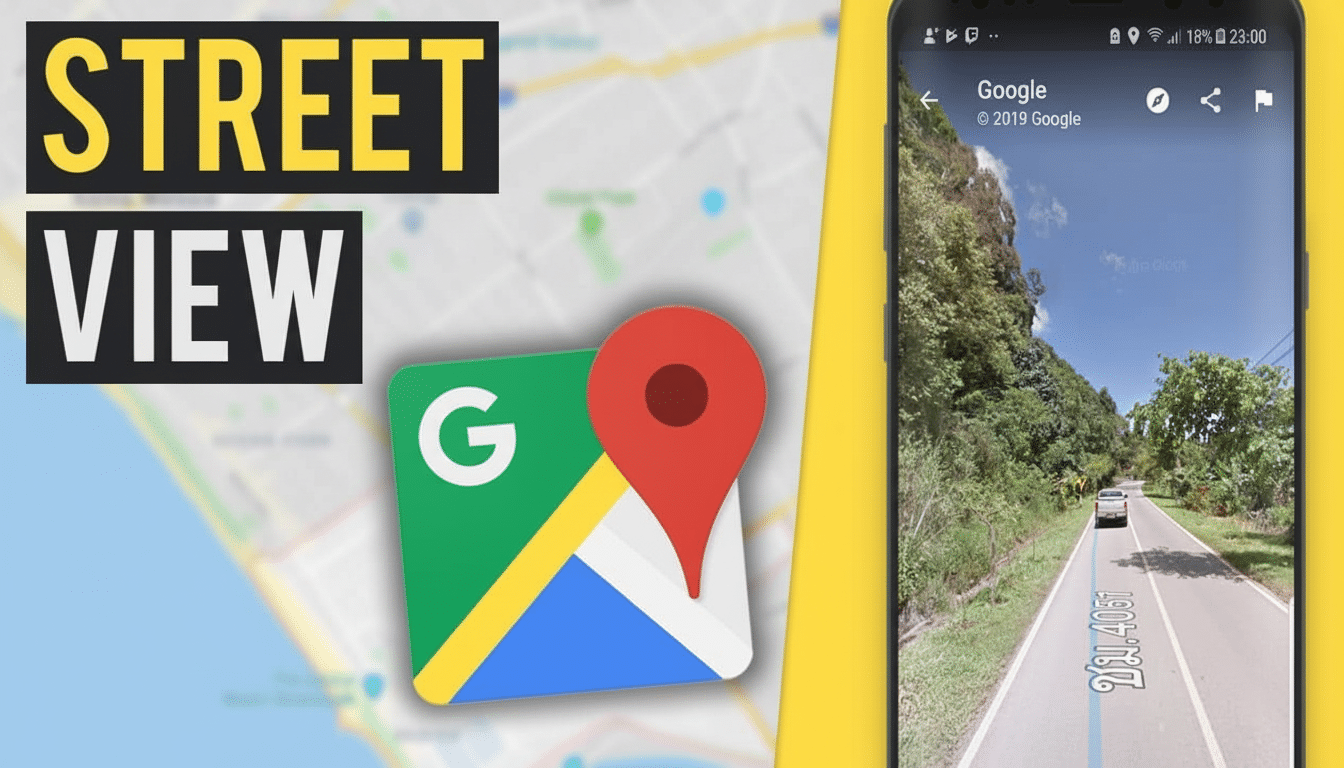
There’s also an accessibility angle. Orientation memory and smoother transitions make it easier for those who need to identify repetitious visual clues. Paired with the existing compass and mini-map overlays, it could make remote orientation easier for people new to an area.
A Step Toward More Realistic and Immersive Maps
The Aerial toggle coincides with Google’s larger efforts toward immersive mapping. The company has also invested in photorealistic 3D tiles and features, such as Immersive View for routes — a blend of Street View with aerial imagery that terraforms a route and traffic. A quick change between different views within Street View is a natural progression, getting the user to snap from one mode of navigation to another as if they were not just lenses on the same scene but integral.
Competitively, Apple Maps has Look Around for street-level imagery and Flyover for 3D aerials, but the two don’t readily hand off from one to the other. Microsoft Bing Maps and HERE WeGo also distinguish between ground-level and aerial views. “If this Aerial button from Google is as seamless as it looks, I think it will set a new standard for how quickly a user should be able to pivot their perspective.”
When You May Spot It in Google Maps Street View
The Aerial button isn’t yet widely available and is still hidden behind server-side flags in recent builds, according to findings from app teardowns by independent Android developers. That jibes with Google’s customary rollout approach: ship the code and slowly turn on features for small groups, while optimizing performance and UI placement.
Considering the small interface footprint and high utility, that could happen over the coming weeks or months in the form of a staged rollout. You can expect to see the feature landing on Android first, and then iOS, although the order will be dictated by server-side factors and regional data.
Should — and when — it lands, the Aerial button should be that simple. Less need to tap, a steadier orientation, and smoother transitions all add up to a more instinctive sense of place. For a product that millions of people use to virtually wander the world, that type of small yet deft touch can help make all this exploration feel more like, well, exploration.
