


Google appears to be preparing a significant change to Keep that could strip out one of the note app’s most practical tools: native reminders. Evidence from an in-app UI test suggests the familiar bell icon used to schedule reminders is disappearing, and the dedicated Reminders view in the sidebar may be on the way out as well. The shift points to a deeper consolidation of reminder functionality into Google Tasks.
What looks to be changing inside Google Keep
In a recent build of Google Keep (v5.26.021.01.90), a test interface surfaced without the reminder bell and with the Reminders section removed from the navigation panel. In the current public UI, reminders created in Keep display a Google Tasks badge and a scheduled time, reflecting the fact that Tasks actually delivers the notification. In the test UI, those signals vanish, as if reminders no longer exist inside Keep’s note canvas.
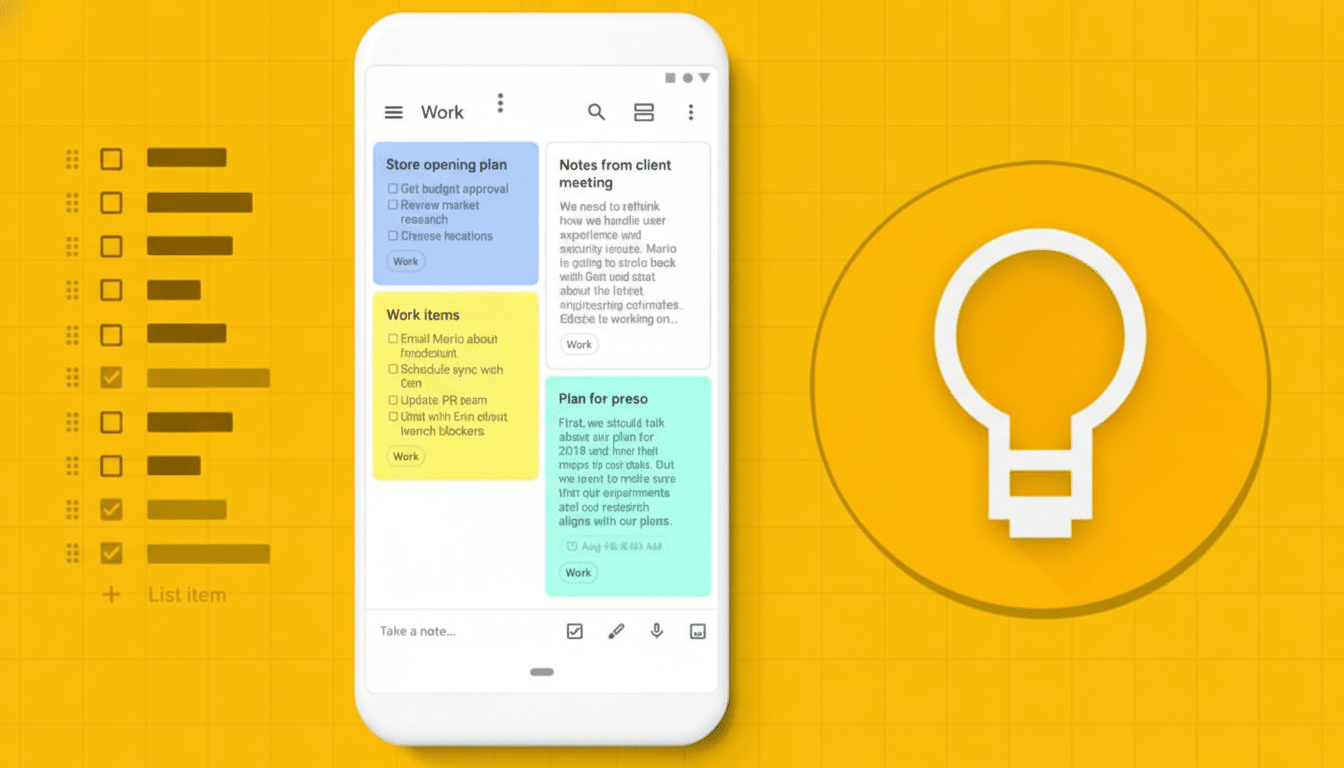
There’s also a small but notable addition: an “X” button that appears when editing a note title, letting users clear the field with a tap. That tweak underscores that Google is still iterating on Keep’s usability even as it rethinks how time-based and location-based alerts fit into the product.
Why Google might be making this change to Keep
This move aligns with Google’s broader effort to make Tasks the single home for reminders across its ecosystem. Keep reminders already route through Tasks on the backend, and Google has previously migrated Assistant and Calendar reminders into Tasks to reduce duplication. Google’s Workspace Updates blog and support documentation have consistently framed Tasks as the source of truth for to-dos, deadlines, and notifications within Gmail, Calendar, and the Workspace side panel.
Consolidation brings benefits: one notification pipeline, fewer overlapping settings, clearer sharing and delegation in Workspace, and less confusion for users who juggle notes, to-dos, and schedules. It also mirrors how other ecosystems operate. Apple keeps Reminders distinct from Notes, and Microsoft channels personal tasks through To Do rather than embedding full reminder systems in OneNote.
What users stand to lose if reminders leave Keep
If Google removes the ability to create reminders directly in Keep, the biggest loss is speed. Many people rely on tapping the bell while drafting a checklist or jotting a quick note to turn it into an actionable nudge. For millions who use Keep as a lightweight task manager, having to jump into a separate app adds friction to a once fluid workflow.
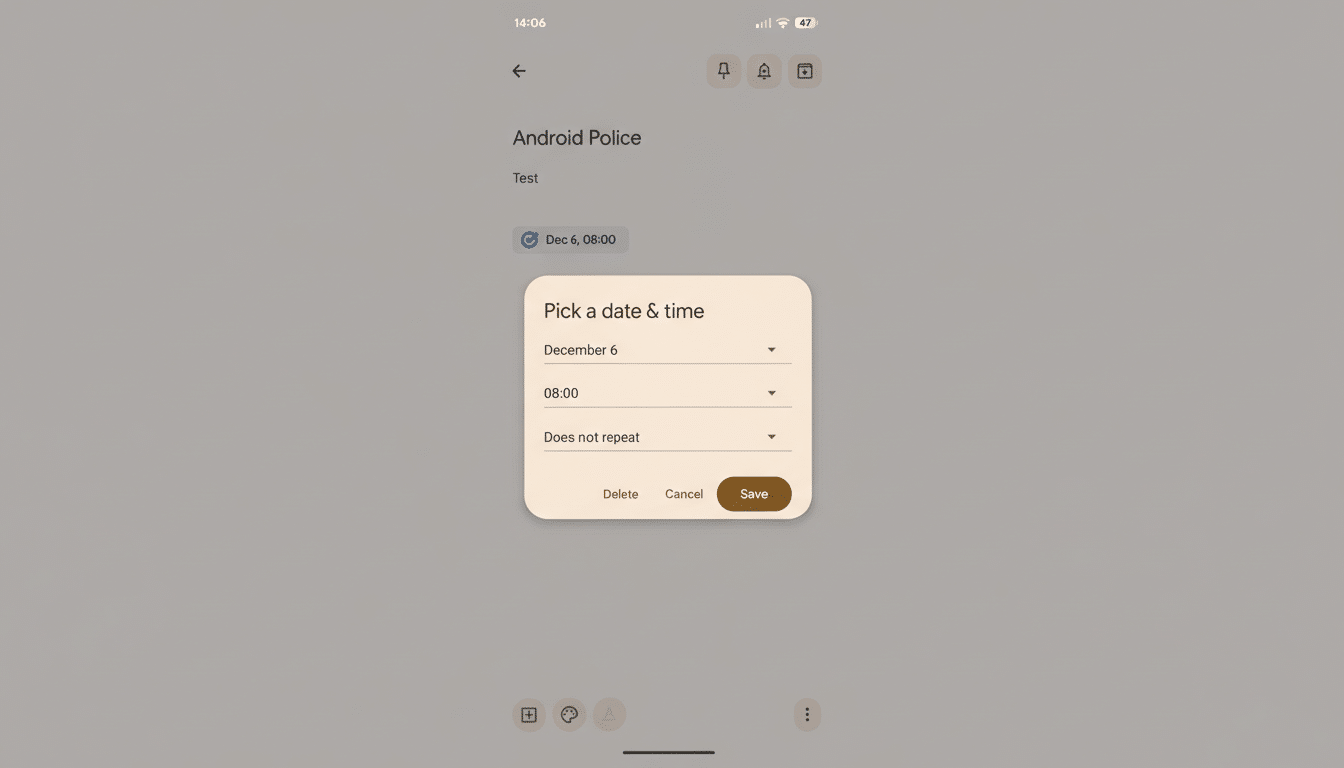
The change also affects variety. Keep previously dropped location-based reminders, which were handy for context-aware prompts like “Buy batteries” when near a store. With reminders moving out entirely, users may need to rethink how they structure lists and deadlines—especially those who pin notes or share collaborative lists with family or classmates.
Practical workarounds you can use in Keep right now
The simplest adaptation is to create to-dos in Google Tasks and keep notes in Keep. You can add a Keep note link into a Task’s description to preserve context, or create a Task from Calendar for time-bound items. For complex workflows, third-party task apps that integrate with Calendar can complement Keep’s strengths in quick capture and checklists.
It’s also worth reviewing notification habits. Tasks supports recurring schedules, lists per project, and Workspace side panel access in Gmail and Docs. Meanwhile, Keep still shines for pinned notes, OCR on images, voice capture, and fast sync across devices—backed by more than a billion installs on the Play Store, indicating a massive installed base that Google is unlikely to abandon.
What to watch next as Google tests Keep changes
Feature removals often ship gradually, and tests can be rolled back. Google has not announced a timeline, and it could retain read-only visibility for existing reminders while blocking new ones—or it could fully decouple reminders from Keep. Keep an eye on app release notes and Workspace communications for migration guidance, especially for shared notes that previously used reminders to coordinate tasks.
If the change goes live, expect Google to emphasize Tasks as the default destination for reminders while refining Keep as a pure note-taking and list app. For users who have depended on the bell for years, this may feel like a step back in convenience. For Google’s ecosystem, it’s a step toward a simpler, single source of truth for reminders.
