


Security researchers have uncovered a serious weakness in Google’s Fast Pair ecosystem that could let nearby attackers silently hijack headphones, take control of audio, and in some cases track a user’s movements. If you use wireless earbuds or over-ears that support Fast Pair, you should install the latest firmware immediately.
What Is WhisperPair and Why It Matters to You
The flaw, dubbed WhisperPair by a team at KU Leuven, stems from how some manufacturers implemented the Fast Pair protocol. Devices are supposed to reject pairing requests unless they’re explicitly in pairing mode. The researchers found that several popular models simply don’t enforce that rule, allowing a rogue device nearby to initiate and complete pairing without any user action.
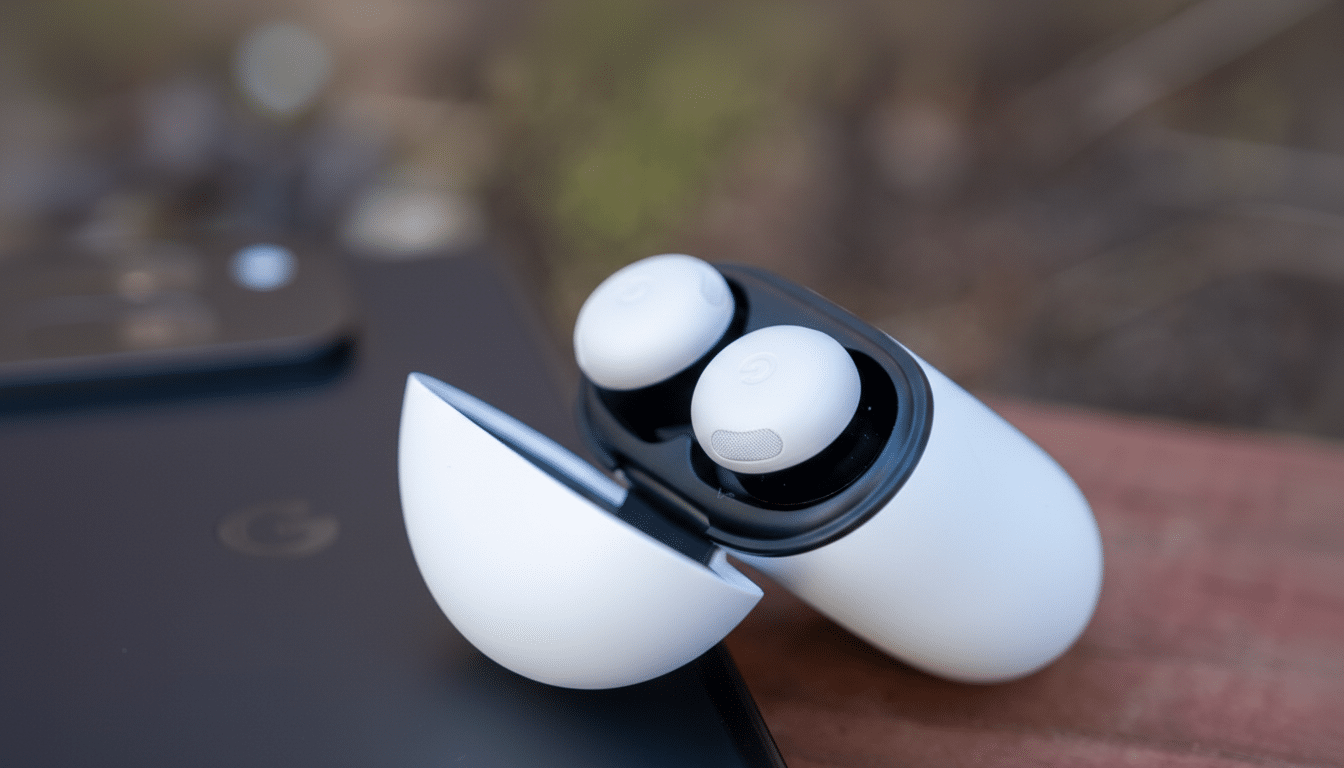
In practical terms, an attacker needs roughly 10 seconds within about 14 meters to seize control. Once connected, they can change tracks or volume and, depending on the Bluetooth profiles enabled, trigger the headset microphone. If the accessory participates in Google’s Find My Device network, the attacker could also leverage it for location tracking.
Who Is Affected by the Fast Pair Vulnerability
WhisperPair isn’t limited to one brand. The KU Leuven team verified vulnerable behavior across models from Sony, Google, OnePlus, Nothing, Xiaomi, Marshall, Anker, Jabra, and Harman. Examples flagged for updates include:
- Anker Soundcore Liberty 4 NC
- Jabra Elite 8 Active
- JBL Tune Beam
- Marshall Motif II ANC
- Nothing Ear (a)
- OnePlus Nord Buds 3 Pro
- Pixel Buds Pro 2
- Redmi Buds 5 Pro
- Sony WH-1000XM4
- Sony WH-1000XM5
- Sony WH-1000XM6
- Sony WH-CH720N
- Sony WF-1000XM5
Not every Fast Pair product is vulnerable in the same way. The researchers also tested devices that were not affected but still recommend routine updates, including:
- Sonos Ace
- Audio-Technica ATH-M20xBT
- JBL Flip 6
- Jabra Speak2 55 UC
- Bose QC Ultra Headphones
- Poly VFree 60 Series
- Beosound A1 2nd Gen
- Beats Solo Buds
How Tracking Becomes Possible with Fast Pair
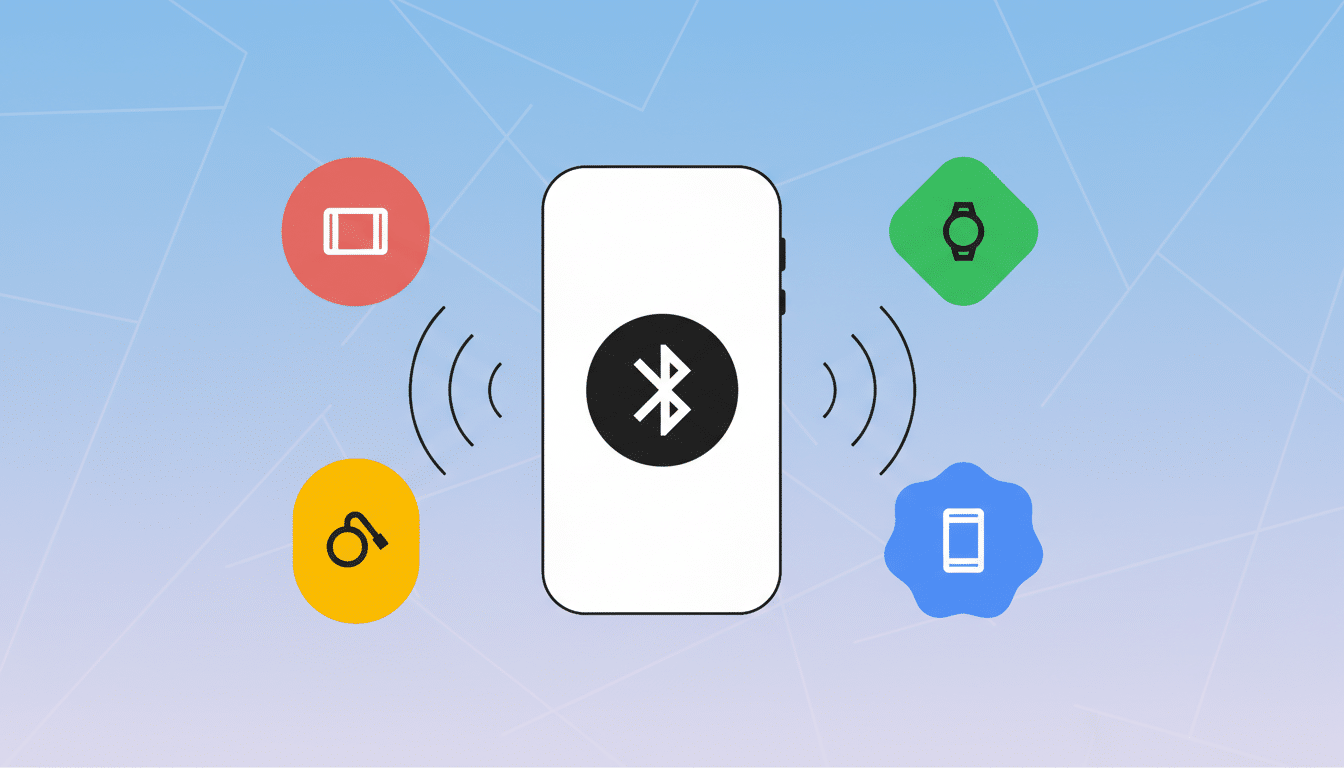
Fast Pair is designed to make Bluetooth setup nearly frictionless by using Bluetooth Low Energy broadcasts to identify nearby accessories and streamline pairing. Many headsets also tie into Google’s Find My Device network, which uses a crowd-sourced mesh to help you locate lost gear. When devices don’t properly require pairing mode, a nearby attacker can bind the headphones to their own device or account, effectively turning your earbuds into a low-profile location beacon without your knowledge.
That proximity requirement may sound like a limiting factor, but it aligns with common real-world scenarios: a crowded train, a coffee shop, or a conference hall where someone can sit within a few meters for a short window. The attack’s speed and lack of user prompts make it especially stealthy.
What Google and Researchers Say About WhisperPair
The KU Leuven team reported the issue to Google and received a $15,000 bounty. After a standard non-disclosure period, the researchers published their findings with technical details and proof-of-concept demonstrations. Google acknowledged that the problem stems from improper vendor implementation of the protocol and said it has worked with affected manufacturers on remediation. The company also indicated it has not seen evidence of exploitation outside controlled research.
This mirrors a pattern seen in other ecosystems: a secure standard can be undermined by inconsistent device-side enforcement. The Bluetooth SIG has long emphasized strict pairing-state validation; WhisperPair is what happens when vendors cut corners on that step.
How to Protect Yourself Now from Silent Pairing
Update your headphone or earbud firmware using the official companion app. For example, Sony Headphones Connect, Jabra Sound+, Google Pixel Buds, Bose Music, Marshall Bluetooth, or Anker Soundcore apps provide version checks and update prompts. If your brand offers automatic updates, enable them.
After updating, “forget” and re-pair your accessory with your phone or laptop to ensure a clean, authenticated connection. If you suspect suspicious behavior, reset the headphones to factory settings via the manufacturer’s instructions before pairing again.
As general hygiene, keep your phone’s OS and Google Play services current, avoid accepting unexpected pairing prompts, and consider turning off Bluetooth in high-density public spaces when you’re not using your headphones. If your earbuds support the Find My Device network, verify they appear only under your account.
The Bottom Line on WhisperPair and Fast Pair Security
WhisperPair shows how convenience features can backfire when vendors skip crucial checks. The fixes are rolling out, but the only reliable defense is updating your audio gear right now. A few minutes in the companion app is all it takes to close the door on silent pairing and the tracking risk that comes with it.
