


Google may be planning to put a virtual image generator right into Search’s AI Mode, at least if some clues buried within the most recent Android app build are any sign. An APK teardown of the Google app beta (version 16.38.62) suggests a new “Create images” flow directly connected to Nano Banana — the company’s buzzy image model good for shockingly realistic, often meme-ready outcomes.
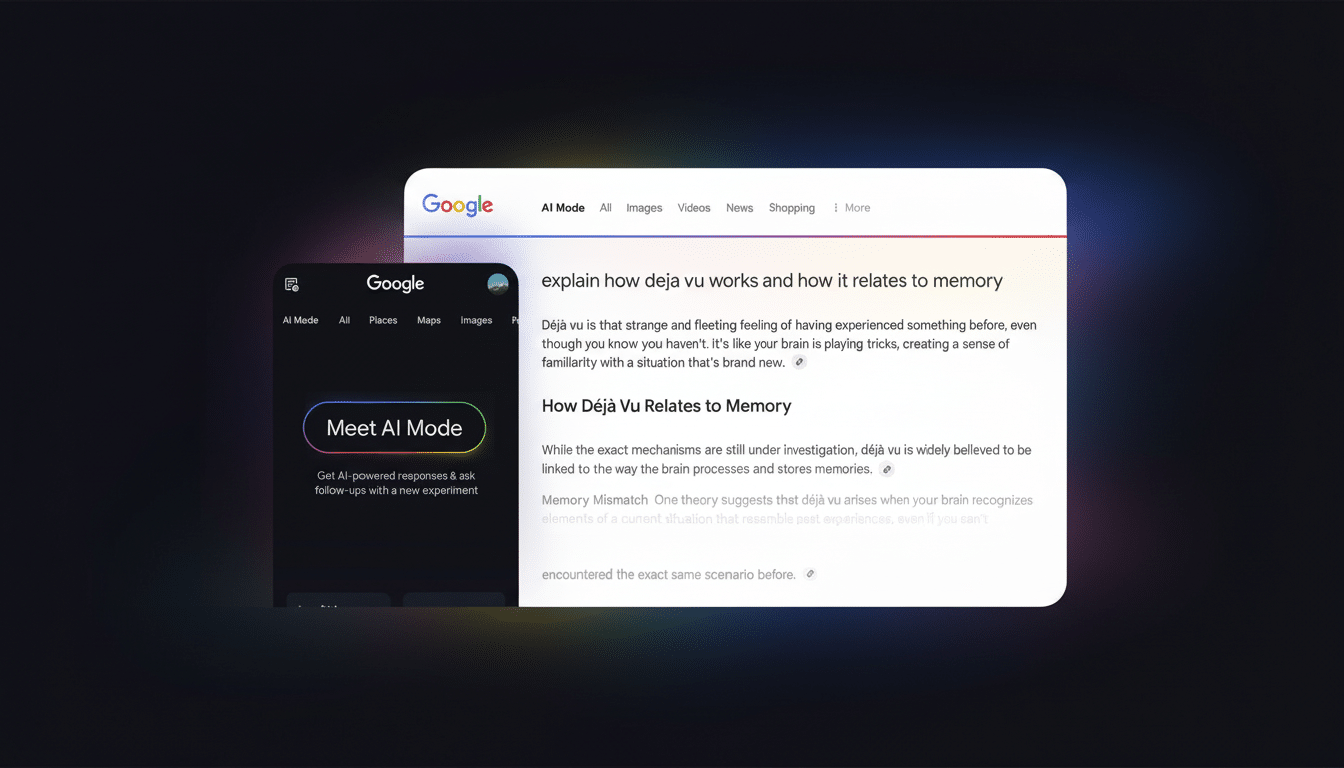
The feature is not yet live, but its interface is being wired up. The input bar in AI Mode is now testing a new design, with the mic icon moved to the right and the old photo upload button replaced by a plus sign that opens three options for quick image uploading:
- Photos from gallery
- Photos from camera
- Generate images
This change reflects a relatively successful logic that merges the text input field while not reducing choices.
APK teardown hints at AI Mode image creation features
Strings found in the app point to a banana-themed sticker label for image creation, ensuring that Nano Banana is the AI Mode generator engine’s designated name.
Clicking on “Create images” seems to present a prompt field where you describe the scene, and you are shown images that are appended back into the AI conversation to help explain or illustrate the response.
Other references suggest a backend driven by a Gemini-based model, often known as “Flash.” The takeaway here is performance: If Search is going to start inserting images into results in order to make the experience more conversational, it needs low-latency generation that feels instant rather than a side trip to an entirely different studio. As always with early code paths, the exact model and UI detail may change before this reaches any public release.
Why Nano Banana matters for AI image creation in Search
Nano Banana’s ascent has been powered by photorealistic elements that teeter on the uncanny line between humor and plausibility — just the kind of material that spreads like wildfire through feeds. In addition to the newness, the model has demonstrated a high degree of fidelity with textures, lighting and perspective — all that hard stuff that makes an image feel “real.” In Search, where visual plausibility can aid understanding and trust when combined with clear provenance signals, that’s an appealing match.
Google has also been experimenting with Nano Banana-style features in Photos, where generative tools can help with the decision-making for edits. A common model across Search and Photos would be strategically neat: one training and safety stack, multiple user surfaces. In the competitive landscape, it pits Search against image engines embedded in assistants (Microsoft’s Copilot [Designer], OpenAI’s DALL·E integrations), with a leg up from being natively amalgamated into query intent.
How this image feature could shape Google Search use
🔎
Images in AI Mode can transform complicated answers from obscure to click. Imagine asking for a weeknight recipe and getting an autogenerated step-by-step photo sequence; planning a balcony garden and receiving a custom layout based on your measurements; or learning how a French press works, with an annotated diagram that looks like the one you have. Images often decrease cognitive load and minimize jumping between tabs to find the “right” example.
Look for issues of safety and disclosure to dominate. Google had previously emphasized SynthID, a watermarking technology from DeepMind that is intended to tag AI-generated media in a way that’s resistant to common forms of tampering. Together with existing Search policies and the automated AI safety checks Google has built to detect edits applied to imagery, any potential deployment would require clear disclaimers or visual indicators of both “factuality” and when an image is computer-generated, as well as enabling users to explore a range of opinions on topics for news sources even if they wish to only see credible articles.
Other experiments surfacing in the latest Search beta
This test build of the same app also tries out a new privacy shortcut allowing deletion of activity from the last 30 minutes, offering something between existing 15‑minute, hour and day options. There’s also mention of “Search Live,” a real-time conversational mode that sounds like the hands‑free, back‑and‑forth Search experience provided by Gemini Live. Early signs are that it may replace tap‑to‑talk voice search for some (but not all) users as trials start going out.
What to watch next as AI Mode features begin rolling out
Everything indicates it’s going to be a gradual rollout, governed by server-side flags. Even if the UI does touch down broadly, image creation may flick on for only a tiny group at first, and in only select areas of the country. Questions going forward:
- How quickly the generator finds its place in real search flows
- How aggressively it is being served up for everyday queries
- How clear the results are and their source of origin
If Google nails the landing, AI Mode could evolve from a text‑first assistant to a multimodal canvas where visuals are as normal as snippets — pushing Search closer to an interactive, made‑for‑your‑question experience that happens to be a list of links.
