


Google is upgrading its Veo 3.1 video generator with native vertical output and deeper image-to-video conditioning, giving creators a faster path from mood board to finished short. The update lets users feed reference images and produce 9:16 videos that preserve framing, while improving character expression, motion, and scene consistency.
What the Veo 3.1 update delivers for vertical video
The headline feature is native 9:16 generation, removing the need to crop horizontal clips for short-form platforms. That matters for creative control: reframing after the fact often cuts off subjects, weakens composition, and forces extra edits. Veo now composes vertically from the first frame, so faces, text, and action are framed for phones by design.
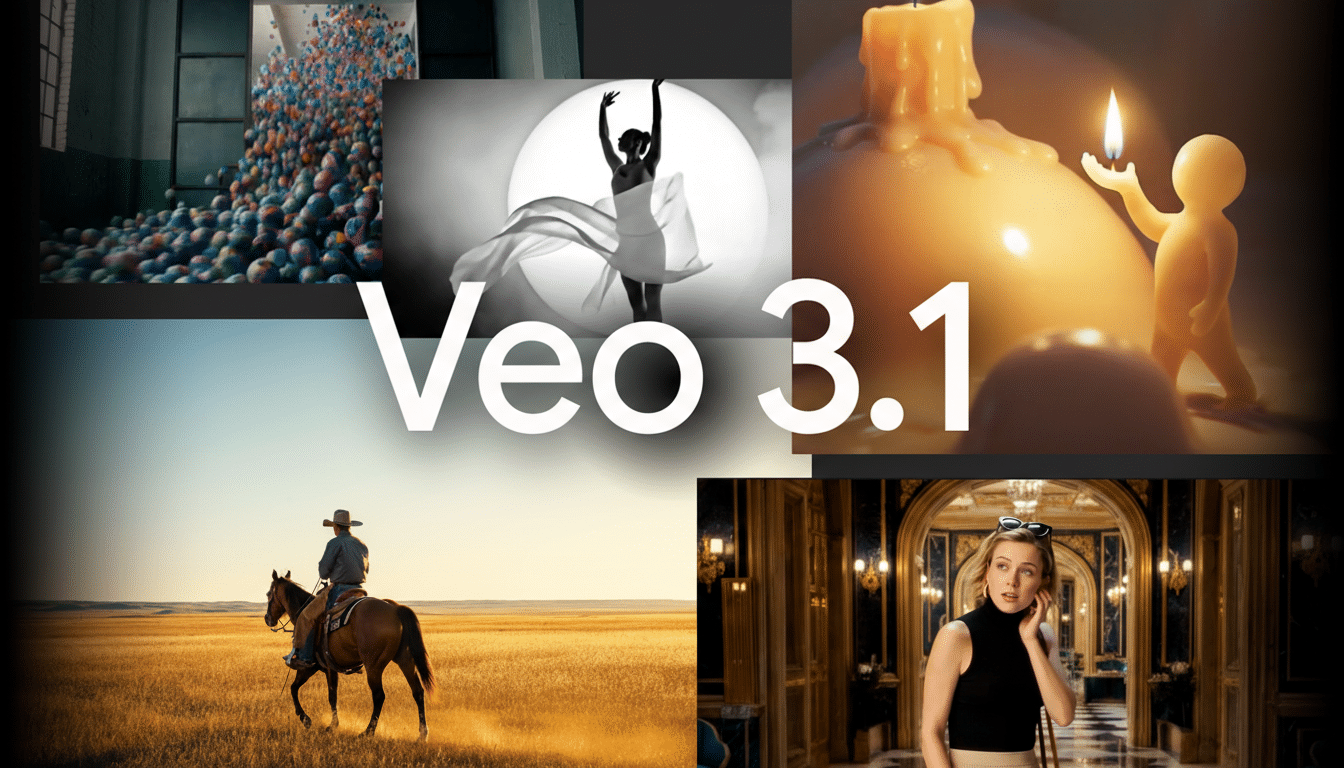
Veo 3.1 also gets smarter with reference images. Supply a portrait, product shot, or style frame, and the model infers facial nuance, pose dynamics, and scene style more reliably—even from brief prompts. Google says the update strengthens character, object, and background consistency across frames and allows blending of multiple references—characters, textures, and environments—into a cohesive sequence.
Quality control is getting a lift as well. Professional users gain improved upscaling to 1080p and 4K through Google’s pro pipeline, which helps minimize aliasing and retains detail when moving from concept cuts to distribution masters.
Why the vertical video format matters for creators
Short-form video is a vertical-first medium. YouTube has said Shorts reaches more than 2 billion logged-in users, and both Instagram and TikTok default to 9:16. Native vertical generation trims minutes from every edit, but the bigger gain is creative: animators can plan action into the vertical frame instead of fixing shots later.
Reference-image conditioning pushes this further. Brand teams can turn existing lookbooks into motion without recreating assets. An apparel label, for instance, could drop in a seasonal campaign image and prompt a 10-second vertical teaser with matching palette, fabric texture, and model likeness—no rotoscoping, no keying. Indie filmmakers can previsualize scenes from still storyboards, testing camera moves and lighting matches before a shoot.
The practical payoffs are speed and consistency. Shorter prompts now produce richer motion and expression, reducing trial-and-error iterations. For marketers who publish daily, shaving even 10 to 20 minutes per clip scales to real throughput—especially when batches are aligned to the same visual identity.
How creators can access Google’s new Veo 3.1 tools
Casual creators can use the new vertical and reference-image features in the Gemini app and within YouTube’s own tools, including YouTube Shorts and the YouTube Create app. That integration is a strategic advantage: generating vertically inside the same ecosystem simplifies publishing, rights settings, captions, and A/B testing.
Professionals can tap deeper controls via Google’s Flow editor, the Gemini API, Vertex AI, and Google Vids. In the cloud stack, 1080p and 4K upscaling is available through Flow, Gemini API, and Vertex AI, enabling teams to stitch Veo outputs into post-production pipelines alongside color, audio, and motion graphics.
Creative and technical considerations for image-to-video
Image-to-video hinges on the quality and clarity of reference material. High-resolution inputs with distinct lighting and minimal occlusion yield more faithful motion. Mixed references—say, a character portrait plus a separate background plate—can help the model disentangle subject and scene, improving temporal stability across frames.
For brand safety and provenance, Google has promoted watermarking and content credentials initiatives, including its SynthID technology and participation in industry efforts such as the Coalition for Content Provenance and Authenticity. While creators still need usage rights for any reference images, these safeguards aim to make provenance checkable as AI video scales.
Competitive context and practical use cases for Veo 3.1
Generative video is crowded, with models and tools from OpenAI, Meta, Runway, and Pika emphasizing realism, speed, or control. Veo’s differentiator is less about a single benchmark and more about distribution: direct vertical generation plus native hooks into YouTube’s creation and publishing flow. That end-to-end path is where many creators spend their day.
Early winners are likely social teams, newsrooms, and commerce marketers. A newsroom can spin a reference infographic into an explainer with animated callouts in 9:16. A retailer can blend product cutouts over a branded backdrop to auto-generate catalog motion. Educational channels can turn whiteboard snapshots into short animated lessons optimized for Shorts.
The bottom line: by aligning generation with the vertical screen and letting reference images carry more of the creative load, Veo 3.1 reduces friction between concept, style, and delivery. For creators chasing speed without sacrificing identity, that’s the piece that makes AI video feel less like a demo and more like a tool.
