


Google seems to be gearing up for a tiny but significant addition to Android’s Emergency screen: the ability to easily show your device’s IMEI number without having to unlock it. Code found in the latest build of the Personal Safety app indicates a new Device info entry, which is said to bring up that 15-digit IMEI number directly from the lock screen and which could make for easier lost-and-stolen device recovery — but raise questions about privacy.
What changed and where the feature was found
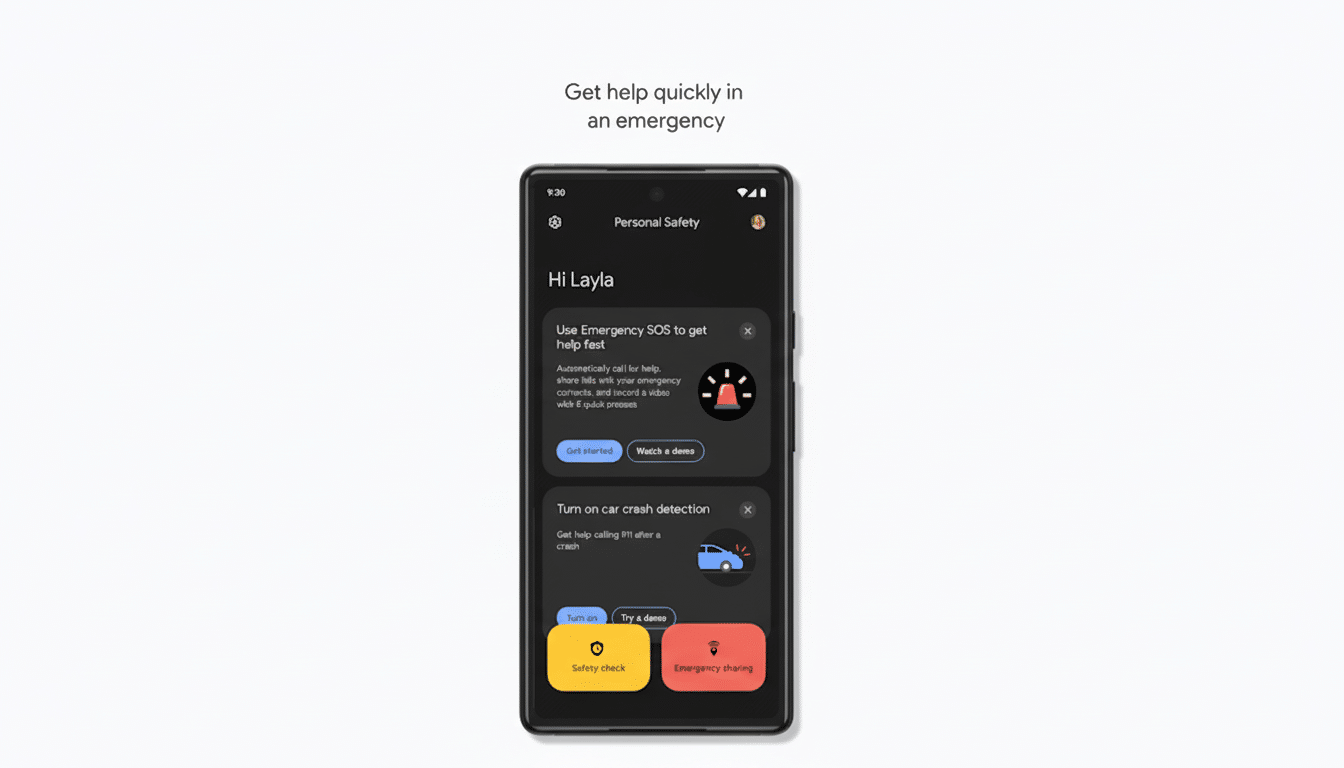
Strings found in Personal Safety v2025.11.13.831777920 mention that a Device info menu can be reached from the Emergency interface’s three-dot overflow. When opened, it shows IMEI information and a message that says law enforcement can use the number to assist in the return of a lost or stolen phone. It would show IMEI1 and IMEI2 on dual-SIM devices, or MEID in some cases for older models.

The feature isn’t widely live and seems to be gated behind server-side flags, a common trend with Google app rollouts. As with many app teardown revelations, plans can change between this stage and a public release — but the implementation is more than experimental: it’s rooted in an actual real-world Emergency flow that already brings up medical info and contacts.
Why add IMEI access to the Android lock screen
The IMEI is a device’s fingerprint when it comes to mobile networks identifying hardware. It’s often used by carriers and the police to verify status, block service, or return a phone to its owner. The GSMA offers a global IMEI database that allows cross-carrier blacklisting, and organizations such as CTIA provide consumer-facing stolen phone checkers. Speedy access can be important when a device is discovered but locked.
Imagine a transit authority or retail service desk receiving a locked phone now: they’d be able to write down the IMEI number from the Emergency screen, call the carrier themselves for verification that it’s not flagged stolen, and then begin processing returns without compelling a wipe of your device or designating no further steps unless you enter credentials. When you consider that there are more than 3 billion active Android devices, even small recovery improvements can add up.
Security trade-offs, privacy concerns, and potential risks
There is a flip side. A similar request was marked “Won’t Fix” on Google’s own Android Issue Tracker, which explained that the IMEI is a sensitive piece of what it calls PII and could be misused. The problem: nefarious characters could scrape IMEIs in crowded areas, or victims may seek to unfairly report thefts so that someone else’s clean device gets blacklisted.
How realistic are those threats? Carrier procedures commonly involve an account login and requiring proof of ownership prior to blacklisting a device, which acts as a deterrent against false reports. Cloning an IMEI is becoming harder in today’s networks, and a cloned IMEI after a more general fraud investigation won’t pass. It does create a new surface for data, which can be used to assist in tracking or social engineering that targets specific individuals, and it exposes the IMEI to anyone with physical access.
Standards bodies have always required devices to let someone display the IMEI, usually through a code such as *#06# or via settings, but not necessarily from a locked condition. The Emergency screen in Android is a notable exception: it’s intentionally accessible without authentication to allow users to make calls and read potentially life-saving information. By listing the IMEI there, this takes that philosophy and applies it to device recovery, not only personal health data.
How this IMEI feature could play out in real-world use
The presumed implementation of the code is rather modest. The IMEI would not be pasted over the lock screen background; it would be on a page behind the Emergency button, then an overflow menu, and at the bottom of that, Device info. The extra friction cuts down on casual exposure but leaves the identifier still accessible to anybody in the know.
Google could also allow users to opt in if they want it — much like existing toggles for Emergency contacts and medical info in the Personal Safety app. Enterprises could receive policy controls through device management to prevent the display on corporate phones. That presentation may differ among OEMs, but we’d expect parity across Pixel devices and the major Android brands if it ships in a Google app.
What to watch next as Google tests IMEI access
Since this tweak is happening within the Personal Safety app, Google can enable it by way of an app update or server-side switch, meaning you don’t have to wait for a full-fledged Android release. It could be exclusive to Pixel devices at launch and then go wider. Also, as always with features found in teardowns, there’s no guarantee it will make its way to all users in its current state.
Even if the lock screen feature does make its way to your phone, it’s a good idea to make a note of your IMEI now — it can be found in:
- Settings > About phone
- On the box
- By entering *#06# on your device
Google has the potential to make good on that, and your Emergency screen could soon be just one more option to help get an already-lost phone back where it belongs, all the while raising new questions about just exactly what should sit atop that lock screen.
