


Google’s new Gboard beta demonstrates a few new features that seek to improve speed and ergonomics, headlined by a feature called ‘flick for symbols’—simply swipe on the spacebar to access punctuation. The build also points to a context-aware number row for password fields, expanded AI “Writing Tools,” and optional rounded keycaps—all changes that would indicate Google is working on not only the feel of its keyboard but also its intelligence.
‘Flick for symbols’ reduces friction for punctuation
According to Google, Gboard today allows you first to long-press a key in order to reach the tiny gray symbol printed in its corner. The “flick keys to enter symbols” setting for the beta suggests a speedier move: tap on a key and drag down for an immediate symbol. If you’ve used the iPad’s QuickType flick keys, you get the idea — once you develop muscle memory, punctuation and numbers are no longer a side quest.
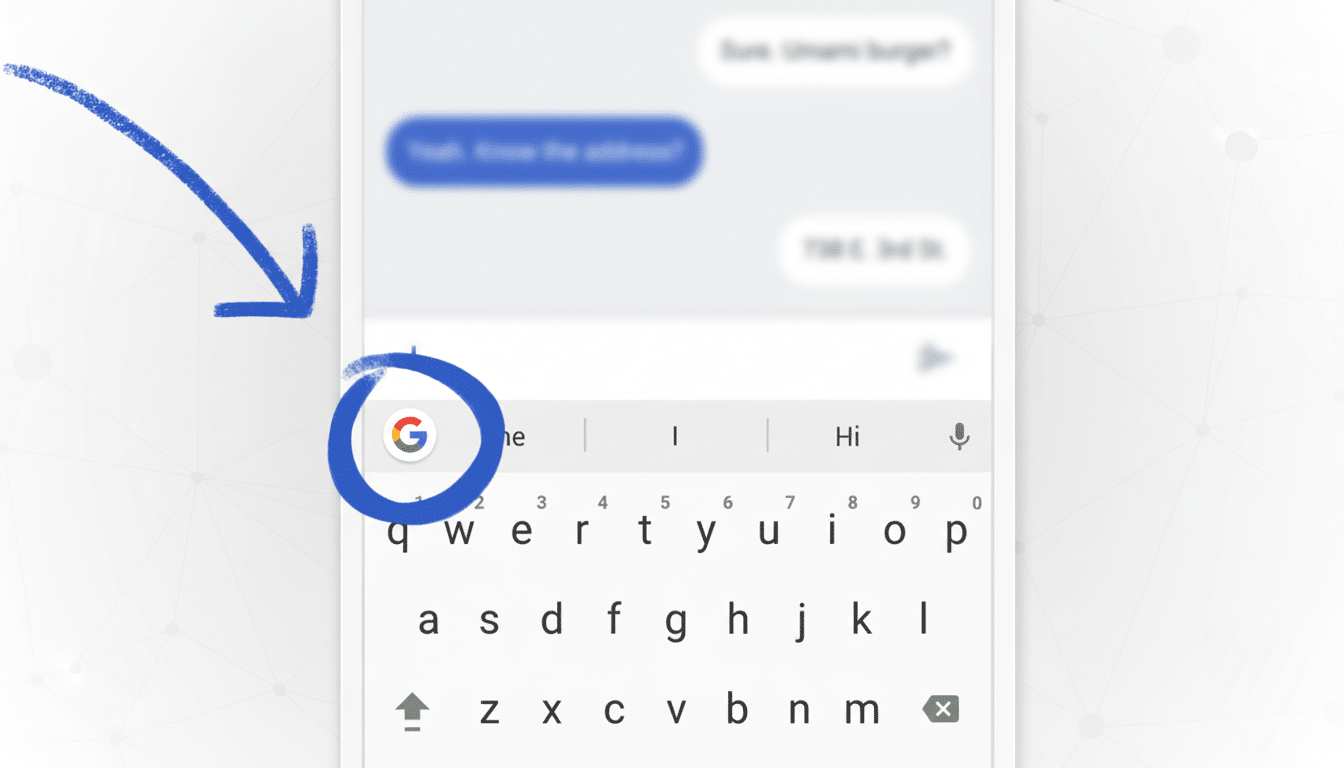
Why it matters: as we know, mobile typing is way slower than desktop. A multi-lab study among several universities, including Aalto University and the University of Cambridge, conducted a typing speed test which concluded that people are able to type at 36 words average per minute on their smartphone in part due to increasing context switches and difficult targets. A swipe here that cuts a long-press delay or the number of modes can add up across hundreds of taps in a day.
In addition to speeding things up, the flick action lowers cognitive load. For a long time, usability researchers like the Nielsen Norman Group have been noting that fewer steps and clearer spatial cues reduce error rates. A downward flick links the symbol to its parent key in a manner that seems predictably consistent — particularly on small screens.
A smarter number row for passwords in password fields
Gboard already has a row of numbers that you can keep in place (useful on larger phones, but felt cramped on smaller screens). The beta mentions a “Password number row” that only appears when you are in a password field. It’s a small and smart optimisation: you have quick access to digits when they’re likely most useful – no toggling layouts required – and vertical space elsewhere can be used by the system.
It also makes sense in that passwords these days are increasingly required to be secure and complex, mixing letters and numbers. Chipping away at those toggles in these moments reduces friction, and may even incentivize better password hygiene, an area security forces, from NIST on down, have emphasized time and again.
Writing Tools evolve into on-keyboard AI
Google has been testing Writing Tools within Gboard that will check and help rewrite text. The beta hints at a step beyond: the ability to type in a custom prompt directly in the keyboard, and have the AI generate or transform text on-the-fly. Think “condense this for Slack,” make it more formal, or even “write a friendly follow-up” — directly in your text field.
Putting that flow into the keyboard is important because it eliminates app-hopping. In the realm of productivity studies, less switching leads to more getting done. It also confines the AI to the privacy and on-device structures Gboard already employs for features like Glide typing and personalized suggestions, although any cloud-assisted generation will continue to be subject to Google’s broader AI policies.
Optional Rounded Keys and Little UI Polishes
Not everyone was a fan of the recent experiment with more rounded key shapes. The beta’s wording suggests Google will give users the option, which in one fell swoop changes a polarizing change to something you toggle as a preference. That’s a smart play for a keyboard with well over a billion installs: aesthetics are personal, and touch targets are muscle-memory sensitive.
There are likewise minor wording changes in various settings, like Emoji, Stickers & GIFs and Glide typing—the kind of minute copy tweaks we often see when an interface is cleaned up and explanations for casual users are made more straightforward. Small as they are, these changes tend to add up into an app that’s a bit easier to set and forget — and really, what most people seem to want out of a keyboard.
Why this little stuff adds up for faster mobile typing
Mobile keyboards live and die on micro-optimization. A flick gesture that saves a half-second, a number row that is there only when it needs to be and an AI tool working its magic without making you jump apps all combine to bring people one step closer to desktop-like efficiency. Reclaimed vertical space is all the more useful for compact phones. For power users, faster punctuations and on-the-fly rewrites cut cycles across chat, email, and documents.
And it illustrates Google’s willingness to swipe smart patterns from others. Apple brought flickable icons to iPad years ago; indeed, reusing an idea that works well elsewhere if it respects platform norms is something you could call a nod with one eye open.
Availability and what to expect from the Gboard beta
These features are showing up in Gboard beta version 15.3.02 by way of in-app flags and their code references. As with all APK teardowns, these lines can change in the future and many things can never appear even after testing. To be first in line, the official route is to join Google Play’s Gboard beta program, though not all testers will see the particular options initially.
Still, the direction is apparent: Gboard looks to reduce friction, be more context-aware and offer more options. Assuming that the flick gesture and dynamic number row work as advertised, Android’s out-of-the-box typing experience might feel significantly faster without feeling any different—a lovely, rare thing to behold.
