


Eero has introduced Signal, a compact 4G backup accessory designed to keep home Wi-Fi running when your primary internet service goes down. The add-on plugs into compatible Eero routers and quietly shifts your network to cellular data during outages, so cameras, smart locks, video calls, and other connected gear stay online without you lifting a finger.
What Eero Signal 4G Backup Does During Outages
Signal is purpose-built for failover. It attaches to any USB-C powered Eero with Wi-Fi 6 support and, once configured in the Eero app, acts as an automatic cellular lifeline. If your ISP link drops, the router routes traffic over 4G LTE, selecting the most optimal available network to maintain stability. When your broadband service returns, the system switches back, preserving your existing SSID and device connections the entire time.
- What Eero Signal 4G Backup Does During Outages
- Subscription Plans, Backup Data Limits, and Pricing
- Setup Guide and How Automatic Cellular Failover Works
- Why a Built-In Cellular Internet Backup Layer Matters
- 4G Today, with a Faster 5G Eero Signal Option Coming
- Practical Tips to Stretch Eero Signal Backup Data
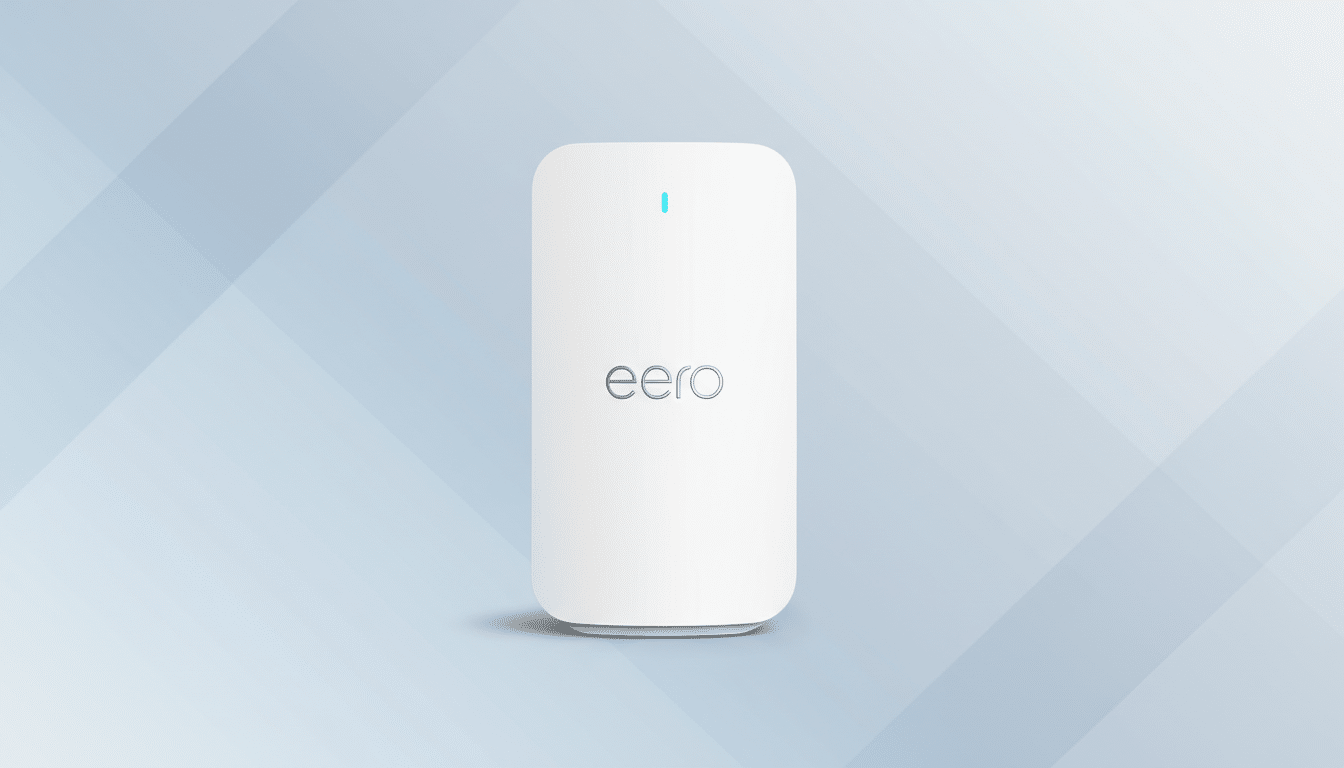
The device targets the everyday failures that frustrate modern homes—brief cable hiccups, neighborhood construction, or a flaky modem reboot—without requiring a hotspot tether or manual reconfiguration. Deloitte’s Connectivity and Mobile Trends research notes the average U.S. household now uses more than 20 connected devices, underscoring how a single outage can disrupt everything from doorbells to thermostats.
Signal is priced at $100 for the 4G model and is available now. Eero says a 5G version will arrive later this year at $200 for customers who want higher cellular headroom during extended disruptions.
Subscription Plans, Backup Data Limits, and Pricing
Signal runs on Eero’s subscription. An Eero Plus membership is required, which costs $99 per year and includes 10GB of backup data. Each Signal purchase includes six months of Eero Plus, easing the initial setup. For heavier contingency needs, Eero Plus 100 offers up to 100GB of monthly backup data for $200 per year, with existing Eero Plus members eligible for a $99 first-year upgrade.
How far does 10GB go? As a rule of thumb, web and email are light, while video eats data quickly. Typical HD video streaming can consume around 3GB per hour. A 1080p video call might use roughly 1–1.5GB per hour depending on platform and settings. For most households, that makes 10GB suitable for short outages—keeping security feeds pinging, smart devices responsive, and a few hours of critical calls—while the 100GB tier suits remote workers, small offices, or areas with frequent ISP instability.
Setup Guide and How Automatic Cellular Failover Works
Installation is straightforward: plug Signal into a compatible Eero via USB-C, open the Eero app, and turn on backup. The app walks you through provisioning and verifies cellular readiness. During an outage, failover is automatic; you don’t need to toggle networks, reconnect devices, or reissue passwords. The goal is continuity—your router keeps handling DHCP and Wi-Fi as usual while the uplink shifts paths in the background.
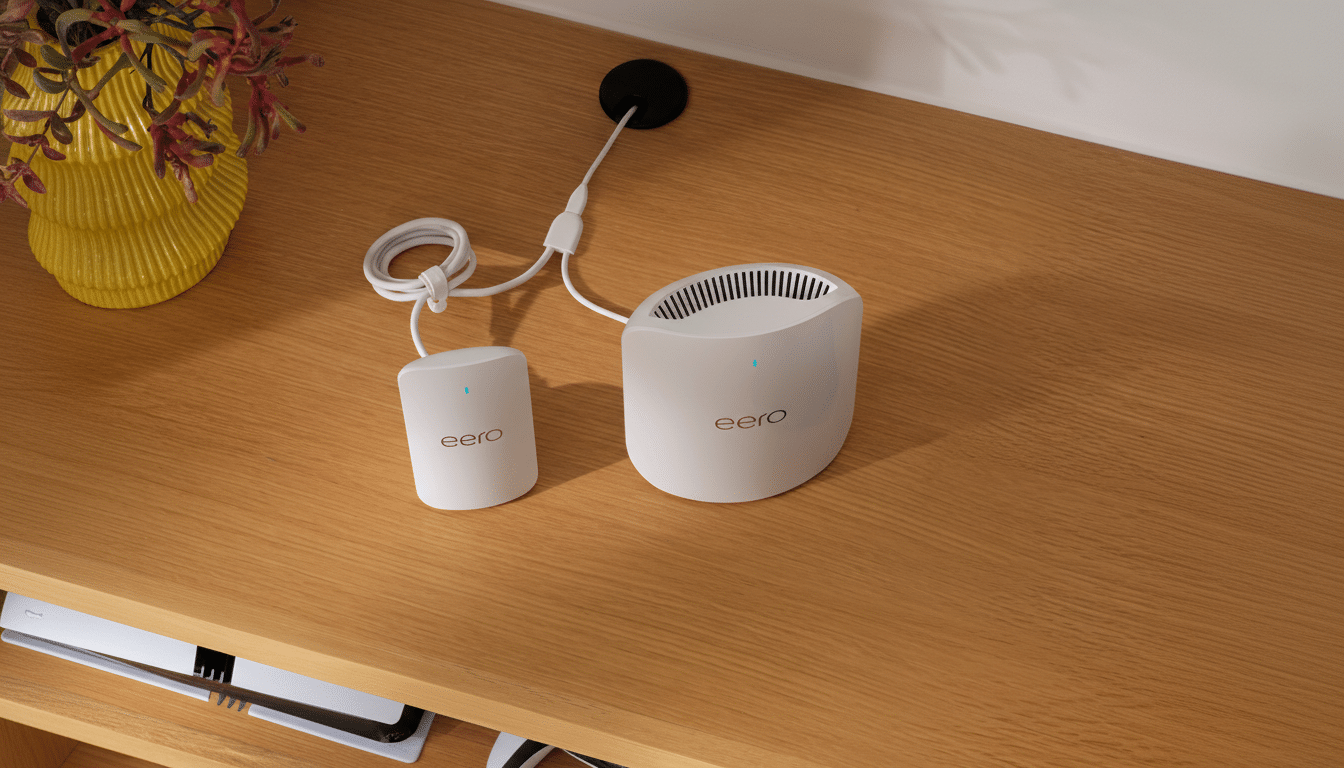
Placement still matters. Because cellular performance varies by room, positioning your Eero where 4G signal strength is solid—often near a window—can lift speeds and stability during failover. The app’s diagnostics can help you gauge signal quality before you need it.
Why a Built-In Cellular Internet Backup Layer Matters
Downdetector’s recurring reports of regional ISP disruptions highlight how even short outages can hit at the worst time—right before a presentation or while you’re away from home watching a security feed. Parks Associates has reported steady growth in smart home adoption in recent years, which raises the stakes for always-on connectivity. A managed backup layer reduces the risk of losing visibility into cameras, locks, and automations when you aren’t there to power-cycle hardware.
Compared with makeshift solutions—like tethering a phone or buying a separate cellular router—Signal’s value is its integration. It centralizes billing, provisioning, and monitoring inside the Eero app and removes the need to juggle multiple SSIDs or hardware platforms when the internet blinks.
4G Today, with a Faster 5G Eero Signal Option Coming
For most homes, 4G is sufficient for failover, especially if the priority is email, cloud docs, smart-home control, and the occasional video call. The incoming 5G model will better serve situations where multiple concurrent HD streams or bandwidth-heavy workloads must continue seamlessly through longer outages. If you live in a strong 5G area or run a home office with multiple daily calls, the 5G version could be a smarter long-term fit.
Practical Tips to Stretch Eero Signal Backup Data
When Signal takes over, treat bandwidth like a reserve tank. Pause 4K streaming, lower video-call resolution, and temporarily disable high-bitrate security recordings. Many camera systems offer clip-based or low-resolution modes that preserve situational awareness without draining your data allowance. Prioritize cloud apps and messaging over entertainment until your ISP service returns.
Eero Signal doesn’t try to replace your broadband—it keeps you productive and your smart home reachable when it matters. For $100 plus a subscription that scales from 10GB to 100GB, it’s a practical, app-managed safety net that fits directly into the Eero ecosystem and reduces the stress of the next inevitable outage.
