


If DuckDuckGo is not loading search results all of a sudden or throws “error displaying search results” messages, you’re not alone. Privacy-first tools can fail for mundane reasons like a bad connection or, structurally, because DuckDuckGo relies on outside infrastructure. Here’s how to figure out what you should do and get back to searching.
Begin With Quick Sanity Checks for DuckDuckGo Issues
Refresh a few random sites to test your own connection, then flip over to a different network. Switch radio networks, from Wi‑Fi to cellular or vice versa, and temporarily disable VPNs, corporate proxies, or privacy DNS. If you can get to other Microsoft properties, then we can conclude that there is some kind of regional (or at least upstream) hiccup.
- Begin With Quick Sanity Checks for DuckDuckGo Issues
- Verify Whether the DuckDuckGo Service Is Actually Down
- Fix a Browser-Specific DuckDuckGo Issue on Your Device
- Understand the Dependencies Behind DuckDuckGo Results
- Solutions for the DuckDuckGo Apps and Desktop Browser
- Effective Network and DNS Troubleshooting for DuckDuckGo
- Safari Users, Try These Workarounds for Stuck Results
- When to Wait and When to Switch Search Engines Safely
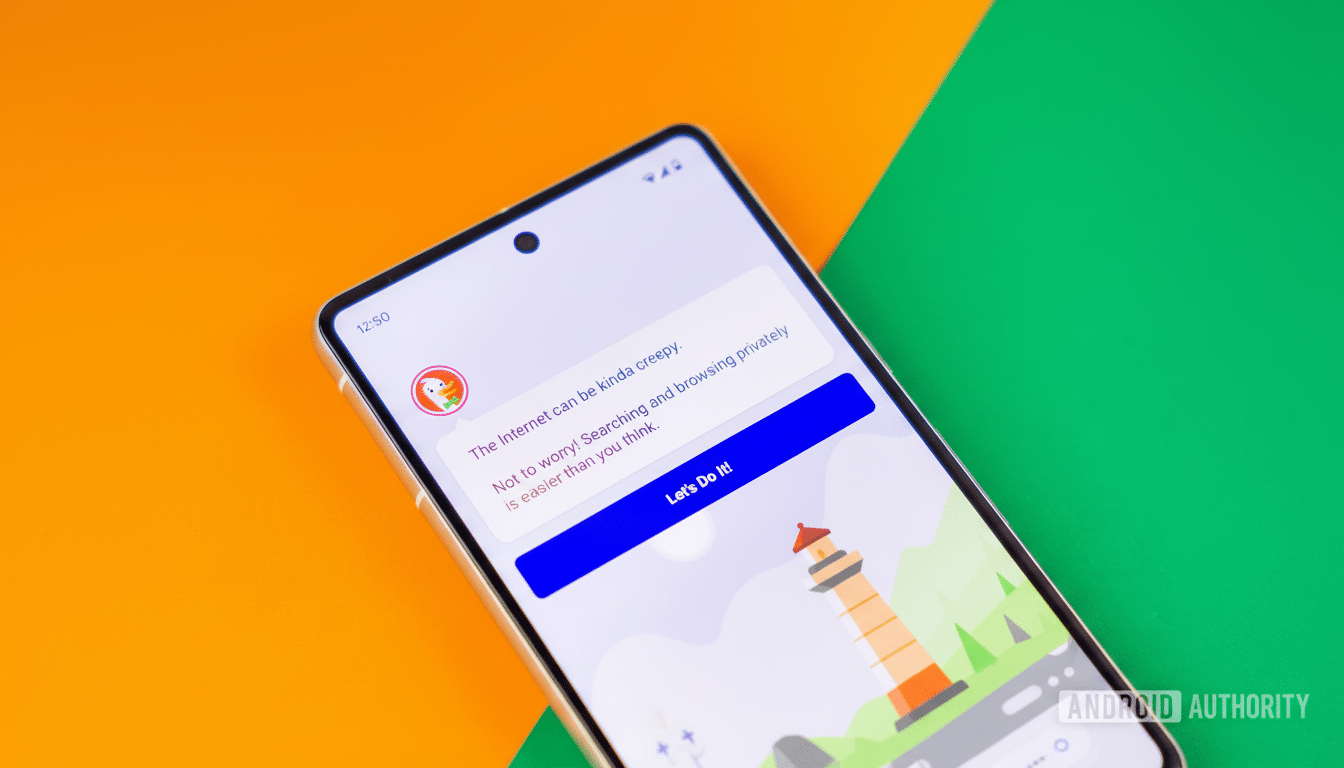
If the homepage loads but search does not, try an immediate fallback: open a private/incognito window and run the same search. That skirts around stale cookies and cached scripts that can foul up a single domain while the rest of the web appears to be working fine.
Verify Whether the DuckDuckGo Service Is Actually Down
DuckDuckGo does not have a real-time status page. There are typically updates when outages occur on its official social channel. Sudden spikes in reports on third-party trackers like Downdetector can also indicate a broader incident.
Look for references to Microsoft hassles. When Azure networking or Bing APIs stumble, privacy search engines leaning on them often feel it first, even if everything looks fine on their homepages. Blank pages frequently pop up for searches on DuckDuckGo while searches in Bing also have a hard time.
Fix a Browser-Specific DuckDuckGo Issue on Your Device
Start the same query in another browser. If DuckDuckGo does work elsewhere, then the problem is probably a local setting, add-on, or cache. Try disabling script blockers, ad blockers, and privacy extensions one by one, then hard-refresh the page. Corrupt caches can break scripts for just one site. Clearing the site data for duckduckgo.com is often enough.
If you’re using experimental network flags (such as HTTP/3 or QUIC toggles) or custom proxy extensions, switch back to defaults and try it again. Also check the date and time on your device; certificate checks can fail silently if the machine’s clock is out of whack.
Understand the Dependencies Behind DuckDuckGo Results
DuckDuckGo pulls answers and information from sources like Wikipedia, but general search results often come from Bing. If you can open DuckDuckGo, but all of your search attempts hang or time out, give Bing a try. If Bing also starts to toss up errors, then it’s a cross-industry ripple that can only be addressed by Microsoft.
DuckDuckGo also indexes into its own DuckDuckBot and adds other sources through partnerships, so the interruptions can come from more than one provider from time to time. This layered approach increases privacy, but subjects users to upstream outages that are outside of DuckDuckGo’s immediate control.
Solutions for the DuckDuckGo Apps and Desktop Browser
On Android, long-press the DuckDuckGo app and then tap App Info to clear cache and storage. On iPhone, delete and reinstall the app using the App Store to reset it out of a corrupt state. Both steps also retain your ability to use DuckDuckGo in other locations, but clear out what may be local snags.
If you’re using Windows, and DuckDuckGo’s not opening on your desktop browser, see if there is a “DDG.exe” process and end it. Other users say they’ve noticed improved launch times by toggling the app’s Startup Boost entry under the Startup tab and then restarting.
Effective Network and DNS Troubleshooting for DuckDuckGo
Flush your DNS cache and try another resolver, such as:
- Cloudflare – 1.1.1.1
- Google Public DNS – 8.8.8.8
Misrouted DNS could block just a few domains — which would fit precisely the situation where everything except DuckDuckGo is roses.
If you have ISP parental controls or enterprise filtering, please check allowlists. Privacy tools and image proxies sometimes are classified as ads or tracking and blocked at the network level. A mobile hotspot test will quickly tell you if it’s your primary network that’s the trouble.
Safari Users, Try These Workarounds for Stuck Results
Some people on macOS say they get the page containing DuckDuckGo and then get stuck showing a “busy spinner” (the animated GIF in the window corner) without ever displaying any results, or users find themselves with a blank results pane. Many find that upgrading to the latest Safari fixes this. If that doesn’t work, turn off “Preload Top Hit in the background” in Safari Settings under Search and try loading the results page again.
And who knew that even simple keyboard shortcuts could not only remedy a sticky site but refresh an entire browsing session?
A fast double-tap of Shift+Command+R to enter and leave Reader mode, for example, will unstick a stuck page (a useful temporary solution while you tweak settings or update your browser).
When to Wait and When to Switch Search Engines Safely
It’s patience, sometimes, that is the right move. If Bing or Azure is having an issue, chances are you should wait and try again. Meanwhile, establish a temporary backup search in your browser. Alternatives include privacy-sensitive options such as Brave Search or metasearch engines including Startpage.
DuckDuckGo has a small, highly committed following — StatCounter data shows its share worldwide is closer to 0.6%, and that figure climbs to around 2% or 3% on U.S. desktop — and the appetite for such large back-end platforms is understandable. Knowing those dependencies, and the quick fixes above, can transform a mystifying outage into a two-minute troubleshooting victory.
