


Your car’s USB port is more than a place to top off a phone. Tucked into center consoles and seatbacks, those little rectangles are becoming the quiet workhorses of modern cabins—handling power, data, updates, and even comfort. Automakers are shifting from USB-A to USB-C with Power Delivery, and the USB Implementers Forum says PD 3.1 can theoretically push up to 240W. Most in-car ports won’t deliver anything close to that, but with the right setup, they can do far more than you think.
After years of testing infotainment systems and accessories, I’ve settled on five creative, road-tested ways to get real value from the ports I once ignored. Each one is simple, inexpensive, and grounded in what actually works in a moving vehicle.
- Know Your Car’s USB Capabilities Before You Begin
- Use 1: Rock-Solid CarPlay and Android Auto
- Use 2: DIY Firmware and Map Updates Without Dealer Visits
- Use 3: An Offline Media Jukebox for Dead Zones
- Use 4: Discreet Comfort and Safety Add-Ons
- Use 5: Keep an Emergency Kit Always Charged
- Bonus: Get Smarter About Power Budgeting
- The Bottom Line: Simple USB Habits That Improve Every Drive
Know Your Car’s USB Capabilities Before You Begin
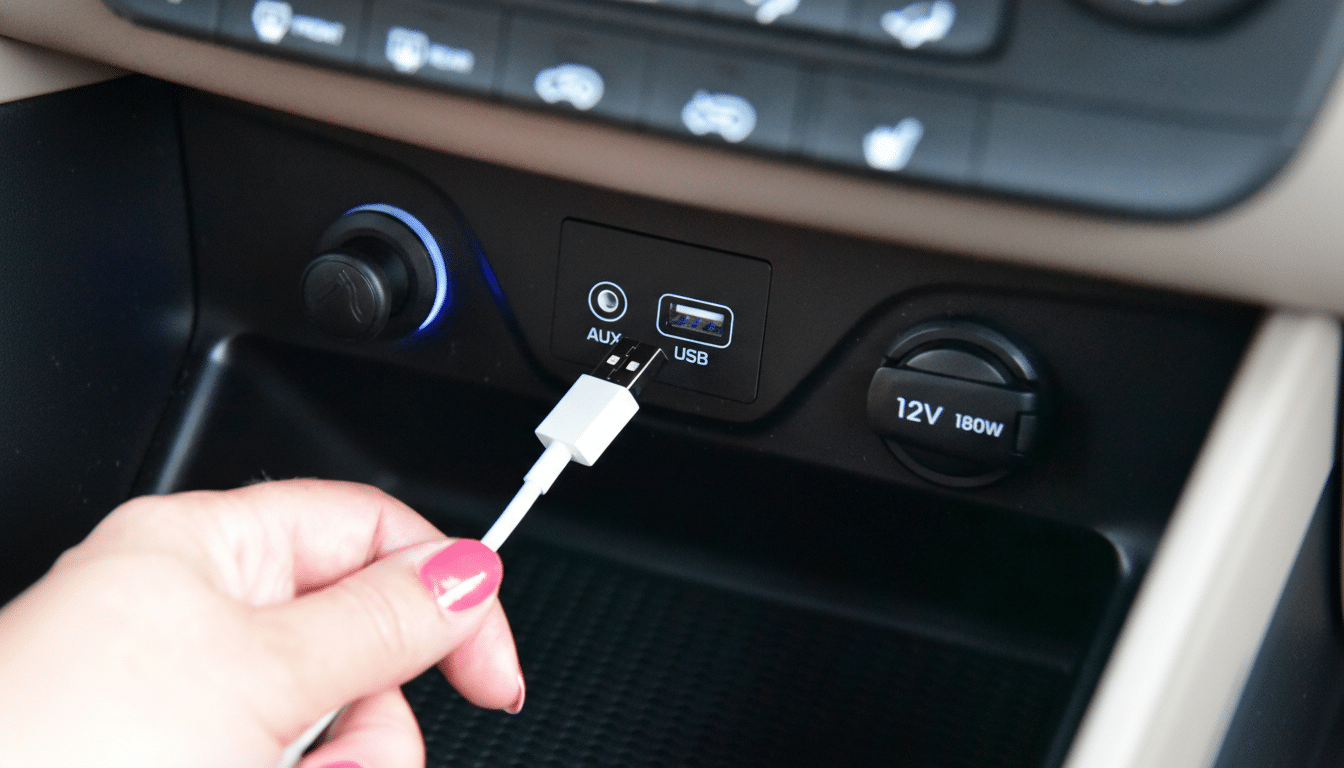
Not all in-car USBs are equal. Some are power-only, others handle data for phone mirroring and media. Many factory ports deliver just 0.5–1.5A (2.5–7.5W), while a 12V outlet with a quality USB-C PD charger can safely provide 30–45W or more. Check your owner’s manual and use a certified cable; poor cables are a leading cause of slow charging and flaky connections, according to testing by consumer labs and the USB-IF.
Use 1: Rock-Solid CarPlay and Android Auto
Wireless CarPlay and Android Auto are convenient—until they aren’t. J.D. Power has repeatedly ranked smartphone mirroring among the most troublesome in-car tech when used wirelessly, with owners reporting dropouts and lag. I plug in via USB for a double win: dependable projection and steady charging during navigation-heavy drives. The wired link also improves audio fidelity and reduces interference, which is noticeable with podcasts and lossless streams. Pro tip: keep a short 6–12-inch data-rated USB-C cable in the console to minimize clutter and accidental disconnects.
Use 2: DIY Firmware and Map Updates Without Dealer Visits
Many vehicles still rely on USB for head unit or map updates, even as over-the-air capability spreads in newer models. The process is straightforward: download the update from your automaker’s support site, copy it to a FAT32 or exFAT-formatted drive, and insert it into the data-enabled USB port. Follow on-screen prompts under System or Software Update. Automakers and safety regulators encourage staying current because updates can fix glitches, patch security issues, and improve voice recognition. I keep a dedicated 16–32GB USB stick in the glovebox just for vehicle updates and nav map refreshes.
Use 3: An Offline Media Jukebox for Dead Zones
Streaming dies where service drops. Highway coverage keeps improving, but independent network analyses still show gaps on rural routes. I load a compact USB flash drive with playlists, audiobooks, and long podcasts in MP3 or AAC, organized by folders and tagged with clean metadata. Many modern head units also read FLAC. This setup cuts data use, guarantees uninterrupted listening through mountain passes, and starts instantly when the ignition turns. If your car lacks a media browser, a tiny MP3 player tethered to the USB data port works just as well—and powers itself while it plays.
Use 4: Discreet Comfort and Safety Add-Ons
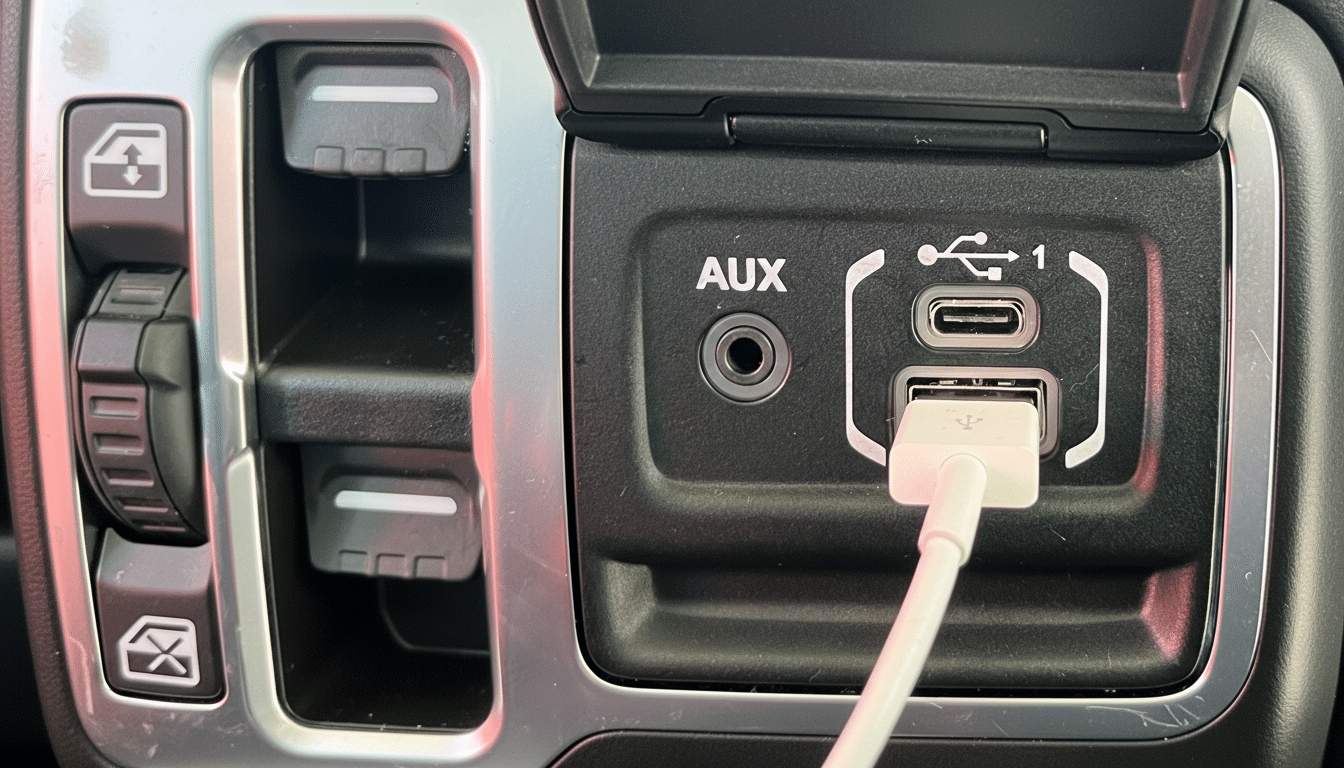
Low-draw accessories turn a commute into a calmer space. I run subtle LED footwell strips from a USB port, set to a warm white that’s easy on night vision. A clip-on USB fan makes summer traffic bearable for rear passengers, and a temperature-stable mug keeps coffee hot on winter mornings. For safety, a USB-powered dash cam can record trips without tying up the 12V outlet—just know most USB ports cut power with the ignition, so parking mode requires a dedicated hardwire kit. Route cables away from airbags, and secure everything so loose cords don’t become projectiles.
Use 5: Keep an Emergency Kit Always Charged
AAA recommends carrying a flashlight, first-aid kit, and backup power. I plug a small power bank with pass-through charging into a USB port so it stays topped up while I drive. That bank then charges a headlamp, a rechargeable beacon, and my phone if I’m stranded. I also keep a USB-C cable for a compact air pump that supports PD input—a growing category that can add a few PSI in minutes. If your car’s ports stay live after shutdown, unplug the bank when parked to avoid parasitic drain.
Bonus: Get Smarter About Power Budgeting
Think of your cabin like a tiny grid. Prioritize critical devices on the most capable output. I pair the 12V socket with a reputable 45–65W USB-C PD adapter for laptops and tablets, and reserve the built-in data USB for the phone. The result: fast charging for big batteries, reliable mirroring, and fewer headaches. Many SUVs now include multiple rear ports; label cables for family devices to avoid the daily shuffle.
The Bottom Line: Simple USB Habits That Improve Every Drive
USB ports are the unsung infrastructure of the modern car. With a few inexpensive accessories and a plan, they can stabilize your navigation system, keep software current, eliminate streaming dropouts, add comfort, and power an emergency lifeline. It’s not flashy, but on the road, quiet reliability is the best upgrade of all.
