


IT administrators finally have an official way to remove the Microsoft Copilot app from Windows, but the option lives behind strict rules and is currently limited to managed devices running an Insider Preview of Windows 11. It’s a notable shift for Microsoft’s AI push—and a reminder that unshipping Copilot won’t be as simple as ticking a box.
What Changed and Who Can Use the Copilot Uninstall
Microsoft has added a Group Policy that allows admins to uninstall the standalone Microsoft Copilot app on managed Windows devices. The capability is available to Insider testers on the Developer and Beta Channels and targets Enterprise, Pro, and Education editions.
- What Changed and Who Can Use the Copilot Uninstall
- The Caveats That Make Uninstalling Copilot Hard
- Why Microsoft Is Being Cautious About Copilot Removal
- How Admins Can Prepare Devices for Copilot Removal
- What Home And Small Business Users Should Know
- Community Reaction and Recent Copilot Precedent
- The Bottom Line on Copilot Uninstalls for Windows
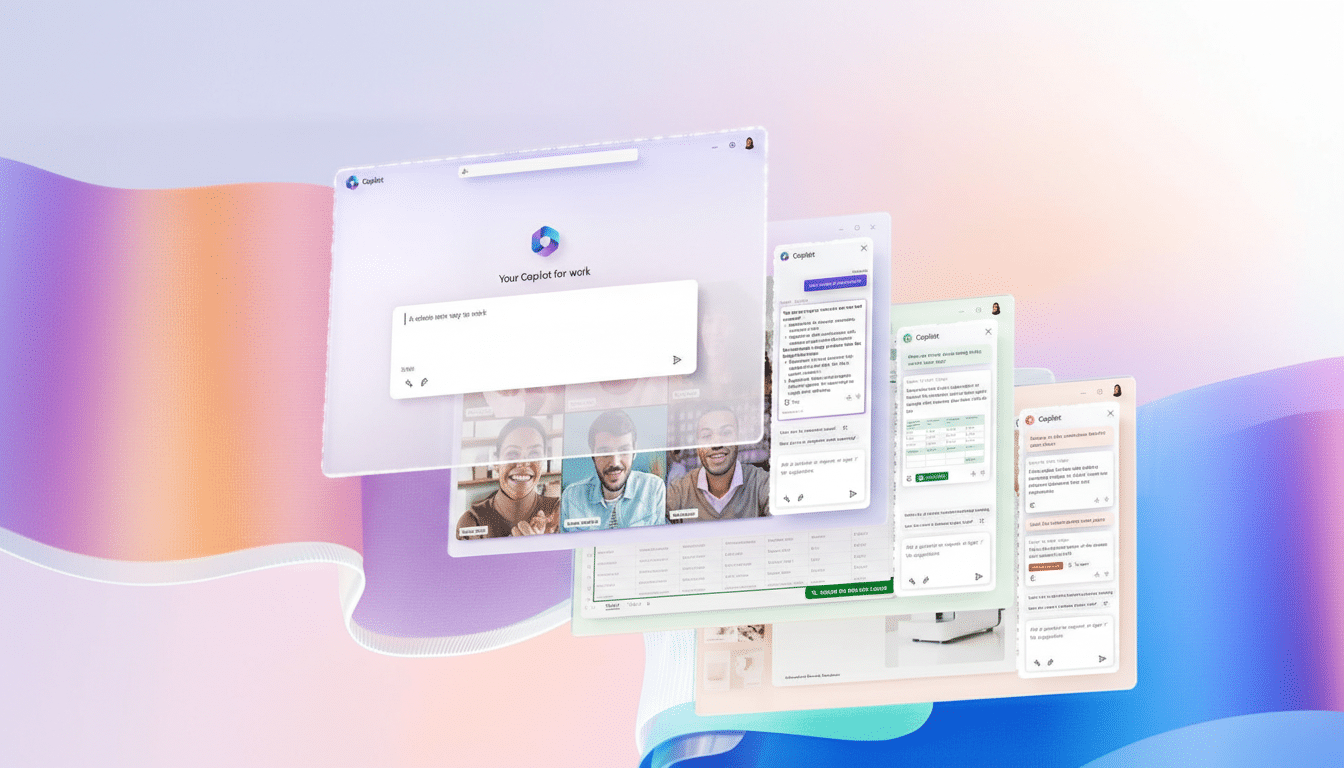
The policy—named RemoveMicrosoftCopilotApp—appears in the Group Policy Editor under User Configuration > Administrative Templates > Windows AI > Remove Microsoft Copilot App. Microsoft’s own documentation for Windows Insider builds outlines the control as part of broader efforts to give organizations more say over AI experiences on corporate PCs.
The Caveats That Make Uninstalling Copilot Hard
Uninstalling isn’t a free-for-all. The policy will only take effect if very specific conditions are met:
- The device must have both Microsoft 365 Copilot and the Microsoft Copilot app present. That distinction reflects how Copilot spans a paid enterprise service and a consumer-facing Windows app.
- The Microsoft Copilot app cannot have been installed by the user. In other words, it must have arrived via Microsoft’s own delivery channels or IT deployment, not from a manual Store install.
- The app must not have been opened for 28 consecutive days. As noted by reporting from Tom’s Hardware, this is the real gotcha because the Copilot app is set to auto-start at sign-in by default. Unless auto-start was disabled and the app went untouched for nearly a month, the uninstall policy won’t trigger.
These guardrails suggest Microsoft is aiming to prevent accidental removals and to ensure organizations consciously deprecate the app after a cooling-off period. It also underscores that this policy targets the Copilot app specifically—not every Copilot-branded integration across Windows, Edge, or Microsoft 365.
Why Microsoft Is Being Cautious About Copilot Removal
Copilot sits at the center of Microsoft’s AI strategy, and usage is woven into Windows, Office apps, and the browser. Pulling the app entirely could create inconsistent experiences, support tickets, and training gaps in enterprises. By restricting removal to managed scenarios with clear prerequisites, Microsoft preserves the default AI experience for most users while giving regulated sectors and tightly controlled environments a path to opt out.
This aligns with feedback from IT leaders who want configurable AI controls for compliance and data governance. Windows administrators have long requested the ability to disable or remove consumer-first components at scale; this policy is a step in that direction without dismantling AI endpoints that organizations may still rely on elsewhere.
How Admins Can Prepare Devices for Copilot Removal
If you manage Windows fleets and plan to test removal, a few preparations can save time:
- Disable Copilot auto-start in Task Manager under Startup Apps to begin the 28-day inactivity clock. Confirm users aren’t launching the app manually.
- Verify installation provenance. Ensure the Microsoft Copilot app was not user-installed via the Microsoft Store; otherwise the policy won’t apply.
- Pilot the Group Policy with a small ring of devices before broader rollout. Validate that removing the app doesn’t break existing workflows and that Copilot features embedded in Edge or Microsoft 365 behave as expected.
- Communicate clearly with end users. Removing the app alters the taskbar experience and may affect shortcuts or habits, even if other Copilot services remain available.
What Home And Small Business Users Should Know
For unmanaged PCs, there’s still no straightforward way to fully uninstall Copilot. You can, however, reduce its presence: hide the Copilot button on the taskbar in Windows Settings and toggle the app off in Task Manager’s Startup Apps. Many users find those two steps eliminate unexpected pop-ups and background starts without affecting other Windows features.
Community Reaction and Recent Copilot Precedent
Windows users have been vocal about wanting control. When a buggy update briefly removed the Copilot assistant for some installations, forum threads and Reddit comments included cheers from people who preferred the cleaner taskbar. That reaction likely informed Microsoft’s decision to offer a sanctioned, admin-led uninstall path rather than leaving removals to chance.
The Bottom Line on Copilot Uninstalls for Windows
Microsoft’s new policy makes Copilot removal possible on managed Windows devices—but the hurdles are intentional. Until the feature graduates from Insider testing and the conditions are met, expect Copilot to remain a default part of Windows. For organizations that need it gone, careful planning, a 28-day inactivity window, and precise policy targeting will be the keys to success.
