


The viral wave of ChatGPT caricatures — cutesy cartoons that seem to know your job, hobbies, and even quirks — is colliding with a serious question: how much does OpenAI actually know about you, and what can you do if the answer feels like “too much”?
These shareable portraits are fun because they feel personal. But personalization is a signal. If your caricature lands eerily close to home, it likely reflects details you’ve fed to the model across past chats, uploads, or custom GPTs. The good news: you can take control of what’s stored, what’s trained on, and what shows up in outputs.
Why Your Caricature Feels Uncannily Accurate
ChatGPT doesn’t “know” you in the human sense. It pulls from what you provide in your current conversation, any saved chat history, optional features like memory (if enabled on your account), and content you’ve uploaded or connected. It may also infer generic tropes — think coffee cups for office workers or headphones for creatives — when it lacks specifics.
But over time, those specifics can add up. If you’ve discussed your employer, certifications, favorite teams, or health routines, the model can reference that context later. Custom GPTs you build or use can introduce more signals. And if you allow browsing or app connections, your prompts may become richer — and more identifying.
Regulators have noticed the privacy stakes. Europe’s Italian data protection authority temporarily restricted ChatGPT in 2023, prompting changes to transparency and user controls. In the U.S., the Federal Trade Commission has signaled scrutiny of how generative AI firms handle user data. Meanwhile, Pew Research Center has found that a majority of Americans are more concerned than excited about AI, reflecting rising sensitivity to data use.
Immediate Privacy Reset Steps Inside ChatGPT
Start with data you can see. Open ChatGPT, review the “Your chats” sidebar, and delete any conversations that include sensitive details. If a single line gives away too much — a child’s school, a home address hint, an internal project code name — consider removing that thread entirely.
Next, open Settings and look for Data Controls. Turn off “Chat History & Training” if you don’t want future conversations used to improve models. This curbs training on new chats and keeps them out of your history, though OpenAI may still retain data for security and abuse monitoring as described in its policies.
If your account has Memory, you’ll find a dedicated section to view or clear stored facts the assistant “remembers.” Purge anything you wouldn’t want echoed back in text or images, and consider disabling Memory entirely if you prefer a stateless experience.
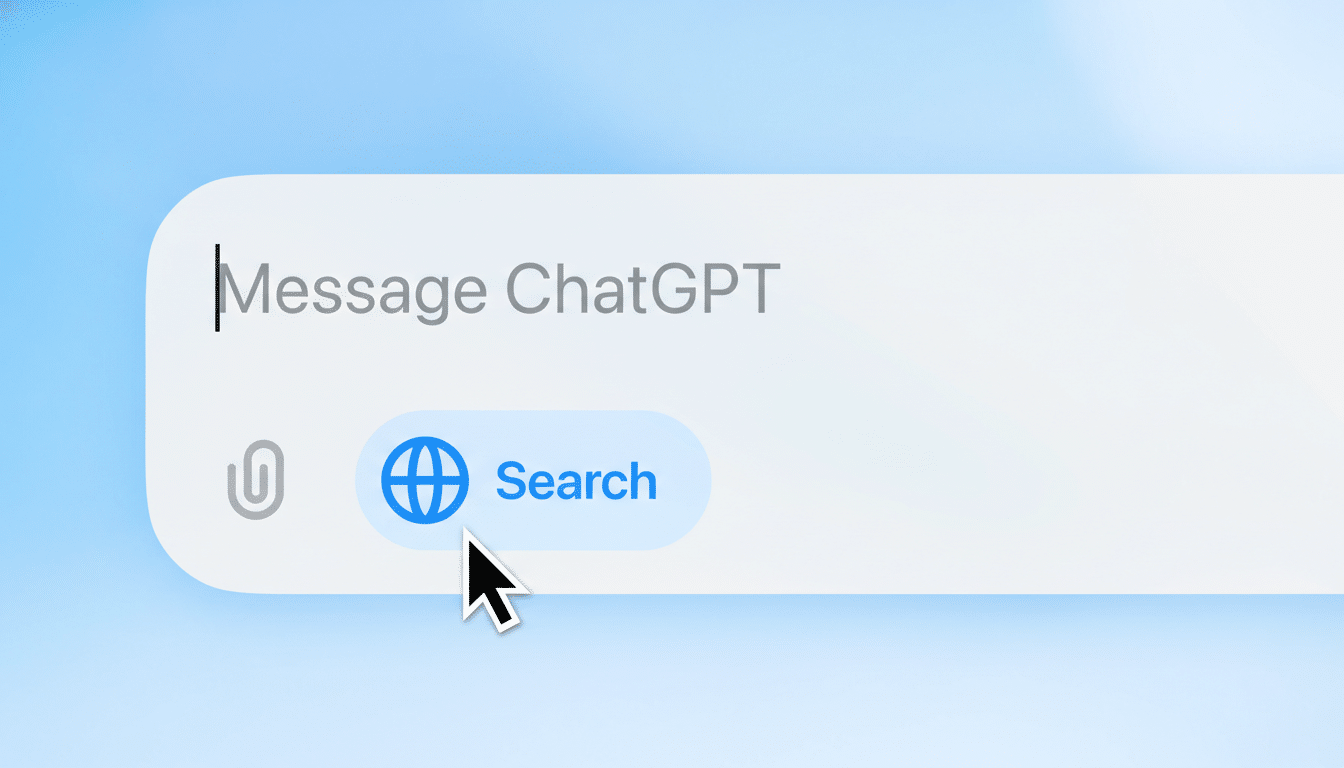
Use Temporary Chat (sometimes labeled as an incognito or no-history mode) for sensitive prompts. When sharing outputs, avoid posting screenshots that include your prompt history or account name. If you’ve created custom GPTs, audit their instructions and uploaded files, remove unnecessary assets, or delete GPTs you no longer need.
Finally, visit OpenAI’s privacy request portal. From there you can download your data, request deletion of your account, ask not to have your content used for training, delete custom GPTs, and request removal of your personal data from model outputs. If you need help, OpenAI accepts privacy questions via its dedicated contact channel.
Go Beyond the App: Reduce Your Data Footprint
Models learn broadly from public and licensed material, so what you put elsewhere on the web matters. Scrub old posts that reveal sensitive patterns — locations you frequent, family details, IDs in images — and lock down privacy settings on social accounts. Consumer protection groups and the Electronic Frontier Foundation offer guides to limit data broker exposure; in many U.S. states with privacy laws, you can request access, correction, or deletion of personal data from companies that hold it.
If your caricature surfaced something obviously wrong, correct the record in your next chat and clear the thread. If it surfaced something uncomfortably right, treat that as a cue to remove the breadcrumb from your chat history or other public places it may exist.
Set Healthy Boundaries With AI Companions
There’s another layer to the caricature craze: emotional spillover. Human-computer interaction researchers warn that parasocial dynamics with chatbots can crowd out time for offline relationships and make feedback loops feel more “personal” than they are. Common Sense Media cautions that AI companions aren’t appropriate for minors; parents should assume chat histories can surface in unexpected ways and supervise accordingly.
Use clear rules of engagement. Avoid sharing information you wouldn’t email to a stranger. Take breaks if you find yourself seeking validation from a system that generates patterns, not empathy. And if a feature — like memory — nudges you toward oversharing, turn it off.
Bottom Line: You Control What You Share and Delete
The caricatures are delightful because they feel like they “get” you. If that feeling tips into discomfort, you have options: purge sensitive chats, limit training, disable memory, use temporary sessions, audit custom GPTs, and file privacy requests. In an era when your digital shadow can be remixed into cute cartoons, the most powerful filter is still the one you control — what you share, where you share it, and when you delete it.
