


Whether you tried a month of Boost, upgraded to Premium, or splurged on Premium+, canceling your Bumble subscription comes down to one thing: stop the auto-renew in the place you started it. That means your path is different if you paid Bumble directly versus through Apple’s App Store or Google Play.
Below is a clear, step-by-step guide for each scenario, plus expert tips on renewals, free trials, refunds, and what happens to your matches after you cancel. These steps align with guidance from the Bumble Help Center, Apple Support, Google Play Help, and consumer protection best practices highlighted by the FTC.
- First, Identify Where You Subscribed To Bumble
- Cancel If You Paid Bumble Directly Through Bumble
- Cancel On iPhone Through Apple Subscriptions
- Cancel On Android Through Google Play Billing
- Trials, Renewals, and Refunds: Key Things To Know
- Pause, Hide, or Delete Instead of Canceling
- After You Cancel, What To Expect With Bumble
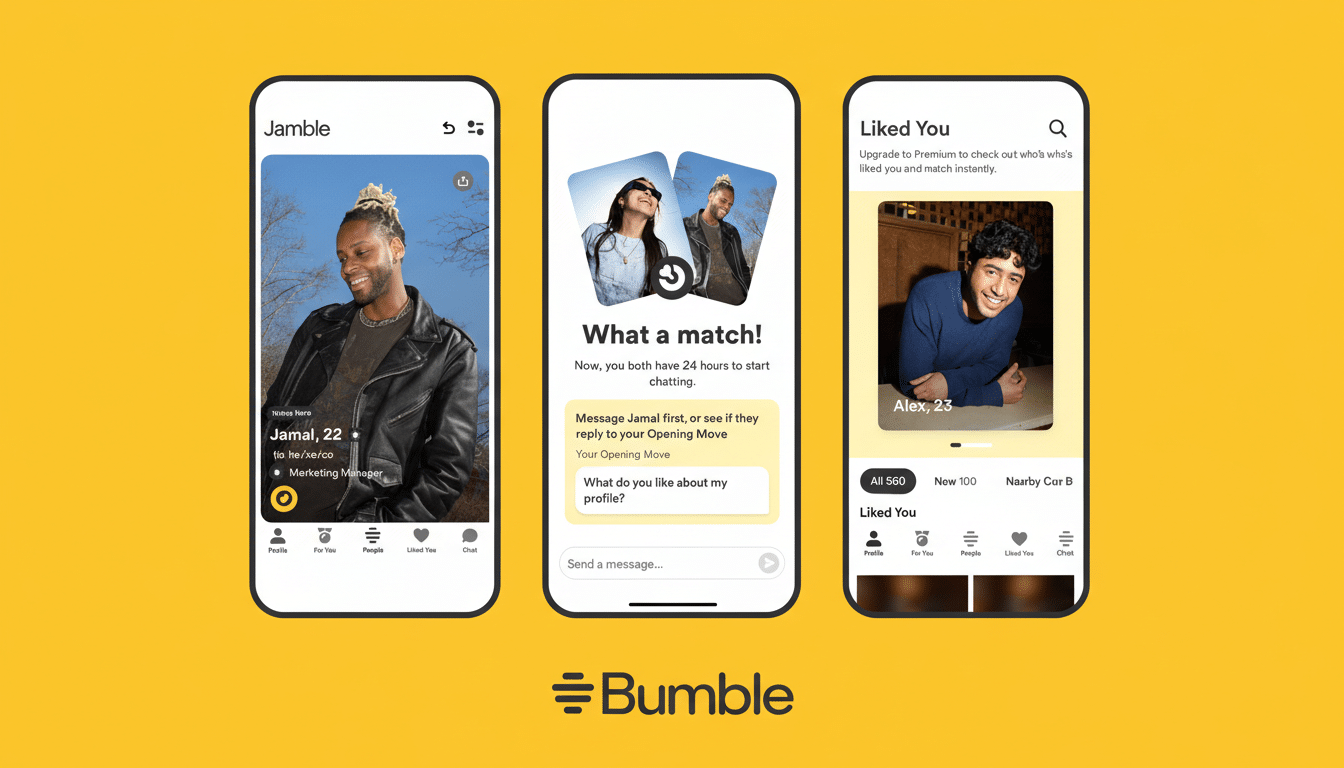
First, Identify Where You Subscribed To Bumble
Open Bumble and tap your profile icon > gear icon (Settings) > Subscription details. You’ll typically see whether your plan is managed by Bumble (card, PayPal, or Apple Pay processed by Bumble) or by your app store (Apple or Google). Canceling in the wrong place won’t stop charges.
Cancel If You Paid Bumble Directly Through Bumble
Use this route if you purchased with a credit/debit card, PayPal, or Apple Pay directly through Bumble’s billing (not via the App Store or Google Play).
Steps:
- Open Bumble and tap your profile icon.
- Go to Subscription details.
- Tap Manage your subscription, then choose Cancel.
Tip: You’ll keep paid features until the end of the current billing period. Take a screenshot of the cancellation confirmation for your records.
Cancel On iPhone Through Apple Subscriptions
If your Bumble plan shows up in your Apple subscriptions, Apple handles billing and cancellation.
Steps:
- Open iPhone Settings and tap your name (Apple ID).
- Tap Subscriptions, select Bumble.
- Tap Cancel Subscription and confirm.
Key detail: Apple renews subscriptions within 24 hours of the period ending. Cancel at least a day in advance to avoid the next charge. Deleting the Bumble app or your Bumble account does not cancel an Apple-managed subscription.
Cancel On Android Through Google Play Billing
If Bumble appears under Google Play subscriptions, use Play Store controls.

Steps:
- Open Google Play Store and tap your profile icon.
- Go to Payments & subscriptions > Subscriptions.
- Select Bumble and tap Cancel subscription.
As with Apple, Google Play may renew within 24 hours of the end of your cycle. Cancel early and keep the cancellation email for proof.
Trials, Renewals, and Refunds: Key Things To Know
Free trials convert automatically unless canceled in time. Cancel during the trial to avoid the first charge; you’ll often retain benefits until the trial ends. Apple Support and Google Play Help note that cancellations typically take effect at the end of the current period, not immediately.
Refunds depend on the platform’s rules and local law. For Apple-managed purchases, request a refund through Apple’s problem reporting system. For Google Play, some purchases are refundable within a short window if you act promptly. If you paid Bumble directly, contact Bumble Support with your transaction details. The FTC continues to emphasize simple cancellation and clear disclosures for auto-renewing plans, so keep documentation of when and how you canceled.
Pause, Hide, or Delete Instead of Canceling
Not ready to cancel? Bumble offers options to reduce visibility without ending billing. Snooze temporarily hides your profile and pauses matching; Incognito Mode (a Premium feature) shows you only to people you like. These are useful if you’re taking a break but want to preserve your message history and settings.
If you do want out entirely, remember: deleting the app doesn’t stop charges. Deleting your Bumble account also won’t cancel an external subscription managed by Apple or Google. Always cancel the subscription first, then delete the account if you’re done.
After You Cancel, What To Expect With Bumble
You’ll keep Boost, Premium, or Premium+ features until the end of your current billing period, then your account reverts to the free tier. Your matches and chats remain unless you delete your account. To double-check status, revisit Subscription details (Bumble) or Subscriptions (Apple/Google) to confirm the renewal date shows as expired or ends on a specific day.
Real-world example: Many users think reinstalling the app or switching phones cancels billing. It doesn’t. The only reliable confirmation is in your Apple or Google subscription list or in Bumble’s own subscription page, depending on where you started. Verify there, cancel there, and save the confirmation. That simple step prevents surprise renewals and keeps your dating budget under control.
