


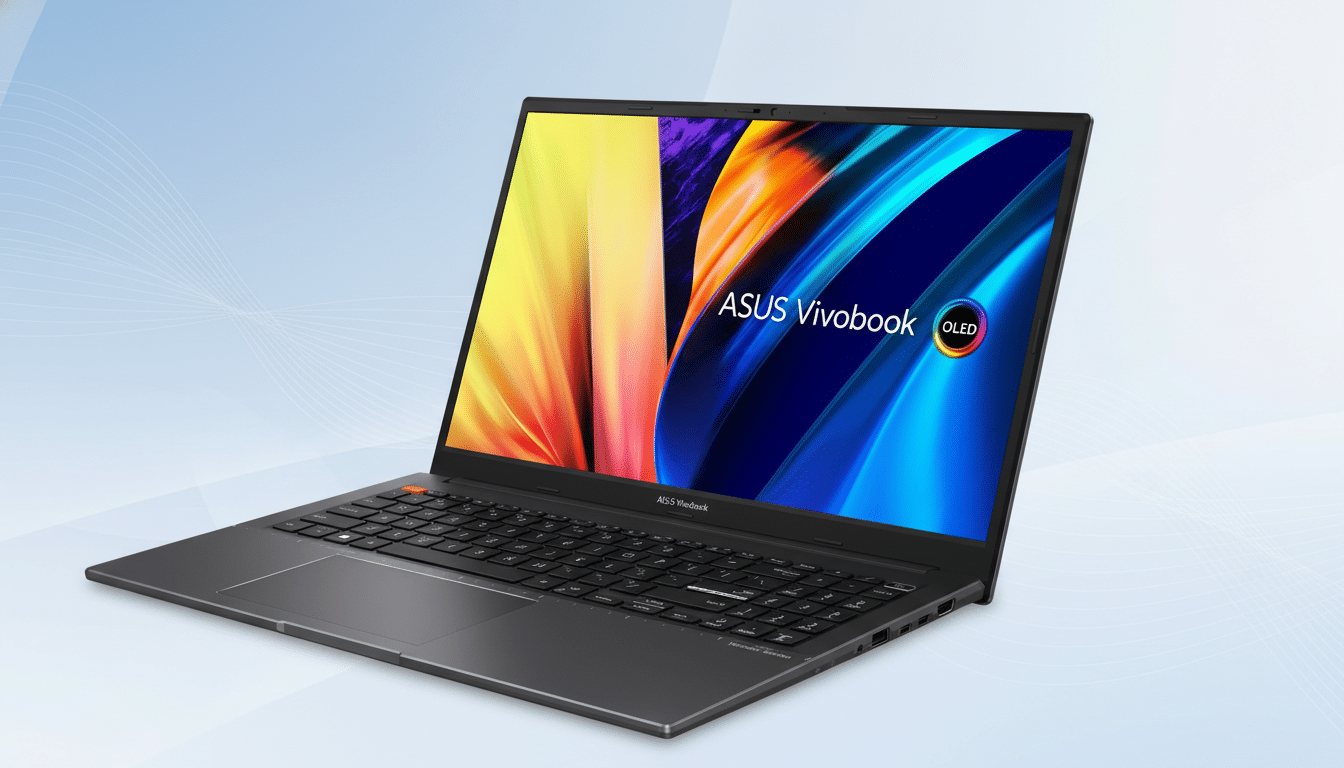
If you want the gorgeous contrast and color of OLED without living next to an outlet, the Asus Vivobook S15 OLED is the rare laptop that nails both. It pairs a 3K, 120Hz panel with class-leading endurance from Qualcomm’s Snapdragon X Elite platform, making it an easy recommendation for commuters, students, and creators who need long days away from a charger.
Why This OLED Laptop Outlasts Its Rivals on Battery Life
Battery gains here aren’t magic; they’re architecture. The Snapdragon X Elite’s efficient 4nm design, coupled with aggressive idle power management and a 70Wh battery, keeps draw remarkably low during productivity tasks. In independent reviews using UL Solutions’ PCMark 10 Modern Office, machines with this chip routinely push past the full workday, and video rundown tests have stretched well into the evening at moderate brightness.
OLED panels can be power-hungry at high brightness and full-white screens, but this system leans on Windows’ modern power frameworks and ARM-native apps to keep watts in check. The result: the punch of OLED without the typical anxiety when you step into a long flight or marathon meeting block.
Display Quality Without the Typical Power Drain
The 15.6-inch OLED is the star: a sharp 3K resolution at 120Hz with full DCI-P3 coverage for saturated, accurate color. Motion looks fluid, text is crisp, and HDR video pops in a way IPS simply can’t touch. The panel supports variable refresh, so when you’re reading or static on a page, it dials down to save power and ramps up only when you scroll or edit video timelines.
Creators will appreciate the wide gamut and inky blacks for grading, web design, or photo work. And yes, OLED’s deep contrast can exaggerate eye strain at max brightness; the fix is simple: enable Windows’ content-adaptive brightness or use dark mode, both of which meaningfully trim power use while preserving fidelity.
Real-World Performance And Compatibility
Day-to-day, the Vivobook S15 feels snappy: launching dozens of browser tabs, juggling video calls, and editing large photos doesn’t faze it. The Snapdragon X Elite’s integrated NPU also offloads on-device AI tasks, which helps keep CPU draw (and thus heat and power) lower during background workloads.
App compatibility on Windows on ARM has matured quickly. Core tools like Microsoft 365, Edge, and Chrome are native, and Adobe has rolled out ARM support for Photoshop. For older x86-64 apps, Microsoft’s Prism emulation handles the bulk smoothly. Niche drivers and certain plug-ins can still be hit-or-miss, so if your workflow depends on specialized peripherals, check vendor ARM support before you buy.
Ports, Connectivity, and Mobility for Everyday Use
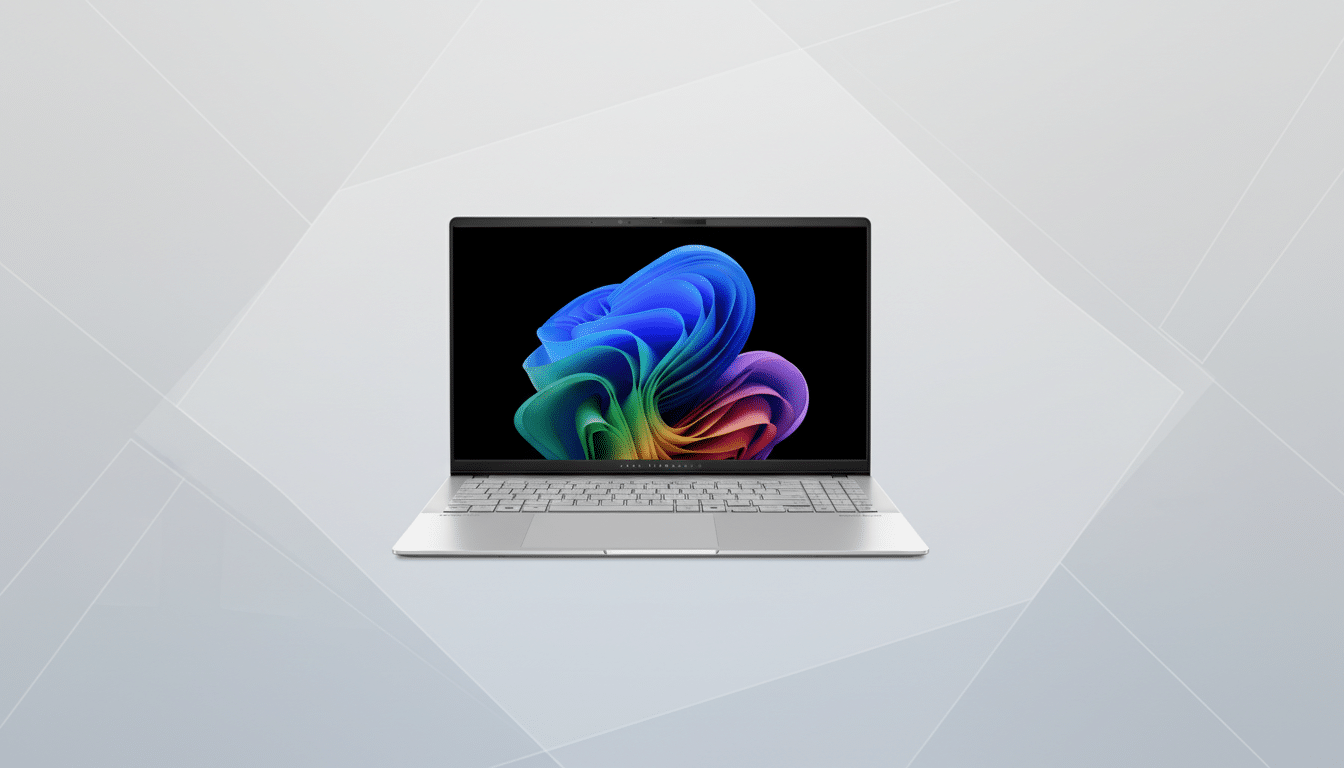
At about 3.13 pounds and roughly 0.58 inches at its thinnest point, the chassis is easy to carry and comfortable on a tray table. The deck offers a roomy trackpad and a quiet, confident keyboard—two details that matter more than raw specs when you’re pounding through emails.
Connectivity covers the essentials and then some: two USB4 Type‑C ports for charging and high-speed peripherals, two USB‑A for legacy gear, HDMI for external displays, a microSD reader for quick photo and video ingest, and a headset jack. Wi‑Fi 7 support brings theoretical throughput up to 5.8Gbps—about 4.8x faster than Wi‑Fi 6 according to the Wi‑Fi Alliance—so cloud syncs and massive downloads won’t bottleneck on modern routers.
How to Stretch Battery Even Further on the S15 OLED
Simple tweaks add hours. Switch the display to 60Hz when you’re traveling and bump it back to 120Hz for creative sprints. Use dark mode and reduce wallpaper brightness to exploit OLED’s per-pixel power savings. In Windows, set the power mode to Balanced, enable Battery Saver at 30–40%, and turn on screen-off and sleep timers aggressively. If you often idle between tasks, cap background activity for chat and cloud apps you don’t need real-time.
Creators should also calibrate to a power-friendly profile when they aren’t grading. A slightly warmer white point and a moderate brightness target can preserve color consistency while easing drain on the panel.
Who Should Buy It and Who Should Look Elsewhere
If you value an OLED display and expect true all‑day endurance, the Vivobook S15 OLED is a standout. It’s ideal for professionals who live in productivity suites, students who need a do‑everything machine, and creators focused on photo and light video work. It’s not a gaming rig, and extremely specific pro plug‑ins may still prefer x86 systems—but for most people, this is the rare OLED laptop where battery life is a feature, not a compromise.
