


Two of Google’s most valuable phone features are headed to the dashboard. Call Screen and Call Notes, previously found on recent Pixel phones, are coming to Android Auto to help you be smarter about your calls while on the road. The change combines Google’s on-device AI with a driving-first interface, minimizing friction and risk normally associated with receiving unwanted calls while driving.
What Call Screen Will Be Like In The Car
Call Screen will pick up the phone for unknown or (potentially) spammy numbers and ask the caller to identify themselves and give a reason for calling. The assistant-generated transcript displays on the dash of your car, and you can use the steering wheel controls or voice to accept, decline, or let a call ring out — without picking up your phone.
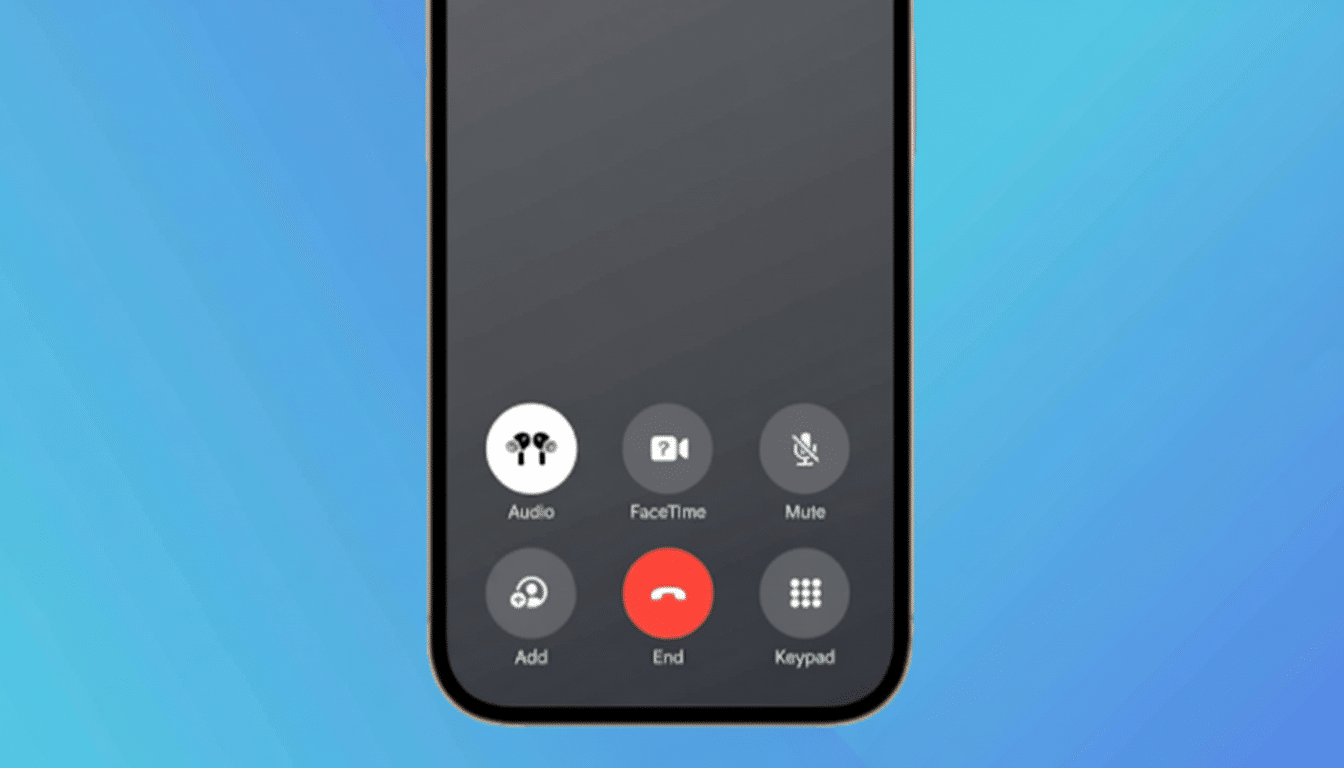
It’s a sensible improvement for reducing driver distraction. A study cited by the National Highway Traffic Safety Administration found that even momentary glances away from the roadway increase crash potential. By turning a surprise ring into an on-screen digest, Call Screen also trims cognitive load and keeps drivers from having to engage with obvious spam or low-priority calls.
Early reports from Google indicate that screen cards are rolling out now and will be available more widely soon. Anticipate language support and regional availability to dictate where it shows up first, just as with previous assistant features.
Call Notes Now Has Automated Call Summaries
Call Notes arrived with the latest generation of Pixels as an on-device assistant, churning out brief summaries of phone discussions. Bringing that to Android Auto allows your call to end with a neatly formatted note full of key points and action items — useful for speedy debriefs after sales meetings or chats with students (or as you’re driving down the road, I suppose).
Google hasn’t committed to any specific date for Call Notes in the car, but it tends to leverage the same underlying speech recognition and summarization models that it makes available for Pixel hardware. In practice, that presumably means the best experience will come first to Pixel devices a few years old and newer with the most advanced assistant models, possibly expanding if and when more phones are able to handle it.
Like any call-related AI feature, availability may differ by market based on local policies around call recording and transcription. Google recently pointed to broader support for call recording features in places where Pixel devices are sold, but functionality such as preserving or producing transcripts may still be locked behind regional restrictions and user consent dialogs.
Availability and Compatibility for Android Auto
Look for Call Screen to initially work alongside app-side updates to Android Auto and the Google app, plus server-side enablement. Call Notes for Android Auto is coming soon (no date yet). Both features require a compatible Android phone, and support will likely be limited to Pixel phones in the beginning since they already integrate with screening and summarizing features.
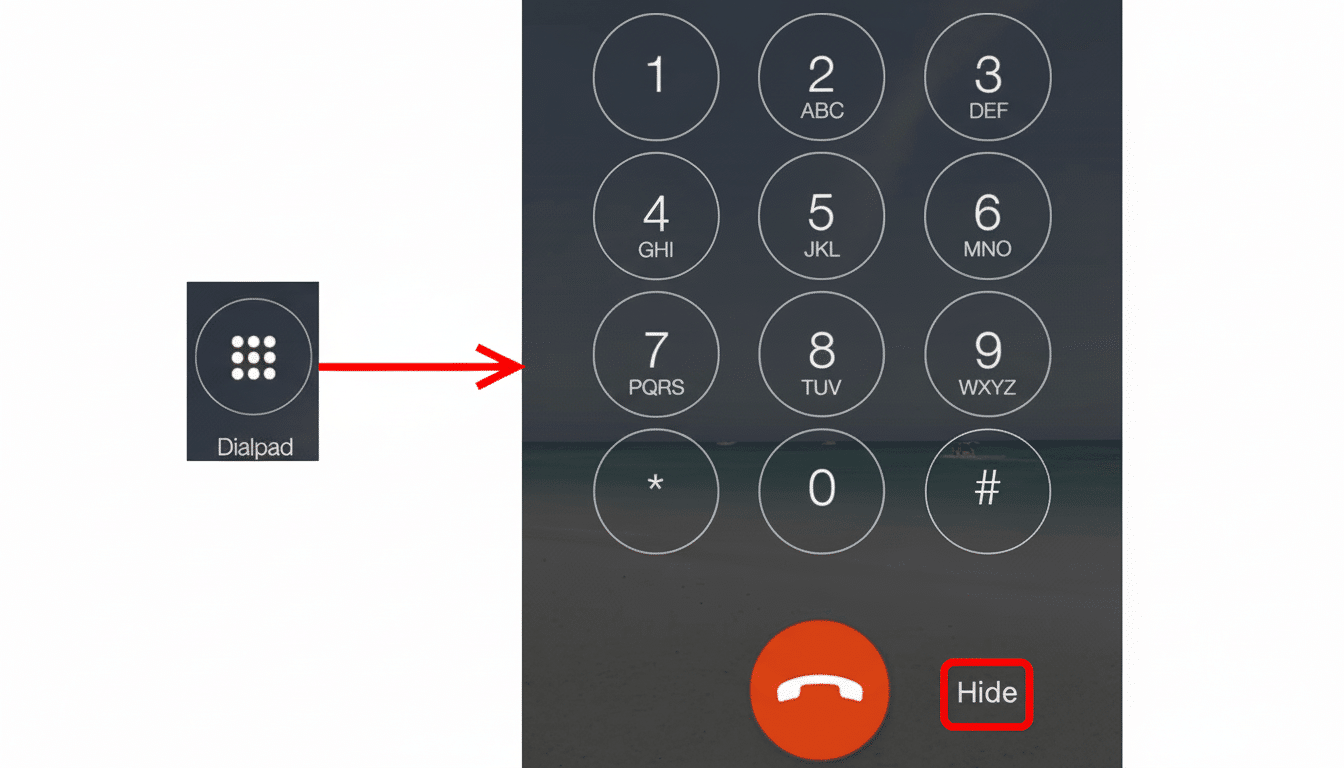
Automakers won’t need new infotainment hardware for this; Android Auto will control the user interface, while we’re told the phone will do all mechanical work in terms of pushing data and graphics to the screen.
For added reliability, make sure you have the latest Android Auto, Google app, and Assistant versions, and that the language and region settings are available for screening and summaries.
Why It Matters for Drivers Using Android Auto
Calls are still among the most disruptive in-car interactions. The AAA Foundation for Traffic Safety has researched how cognitive distraction can linger after you cease interacting with a device, which is why tools that reduce decision-making are important. A single-line transcript and instant accept or decline are better than an exercise in blind flailing, never having given you however many digits to call in the first place.
This, too, is in line with wider industry movements. J.D. Power’s tech satisfaction research has repeatedly shown that motorists prefer simple, voice-first workflows over complicated touch interactions. By shoving screening and call notes into the car, Google is taking a low-friction approach that aligns with strict Android Auto UX constraints meant to keep distractions in check.
What to Watch Next as These Features Roll Out
Expect tighter integration with spam and scam detection signals, which should also help with auto-filtering out nuisance calls. Smarter syncing of Call Notes into productivity apps and calendars for enterprise users would be great. And as on-device models advance, real-time summaries could get sharper at identifying tasks and commitments without retaining audio data longer than needed.
The big picture is straightforward: Android Auto is shifting from your phone’s screen in the car to a contextually aware assistant that can help prioritize calls for you. If Google nails the landing with performance and privacy, these Pixel-influenced additions could soon become default necessities for anyone who drives.
