


At the end of this week, Google shipped Android 16 QPR3 Beta 1 to Tensor-powered Pixel devices. If you are a member of the Android Beta Program, the update will arrive over the air and show some of the refinements you can expect in the next Feature Drop period.
What This Final QPR Aims to Improve on Pixel Devices
QPRs are where Google puts a high number of bug fixes and performance tweaks, along with Pixel-exclusive features, ahead of a stable Feature Drop. This cycle continues that pattern. There aren’t going to be any new APIs or developer-facing changes: Google has settled into a rhythm of allowing only one minor SDK bump per year, a rule the Android developers team recently re-emphasized via plumbing announcements and platform release notes.
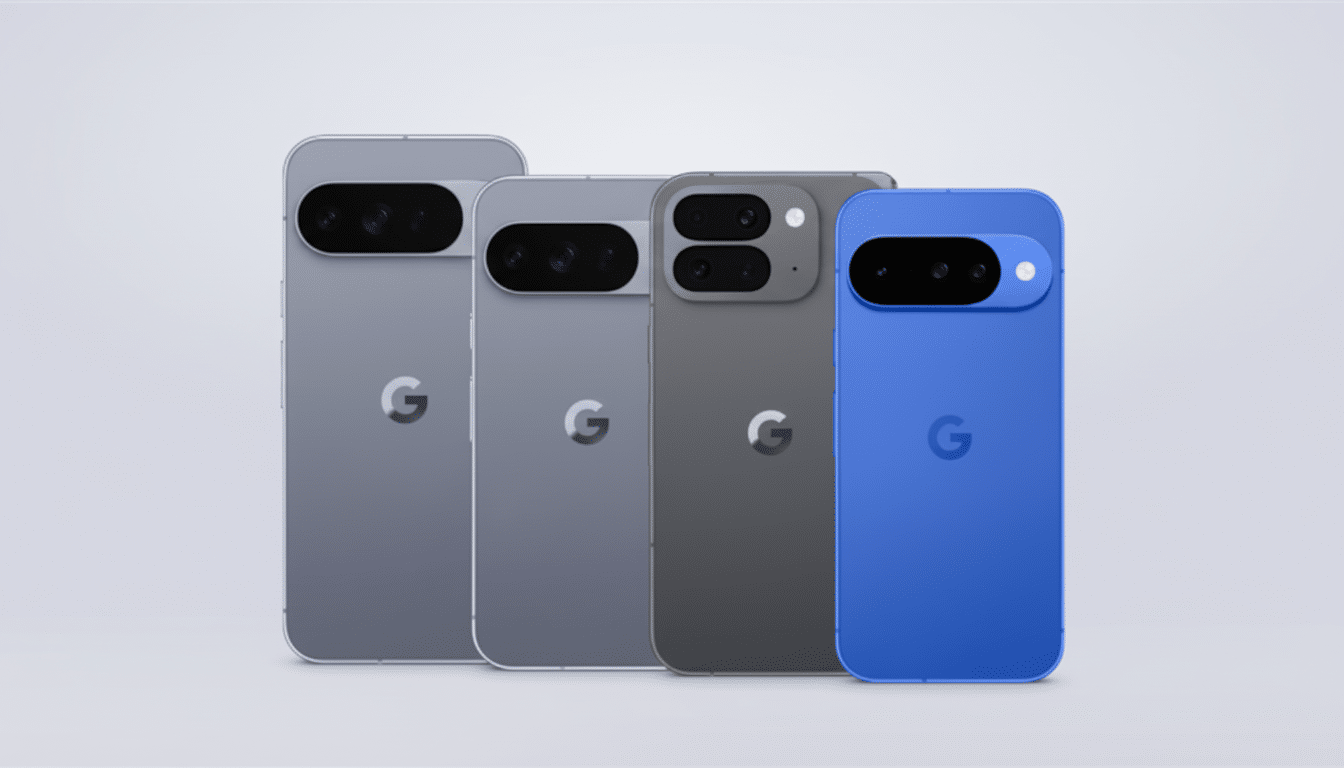
That means continuing to pave the way for stability, modem and connectivity improvements, polishing the camera pipeline on Tensor devices, under-the-hood performance, and more.
In the past, QPRs have hammered out perennial annoyances — from wonky Bluetooth handoffs to flaky always-on display states — so early adopters typically experience those quality-of-life gains without exciting new toggles.
Who It’s For and How to Get the Android 16 QPR3 Beta
Pixel 6 and its successors are eligible for Android 16 QPR3 Beta 1, including the entire Tensor family. If you are on the most recent stable build, you can opt into the Android Beta and then you will receive an OTA to the new version. If your device is already on the latest QPR2 beta, there’s no need to take extra action.
If you previously opted out to take the QPR2 stable release, you will need to re-enroll to get back onto the beta track. Those of you on the Android Canary channel will probably have to manually install the QPR3 build, since Google has advised in the past that you perform a reset when moving between Canary and a QPR branch anyway to prevent configuration drift and strange edge-case bugs.
A strong word of caution: You won’t be able to revert to the stable track without wiping your data after you install QPR3 Beta 1. Both the Android Beta Program FAQ and Pixel support documentation have said this for several cycles now. If you depend on your phone for work or travel, have backup options in place before signing up.
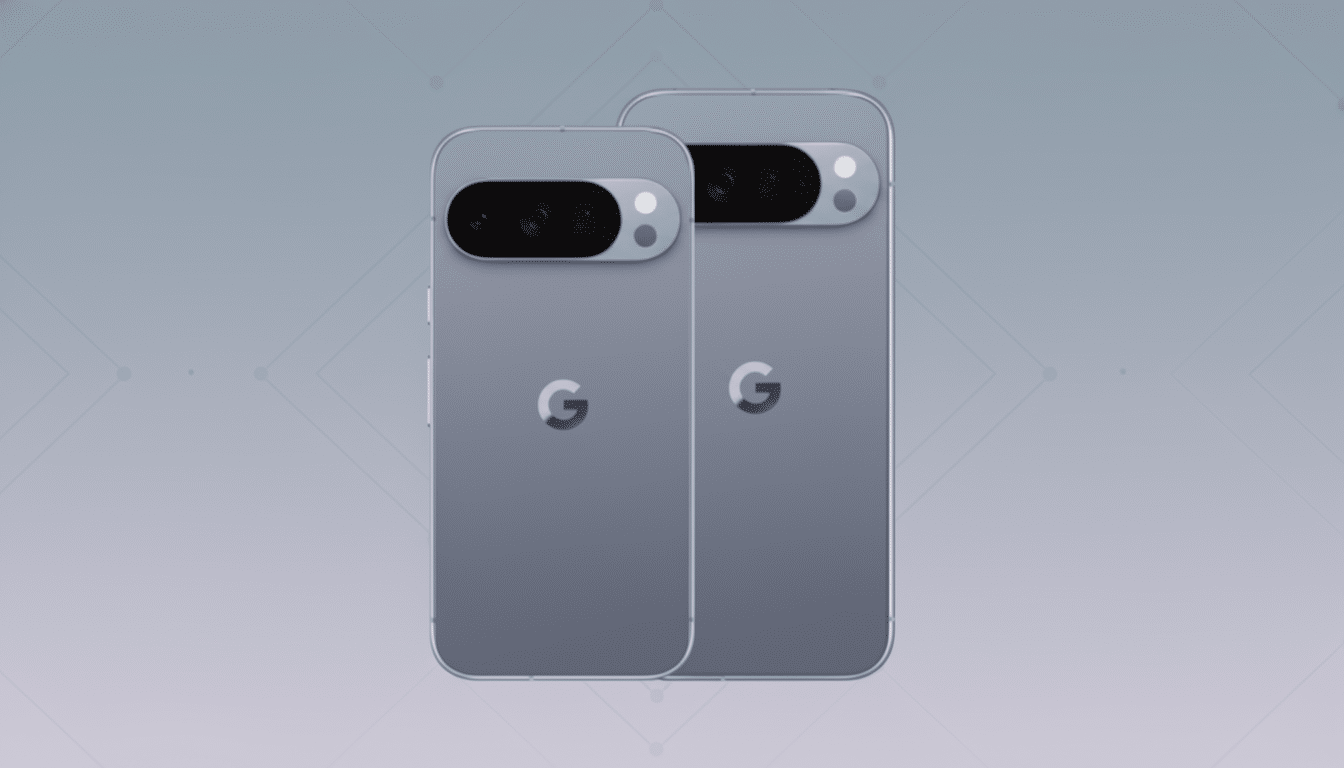
Build ID and Naming Explained for Android 16 QPR3
You can see the build ID starts with CP1A. Google’s build scheme resets its leading letter annually, and CP means the very first QPR of that year. The “C” also corresponds with the internal dessert-related sequence signaling the next substantial Android iteration that everyone refers to in AOSP as Android 17, code-named Cinnamon Bun. That alignment allows the teams to see branches along quarterly and platform timelines.
Why This Beta Is Important for Pixel Owners
At Google, the final QPR is how they begin at speed for the next Feature Drop. It’s when the company validates modem stacks across carriers, tunes camera performance for devices such as the Pixel 8 Pro and (rumored) Pixel Fold, and ensures power efficiency is tightened for Tensor’s heterogeneous cores. The result is often smoother frame pacing, lower standby drain, and fewer edge-case app crashes — areas in which Pixel owners feel the difference day to day.
This is also the perfect time to give your feedback to developers and enthusiasts as actionable information. Bug reports that do not reproduce on the current beta are marked as Unsupported by Issue Tracker and will not receive a reply from the team. Reports with logs submitted from the Feedback app or bug report captures get a faster triage, as mentioned in previous cycles by the Android platform team.
Some Practical Advice Before You Update Your Pixel
Back up locally and to the cloud, verify your bootloader status if you intend to sideload, and assess your carrier’s position on beta builds if eSIM keeps you connected. Enterprise-managed Pixels commonly can’t enroll because of policy. If you’re jumping channels — from, say, Canary to QPR — include a full reset as part of the process to avoid subtle data corruption or system components that do not play well together.
After you’ve updated, test the normal pain points: cellular handoffs, Wi-Fi roaming, Android Auto stability, camera launch speed, HDR processing, and notification delivery. Battery stats take a couple of charge cycles to settle, so wait instead of jumping to conclusions. If something breaks, file it ASAP; QPR cycles close quickly, and early reports influence the final patch list.
Bottom Line: What to Expect from Android 16 QPR3 Beta
Android 16 QPR3 Beta 1 is the final run-through before another Feature Drop lands for all. For Pixel users who like to live dangerously and can accept the occasional weirdness, there is a build targeted directly at polishing and stability. (Just remember the ground rule: once you join, there’s no going back without wiping and waiting on a stable release before joining again.)
