


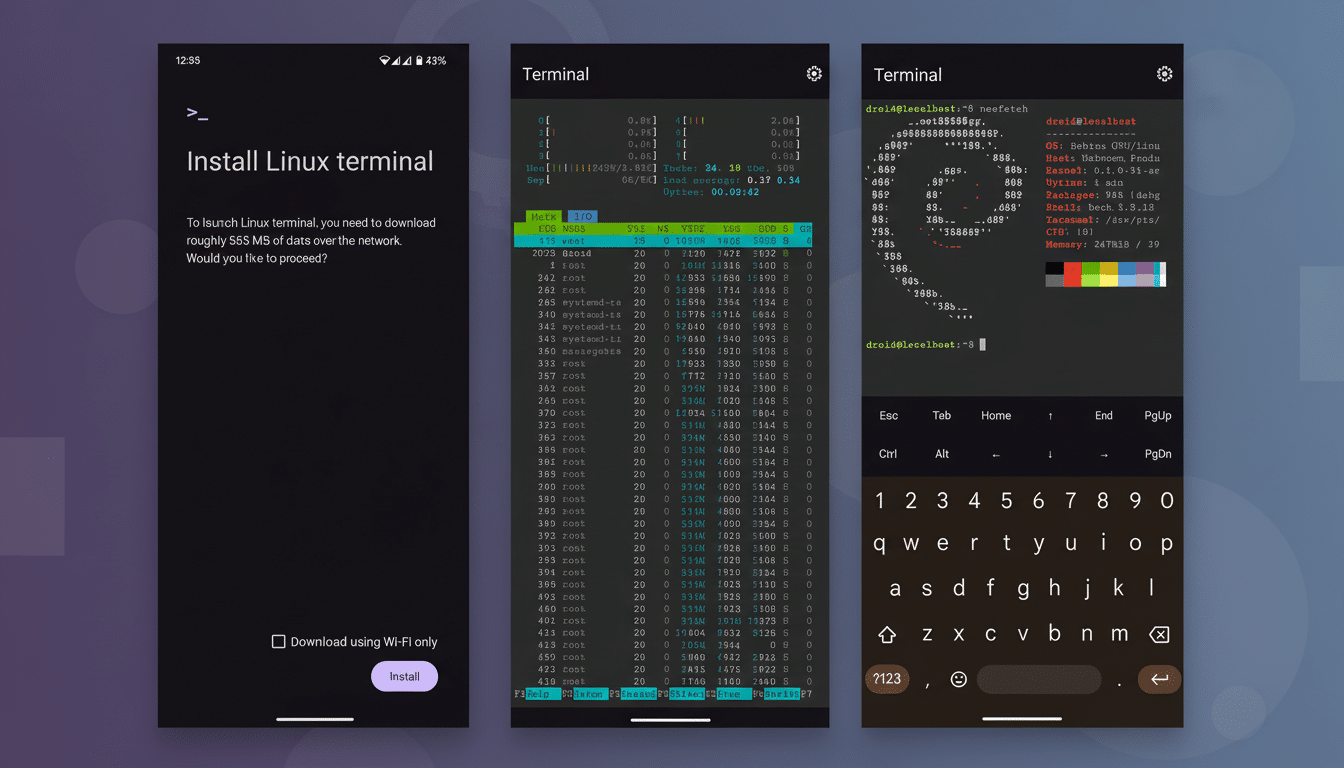
Android 16 QPR2 silently rips out what is likely to be the single biggest point of friction in the new Linux Terminal experience. Rather than being fenced in by the Downloads folder, the Terminal’s VM now has an almost full view of shared storage on your phone, turning daily file work from a shuffle into a straight line.
According to early testers, this arrives in the second beta and behaves as it should for a desktop Linux environment: the mount under /mnt/shared shows commonly exposed media and Documents directories that apps and PCs rely on. This makes the Terminal much more usable for development, media processing, and on-device AI tasks—without resorting to manual copies or complex workflows.
What changed and why it matters for Android Terminal
Before this, the version of the Linux VM that the Terminal app creates in Android was only able to access files from Downloads, and files were mirrored between Android and Linux for round-trip editing. Helpful, but restrictive: a lot of apps will insist on saving to the DCIM, Pictures, Movies, Music, or app-specific folders, which means having to move files before you can work with them in your VM.
Android 16 QPR2 broadens this to include nearly all shared storage. In practical terms, that means photos, videos, audio, and documents become directly visible and writable from the VM, whereas private app sandboxes and system data continue to be cordoned off. Local community testers (Reddit, etc.) and experienced Android researchers have confirmed the behavior.
The impact is tangible. Tools such as FFmpeg can transcode clips directly from DCIM and dump results into Movies; image suites are able to batch-process Pictures; developers can work on documents and website assets without needing to stage files through Downloads. It’s more of a laptop-style workflow—open up Terminal, run the command, see results in your gallery or file manager straight away.
How it works, without breaking Android’s rules
This modification is implemented on top of Android’s Virtualization Framework, which runs the Linux environment in a lightweight VM and intercepts file access. The Terminal is still adhering to the platform’s scoped storage paradigm that was added in Android 10: shared, user-facing directories are visible; private data and protected system partitions are not. So no root access is given, and SELinux boundaries apply.
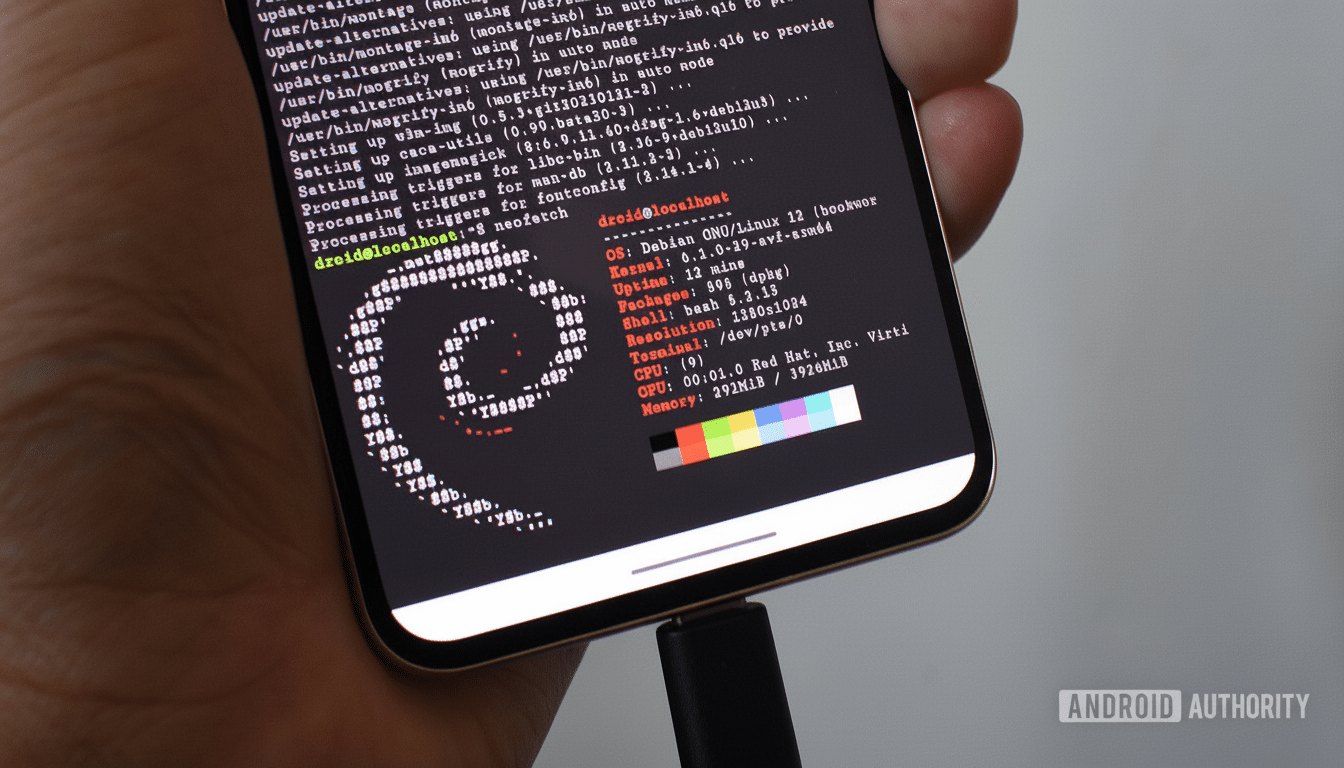
Simple for the user, that is. /mnt/shared is the shared mount and r/w operations are reflected immediately on both ends. And if you do use the Terminal, it is possible that when run for the first time, it will request storage access; after granting permission, tools work just as they would on a desktop—just pointed at Android’s well-known folder structure.
The guardrails are clear for security-conscious users. You can’t look inside another app’s private information, nor can you reach into system data. If an app didn’t share its files with the broader storage layer (for instance, if it keeps everything inside its own sandbox), Terminal would not be able to see those files. That limit is in line with Google’s published storage policies and the way USB file transfer works.
Actual workflows that get easier with shared storage
- Media pros can ingest a batch of 4K clips from DCIM, apply FFmpeg filters, and save results back in Movies without copying files around.
- Scriptable photographers can run an ImageMagick pipeline on Pictures.
- Normalizing and encoding audio content from Music can support podcasting in a single pass.
- Developers might clone a Git repo, build a static site with Hugo or Jekyll in the VM, and preview those assets from an Android browser. Python tooling, Node.js tooling, and a more container-like workflow on a phone are useful for triaging issues when away from the laptop.
- On-device AI gets easier: locally run frameworks such as llama.cpp tools or Stable Diffusion ports often require directory-style access to models and assets. With shared storage mounted, you can download weights to Documents and point the VM at them.
Availability and what to expect next for QPR2 Terminal
The broader access is rolling out now to at least some users who are testing Android 16 QPR2 Beta 2 on supported devices. This behavior should be expected to carry over into release, since it’s present in a late beta, though details always depend on Google signing off. And don’t forget to keep the Terminal app updated and give it storage permissions when asked.
The move reflects Google’s wider commitment to the Android Virtualization Framework, featured heavily in developer sessions and AOSP documentation. It’s a practical solution that doesn’t water down Android’s privacy model but makes the Linux Terminal actually useful on a day-to-day basis—somewhere between ultra-strict sandboxing and getting real work done.
Bottom line: Android 16 QPR2 upgrades a promising demo Linux Terminal into a worthy tool. With more shared storage already in hand, your phone is a much stronger mobile workstation without the gymnastics.
