


Secret gift givers and shared accounts: you’re out of luck. Amazon has quietly removed the capacity to archive, hide, or delete orders from your purchase history, an increasingly common tool for cost-conscious shoppers that’s ticked off a lot of customers. If you’re sharing a login with a spouse or family member, every order is now visible in the main Orders list — but leave it to determined privacy-seekers to figure out a workaround that keeps your orders at bay while keeping Prime benefits.
What’s Different in Your Amazon Order History
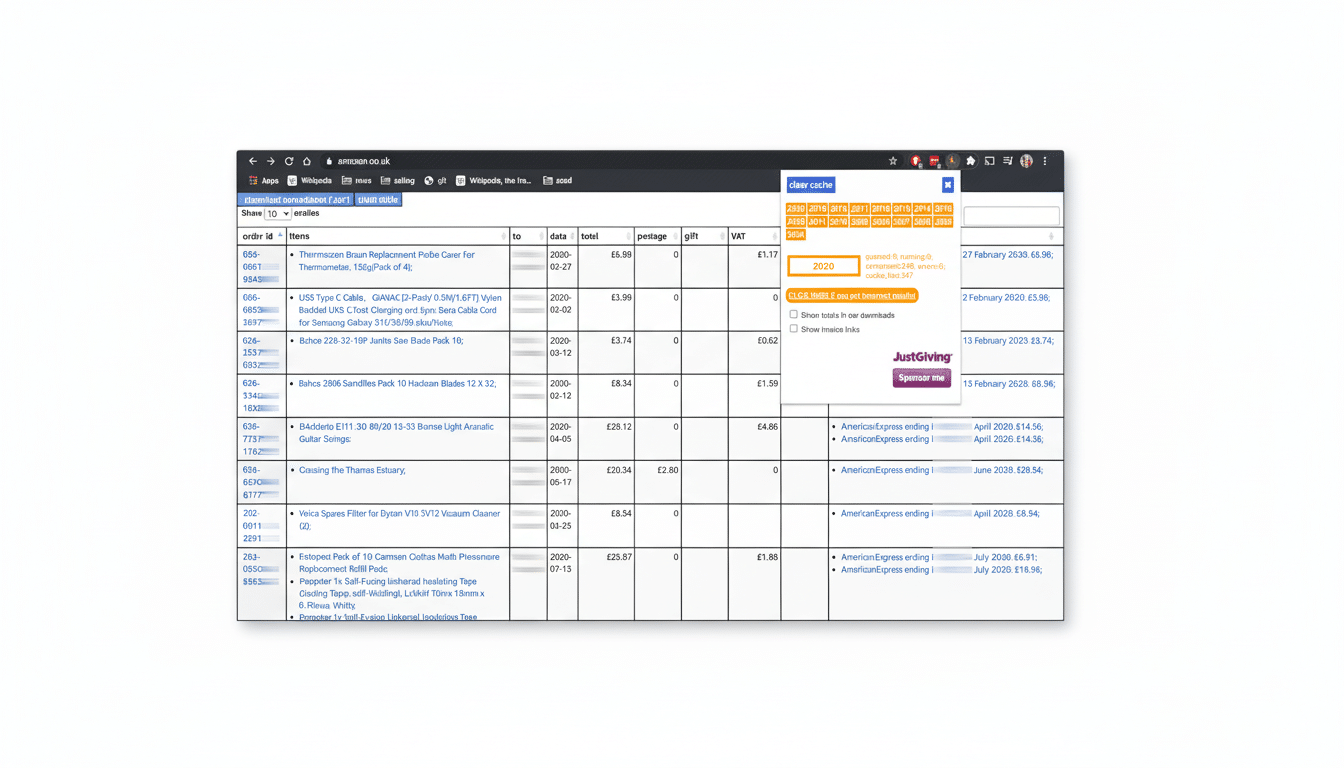
For years, Amazon offered “Archived Orders,” a hidden button that removed purchases from your default history view. As of this year, customer service reps have told users that the feature is not supported anymore, and shoppers say that old archived orders are reappearing in their main Orders feed. There is no public statement from official help yet explaining this change, but here is what it means: you can’t remove orders from view in a shared account anymore.
- What’s Different in Your Amazon Order History
- The Official Workaround: Amazon Household
- How to Get Up and Running Fast with Amazon Household
- What Amazon Household Doesn’t Hide from Others
- Smart Alternatives for Privacy on Shared Accounts
- Why Amazon Removed Archiving from Order History
- Bottom Line for Shoppers Who Share Amazon Accounts
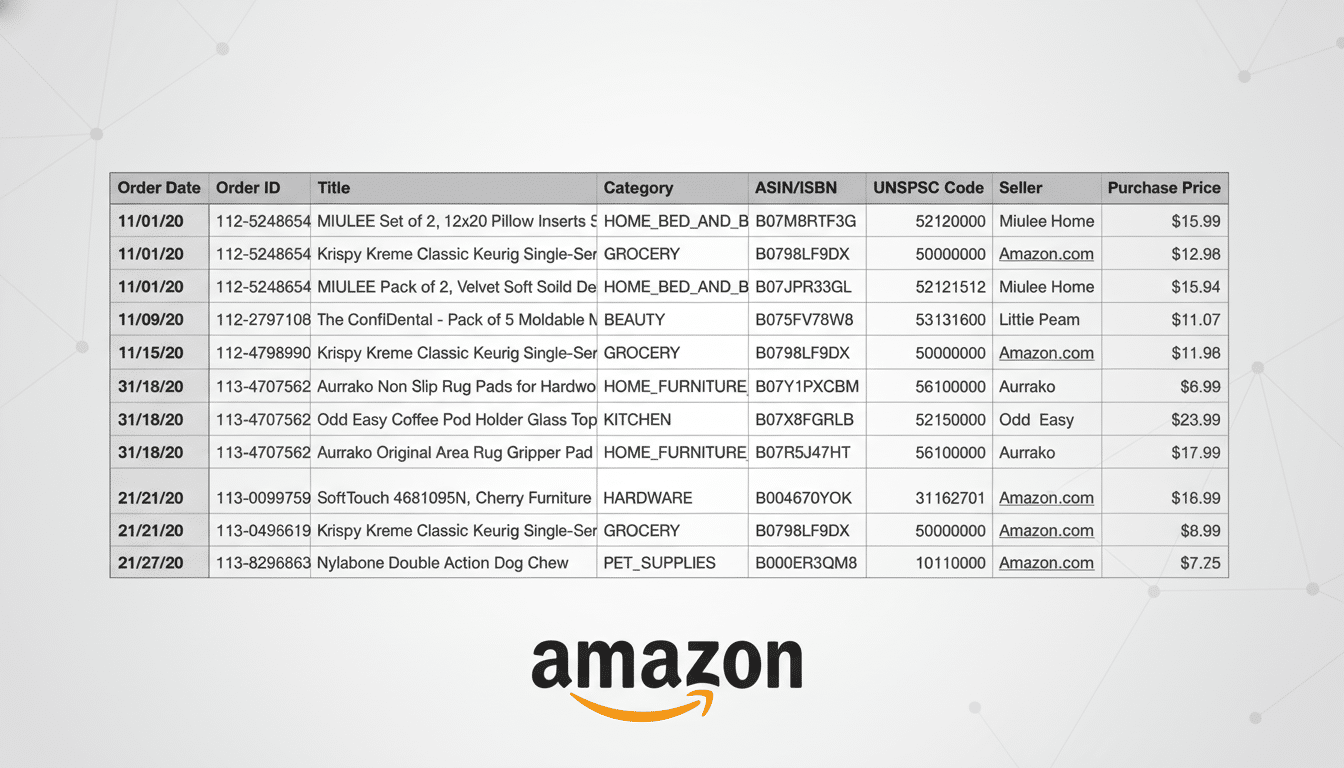
It’s also important to distinguish this from browsing history controls. You can still clear or pause your browsing history, and even hide “Buy Again” recommendations to protect your privacy, but your historical order records are now preserved and accessible to anyone who can log in.
The Official Workaround: Amazon Household
Amazon itself directs people to Amazon Household — often called Amazon Family in support discussions. Household allows two adults to share Amazon accounts independently of Prime benefits, plus up to four teen and four child profiles. The catch: each adult has their own order history, so your gifts and personal purchases no longer show up in someone else’s Orders list.
Household sharing maintains access to Prime shipping, Prime Video content, and certain digital media libraries as well as other benefits. Adults must each agree to share a digital wallet for eligible benefits, but can select which payment methods are shareable. You’re not actually sharing full card numbers, and you can limit which cards are available to the other adult.
How to Get Up and Running Fast with Amazon Household
- Create two separate adult Amazon accounts.
- On the secondary account, open Household settings from the Account menu and accept the invitation.
- Complete the “share your wallet” consent and choose which payment methods you want to share.
- Shop while signed in to your own login — your orders will only be visible to and editable by you.
If you have teenagers or children, create their profiles in Household. Teen accounts may place orders with parental consent and do not show adult order histories. Child profiles are content-only and do not have the ability to order. Amazon’s setup flow provides fine-grained controls for approvals, spending, and access to content.
What Amazon Household Doesn’t Hide from Others
- Email receipts still go to the email address on the ordering account. Use separate inboxes if you want to avoid surprises.
- Delivery status updates can appear on shared devices, such as smart speakers or shared phones, unless you adjust notification settings.
- Alexa voice shopping can announce deliveries by name. To prevent spoilers, turn off Include Item Titles and disable voice purchasing.
- Gift options, including “This is a gift” and gift receipts, obscure prices for the recipient but keep order details in your account.
- Returns and refund activity remain visible to the account that placed the order.
Smart Alternatives for Privacy on Shared Accounts
- Create a separate Amazon account unrelated to your Household account if you don’t want to share Prime or payment details.
- Fund that account with gift cards or prepaid credit cards if budgeting is a concern.
- Use an Amazon Locker or a pickup location to reduce package visibility at home.
- Set up a dedicated email alias for orders so confirmations don’t land in a shared inbox.
- If you must stick with one account, schedule deliveries when the recipient is away and choose discreet packaging — the order will still remain in history.
Why Amazon Removed Archiving from Order History
Though the company has not divulged a justification, stores increasingly forgo delete-like locks on transaction logs to assist customer support teams, process warranty claims, prevent fraud, and comply with regulations. The concentration of order history also reinforces recommendation engines and returns. Industry watchers such as CIRP (Consumer Intelligence Research Partners) say that approximately two-thirds of U.S. households have Prime, so shared-account dynamics and data consistency are important operational factors.
Bottom Line for Shoppers Who Share Amazon Accounts
If you share an Amazon login, expect every purchase to be visible to others who use that account. The commonsense solution is to switch over to Amazon Household, so that each adult can shop from a different account but still enjoy Prime perks. Tinker with alerts, email forwarding, and Alexa settings to avoid alert sounds when a giveaway happens. A few minutes of setup can help gifts you’re ordering this holiday season stay a surprise — even while you save yourself time and possibly money.
