


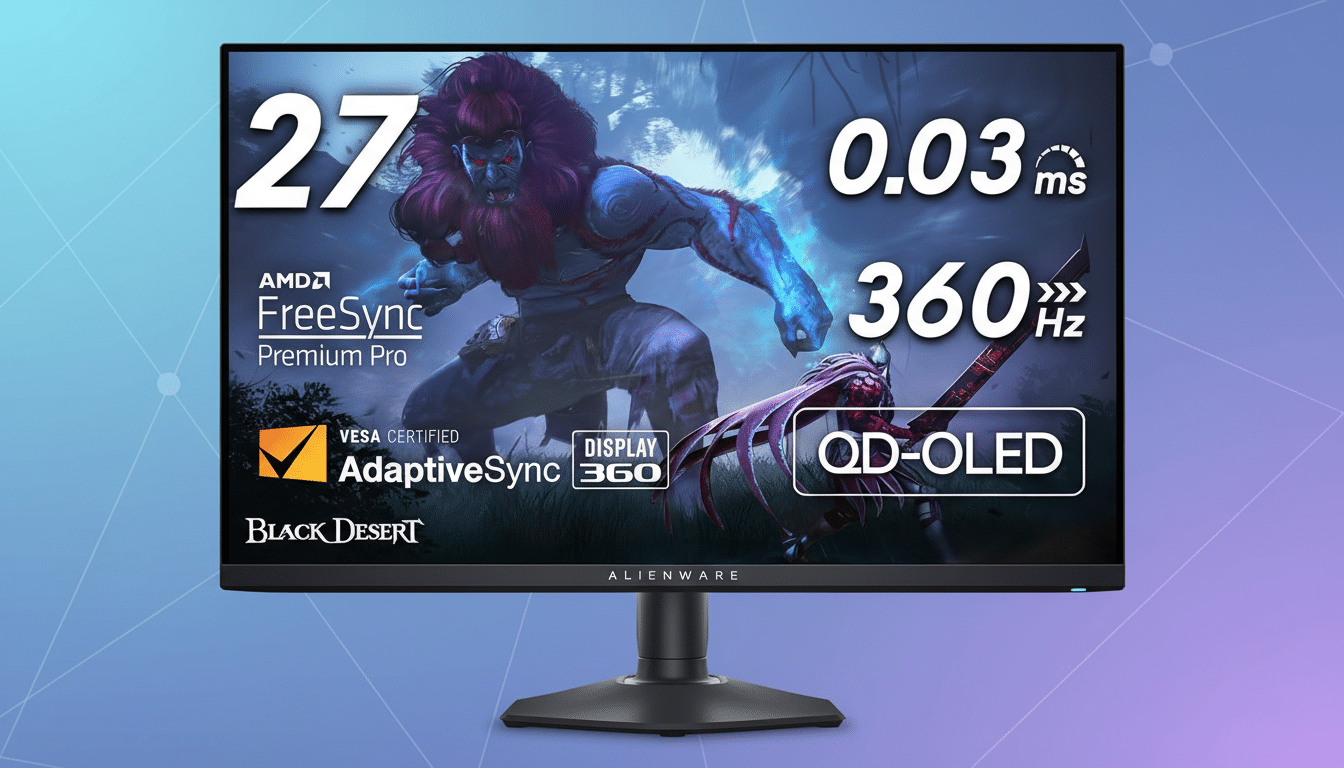
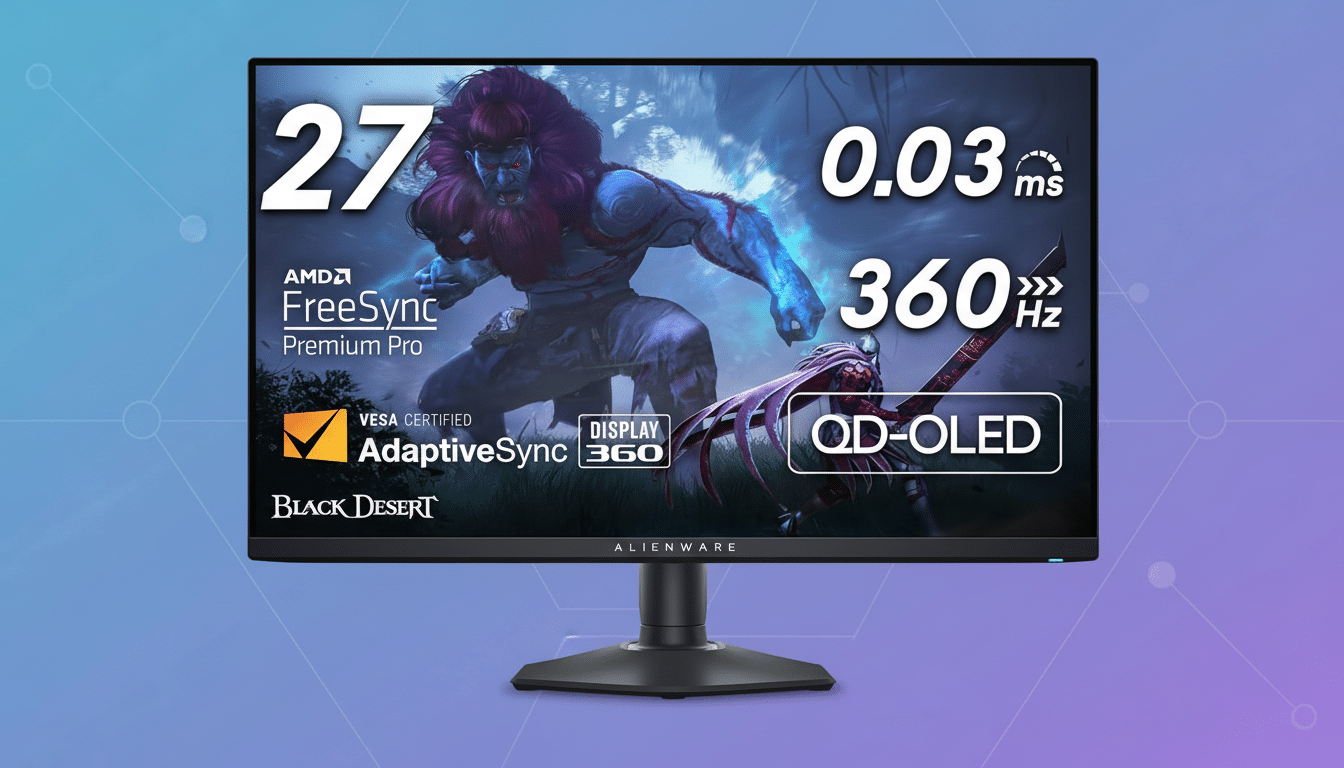
A popular 26-inch Alienware gaming monitor just dropped by $150, putting a high-performance display within reach for players who want esports-grade speed without giving up desk space. The discount pushes this model into “don’t overthink it” territory for anyone upgrading from a 60Hz or 144Hz screen and looking for a faster, cleaner competitive experience.
Why 26 Inches Hits The Competitive Sweet Spot
On crowded desks and smaller setups, 26 inches is a Goldilocks size: large enough for immersion, compact enough for tight eye travel. That matters in twitch shooters and MOBAs, where shaving milliseconds off map awareness adds up. Tournament setups commonly land between 24.5 and 27 inches, and a 26-inch panel splits that difference with a comfortable field of view at typical 24–30-inch viewing distances.
There’s a practical upside too: you’re less likely to run into neck-swivel fatigue compared with ultrawide or 32-inch panels, and you won’t have to reconfigure your entire desk to accommodate a deep stand or extreme curve. It’s a work-and-play sweet spot that slots neatly into most home offices.
Specs That Actually Change How Games Feel
Refresh rate is the headline. Jumping to 240Hz drops frame time to about 4.17ms; 360Hz cuts it further to ~2.78ms. Pair that with a well-tuned overdrive (to avoid inverse ghosting) and variable refresh rate support, and you get motion clarity that helps you track strafing targets and micro-adjust your aim. Look for G-Sync Compatible or FreeSync Premium certifications to eliminate screen tearing and reduce input latency—a must for fast-paced titles.
Resolution is the other big lever. At 26 inches, QHD (2560×1440) yields roughly 113 pixels per inch—crisper HUD text and cleaner edges than 1080p, without the GPU punch 4K demands. If this deal covers the 1080p variant, expect around 85 PPI and easier 240–360 fps in esports titles on midrange GPUs. Competitive players running cards like a GeForce RTX 4070 or Radeon RX 7800 XT can feasibly push triple-digit fps at QHD in shooters such as Valorant or CS2, according to independent testing from outlets like TechSpot and GamersNexus.
Color and HDR are often secondary for ranked play, but still matter if this is your do-it-all screen. Many modern Alienware IPS models claim near-100% sRGB and high-90s DCI-P3 coverage with factory calibration, making them solid for content creation. Note that VESA DisplayHDR 400, common in this class, improves peak brightness but isn’t the full HDR experience you’d see on OLED or mini-LED—manage expectations accordingly.
What a $150 Discount on This Monitor Really Buys You
In the current monitor market, $150 isn’t a token coupon—it’s a tier jump. That savings can be the difference between 165Hz and 240Hz, between basic tilt-only stands and fully adjustable ones, or between 1080p and QHD configurations. If you’re price-shopping, compare total package value: refresh rate, resolution, stand ergonomics, panel type, and VRR support. A well-rounded 26-inch Alienware with a real $150 markdown often outclasses cheaper no-name 240Hz alternatives that cut corners on panel quality or tuning.
Everyday Features That Matter More Than You Think
Ergonomics are not fluff. A height/tilt/swivel/pivot stand keeps your eyes level and shoulders relaxed across long sessions, and Alienware’s stands are typically among the most stable in class. VESA 100×100 support makes arm mounting easy, and thoughtful cable routing helps keep a clean battlestation. Many Dell and Alienware monitors also include ComfortView Plus (a hardware-based low blue light mode) to ease eye strain without trashing color accuracy—useful for marathon grinds.
Warranty is another quiet win. Dell’s Premium Panel Exchange and Advanced Exchange Service—commonly 3 years on gaming monitors—are well regarded in the industry. If you’ve ever chased a stuck-pixel RMA with a lesser brand, you know why that policy carries real value.
Before You Click Buy: Key Specs and Compatibility Checks
Confirm the exact model number and panel type (fast IPS remains the competitive standard; OLED delivers elite contrast but different burn-in considerations). Check ports: DisplayPort 1.4 is ideal for high-refresh PC play, while HDMI 2.1 matters if you want 120Hz on current-gen consoles. Verify VRR support and any motion clarity modes, and scan reputable testing from RTINGS, TFTCentral, or Blur Busters to see overdrive behavior at your target refresh.
Finally, match resolution to your GPU. If you’re on a midrange card, 1080p at 240–360Hz may be the smarter competitive choice. If you have more headroom, QHD at 240Hz strikes a great balance of fidelity and speed on a 26-inch canvas.
Bottom Line: A 26-Inch Alienware Deal Worth Grabbing
If you want a faster, cleaner competitive experience without a sprawling display, a $150 price drop on a 26-inch Alienware is one of the best gaming deals available right now. You’re paying for tuned speed, thoughtful ergonomics, and brand-backed support—exactly the stuff that pays off every match, every day.
