


Adobe is discontinuing Adobe Animate, the company’s long-running 2D animation tool, as it accelerates investment in AI-driven features across Creative Cloud. The move closes a chapter that began in the Flash era and signals a decisive bet that future creative workflows will be infused with generative and assistive AI rather than traditional timeline-based authoring.
Why Adobe Is Pulling the Plug on Animate Now
In an official FAQ, Adobe framed the decision as an acknowledgment that “new platforms and paradigms” now better serve animators. Animate has existed for more than 25 years, evolving from Flash Professional into a modern vector and rigging tool for 2D character work, interactive content, and HTML5 Canvas output. But Adobe’s product roadmap increasingly orbits AI—Firefly, Sensei-powered features, and generative tools within Photoshop, Illustrator, Premiere Pro, and After Effects—which the company believes better aligns with where customers are headed.

Signals preceded the announcement. Animate was conspicuously absent from Adobe’s flagship creativity conference and skipped a new annual release, a break from the product’s cadence. Read together, the message was clear: engineering resources are shifting to AI-native capabilities and to apps where generative features can be woven directly into high-demand workflows.
What Users Lose and What Adobe Suggests Instead
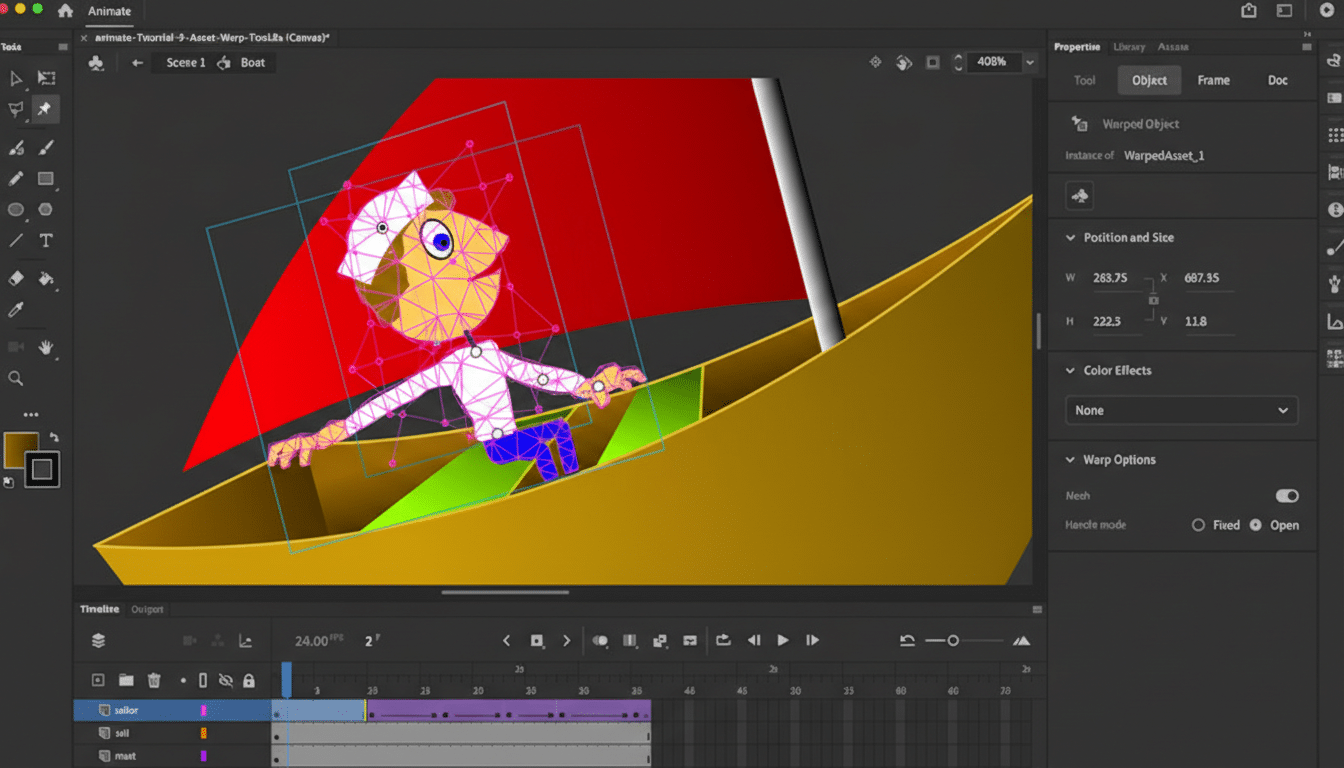
Animate’s attraction has been its blend of vector drawing, rigging, symbol reuse, and a timeline that suits everything from web cartoons to banner ads and explainer videos. There isn’t a perfect one-to-one replacement inside Creative Cloud, and Adobe says as much, suggesting customers cover “portions” of functionality elsewhere rather than promising a successor.
The company points customers to After Effects for complex keyframed motion—particularly with tools like Puppet for character rigs—and to Adobe Express for lightweight, templated effects on images, video, and text. That guidance may help for motion graphics and social content, but studios that relied on Animate’s symbol-based rigging and interactive exports will feel the gap.
Existing installations will continue to run, which is important for active productions and archival access. Animate has typically been sold as a standalone subscription—most recently around $34.49 monthly, discounted with annual commitment, or as part of Creative Cloud plans—so teams will need to evaluate whether to freeze versions for legacy work or migrate pipelines.
Community Reaction and the Wider Ecosystem Impact
Reaction from animators, educators, and indie creators has been swift and emotional. Many schools still teach Animate in foundational courses, and small studios rely on its symbol workflows to deliver episodic content on tight budgets. Calls to open source the application reflect anxiety over losing a familiar tool with few drop-in replacements.
Third-party options are already in the conversation. Toon Boom Harmony and Moho support robust 2D rigging for broadcast work. TVPaint caters to frame-by-frame traditionalists. Blender’s Grease Pencil has matured into a powerful hybrid 2D/3D environment. For product and UI motion, Rive and Lottie (via After Effects) dominate cross-platform delivery. Game pipelines frequently turn to Spine 2D or Unity’s 2D tools. None mirror Animate exactly, but together they outline viable paths depending on the project type.
The AI Pivot in Context Across Creative Software
Adobe’s rationale aligns with a broader industry shift: creative software is rapidly embedding generative models to speed ideation, automate repetitive tasks, and unlock new asset creation. Firefly-assisted features—like object additions, background replacements, and style transfers—have already changed how designers and editors work inside Adobe’s flagship apps. Research firms such as Gartner and IDC have forecast sustained, double-digit growth in enterprise AI spending, reflecting strong demand for tools that compress production timelines.
For Adobe, concentrating investment where AI can deliver immediate value makes strategic sense. But innovation by subtraction has costs. Animate was not just a tool; it was an on-ramp for thousands of creators into the Adobe ecosystem, a shared language for teams working across web, education, and entertainment. Removing it risks pushing some customers to specialist vendors—and reducing Adobe’s footprint in 2D character animation.
What Comes Next for Animators After Adobe Animate
Studios and freelancers should plan a structured transition. Lock down project archives and export assets in interchange-friendly formats:
- SVG for vectors
- PNG sequences or MOV/MP4 for rendered shots
- JSON or HTML5 Canvas files where applicable
Identify the core need per project:
- Rigged character animation (Harmony, Moho, Blender)
- Motion design (After Effects)
- UI motion (Rive, Lottie)
- Hand-drawn frame-by-frame (TVPaint, Blender)
Educators will likely rebalance curricula toward tool-agnostic fundamentals—timing, spacing, posing—while layering in software that maps to industry demand. Meanwhile, Adobe’s promise of extended enterprise support provides a runway for larger teams to migrate methodically rather than overnight.
The headline is simple: Adobe is all-in on AI. For creators, the challenge is to carry forward the strengths of the Animate era—efficient vector workflows and reusable rigs—while embracing a landscape where intelligent tools increasingly shape how animation is conceived, produced, and delivered.
